It’s so easy that I decided to make a tutorial 
Start with a Cube and press Ctrl+2 (Shortcut for Subsurf lvl 2)
Apply the Modifier then you’ll have this:
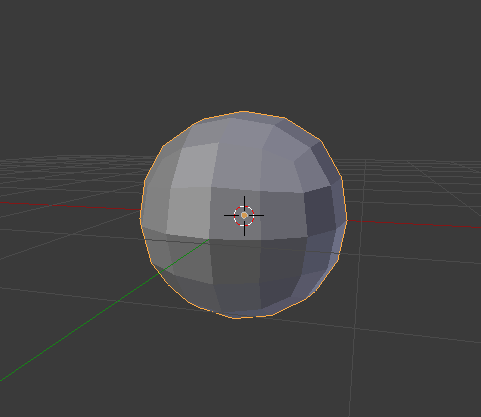
In Edit Mode, duplicate this for the abdomen later!
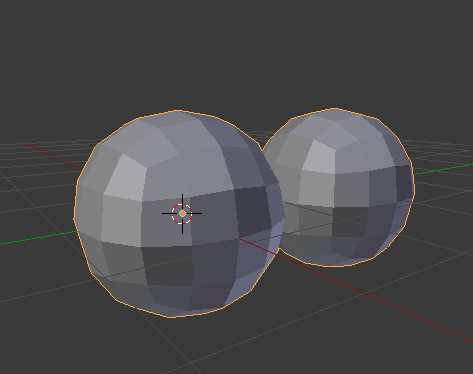
Add a new Ctrl+2 and enter Edit Mode. Now what you’ll notice is that we have 4 faces on the sides that we can extrude the Legs!
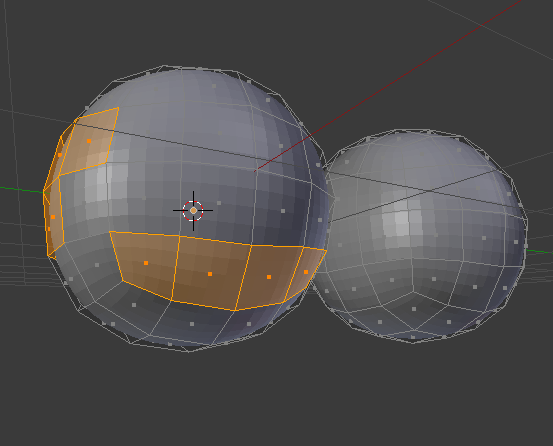
And from the front the 4 eyes (you can even use the upper faces for more eyes lol) and the fangs!
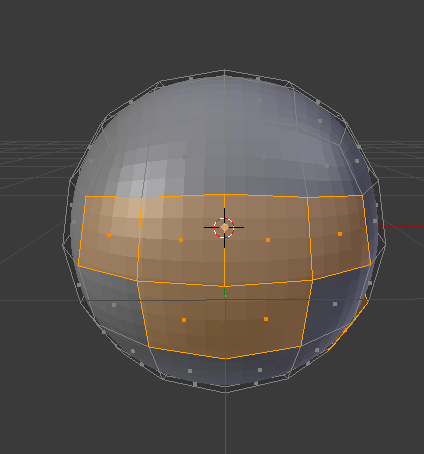
Adjust the size of the “head” before starting extruding stuff !
Select the Transformation Orientation to Normal if you feel that you need

Now selecting just the faces from the side we can Inset Individual(Double I) and start Extruding the Legs:
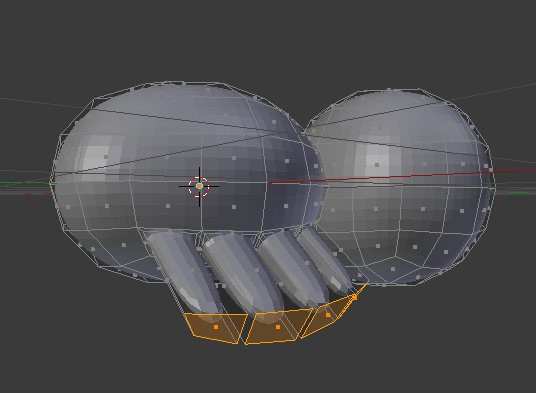
Work your way doing the Legs with some more Inset and Extrusions with some couple of Rotations on the Y 
Same for the the Fangs(Rotate in X) and Eyes (No rotation required)
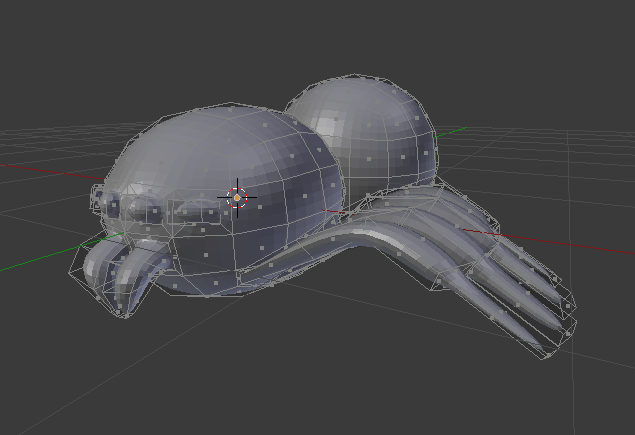
Now for the abdomen, Resize and reposition the other Ball
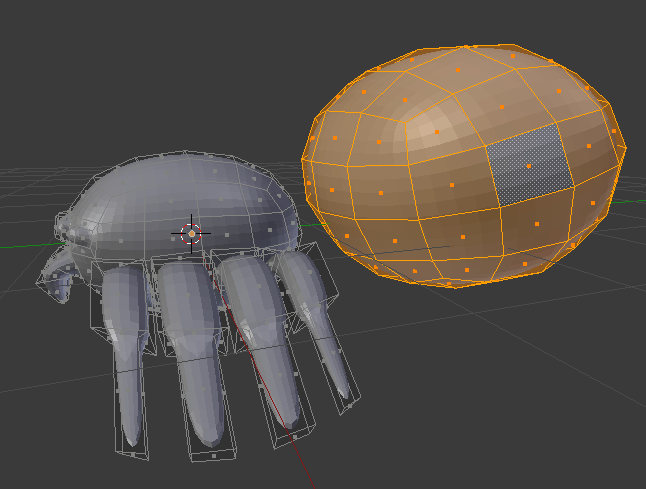
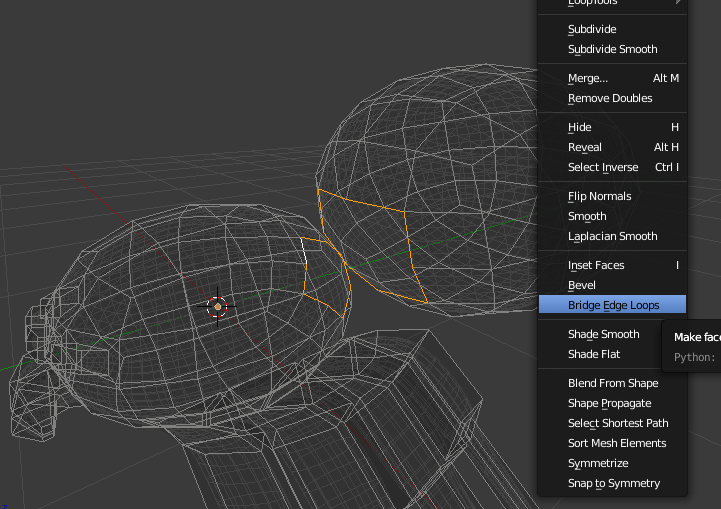
Delete the following faces
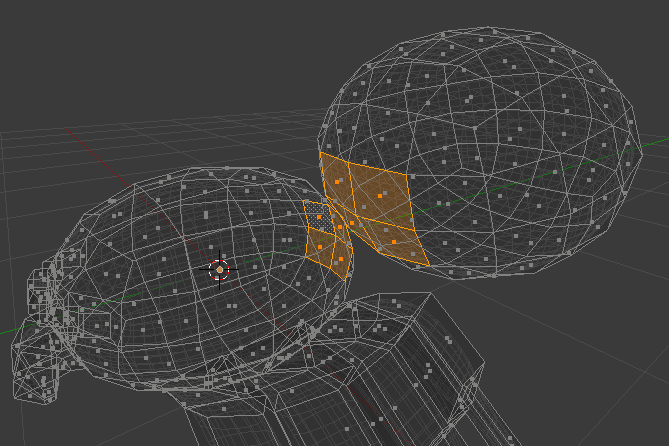
Bridge Edge Loop:
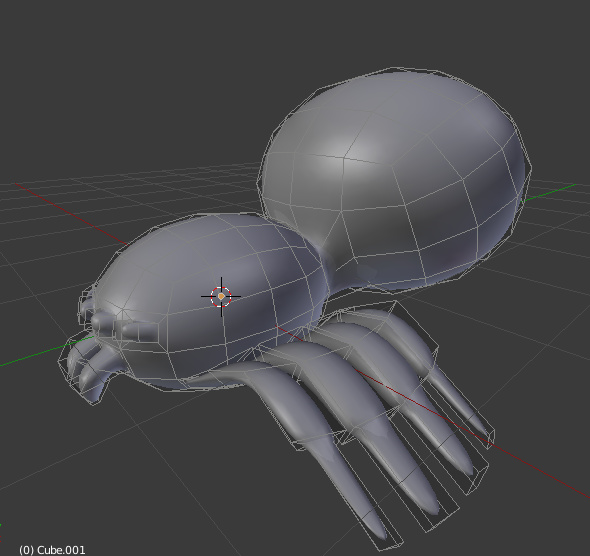
Mirror, add some little refinements and you have the base mesh
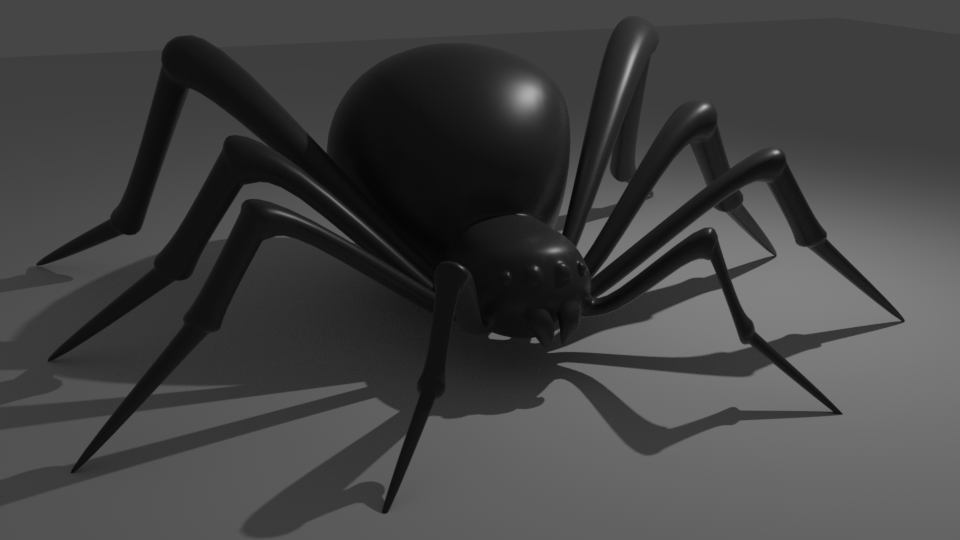


 interacting on the forum is a lot easier with my son in 1 arm as making models in Blender