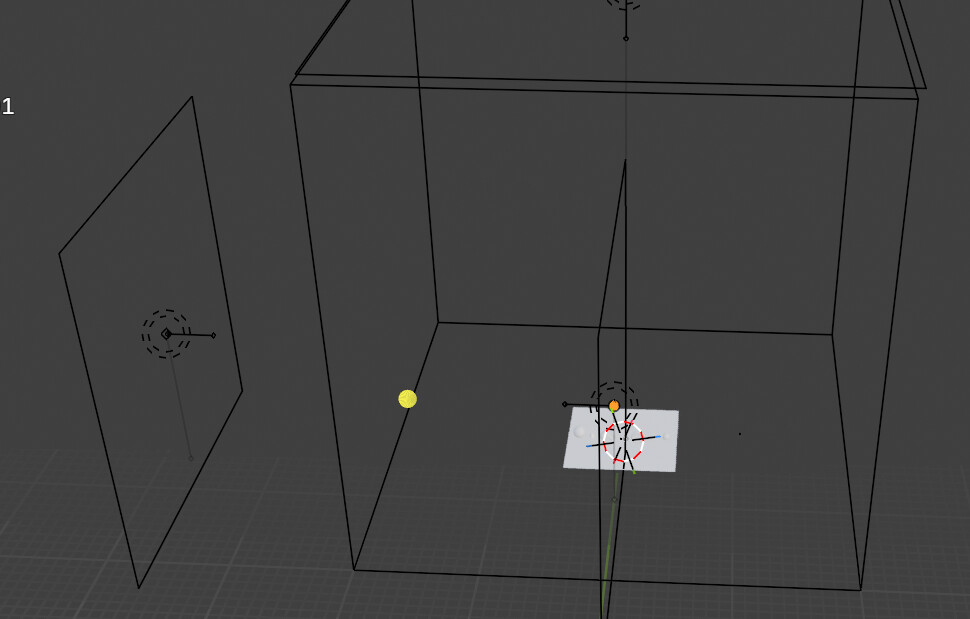
i started the blenderbegineer course and need to get my scene like the tutorial i.e with studio boxes off meaning i jsut see the x and y crosses and grids and the objects with no boxes around and get the light also clsoe to my objects. can you please let me know how to get rid of those?
General Q&A note
Help us all to help you.
Please give full screenshots with any questions. With the relevant panels open.
This can be done by Blender itself, via the ‘Window’ menu bar top left-hand side.
On that menu dropdown is ‘save screenshot’.
Also, if possible, include the lecture time and name/number that is relevant to the problem/issue.
I’m a bit confused about what you are trying to do!
Blender defaults are all based on real life physics.
So a 100watt light bulb at 10cm will be the same in blender as in real life.
Meaning to bright, strange shadows etc.
You can change Blenders start up defaults ~ not recommended!
open a new blender file. delete the cube, delete the lamp, etc.
Than just save the file. Blender will overwrite, its default template.
What lecture are you following? What are you trying to do? I do not recall any such ‘box’ being made.