Hey guys, I don’t know how to make stairs for my pyramid. Could someone help me with that? I’ll be grateful
it looks like this:
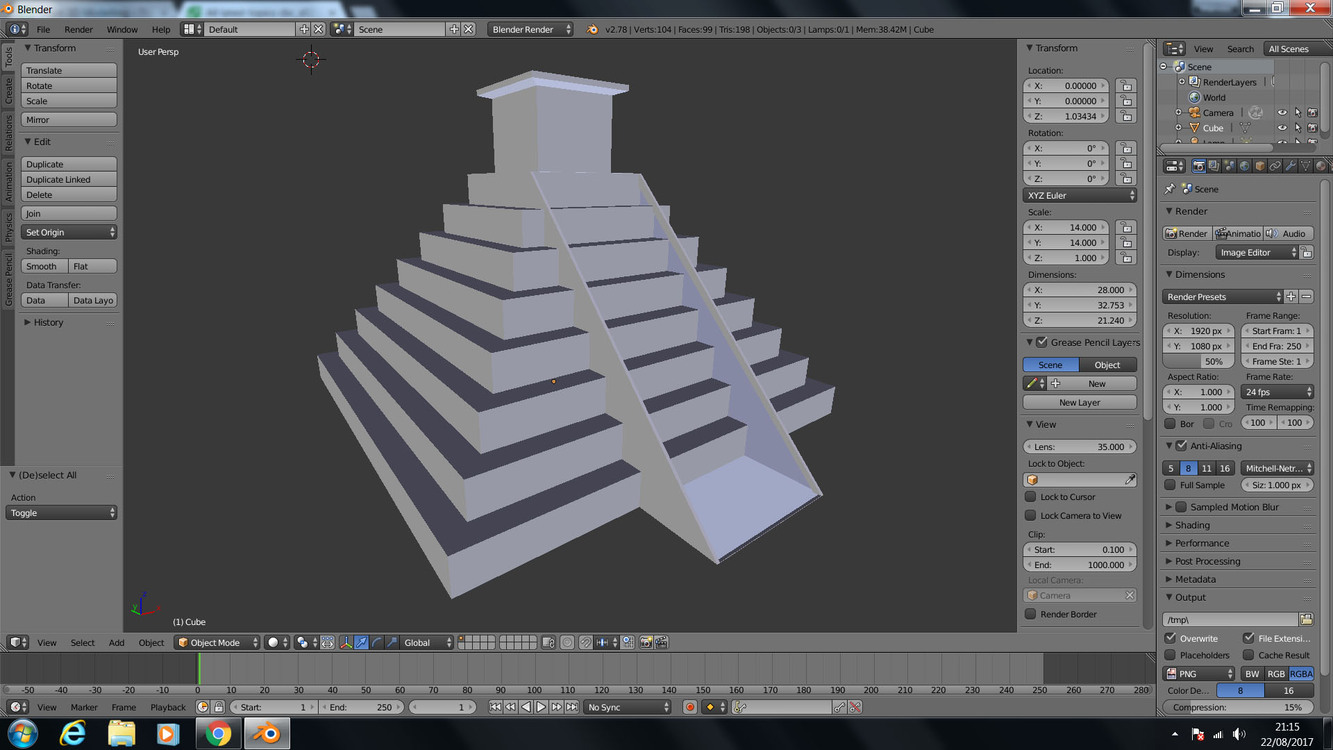
Hi Mariusz,
Good job by the way. Ultimately you will need to pop back to the video, to where he explains how to make the stairs.
Ultimately, the part where the instructor creates two new points for a single stair then extrudes those points across the stair way. it looks like you can proceed from there
In your properties window, selecting modifiers (the spanner) and add modifier (array) with your step selected. You should notice your step is duplicated, but not in the direction you may expect… See the Array X, Y, Z values, start by setting Y to 0.5 and Z to 0.5 then increase your count to maybe 10… you should start to see how the steps are replicated based on the settings and adjust the count until there are enough steps to hit the top (Adjust your X and Y values to suite)
1 Like
Hi! Thanks for reply! I will watch the video again:) Last night I’ve figured out my own way how to do the stairs but when I export it to Unreal Engine it just doesn’t seem right.I guess it’s because the faces I’ve put underneath the blocks. I will show you what I mean in the photos:
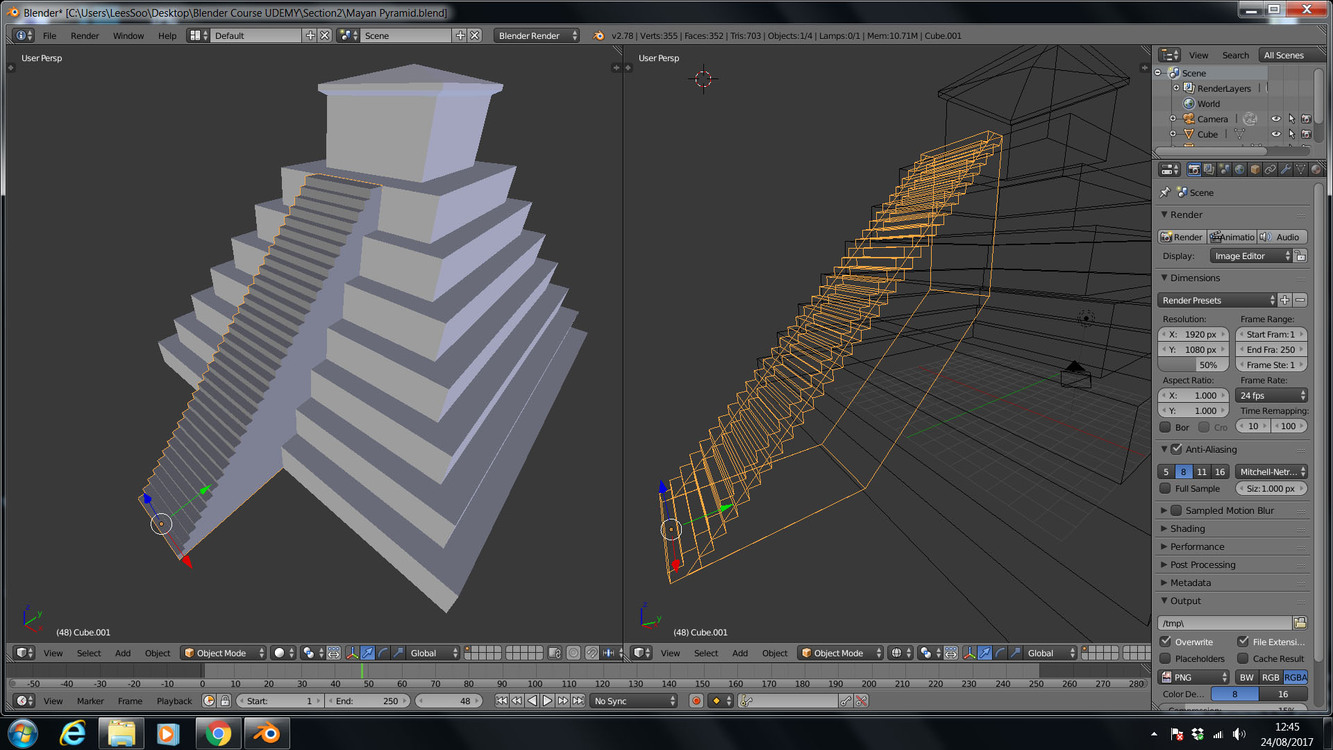
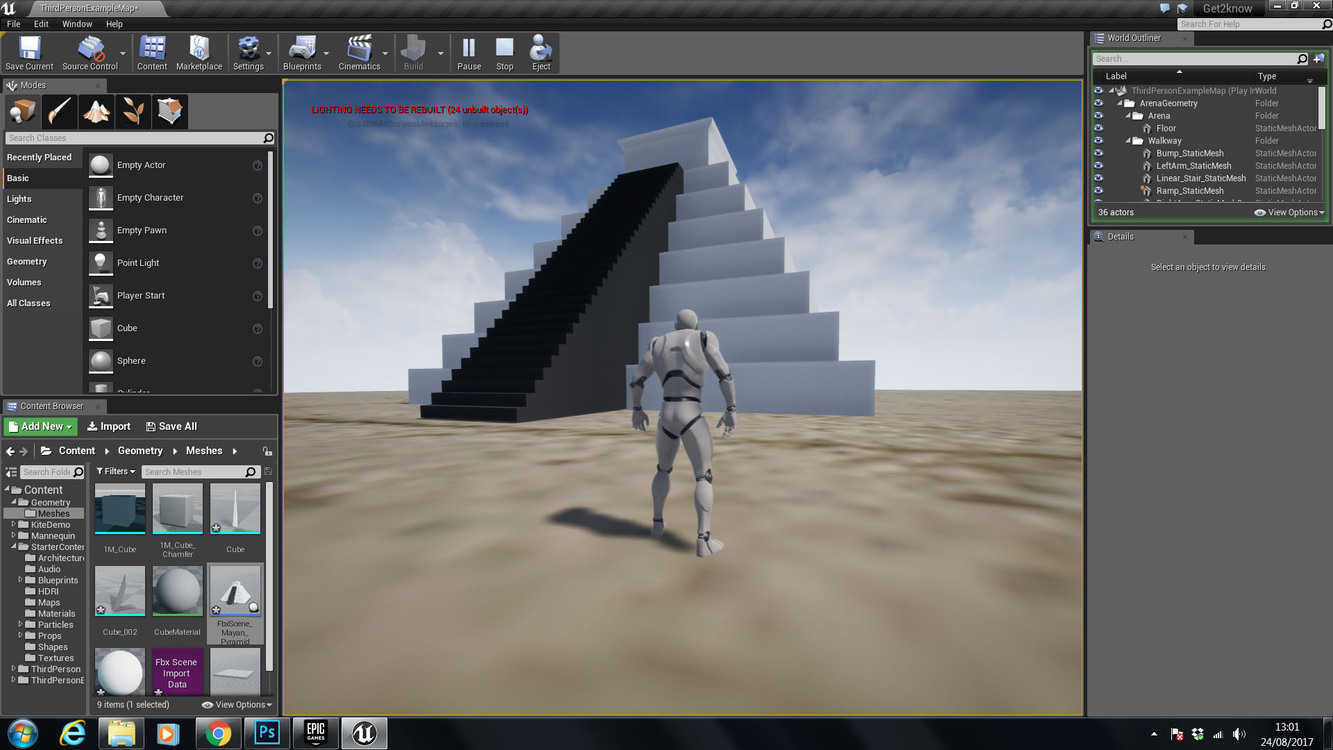
It doesn’t look like the tutorial, but it does look great.
1 Like
Did you check the normals on the stairs? It looks like they might be facing the wrong way.
1 Like
Yes, the normals are fine, they’re all facing to the outside.
If you upload the .blend file others can take a look and see if they can figure out what’s going on for you. If the file is too big to upload directly to the site you can use a file hosting site like dropbox or filedropper.
I’ve imported it as fbx. That would be great! I’m at work atm so I don’t have an access to it right now but I’ll send it to you as soon as I finish work. thanks!
Mayan Pyramid.blend (477.3 KB)
This is the pyramid if you want to have a look you’re more than welcome 
It because you are using two seperate meshes.
Select cube and cube.001 and then use control and J to join them into one model and then export as the fbx file to unreal.
3 Likes
It worked! Amazing, thank you!
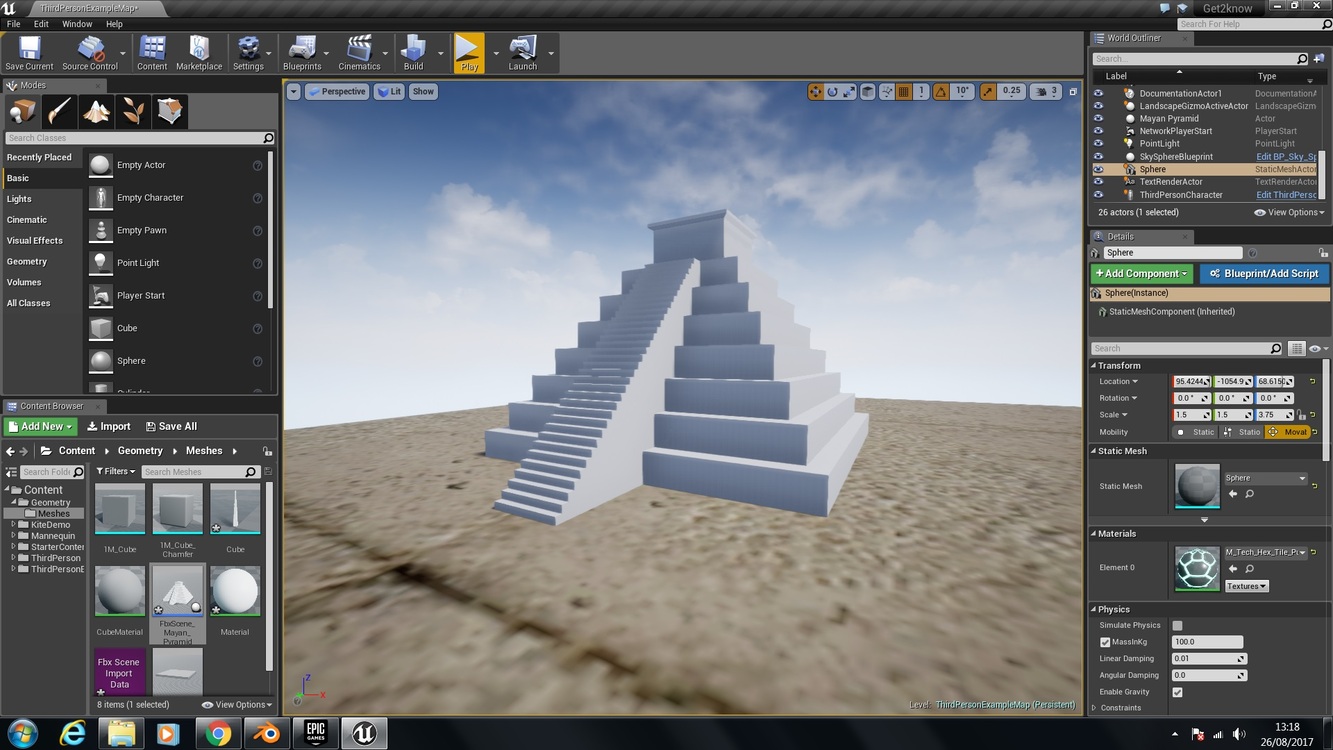
So I guess whenever I have 2 separate objects intersecting with each other, unless I will join them together in UE4 this is how it’s gonna look like, right? Some of them will be dark colored?
Actually no.
You can have seperate meshes in unreal but you need to apply materials to those other meshes.
If you go into the original file and look at the cube.001 it has no materials so hence the black colour.
Joining the models and removing doubles lowers the poly count as well as sharing the same materials so it works around the actual issue 
Sorry i forgot the material thing in my first post (Kids around me)
1 Like
You’re the man! While I got your attention I will let myself ask you one more question haha while I was importing it to UE4 I ticked “auto-generate collision” hoping it will allow me to climb the stairs. However it it didn’t work like that, in fact I can’t even get close to them. In that case would I have to create a class to that object or volume (or however it’s called) to work as it should? Something tells me the answer for this question could be way deeper than I can imagine so would you recommend me a good UE4 course for beginners?
1 Like
You may need to edit the collider within unreal as it might have just created a simple box collider which wont help much
As for a course in Unreal i highly recommend the one with the same company 
Ben Tristem’s Unreal developer course
We do also briefly cover exporting to Unreal and unity in the bowling section but there are some useful hints on how to export into unreal in the blender Q&A. There may be a post i remember in the animated lamp section in the Q&A that helps with importing armatures into unreal (Skeletons basically).
Hope this helps
1 Like
That goes straight to my basket! Thanks!
1 Like