I was searching the forum and I can’t find my specific problem, which has been repeated since exercise 1 of creating figures with primitives until the last exercise of section 1.
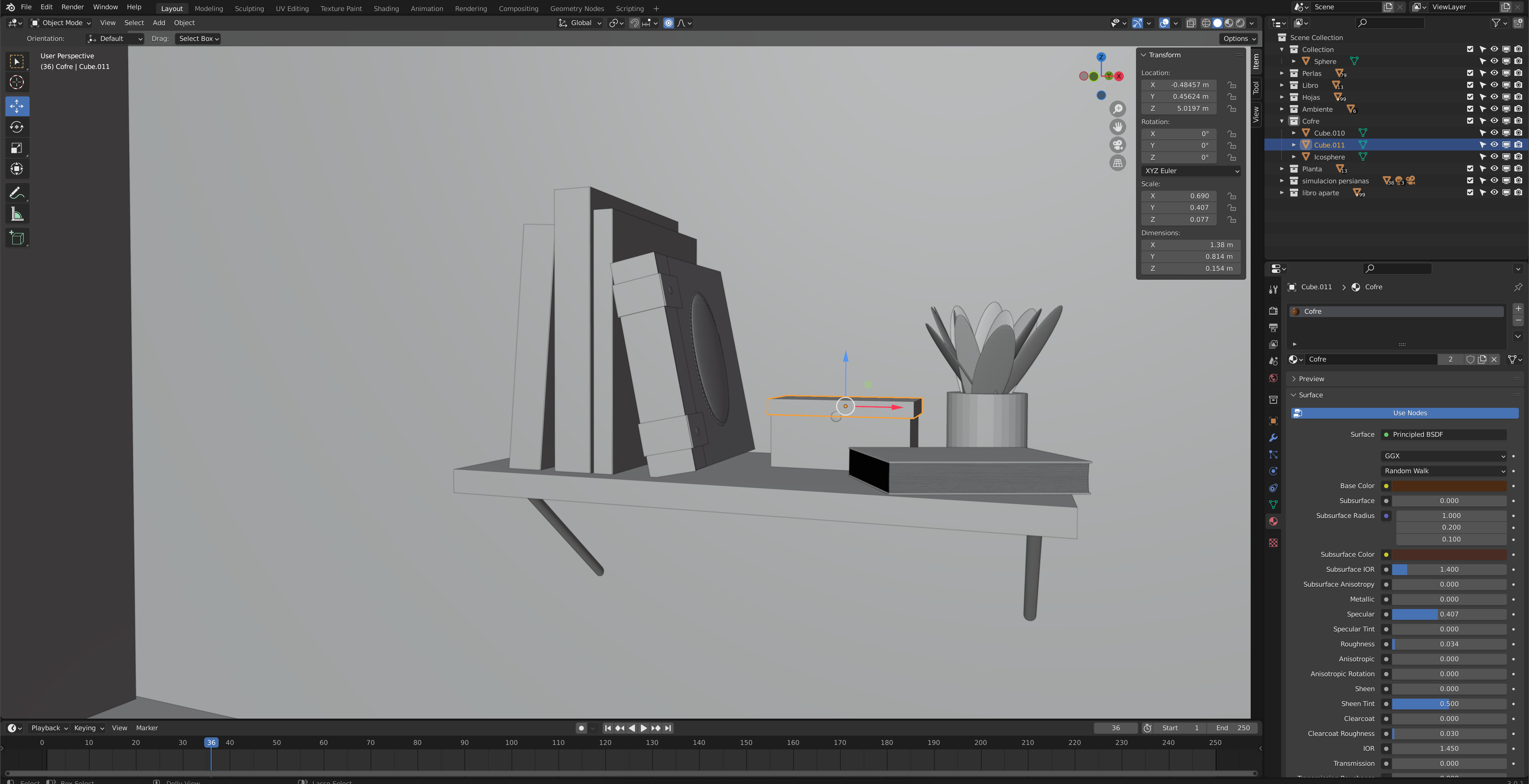
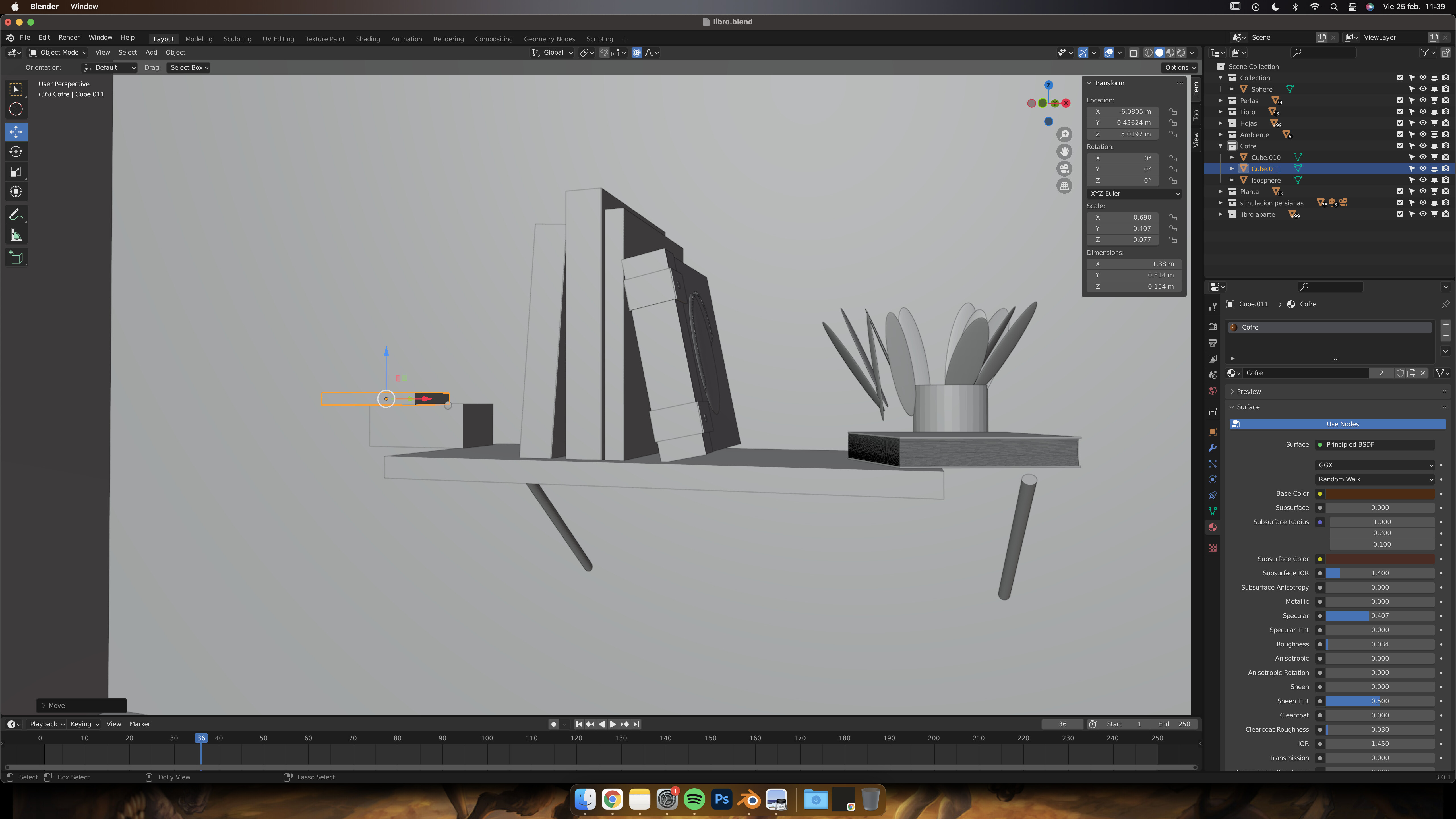
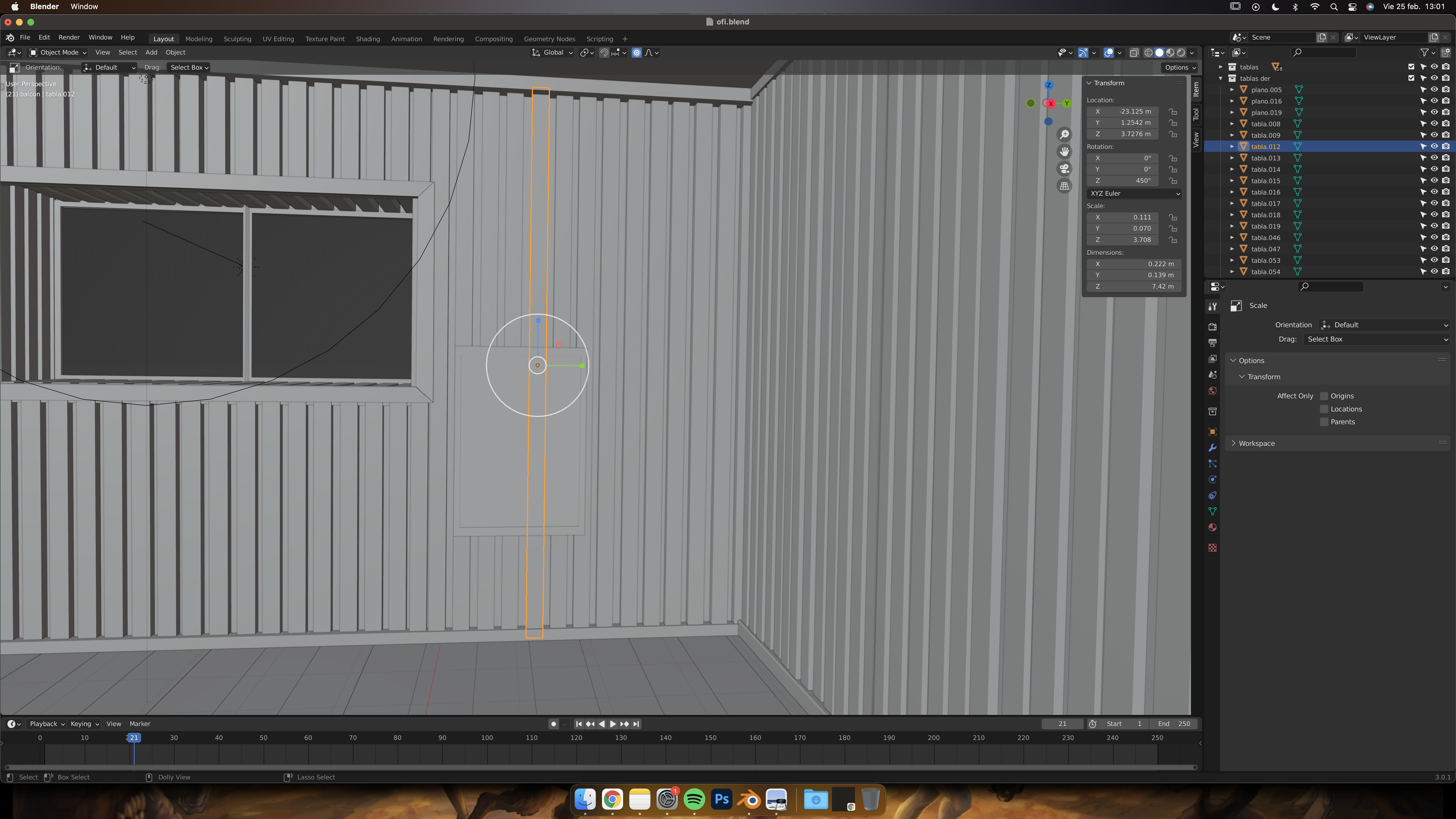
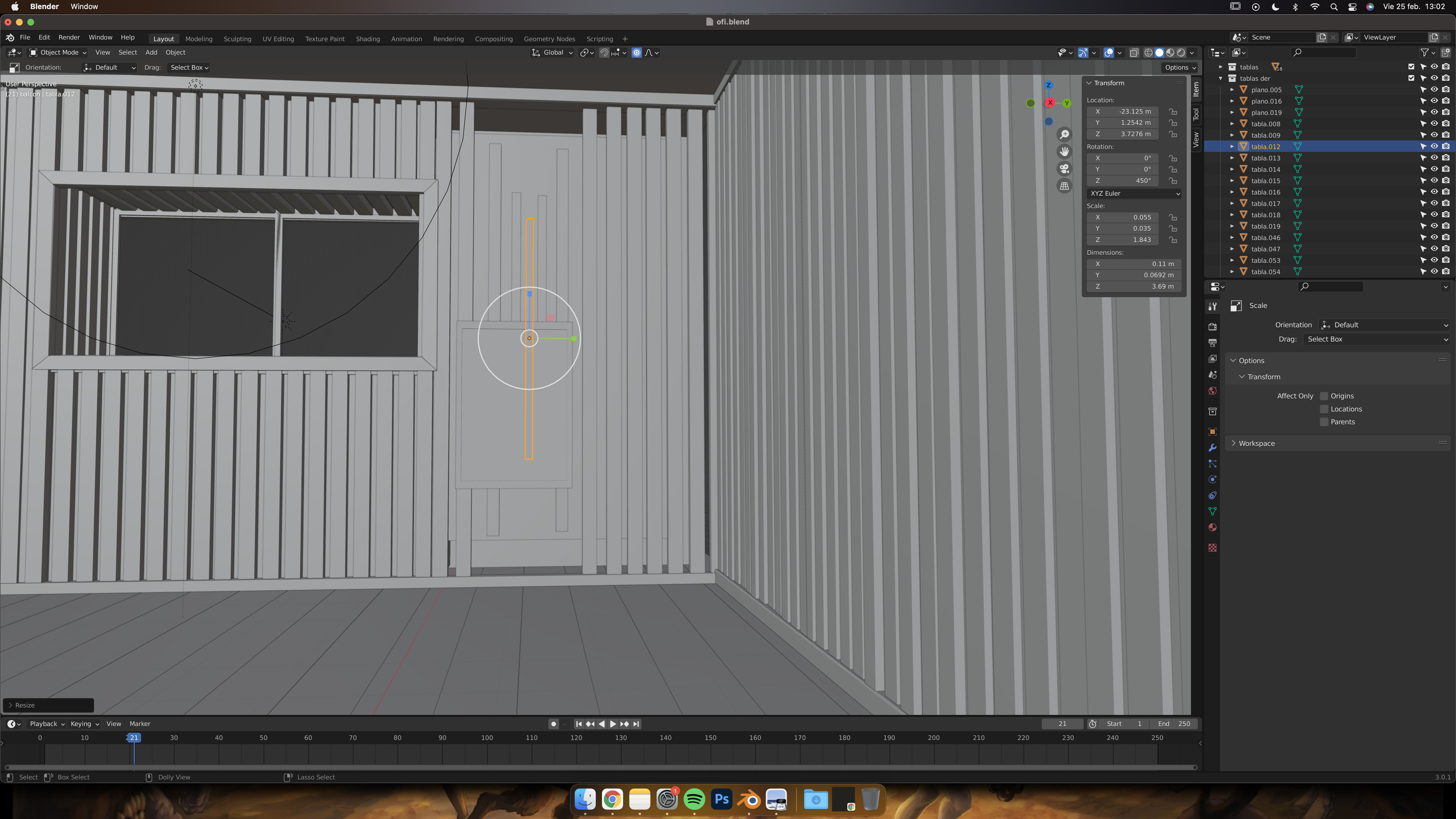
When I want to transform (move, rotate, scale) a group of objects or a single object, it happens to me that when I transform it, other objects that are not selected are also moved. In the case of selecting a collection where I have grouped figures that make up a book, for example, elements that are not within that collection are also moved, so I have to uncheck the “disable selection” box. all this has been worked on in object mode because in section 1 we have only worked on that.
I would like to know what it is due to, if it is normal or if it is something that I am doing wrong and I am not seeing it. I would like to have it handled as the classes progress.
I found your problem. It happens to be a tool that I use all the time, but if you do not know that it is on, it will be confusing. On all your shots I noticed this:
See that blue spot within the red circle. Turn that off by pressing on it. That is proportional editing. It will move everything around it in proportion to the selected objects new location.
You can also press “O” (the letter), and that should turn it off as well. You may have accidently pressed it while working on your scene.