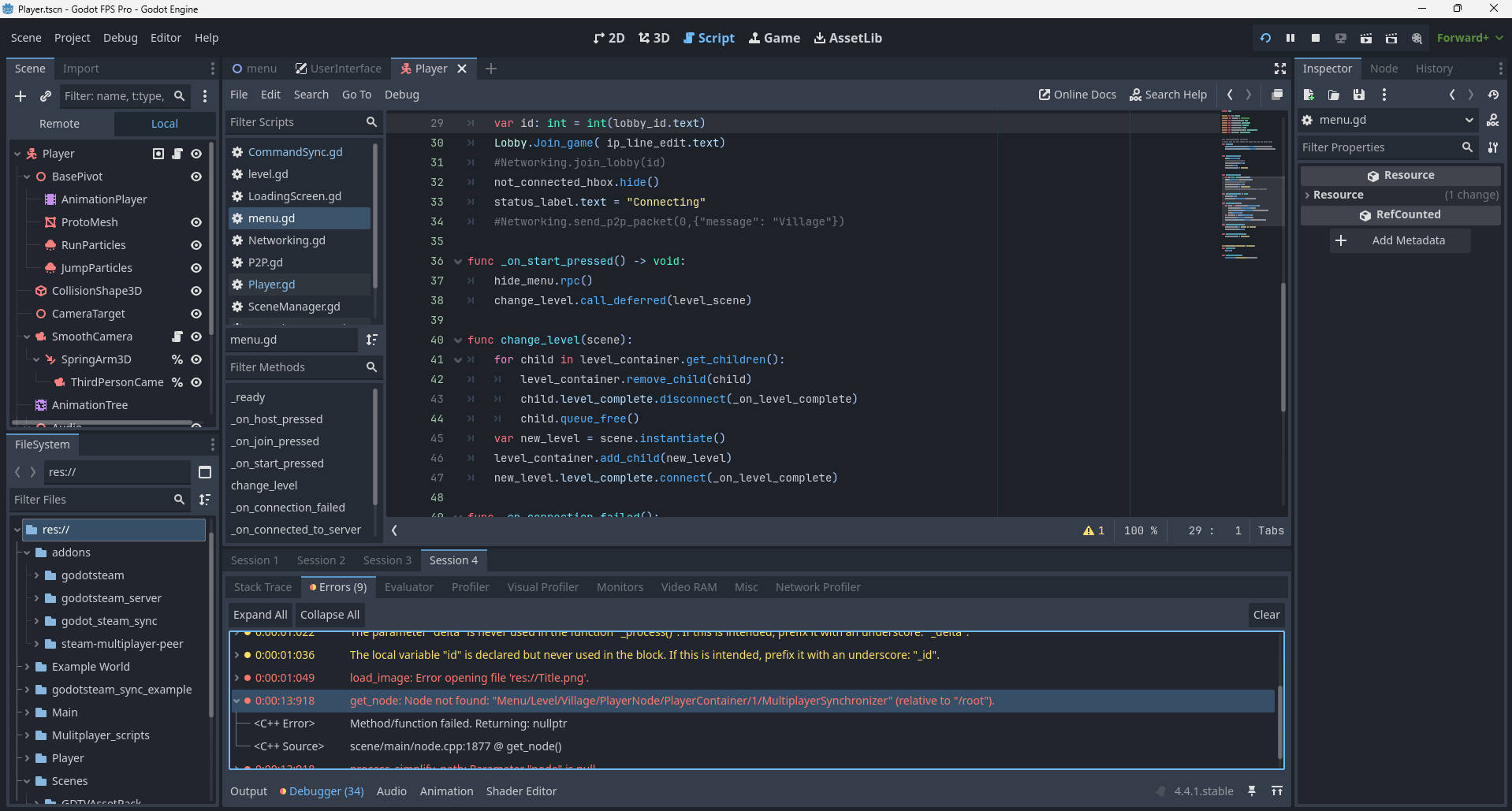
I am working on a multiplayer game in Godot. I have recently completed the Godot multiplayer course. After completing it, I wanted to use what I had learned on a 4 player coop game in 3D. After reviewing theory from the course, I followed similar steps within the course. Everything was going well until it got to starting the game. The host spawns in as normal. For everyone else, they are stuck in a grey screen and can not move or interact with anything. The host can see the other players but they are floating. Then I get an error to the console. It keeps saying get node error and seems to act like it can’t find the scene. For the life of me, I can’t figure out why it is doing this. I am not sure if I am missing something simple. I did the same code in the project for the course and had no issues . In My own project, I have the issues.
I am enclosing a photo of the error with it highlighted. Ignore the other errors. I have fixed those.
I definitely won’t be able to do much with this today, but you might get a faster answer from our Discord server.
In the meantime, what I’d recommend in general with something like this is to run some tests to narrow down the syntax that’s causing the problem, since the more you can pinpoint the problem, the easier it becomes to try and solve it. Given the nature of that error, I’d also double-check that the Nodepath is right.
Additionally, since Godot is a very lightweight engine, you can even have the Multiplayer course project open in a separate instance and comb through it, comparing it to your current project to see if there’s anything glaring that you missed. That’s been helpful to me on several occasions.
Thank you for the suggestion. It helped me get my thought process back on track. I was able to fix the problem. Turns out a Node path had somehow been unassigned though i clearly remember assigning it.
I have one more question if you have time.
In Godot, when it comes to multiplayer, is the best way to handle the player camera the way it wa shown in the course with it having it’s own scene and being spawned in just for the host? Or is there a cleaner way to deal with it?
There are probably better ways of handling the camera to be honest, but exactly what you decide to do will depend entirely on the nature of your game and how you want your camera to operate - there’s no objectively “best” way to handle something like that. Especially when it comes to multiplayer games, you always need to have synchronization requirements in the back of your mind when you make design decisions. With simple algorithms, you can decisively say when one is more efficient than the other, but even then, there might be a different reason to prefer the slower one, such as better human readability of your code in exchange for an unnoticeable slowdown. It would be a negligible price to pay for making your life a little easier if you, or anyone else for that matter, ever has to debug in that area.
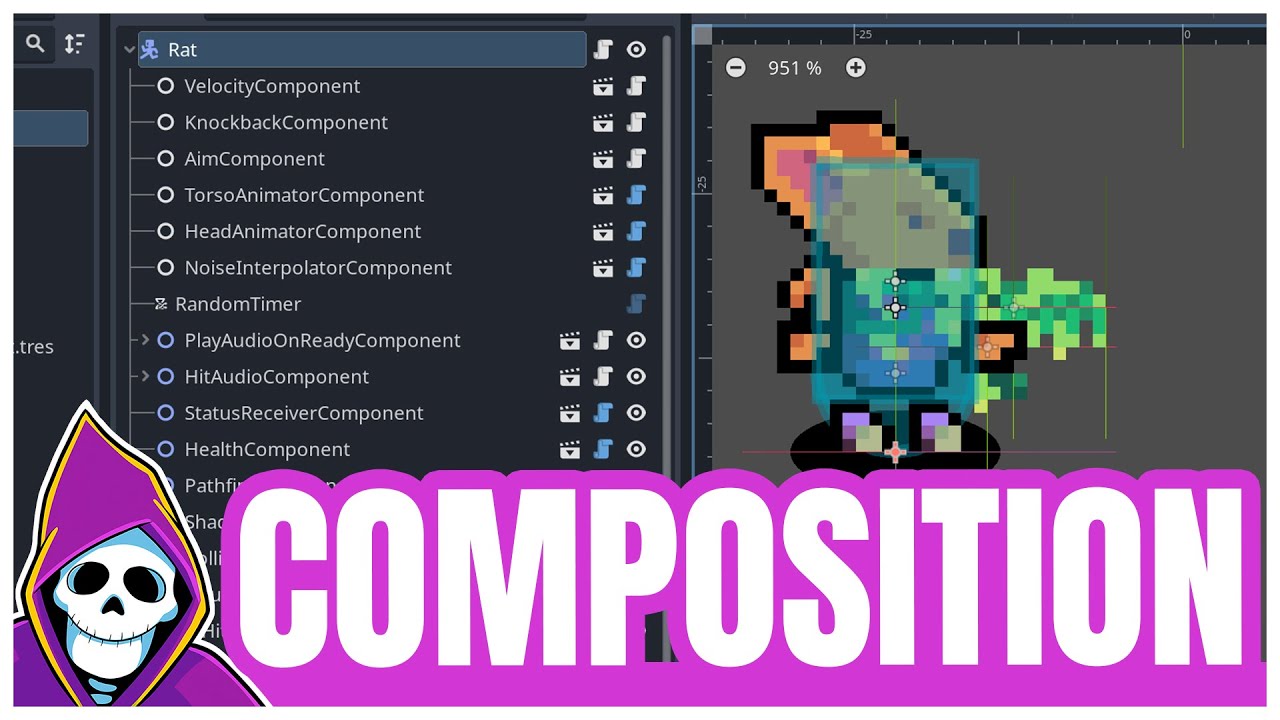
Nathan’s project does use a lot of @export variables, some of which would likely be more stable as ordinary @onready references, but there too, if you were to take his idea and expand it into a different project like what you’re doing, an argument can definitely be made for his method because it facilitates composition. This video does a great job of explaining that, and it might help you come to a more actionable answer for your specific use-case than I can give you:
Glad I could help with the broken path problem; have fun with the project! =)