I’ve been searching but not sure why yet so thought I’d just go ahead and ask.
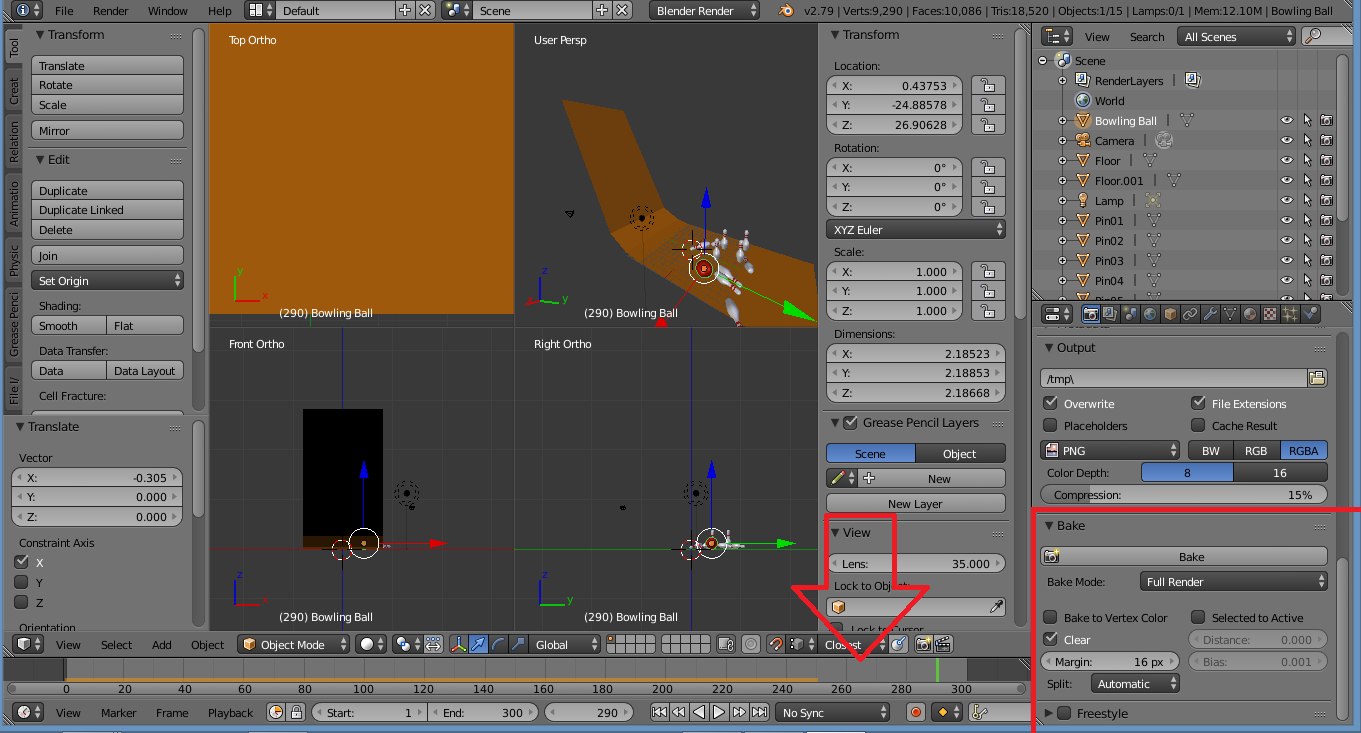
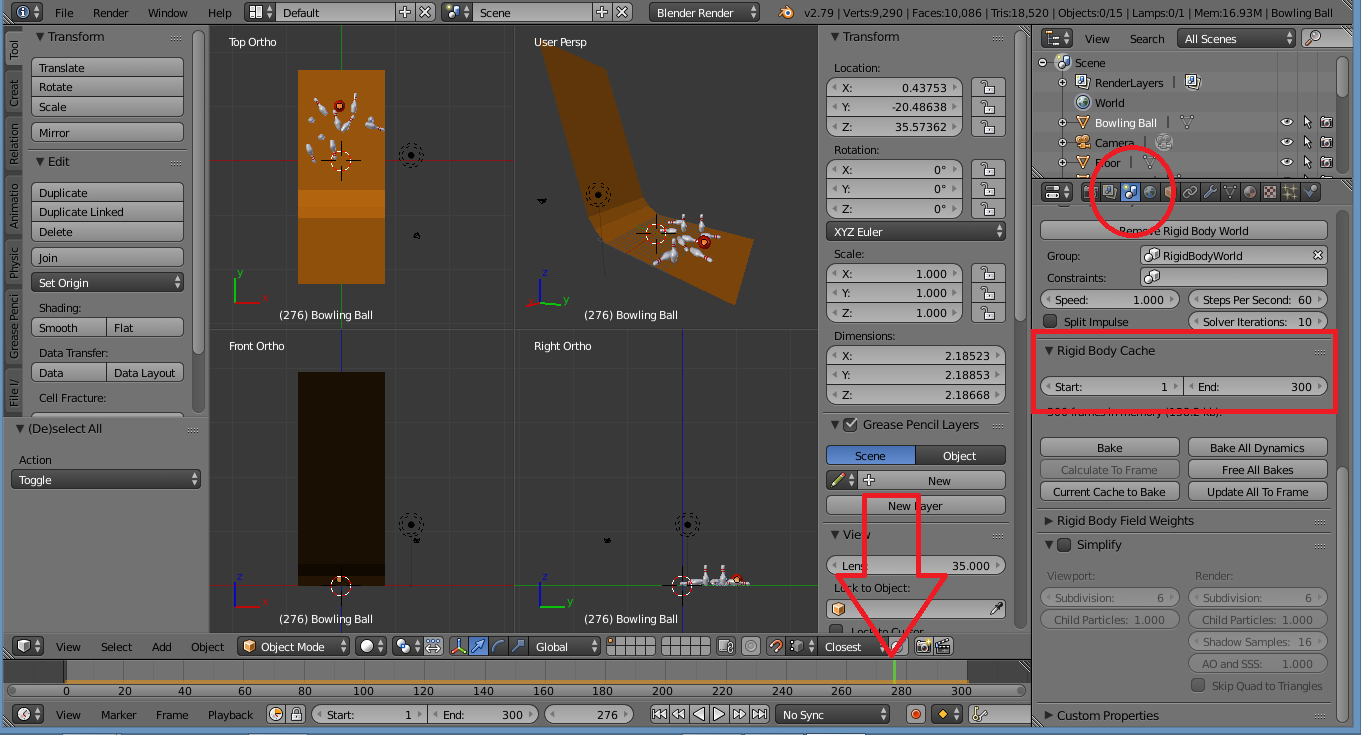
I’ve extended my animation to 300 frames but the bowling animations/physic stop at 250. Why?
I saw that someone said to adjust the “Bake” to 300 but there is no option for that in the Bake/Properties area I can find. There is a ‘Bake’ button so pressed it but nothing.
Blender v2.79/Windows8