Ok, so since I already did texture painting with Blender through another course on the platform, and keeping up with trying to practice a bit beyond the course directives, I had a go at Substance Painter…
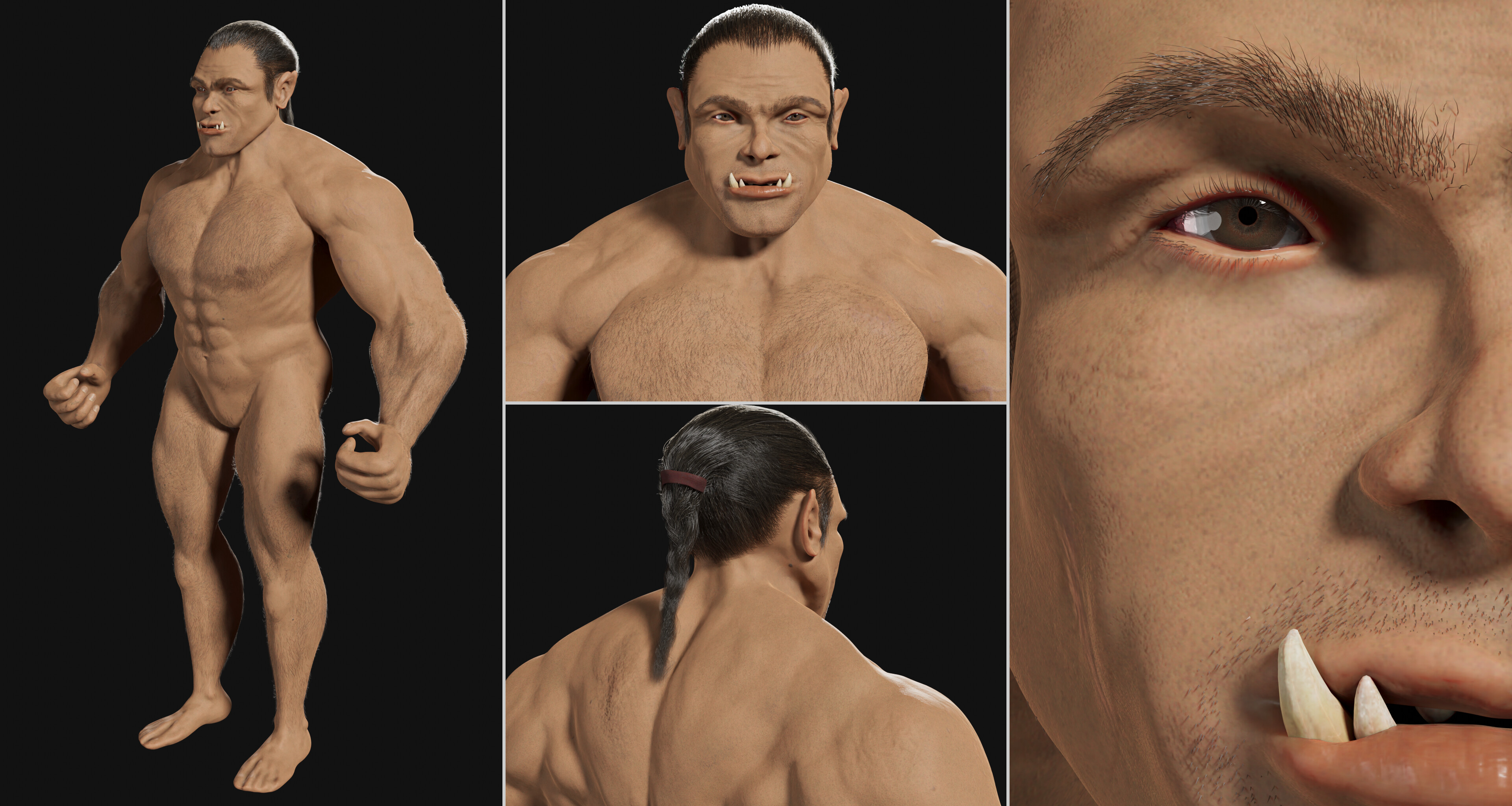
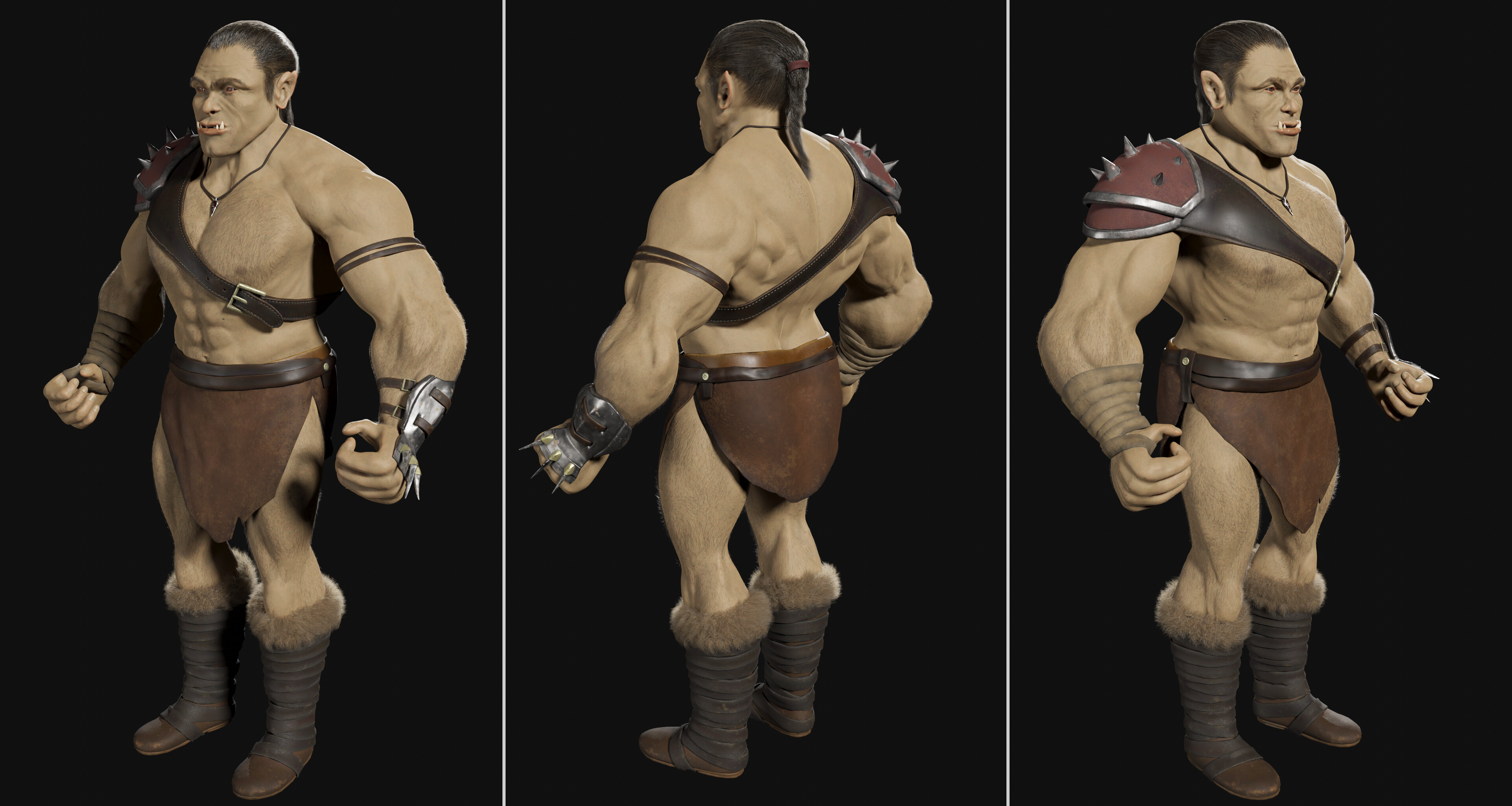
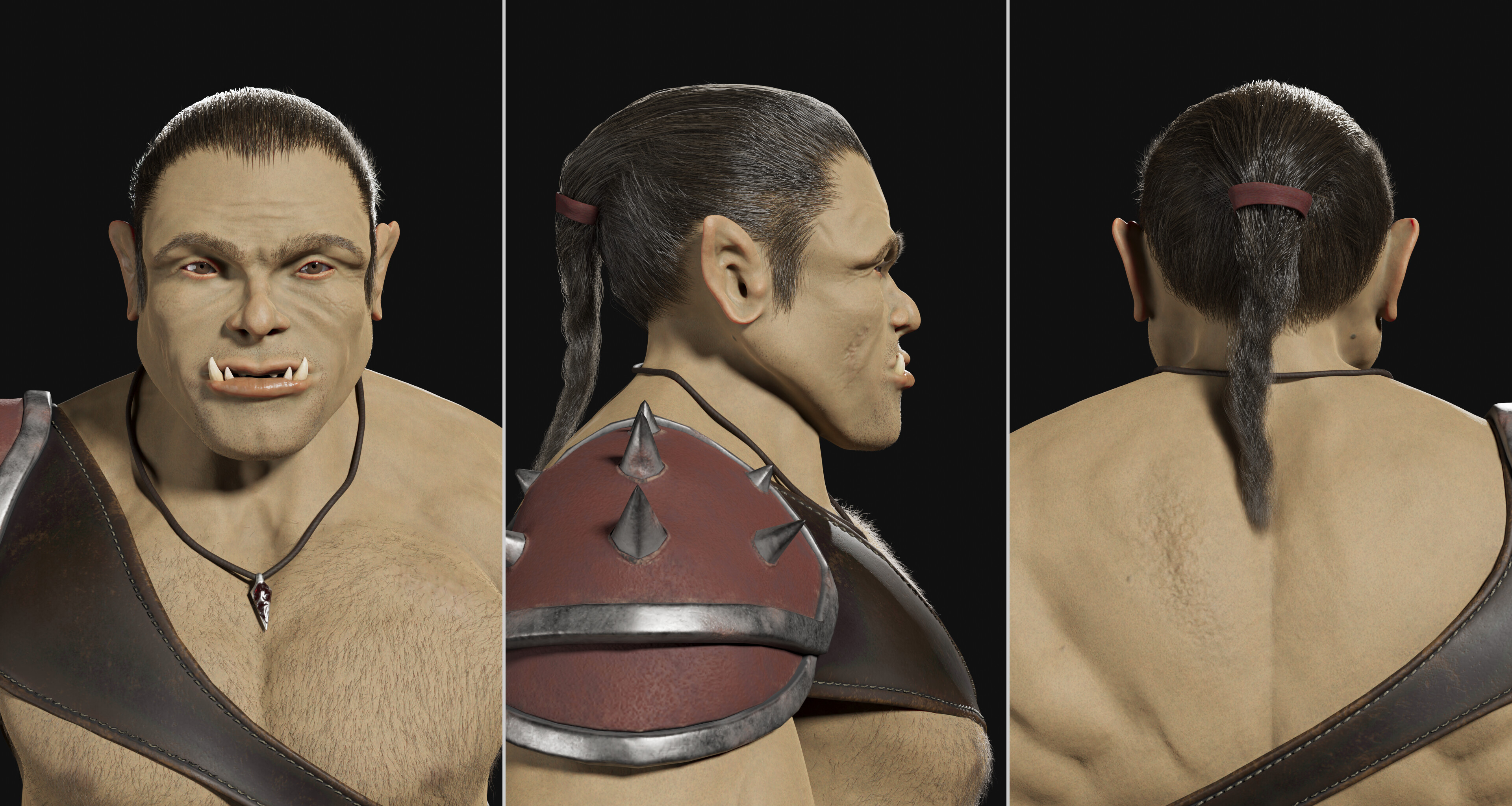
I wanted to tackle with realistic human skin painting + the layer approach, so this is what i got:
It’s been quite some work but it’s been fun. I found out there is an add-on to Blender (Layer Painter) to get the same kind of layered workflow within Blender so I’ll give it a try.
I enjoyed working with Substance Painter: the layer-based workflow is really interesting.
For example, when trying to create a pseudo-realistic material, you have to think of the structure and history of the real-life material/object and translate each step of that structure/history into a layer…
However, it is a complementary approach to procedural texture. This orc’s eyes themselves for instance are actually 80% full Blender (I know Substance Designer is the procedural-based twin of Substance Painter but I already knew how to do it with Blender so… )
I know it’s been awhile but I’m new to the blender - substance workflow. How did you get the orc from blender to substance? I am exporting as fbx and opening in substance and hooking up the normal map but what about the cavity map?
Hi!
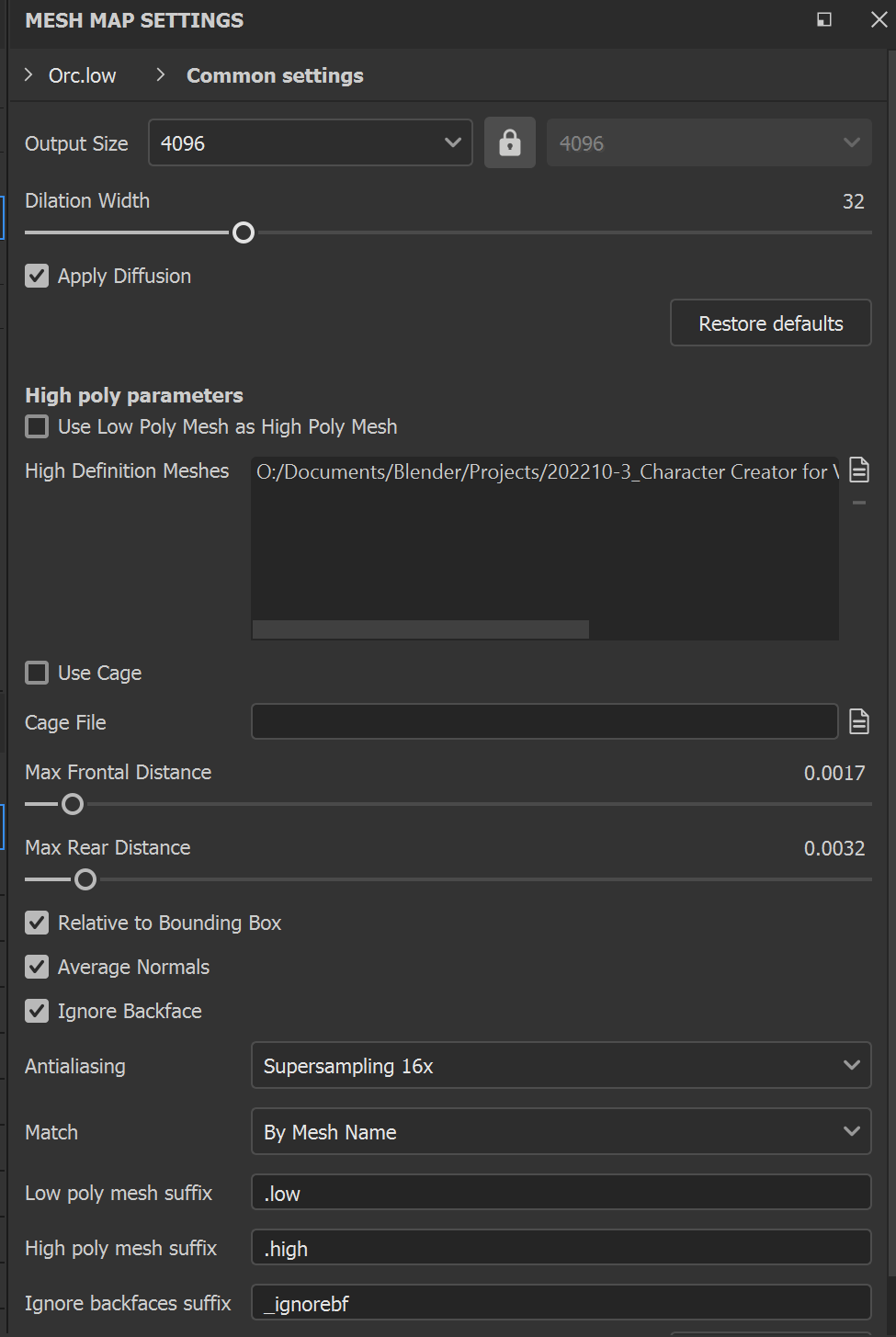
Substance has its own map baking system (and I personnaly find it much easier than baking with vanilla Blender) so you may not need to use maps baked with Blender.
Hence, you just need to export your low-poly as fbx, then upon opening it in substance, run ‘Bake Mesh Maps’ in the texture set settings.
To get proper maps, I exported the fbx of my high-poly to use it in substance for the baking.
I also exported a cage (a copy of my low-poly inflated so that it just fully includes my high-poly)

 )
)