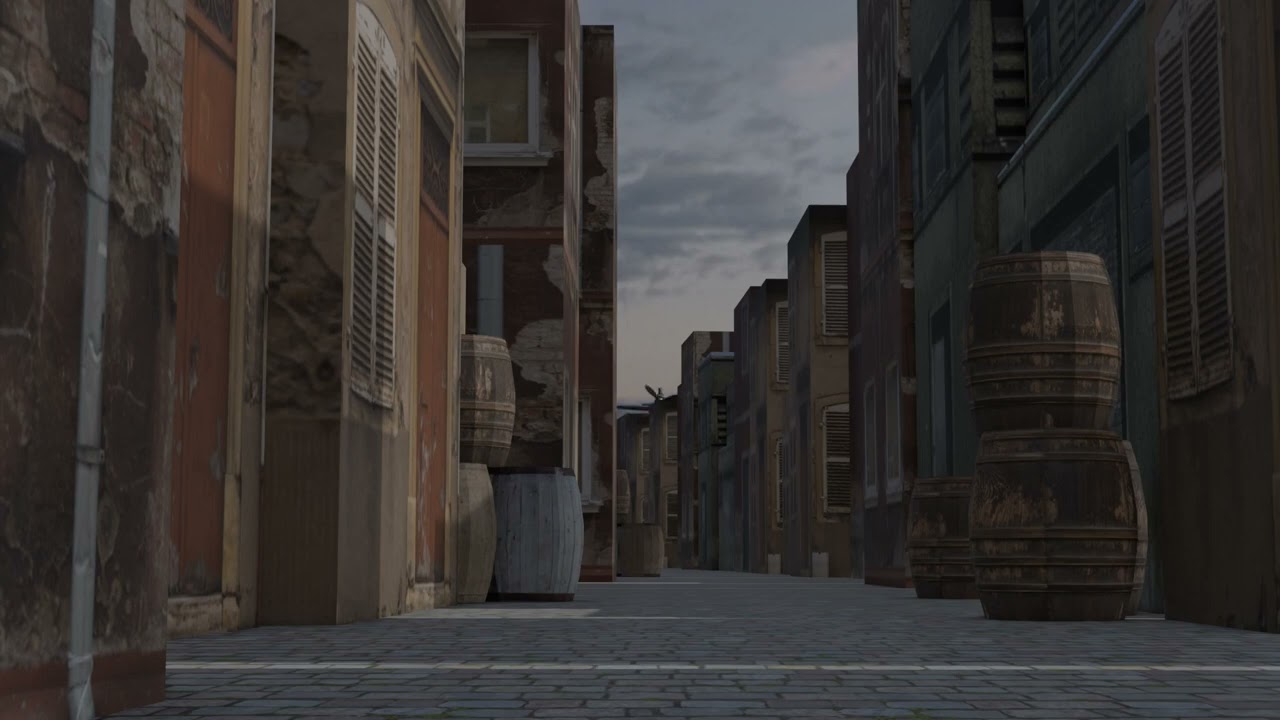
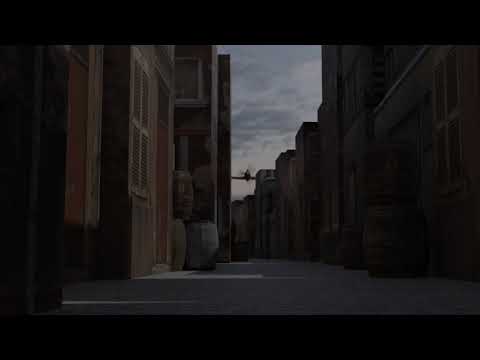
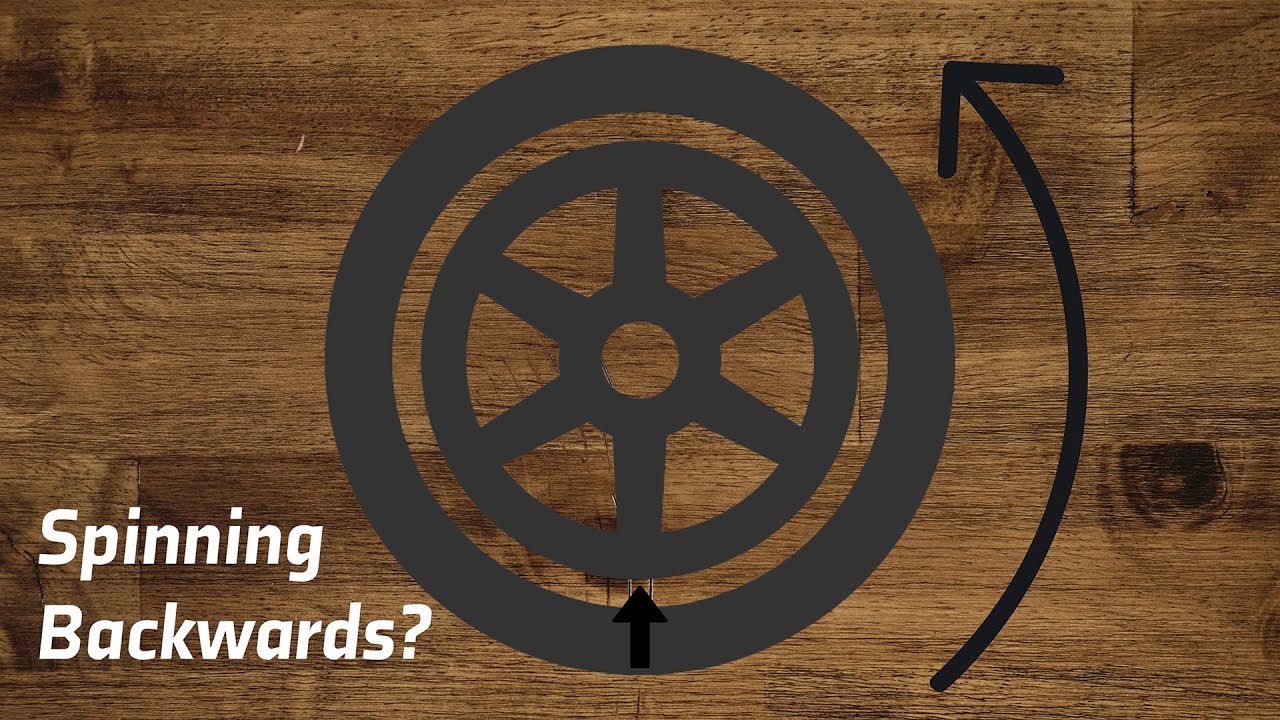
So, I extended my animation to four seconds. I adjusted my propeller rotation to 67,680 degrees (AVG RPM of a prop motor is 2,800). During the animation my propeller slows down and turns the opposite direction!
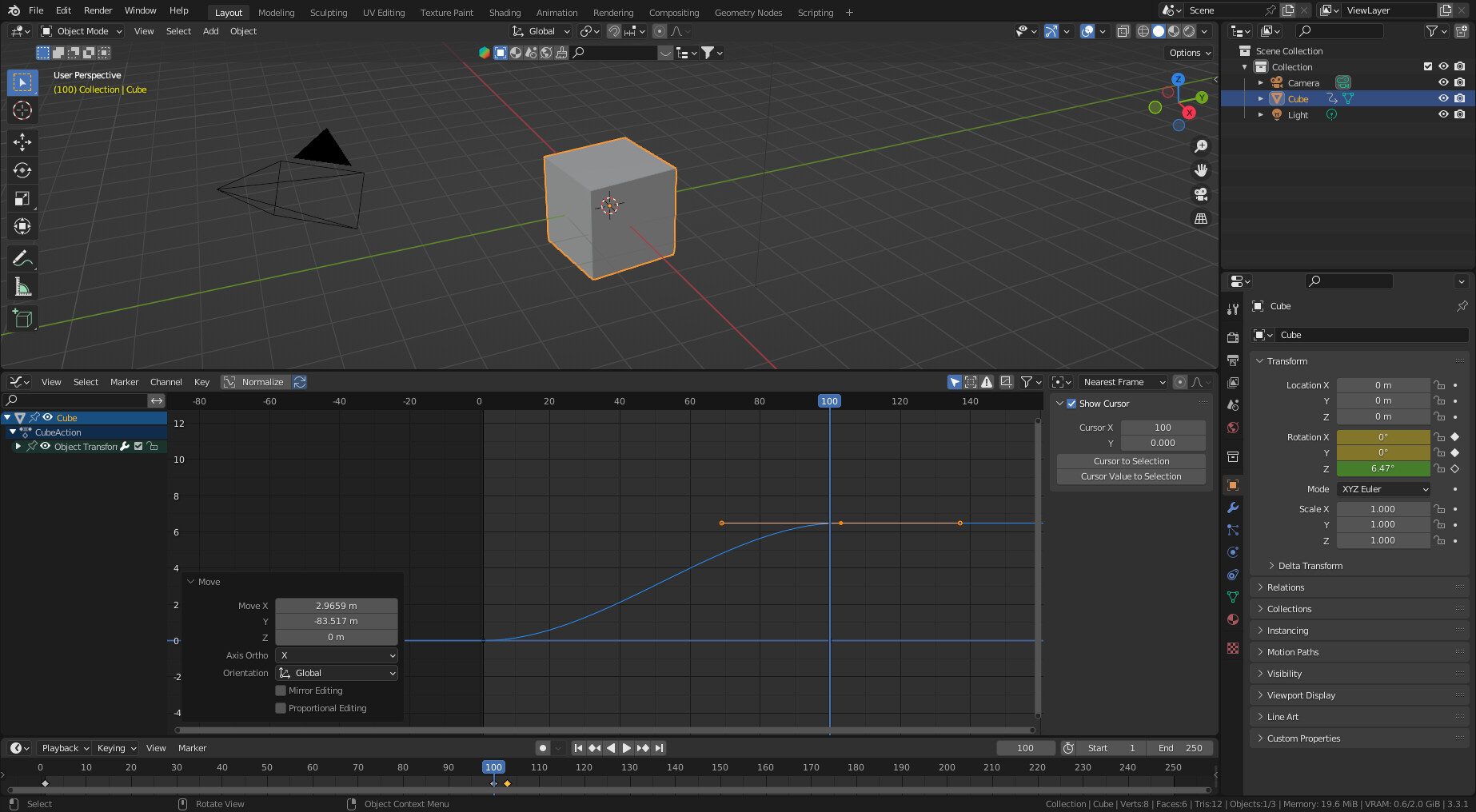
I have deleted the animation data for the propeller, recreated the keys at 1 and 100, but I keep getting the same strange interpolation. I scanned through the Graph Editor and cannot find anything.
Looking through various Blender documents and tutorials I cannot find a fix for this!
Ideas? Anyone else encounter this?
(I tried attaching the video, but the site says the file type (.mp4) is not authorized.)
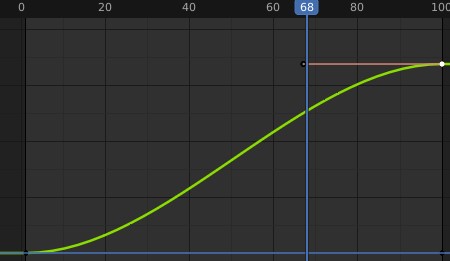
I don’t know how you tuned your propeller animation. But by default Blender will ease in and out (using a curve) the rotation. This need to be a continuous motion, a straight line.
Have you tried slowing it down to 3600 per second? It may not be accurate but it may produce better results. At 67880 degrees that’s 47 complete rotations per second (67680/360/4).
At 25 frames per second, each frame is showing 1.88 rotations (47/25) or 316.8 degrees ((1.88 * 360) % 360).
Frame 1 - 316.8 → 316.8
Frame 2 - 637.6 → 277.6
Frame 3 - 956.4 → 236.4
Frame 4 - 1275.2 → 195.2
So it will appear to be rotating backwards without adding something like motion blur.
Similar thing (but probably very technically different?) happens with film/video cameras where you see a car’s rims slow down and start going backward.
I’m going to look into it. For now, the curve looks correct. However, the reversing transition does seem to match up to the Bezier handle. This may be a coincidence, but it is something I noticed.