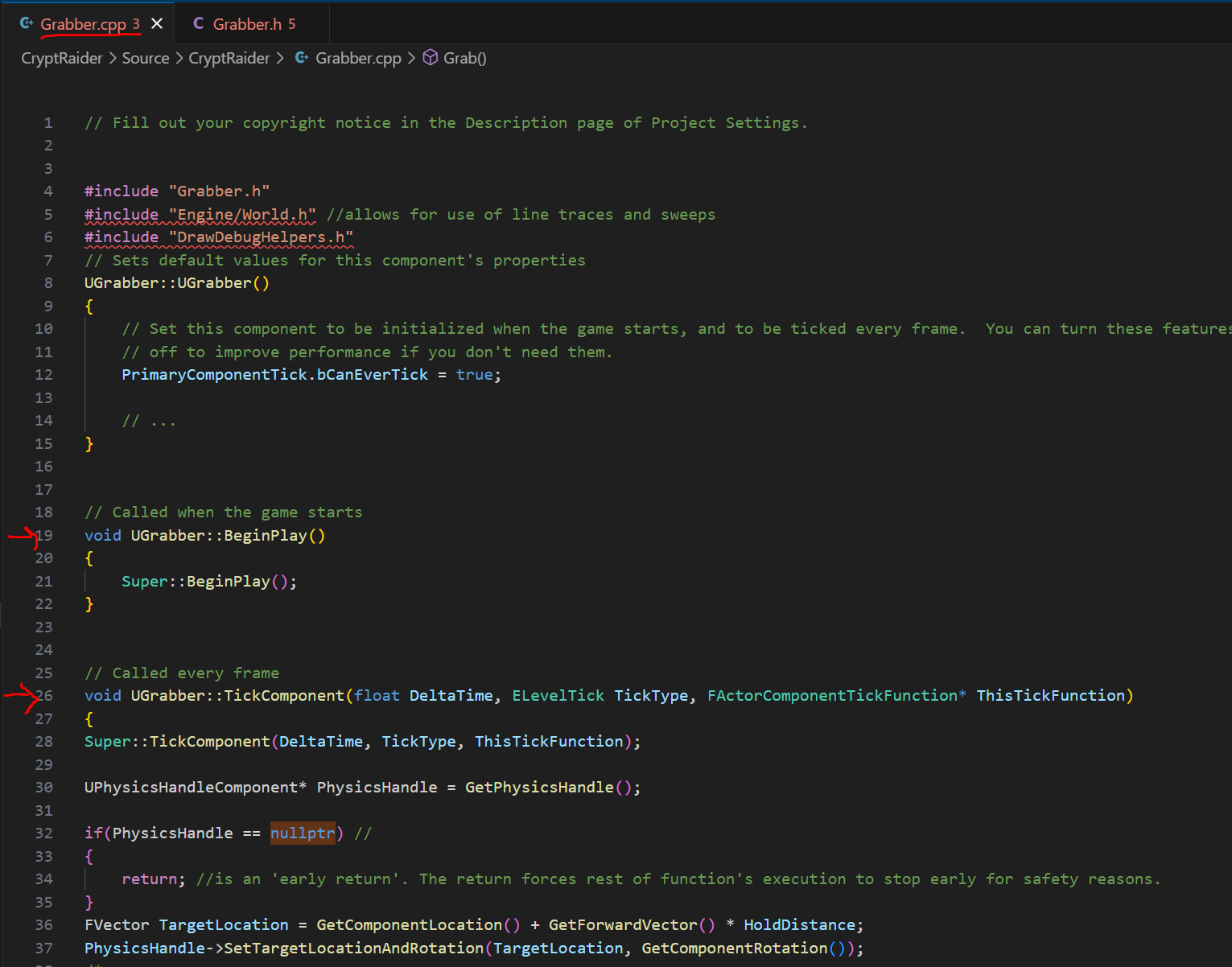
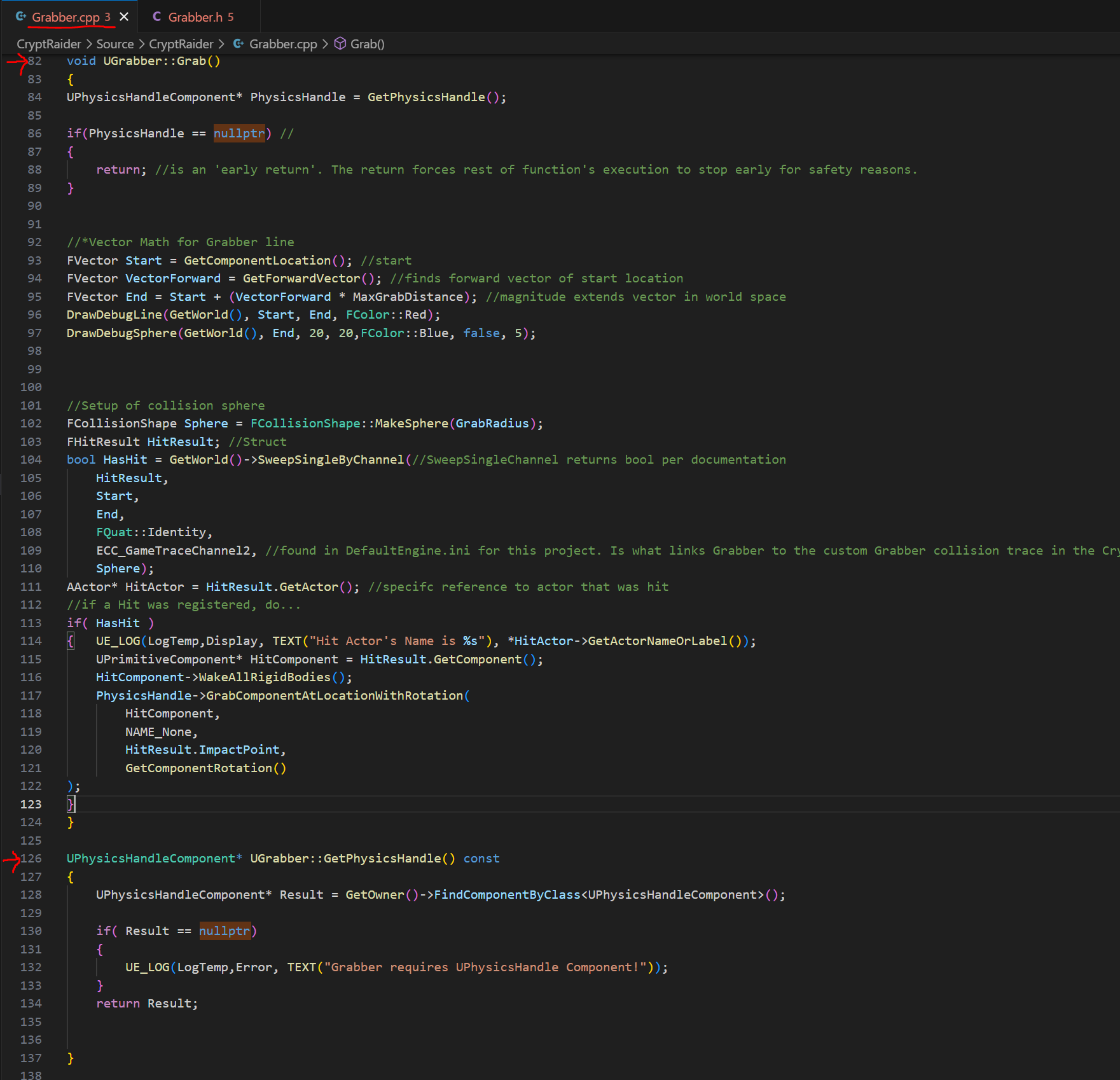
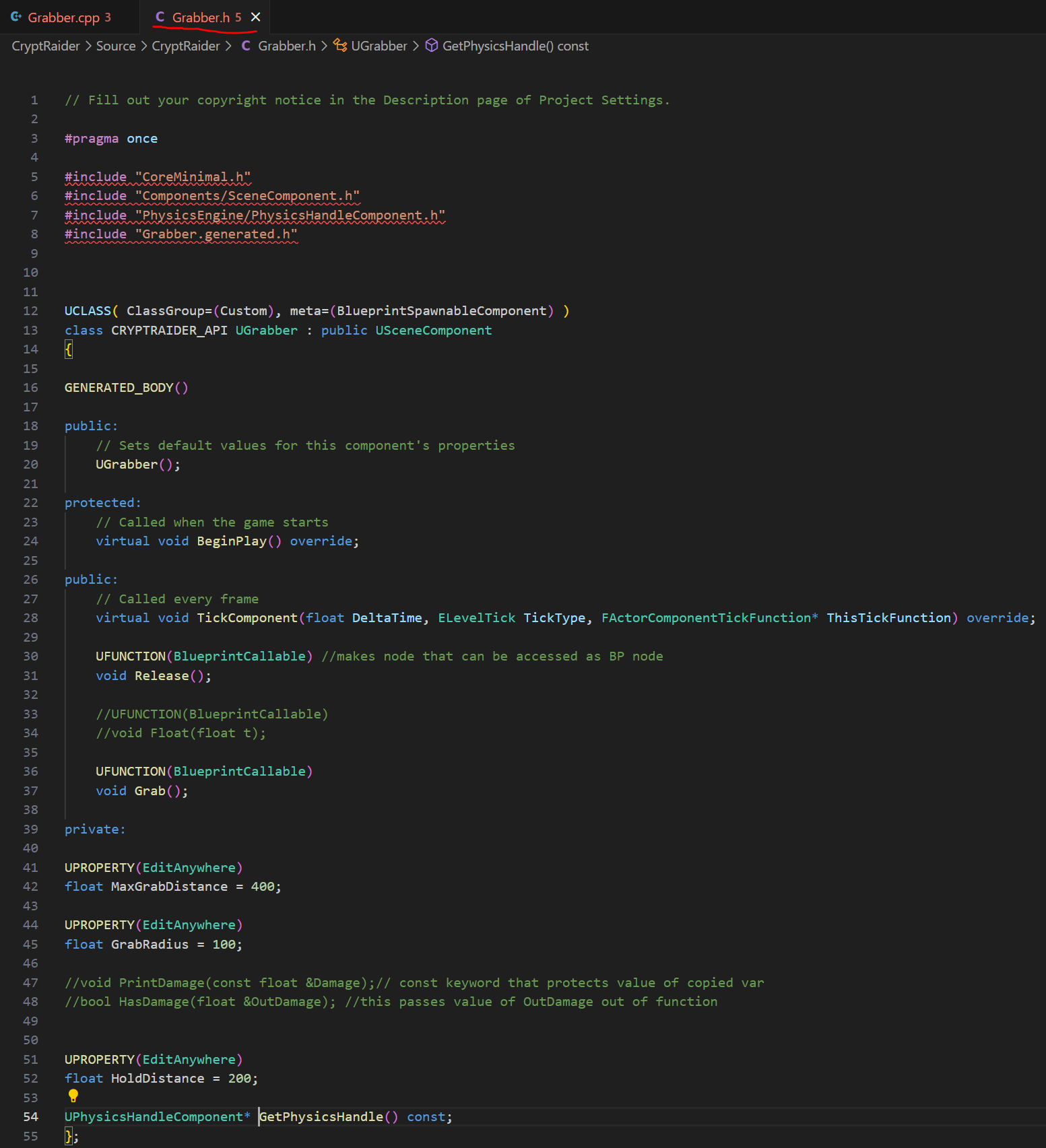
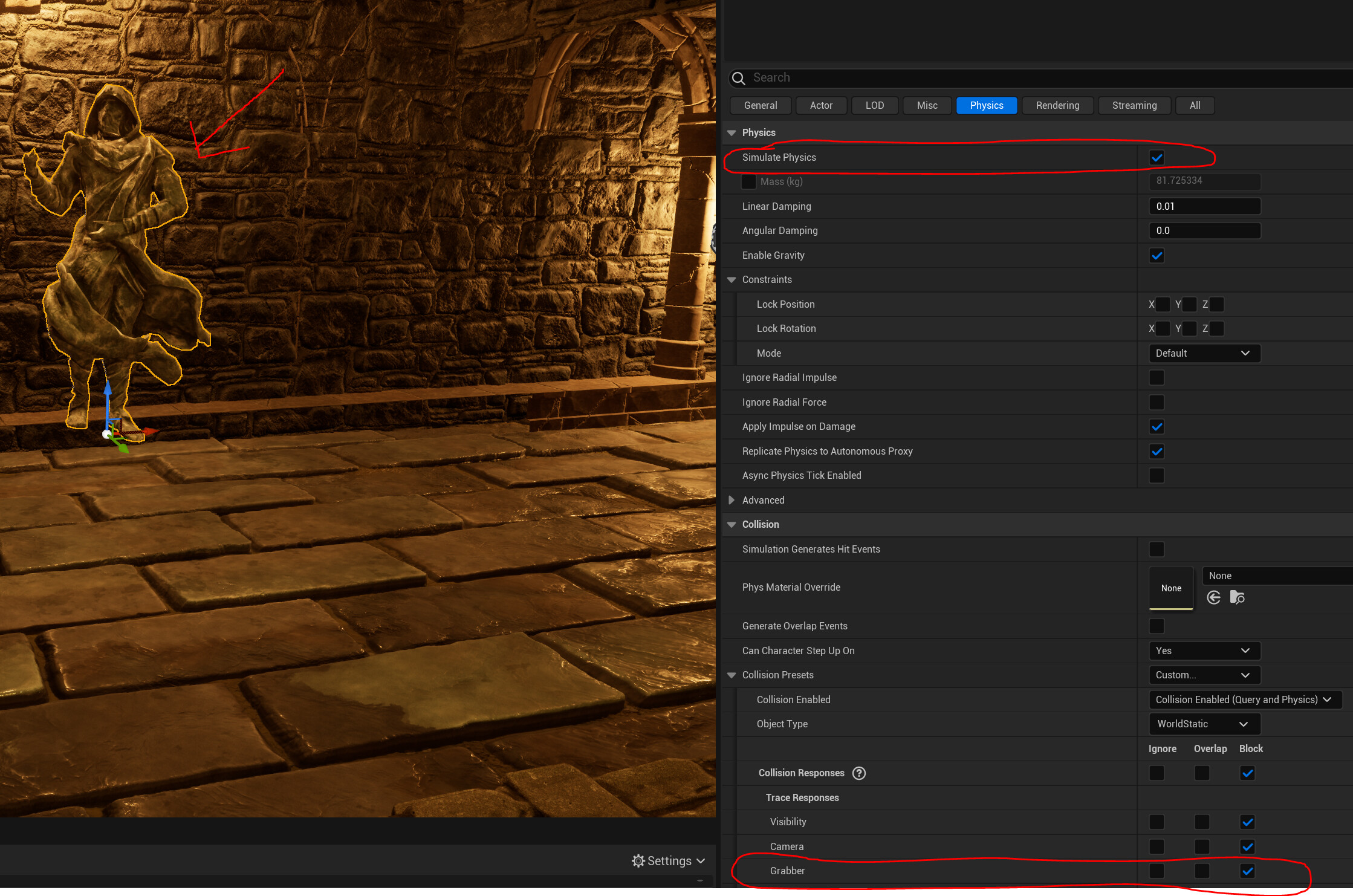
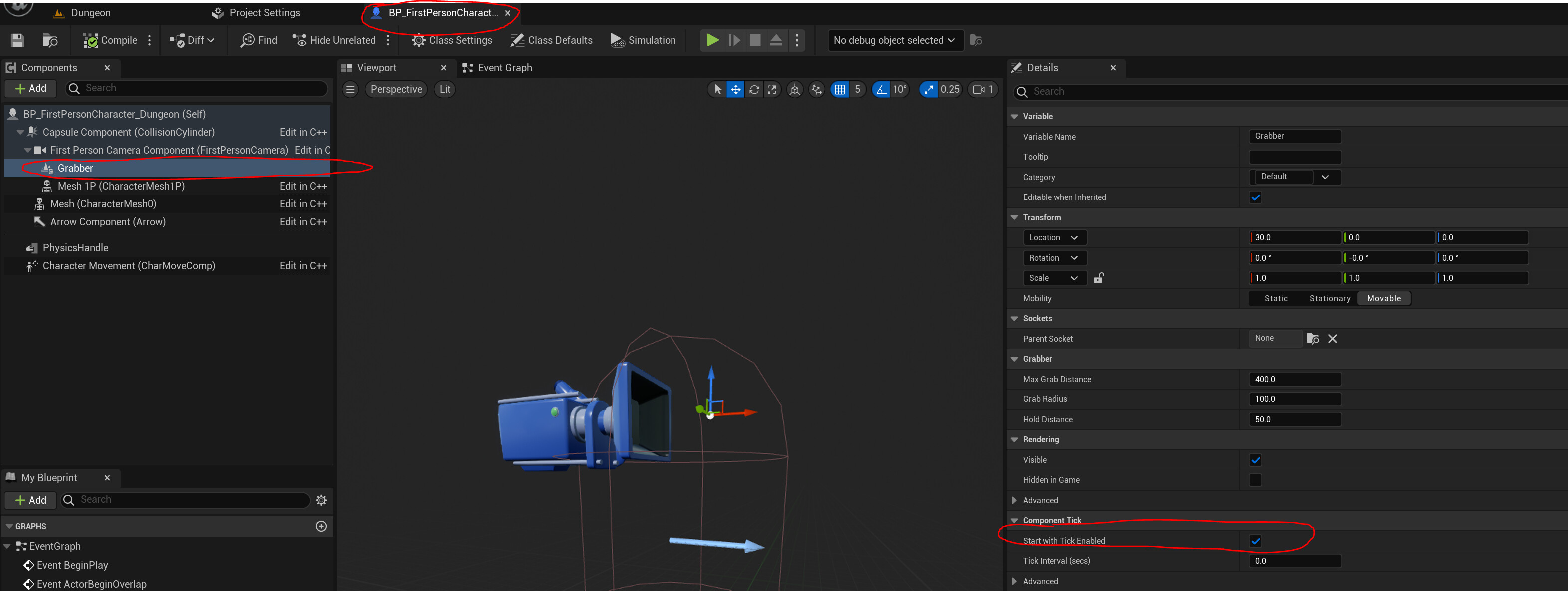
I followed everything in the ‘Grabbing With Physics Handle’ section, but when I go to grab the hooded statue, it barely moves. I made sure to check that the relevant lines of code were properly being triggered as well as the functions set in my character Blueprint. When I try to the move the object around, it also does not follow with the camera. My debug spheres do detect that the statue has been hit per my log.
BeginPlay() in Grabber.cpp
@DanM I don’t think so. I lifted it off the floor and set its physics StartAwake to FALSE. I tried the same thing with a bench as a test and when I go to grab it, it moves slightly and only moves downward until it can’t move anymore. My UE Log is displaying that the correct object is being detected, so I know that my Collision Response settings are correct.
This was driving me crazy. Turns out the reason that the Grabber was barely grabbing objects was because the StartWithTickEnabled bool was FALSE. I set it to TRUE and it works perfectly now!