void Die(){
    LevelManager man = GameObject.Find("LevelManager").GetComponent();
    man.LoadLevel("Win Screen");
    Destroy(gameObject);
    AudioSource.PlayClipAtPoint(playerExplode, transform.position);
}
Just to add to the already great responses you’ve received Eric…
I would personally also consider re-ordering those lines, despite whether they were as per the example or not…
If we put the code to one side for a moment and just talk through what’s being requested…
- Find my level manager
- Load the Win scene
- Destroy something
- Play a sound
Even if this did work, asking for other things to take place after the loading of another scene seems a little odd to me. Typically, all game objects will be destroyed when a new scene is loaded, so, if we still want to use them for anything, it would make sense to have the call to load the level last.
Equally, the Destroy(gameObject); statement which is presumably destroying the player ship game object is called before the following line which then requests access to it’s transform. Yeah, it may still hang around until the next frame (end of the Update loop), but again, just reading it - it doesn’t feel right.
The PlayerClipAtPoint() method will instantiate it’s own AudioSource and will dispose of it automatically once it has finished with the clip, however, you are also accessing the transform of the player ship in this statement, which a) will be destroyed with the LevelLoad() statement, and b) will be destroyed with the Destroy() method after the Update loop.
The following is what I would suggest both reads better and makes more sense.
void Die(){
    LevelManager man = GameObject.Find("LevelManager").GetComponent();
    AudioSource.PlayClipAtPoint(playerExplode, transform.position);
    Destroy(gameObject);
    man.LoadLevel("Win Screen");
}
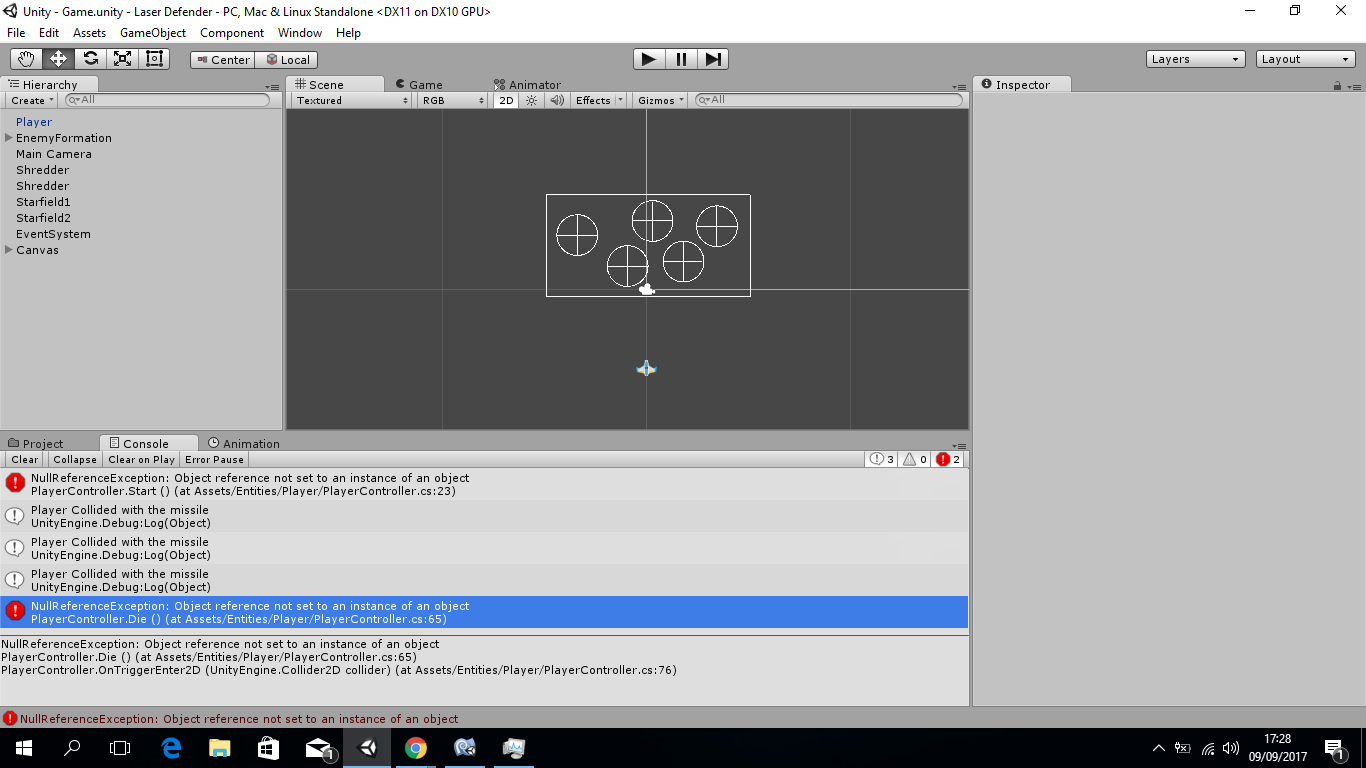
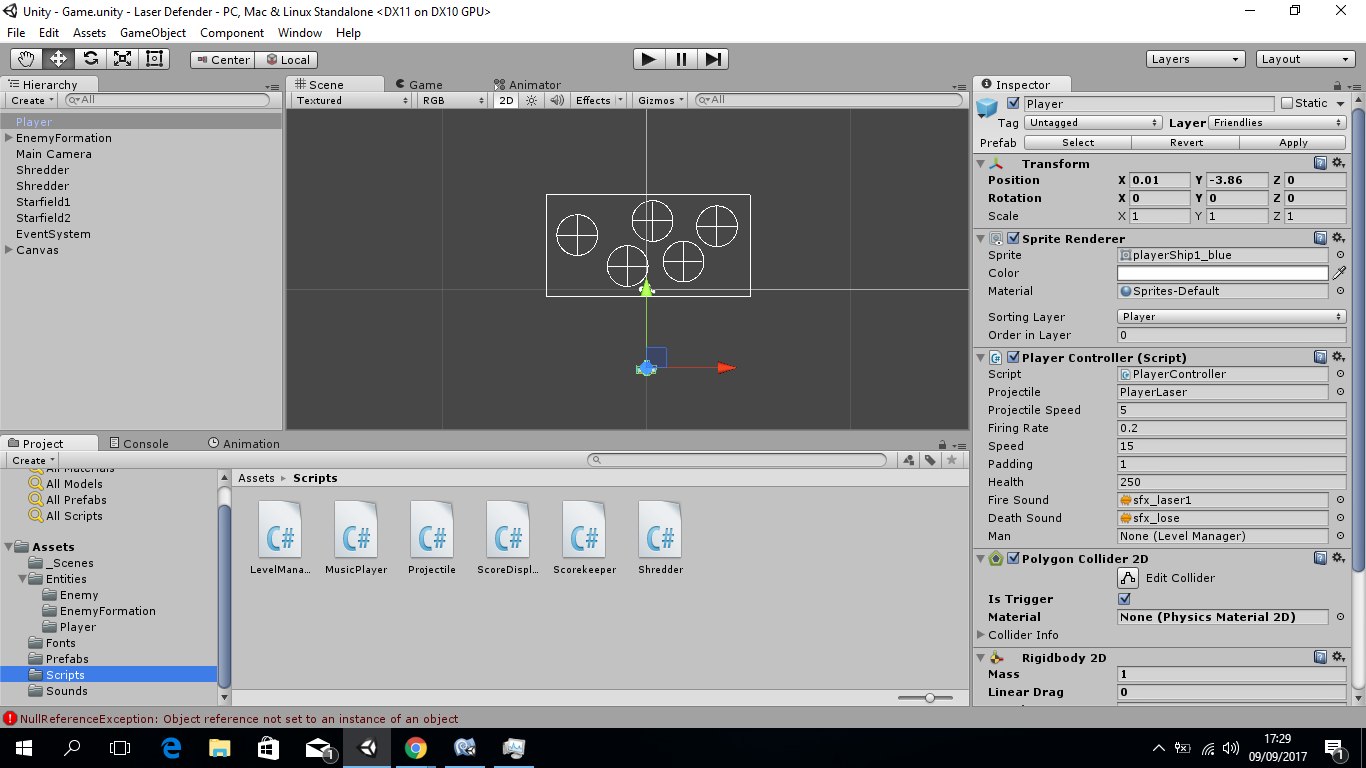
The cause of you error in this case I believe is that you are calling LevelLoad() which when executed at the start of the next frame destroys all of the game objects from the previous scene. Your Destroy() method then tries to destroy something which no longer exists and, if it got passed that, you are then trying to access the transform component of a game object that no longer exists.
Breaking it down in order to find the specific issue / problem, I would perhaps start with your existing Die() method in the order you have it already, but comment out the last two lines;
void Die(){
    LevelManager man = GameObject.Find("LevelManager").GetComponent();
    man.LoadLevel("Win Screen");
    // Destroy(gameObject);
    // AudioSource.PlayClipAtPoint(playerExplode, transform.position);
}
When you run your game and this method is now called all that should happen is the Win scene should load. If it does then you know that there are no spelling mistakes involved in finding your LevelManager. If it fails again at this point, you haven’t found the LevelManager, so that really narrows down the search.
Assuming the Win scene does load, re-introduce the Destroy() statement and repeat the above. If the game errors you know that you were trying to destroy an object that no longer exists (because the new scene has loaded an all previous game objects were destroyed). If no error presents itself then you are only left with the one remaining line of code to re-introduce, the PlayClipAtPoint() line.
If the game errors again after re-introducing this line then you know it will be because you are trying to access the transform component of a game object that no longer exists. In which case, move this line up prior to loading the next scene and the Destroy() statement, re-apply the above tests.
This is a useful exercise in debugging your code. Below are some links which may also be of use.
I hope this helps 
See also;