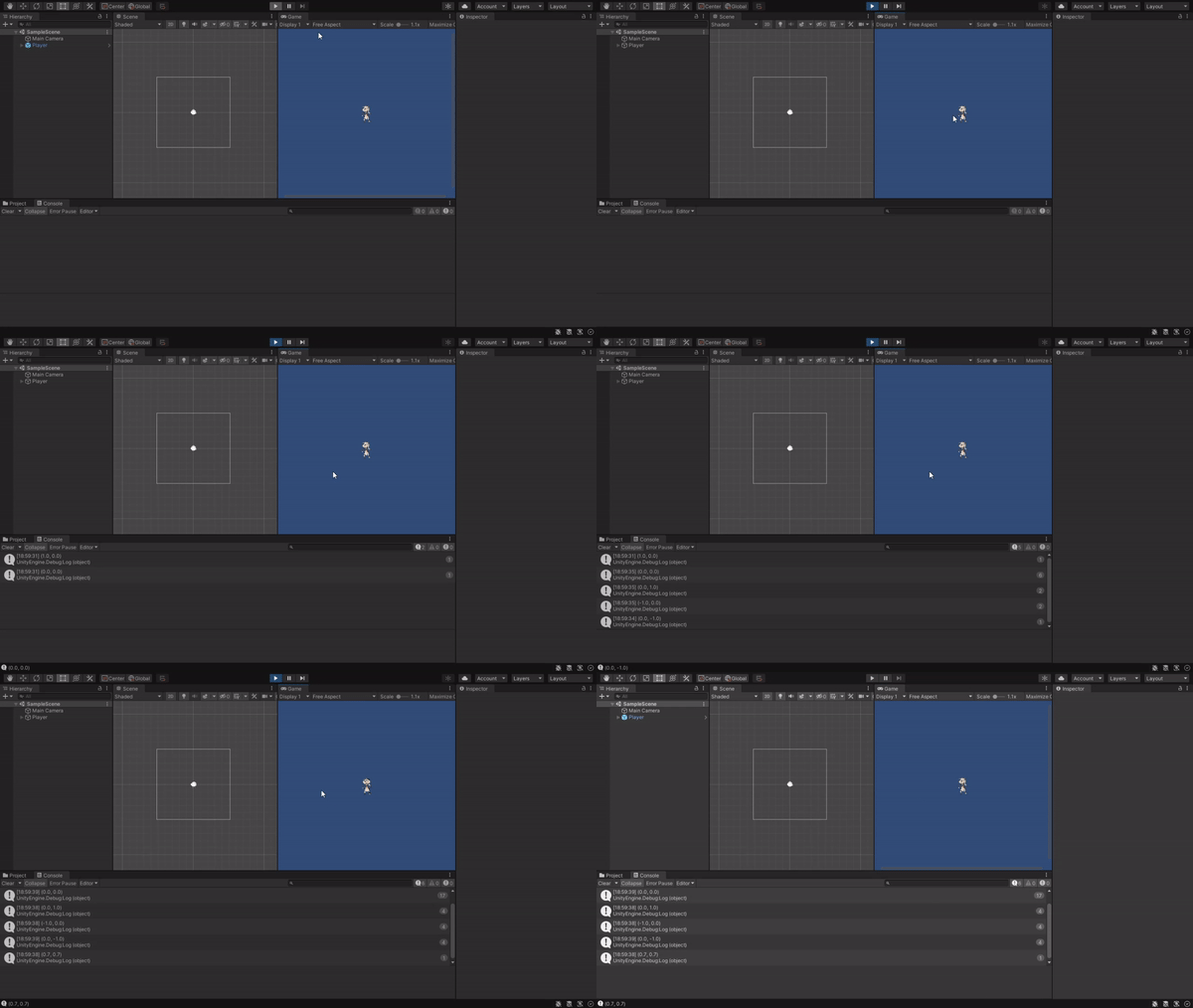
Does someone know what to do?
I did basically everything that he did on the video, but my character is not moving at all…
I tought this Input system would make things easier, but i guess i was wrong .-.
Code from 111. Unity Input System (Complete C# Unity Game Developer 2D)
To help figure this out, in your Move() method, add
Debug.Log($“rawInput {rawInput} moveSpeed {moveSpeed} delta {delta}”);
If I were to hazard a guess, I’d say your moveSpeed could be zero in the inspector. If that’s the case, set the moveSpeed in your inspector to a positive number and it should (fingers and toes crossed) move.
Apparently, your OnMove method works, and the console shows a value ranging between -1 and 1. This means the problem is very likely not caused by the input system.
In the Move method, we just use the value of rawInput which was set in OnMove. We do not use the input system in the Move method.