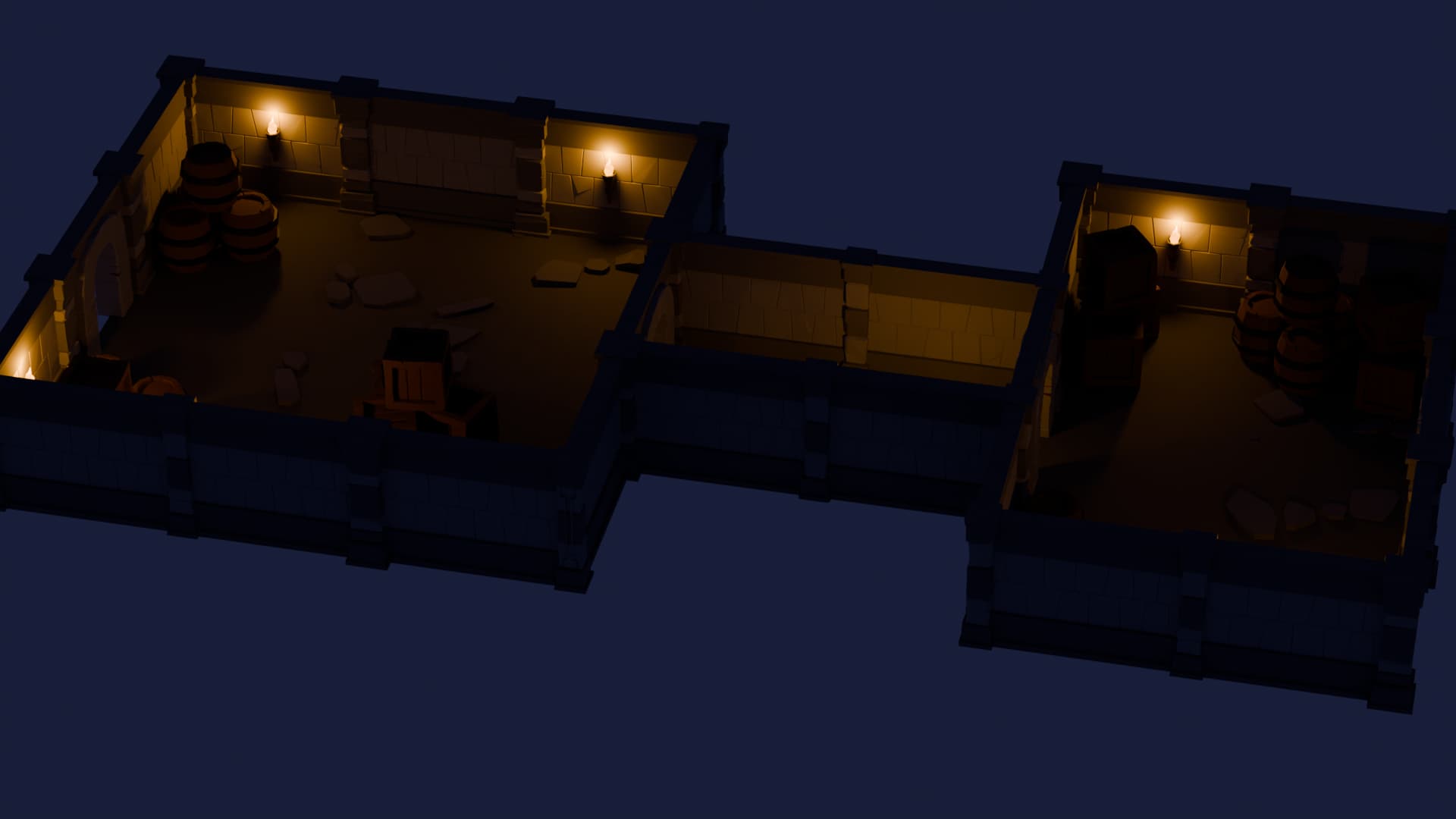
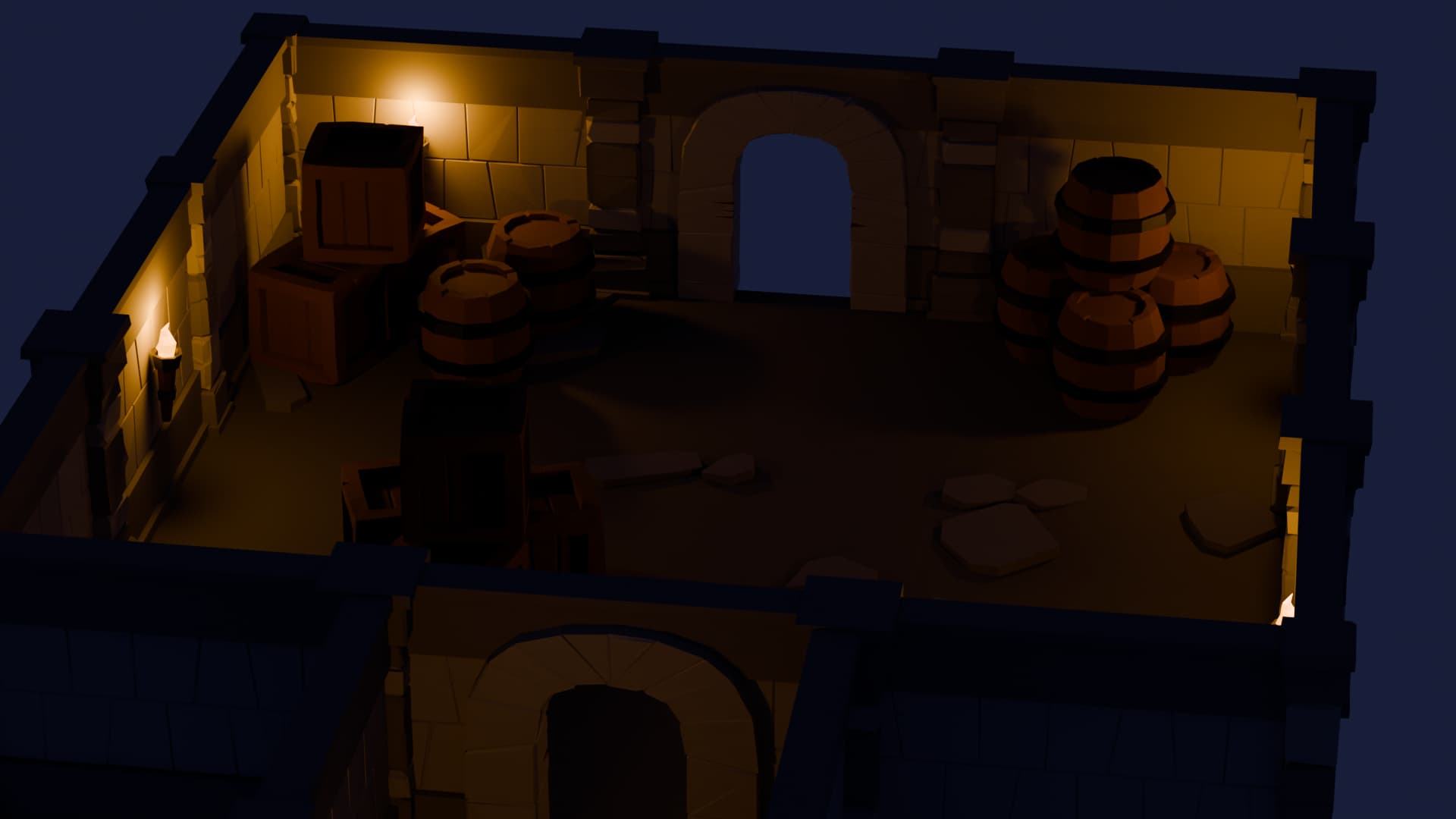
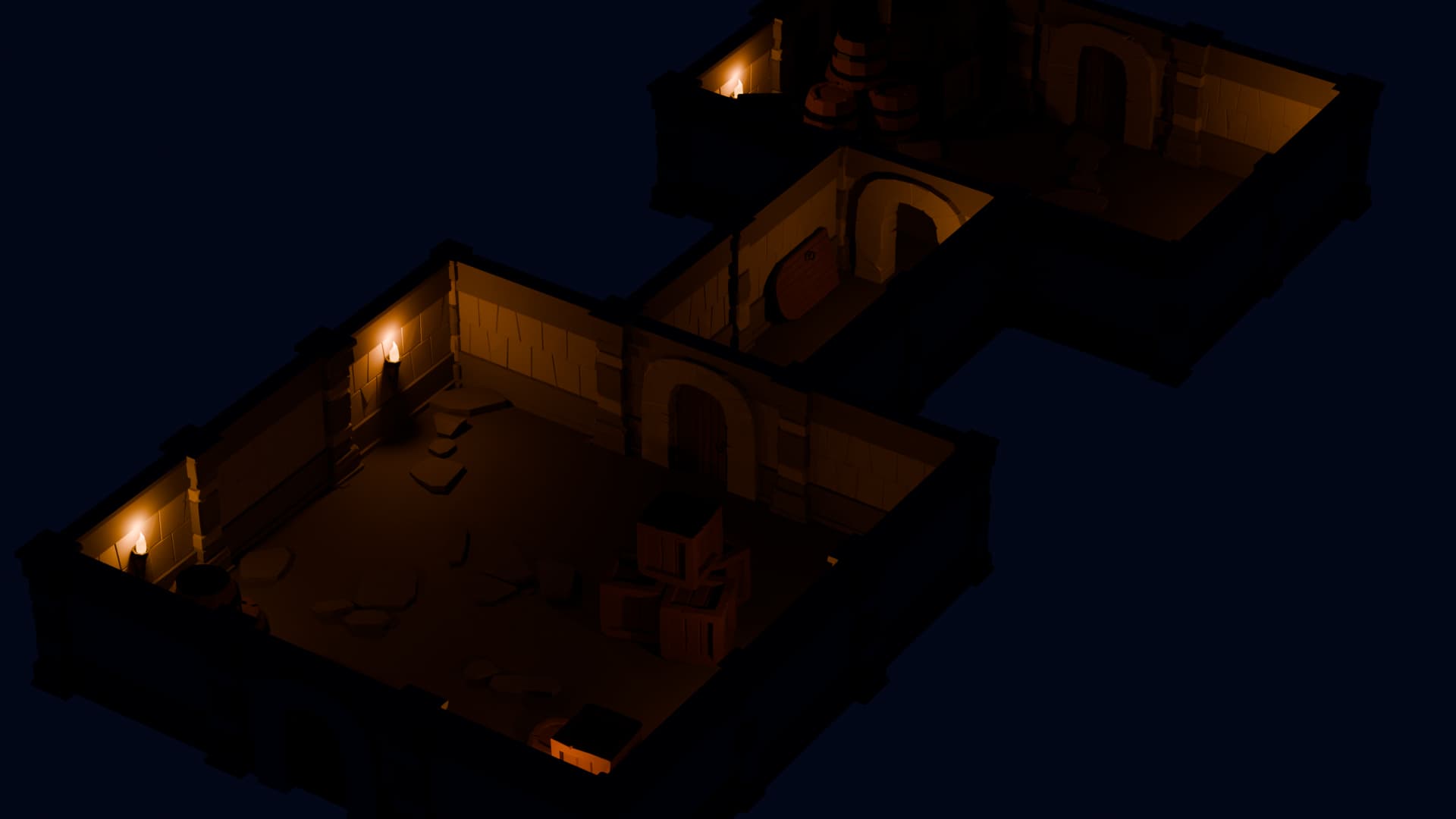
I’ve recently started the Complete Blender Creator: 3D Modelling course by the GameDev.tv Team. I’ve finished the first two modules and created the Island with a Lighthouse and the Modular Dungeon.
In both projects I struggled a bit with lighting. I still need more practice to understand how to make it look good visually — I’m not an artist yet, so it takes time to train my eye.
In the second module I also had trouble shaping the columns using Extrude, Scale, etc. Sometimes extra faces appeared or geometry got attached in ways I didn’t expect.
Overall, I’m really enjoying the course and I’ll definitely continue learning. I’d appreciate any feedback, and if you have suggestions for small practice projects similar to the Dungeon to strengthen my skills, I’d be grateful.
Lovely work you’ve been doing already! I find lighting to be really difficult to get right, but you’ve only just begun your Blender journey, and based off your current work, you’ll get there in no time! A rule of thumb that works for me is, put in too much light. If I think it’s too bright, chances are I probably hit decently close to what it should be xP
You’v got a really good sense of composition, so there is a nice balance in your images, both visually and content wise - neither too crowded, nor too scarcely populated.
A few smaller challenges to practice the skills you just learned (pick a couple or three to limit the scope of the challenge):
Weapons rack
Shield for a display on the wall, or just to lean up against a barrel
A drain
Traps for hunting (Or just plain old traps for looters)
Treasure chest
Amphoras
If you’re looking for a larger challenge project to get more comfortable with common modelling tools and to brainstorm your own visual aesthetics, then repeat this project, but choose a different genre - how would the rooms and each prop look in a sci-fi setting, or wild west, or steam punk, etc.
Thanks a lot for the warm welcome and the helpful feedback!
Lighting is still tricky for me, so I’ll keep experimenting and trying different setups to improve.
I’ll pick a couple of the smaller props to practice next.
Really appreciate the encouragement!
Repetition is the key. Try to create a new wall, pillar or hatch. Just from memory …
This way will strengthen your muscle memory.
Light is always a difficult subject. Blender uses real metrics!!
Do a 100w bulb in a room of 4x5meters give you enough light!
But the physics will work strange when you make items not on real scale.
For example you dungeon. Seeing the image it look a large model. But maybe in blender scale, it is 10 … 20 cm? Using a 100w bulb then is acting a bit strange.
Use ctrl-a and apply scale to objects. This helps in some cases also the materials used.
About the extra faces, very probably were caused by canceling Extrusion using the Escape key. That actually doesn’t cancel extrusion, it only cancels its movement: you get a new face overlapping the original face!
Hi. Scaled my entire dungeon down by 90%, fixed the lights, and somehow didn’t break the universe. Productive day. With the scale sorted and Blender no longer fighting me, I can finally start adding new walls, rooms, and all the fun stuff.