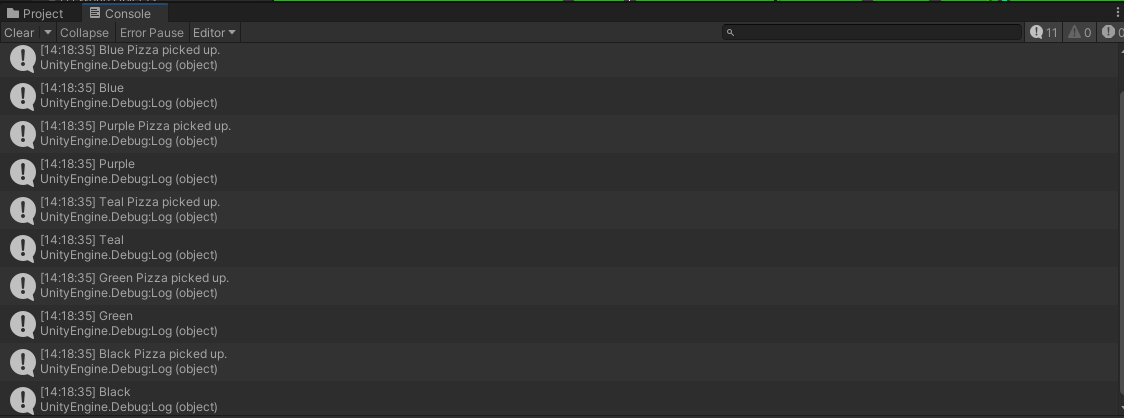
I’m attempting to expand on Delivery Driver, and I’ve come across a bug I’m unsure of how to deal with regarding “and” statements & “if” statements. What I’m attempting to do is make it so that certain colored packages can only be delivered to a customer of the same color. Here’s the code:
My theory is that the way I have the “and” statements set up is making it so that if at least two of the conditions are met, the statement is called. If there is a way to make it so that all three conditions must be met for the code to be called, I would appreciate if someone could explain how. Thank you!
If you want to test, you could even delete the lines starting with “if” and you’d have the same result.
So you need to remove the “;” at the end of “if” lines
IMPORTANT: when you do, nothing will ever be done because none of your if statement can ever be true. other.tag cannot simultaneously be equalled to “Package” && equalled to “Blue”… other.tag can only ever have one string value, so it can’t be both “Package” && “Blue”
There’s another huge issue with your code, it’s not going to work even if you fix that, you can only have one tag at a time in a game object, your conditions will always be false, meaning they’ll never run, you’ll have to find another way to fix that.
I suggest using the color tag on a child attached to the package object and then access the child’s tag. That could work without making huge changes.
This will print the name of the first child, this will mark you an error if there’s no child attached. To access a different child you’ll have to set the 0 to something else, if the package game object has more than one child attached this might not be a good solution.
Here’s the documentation.
Here's the method implemented in your code - Click to read
if(other.tag == "Package" && other.transform.GetChild(0).tag == "Blue" && hasPizza == false)
{
    //The rest of your code.
}
you can also use transform.childCount to find out all of them and access them
so for your it would be:
bool foundAChildWithBlueTag = false;

// this is to show you how to go through every child object
for (int i = 0; i < transform.childCount; i++)
{
  // this is how each child object is found
  GameObject childObject = transform.GetChild(i).gameObject;

  // checking the tag of the child object (notice the lack of ; at the end of the if statement)
  if (childObject.tag == "Blue")
  {
    // we found it so set the boolean to true
    foundAChildWithBlueTag  = true;

    // break means "stop the for loop" as it's no longer necessary
    break;
  }
}

// if statement to check if the child with Blue tag was found
if (foundAChildWithBlueTag)
{
  // some code related to your Blue tag
}
EDIT: if this seems long, remember you can wrap of of this in one method, so you can need to call it the one times, passing the relevant input parameters
Another thing: may not be exactly what you asked for, or indeed not the greatest of solution, but can you call the transform.Find(string) method to find a child object by its name
It would keep things much simpler for now
if (other.transform.Find("Blue") != null)
{
  Debug.Log("Found a child that has the name Blue");
}