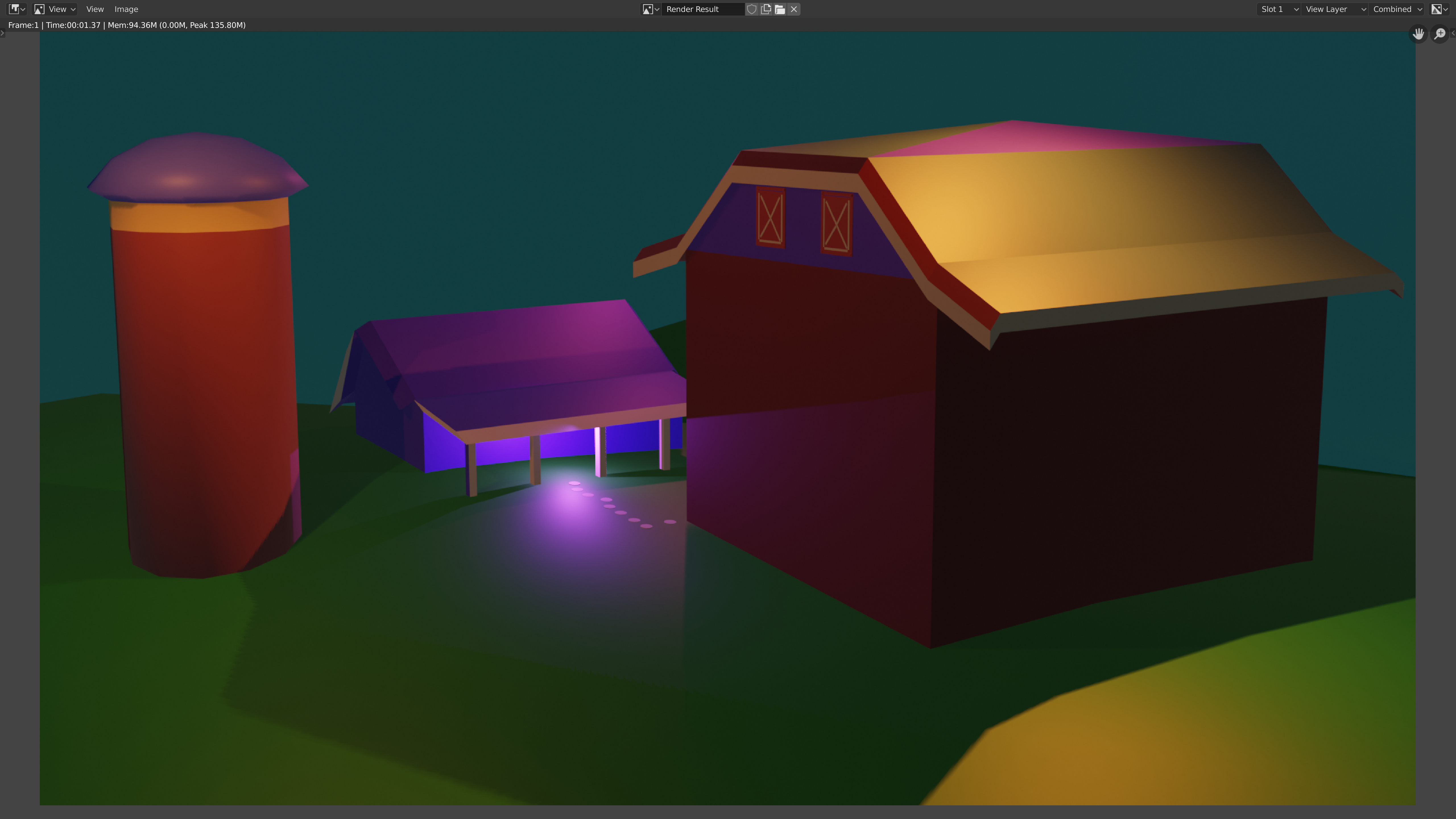
A question, for FedPete, or any one: During the trap door lecture, Michael used the cursor as the pivot point for the door, but doesn’t that mean that you can only use 1 door per scene, because you only have 1 cursor? Or should you create each door in a separate file & then append it to the scene? Or, is this just something we’ll work on later, so just forget it for now? Please advise.
2 Likes
You can move the cursor about. This is not for animation, with ‘bones’ there inside every bend you want to do at any time, this is but learning how to move an object around a pivot point. Then on to the next one.
2 Likes
Yes, as NP5 said already there are multiple options to make the trapdoor mechanism.
The trapdoor challenge way just to learn about the 3D cursor.
And the upcoming lessons will point out some other techniques.
The technique I use a lot, involves empties. Little helper objects, to group or manipulate object(s).
The simplest way is the 3D cursor, but not so handy if you have multiple trapdoors.
You could change the origin of the object. Which is the original rotation center of the object.
A Lot of things to learn. Which one is the best, that totally depends on the goal of the project.
Have fun, lets add barn doors …
2 Likes
yeah, I’ll just wait til later to figure this out.