
4 Likes
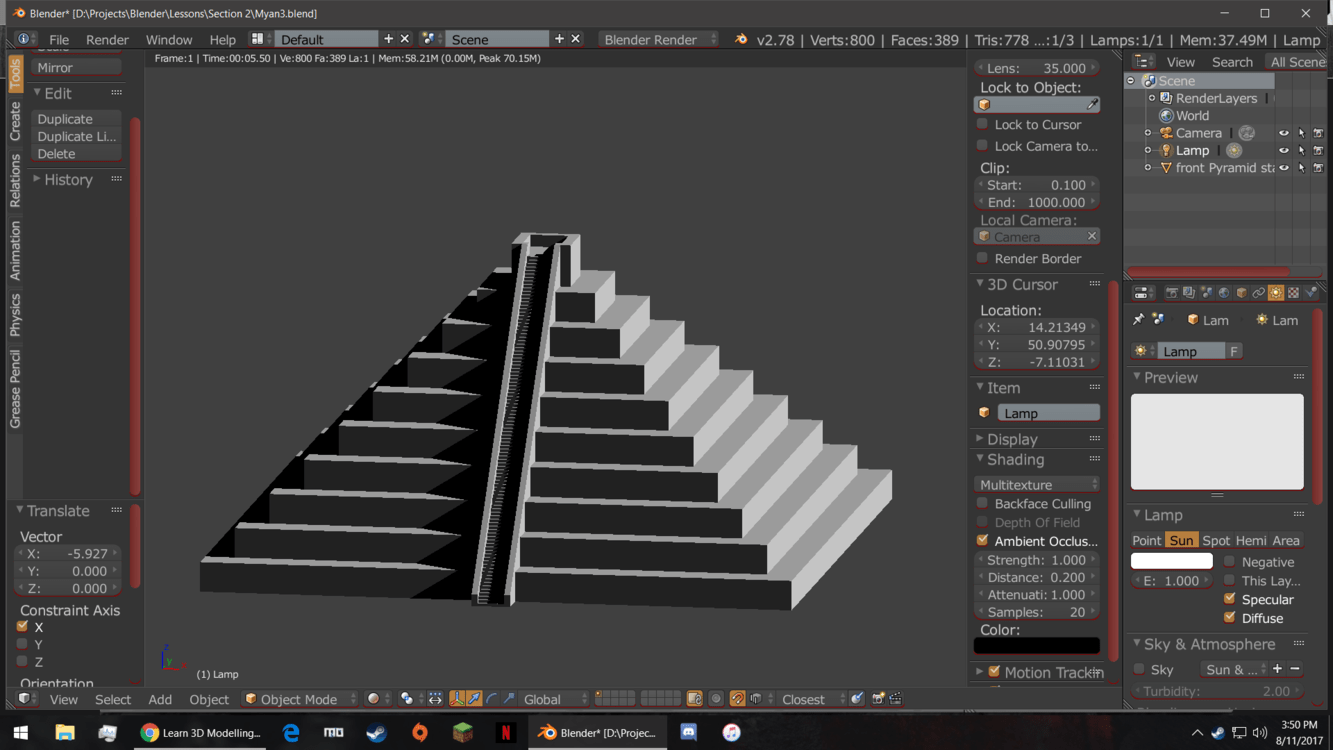
It’s looking cool but how did you change the color of the interface?
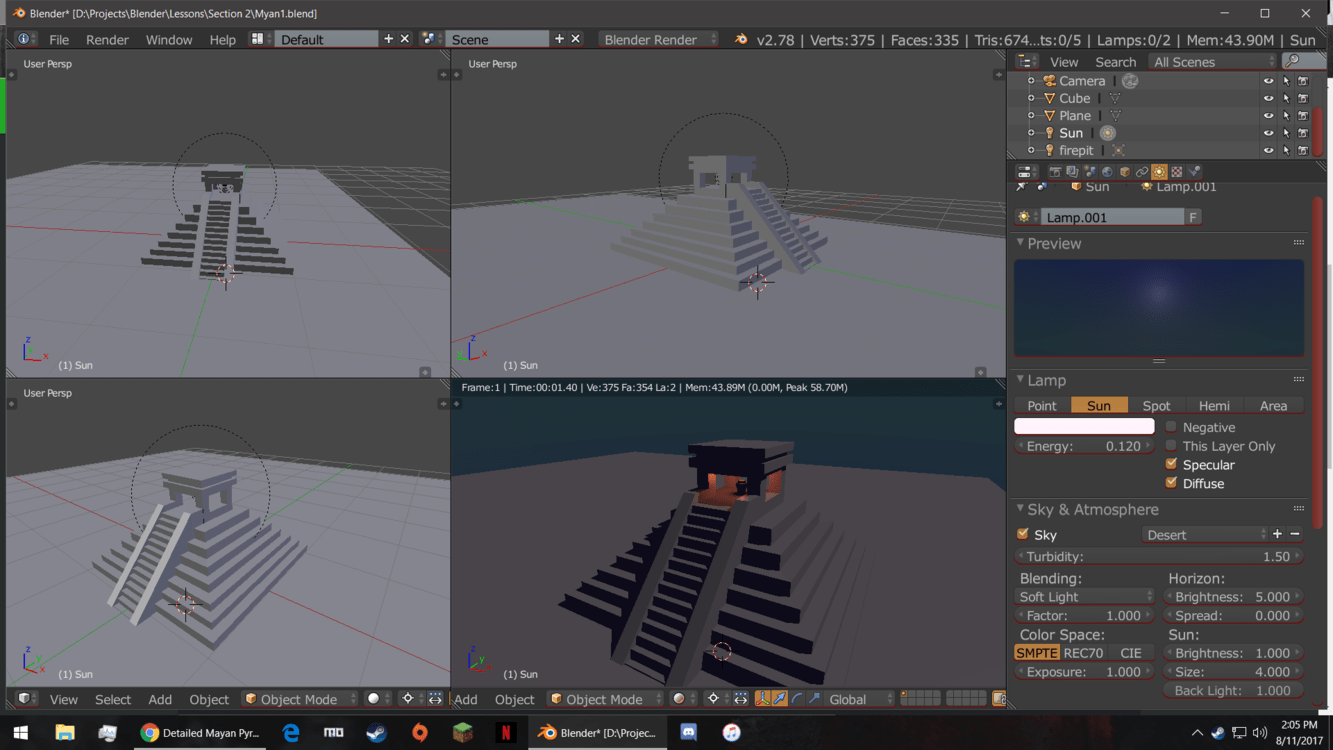
Question: How did you put it into the room to fire?
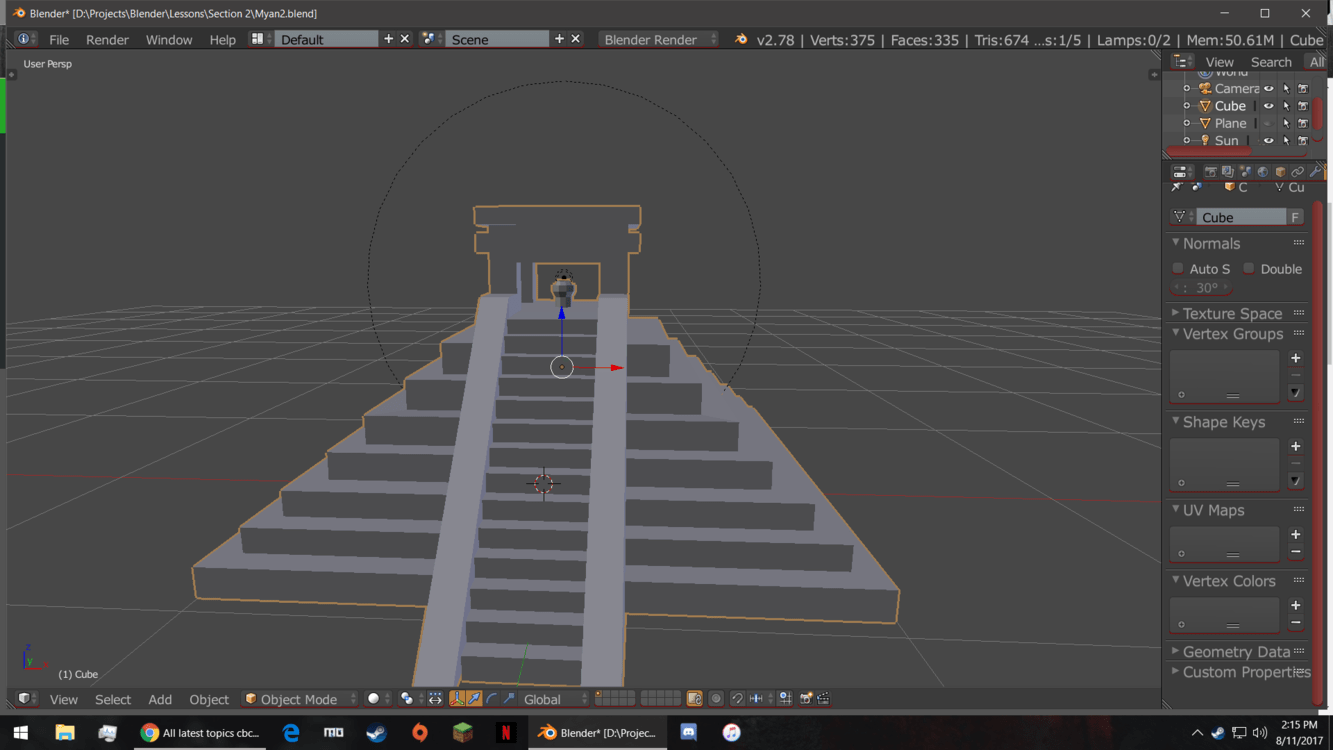
to your first question, its in the User Preferences>themes. they did a lesson on this early on, “Blender Layout Overview” I think. its one of those. but I have been using blender for a few years and so I changed it so I could see better on my tv (only monitor I have right now and its kinda nice  ) but you can change the color of just about everything so be careful.
second answer: I made a duplicate of the lamp, changed the first one to a sun and changed the settings in the properties panel under the list of objects (far right side). then positioned and changed the second lamp to the center and colored it red, and i used a point light, lowered its radius and its strength, and used rendered mode to see the changes.
Hope that helped 
1 Like