One of the problems that I encountered with the manual retopology was trying to retopologize the arm. I had a problem with the cylinder outline still showing when I would try to move the vertices. So, I had to click on the “on cage” icon in the shrink wrap modifier to adjust each vertex. Once I had the “on cage” icon turned on ,I was able to select the edge and ctrl right click to make the topology a little bit cleaner. This method was better than clicking and dragging the edge. Every time I would drag the edge, I would have to press m to merge the vertices when it overlaps. Also, I had a problem with shrink wrapping small items like the teeth and hands. The teeth was really difficult, because I had the mirror and shrink wrap modifier turned on. So, one side of the teeth was shrink wrapped evenly, and the other side was a complete mess. Does anybody know how to get clean topology on both sides of the mesh with the mirror modifier turned on? So, I can spend less time cleaning up the other side.
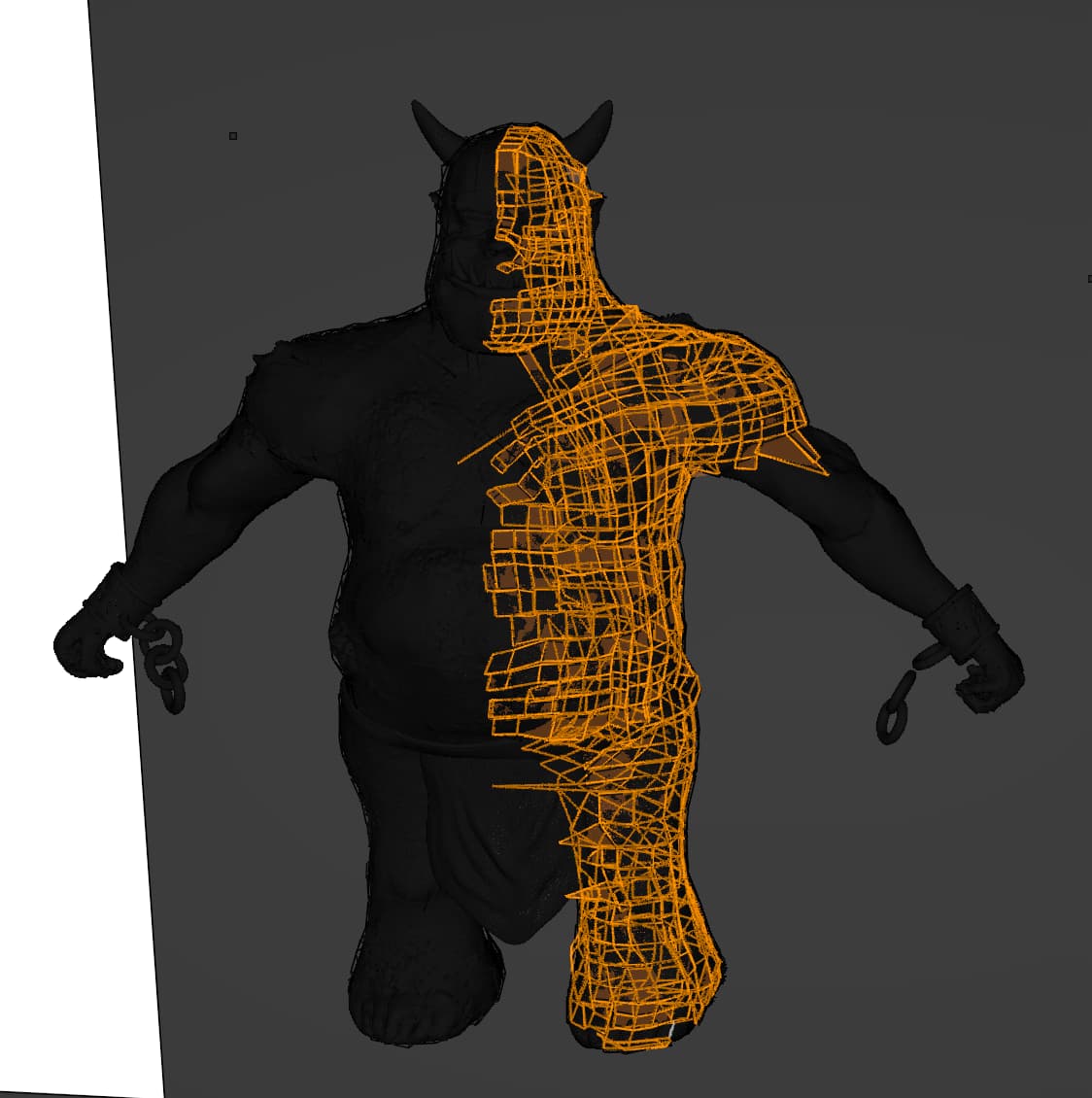
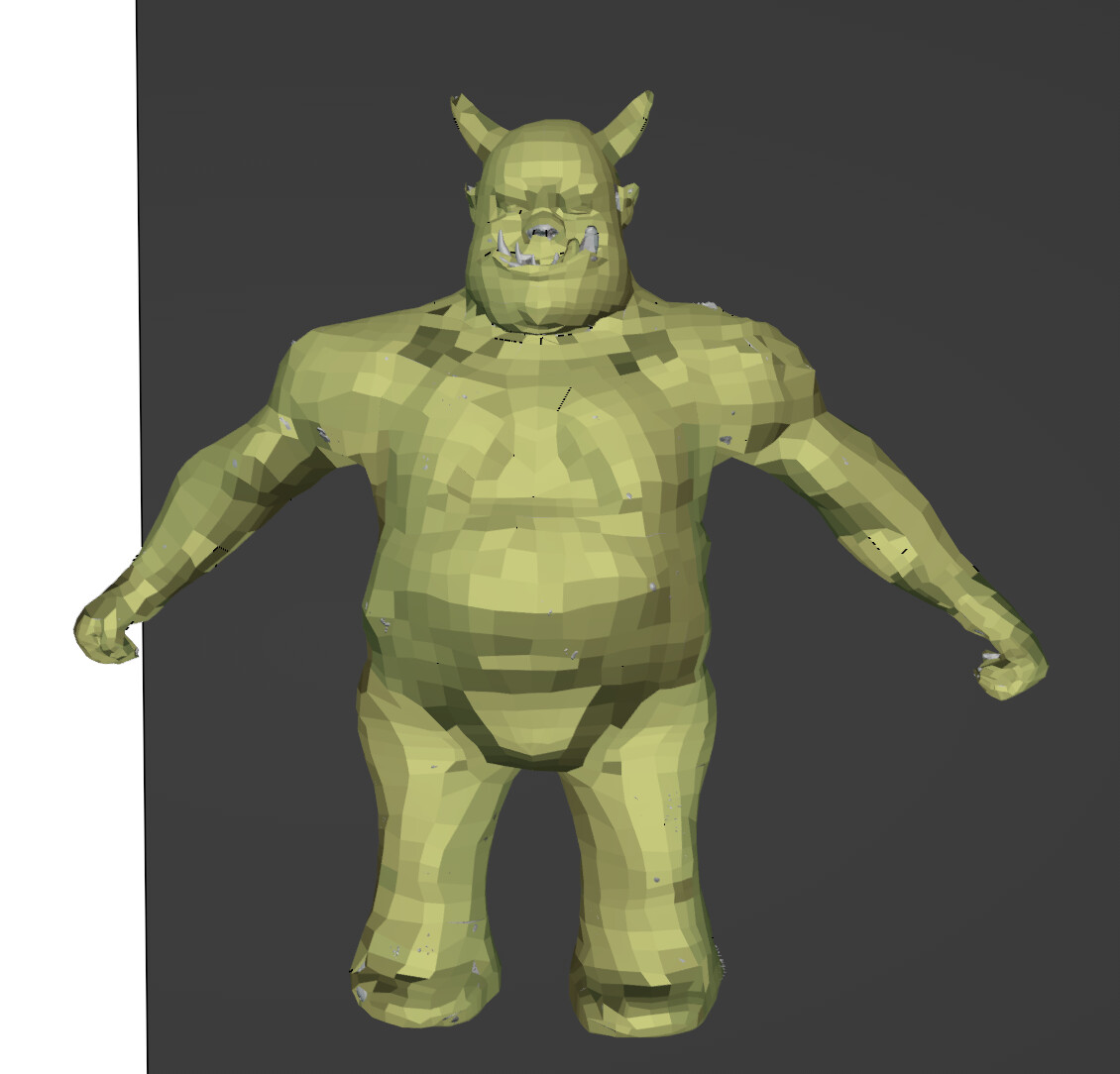
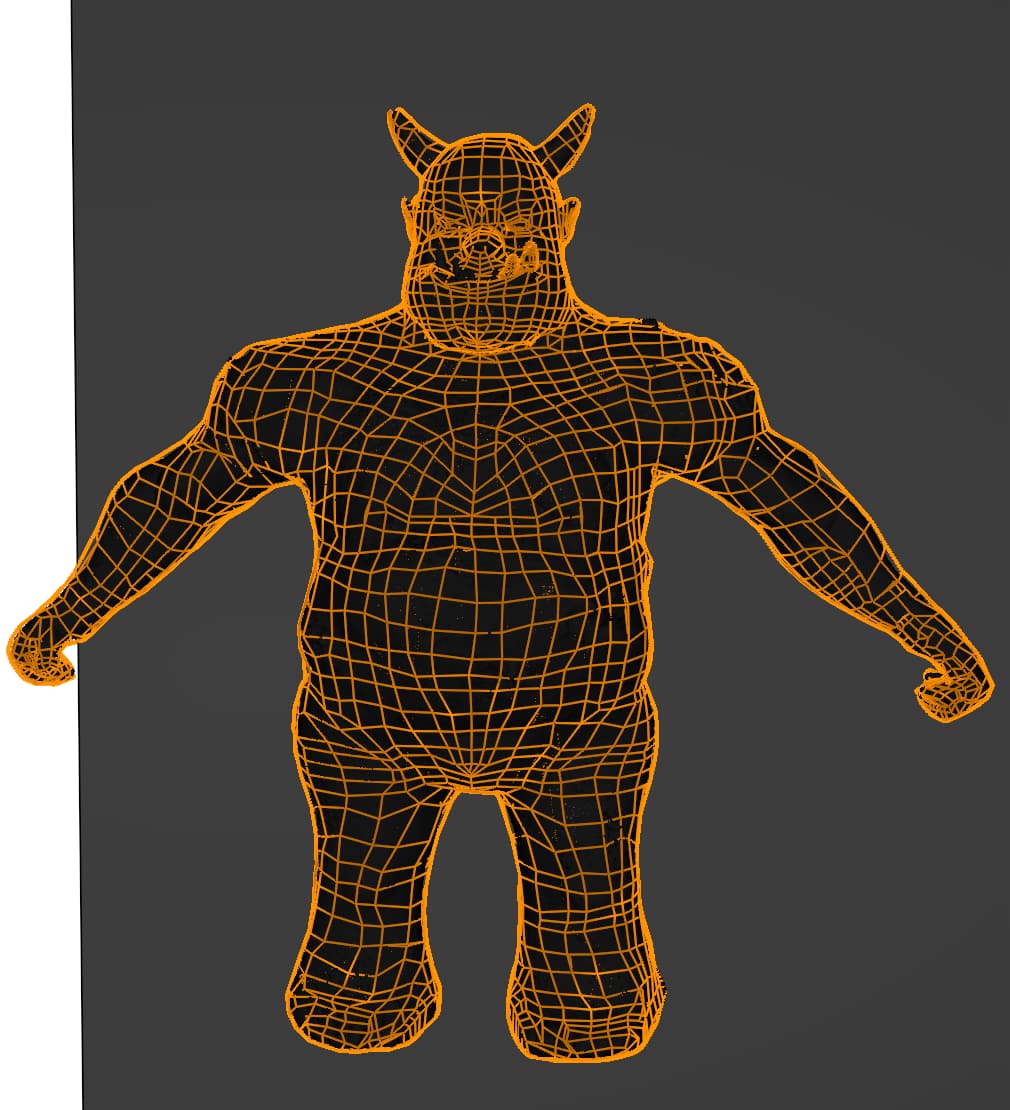
Difficult to say what happens!
Because Blender has many options that are easily forgotten when working in different modes.
And there are other options that make working easier.
Of course, everyone wants their Orc to be the most beautiful, optimal, and technically perfect. That’s why we do the course. But it’s primarily about the learning process and exploring Blender’s possibilities. From a block model to a dancing Orc. And that’s a slow, complex process. The more you do this (with more experience), the easier it becomes, and you’ll use methods that better suit your workflow.
- Don’t worry about Clean Topology (yet)
- Sometimes it’s more convenient to apply modifiers (make a copy of your progress)
- Focus on the steps so you understand how everything fits together. With Clean Topology, you can more easily add details or define UV-Unwrap textures.
See ‘butterfly symbol’ to mirror vertices, or two dots for automerge …
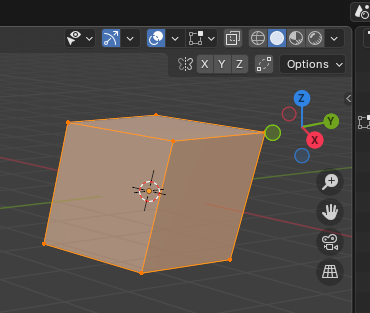
Yes, i’m still learning the different techniques that I can use manual retopology. i am going to duplicate this character and try out some of your tips. I need the practice. Thank you for the feedback.

Retopology is one of the most frustrating things so far. I’ve re-tried the lessons maybe 3X and every time I mess up on something. I’m about ready to give up and move on and have a plugin do it for me…
@AsherTail Yes true, it takes experience!
But what happens?
Show always screen dumps! Screen shots can also be done in Blender, via the 'Window’ menu bar top left-hand side. Select ‘Save screenshot’.
Because than we can see also the options turn on/off. Using hotkeys, can sometimes trigger the wrong options and confusing the user.