Hi, I’m having problem on the lecture number 45 in unreal 5 course.
it deals with connecting visual studio code with unreal engine.
After creating a new class called “MovingPlatform”, Terminal > Run Build Task.. button should show me several options to build. But in my case, It is totally empty.
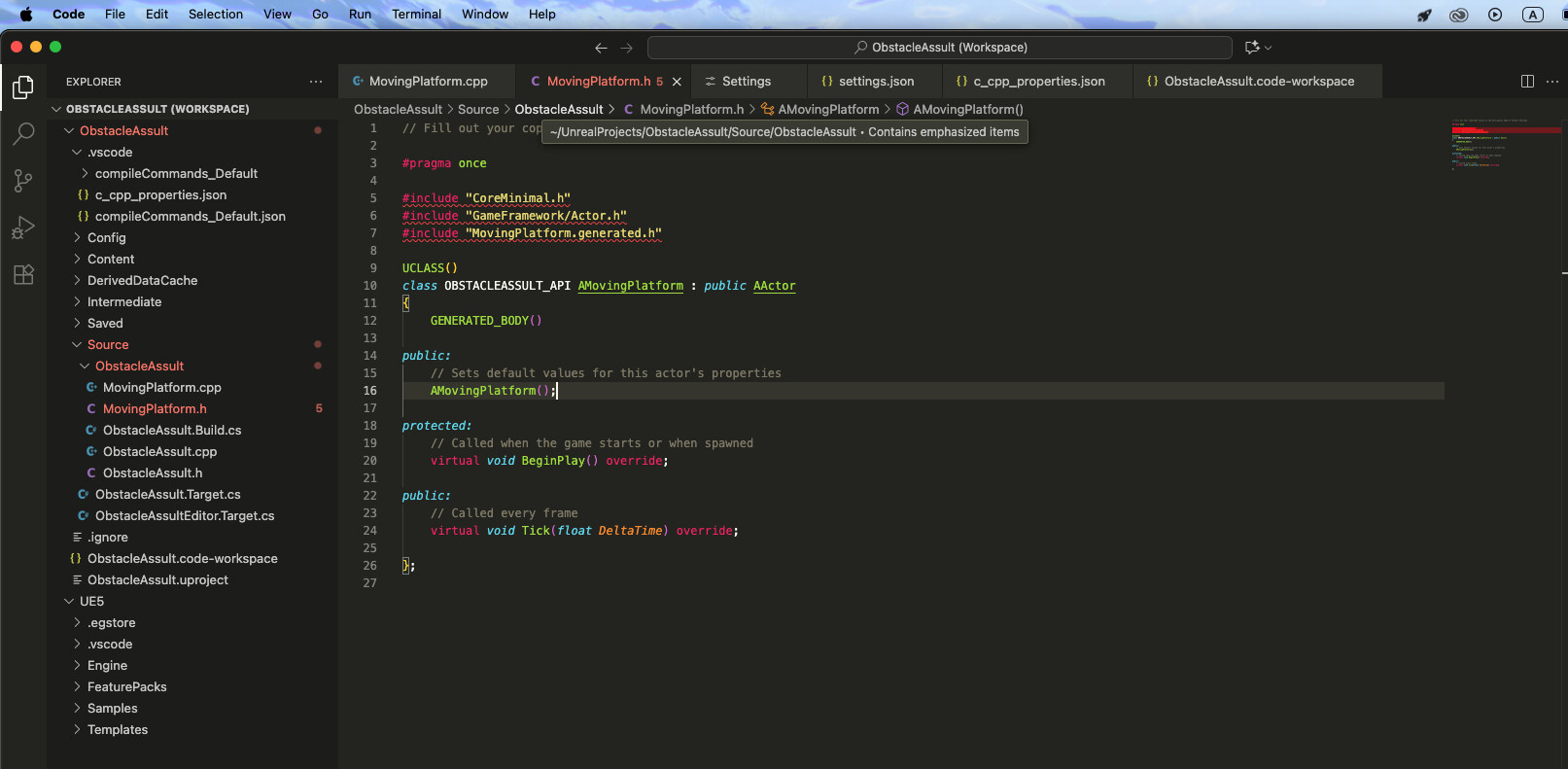
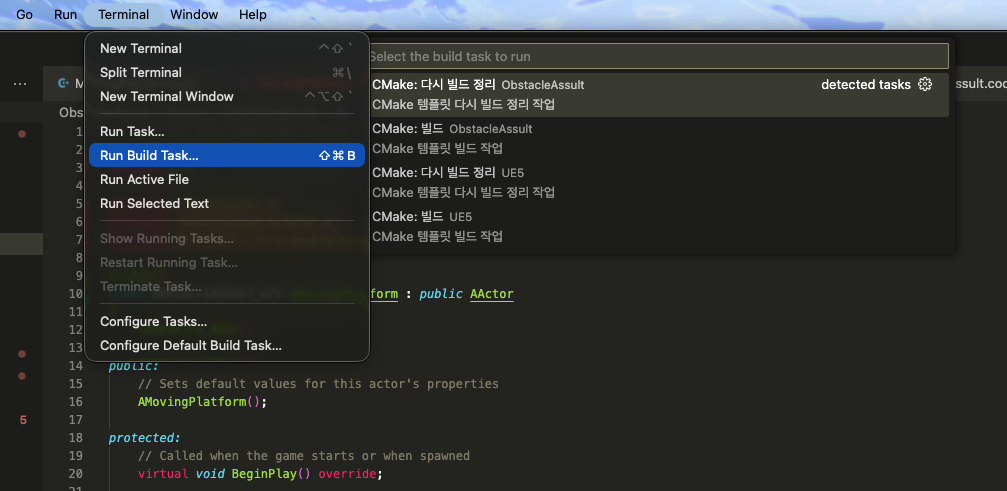
Please ignore the Korean Letters, those doesn’t have something to do with this issue.
There’s no options to choose.
I’ve read many other related issues that other students had been through, but I couldn’t figure out the exact solution that I need.
I’ve tried deleting the project and re-doing the whole project setup process and trying “Refresh Visual Studio Code Project” more than 10 times. It still doesn’t work.
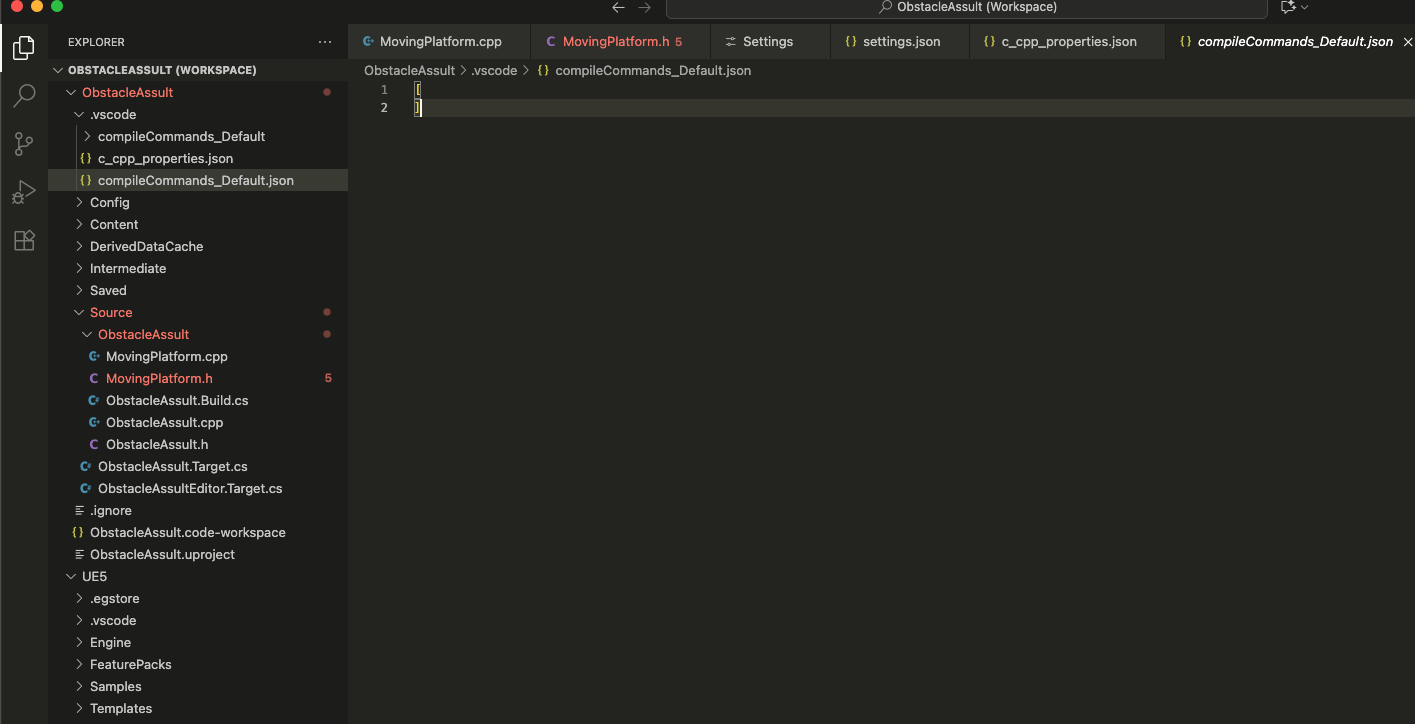
this is the file “compileCommands_Default.json” in .vscode directory. It is completely empty even though I do “Refresh VSC Project”
{
    "configurations": [
        {
            "name": "Mac",
            "compilerArgs": [
                "-isysroot",
                "/Applications/Xcode.app/Contents/Developer/Platforms/MacOSX.platform/Developer/SDKs/MacOSX.sdk"
            ],
            "macFrameworkPath": [
                "/Applications/Xcode.app/Contents/Developer/Platforms/MacOSX.platform/Developer/SDKs/MacOSX.sdk/System/Library/Frameworks"
            ],
            "cStandard": "c17",
            "cppStandard": "c++20",
            "intelliSenseMode": "clang-x64",
            "compileCommands": [
                "/Users/hoon/UnrealProjects/ObstacleAssult/.vscode/compileCommands_Default.json"
            ],
            "includePath": [
                "${workspaceFolder}/**",
                "/Applications/Xcode.app/Contents/Developer/Platforms/MacOSX.platform/Developer/SDKs/MacOSX.sdk/usr/include",
                "/Users/hoon/UnrealProjects/ObstacleAssult/Intermediate/Build/Mac/ObstacleAssultEditor/Development/**",
                "/Users/hoon/UnrealProjects/ObstacleAssult/Plugins/**",
                "/Users/hoon/UE5.4/Engine/Source/**"
            ],
        }
    ],
    "version": 4
}
And I also tried to add “includePath” property in the c_cpp_properties.json file and it still doesn’t solve the issue.