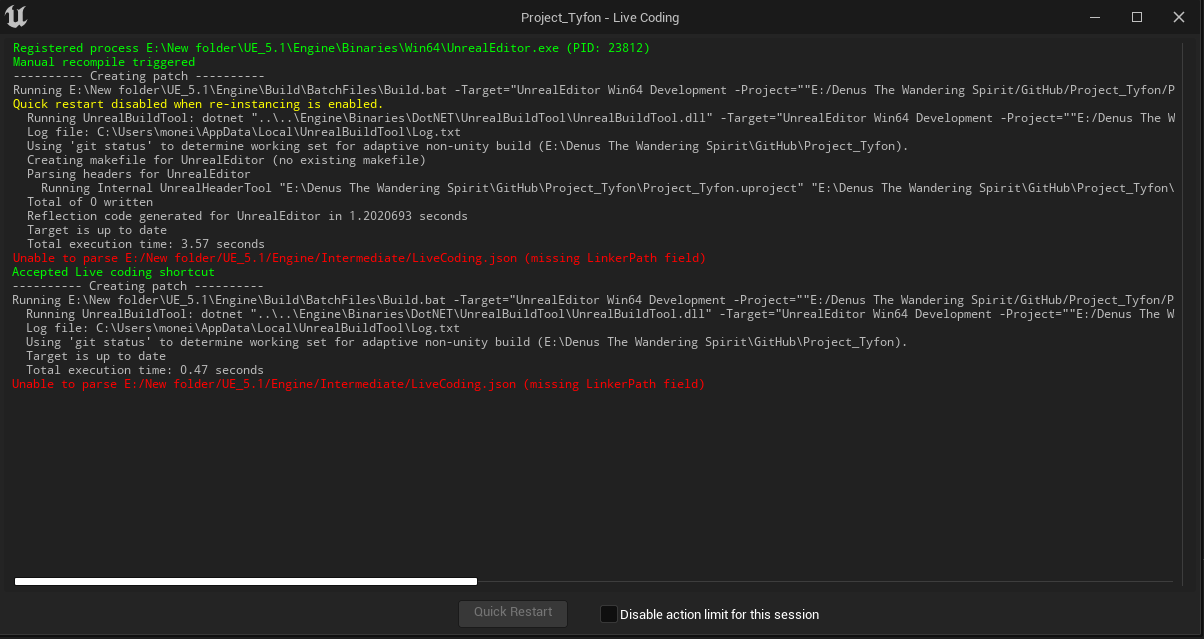
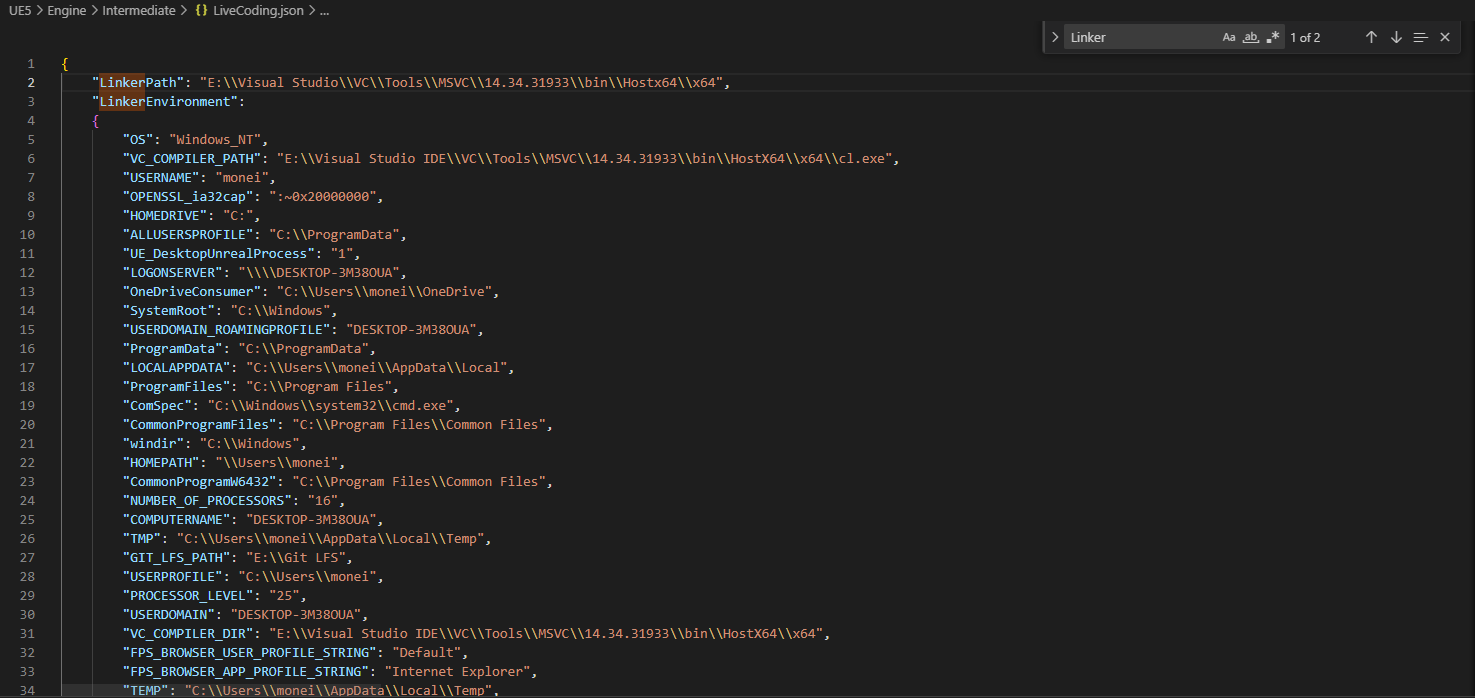
Hi. I downloaded my Unreal project from a repository on a different PC that I was working on and have an issue with live coding with Unreal once I pushed it from GitHub. When I try to create a new C++ class, it doesn’t compile and gives me that error. In the LiveCoding.json file, there should be a code line for a “LinkerPath” but there’s none. I tried to write it by myself using my other PC file as a reference and it looks for the link.exe in the specified folder, but when I try to save the json file and compile it with live coding, it deletes it and brings the error again.
Do you see the linker in that path?
My apologies, I attached the wrong image. This is the correct one.

That link.exe should be the linker, but it still deletes the whole line after using live coding.
I think you misunderstood? I meant, if you go to that path, do you see it?
Oh. Yea, I see the .exe in the folder.
Could you try verifying your engine?
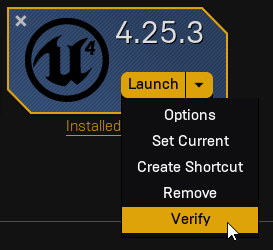
I verified the engine and there’s still the same issue.
Are you able to compile using the build task?
Yes, it compiles in visual studio as usual, but in Unreal, C++ classes don’t appear, and if I try to create a new one, live coding doesn’t work. Also, the button on the bottom right for live coding is not there. I checked in the Editor settings and Live Coding is enabled.
Are you using the right task? Could you show what you are using?
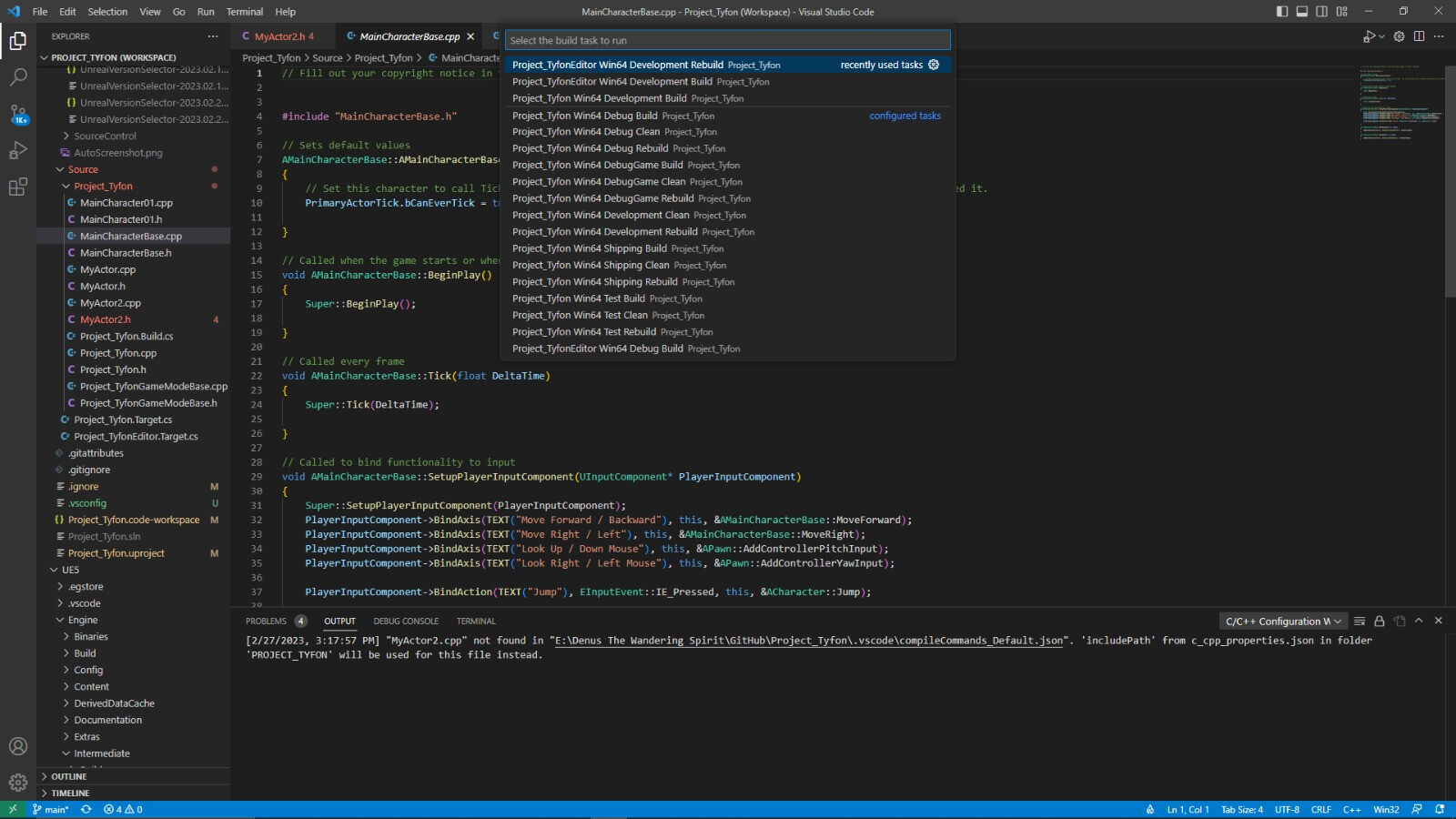
I’m using the second task on the list. It says I used rebuild recently because I was looking for a solution in another forum.
Are you sure the task is executing successfully? Could you show the output?
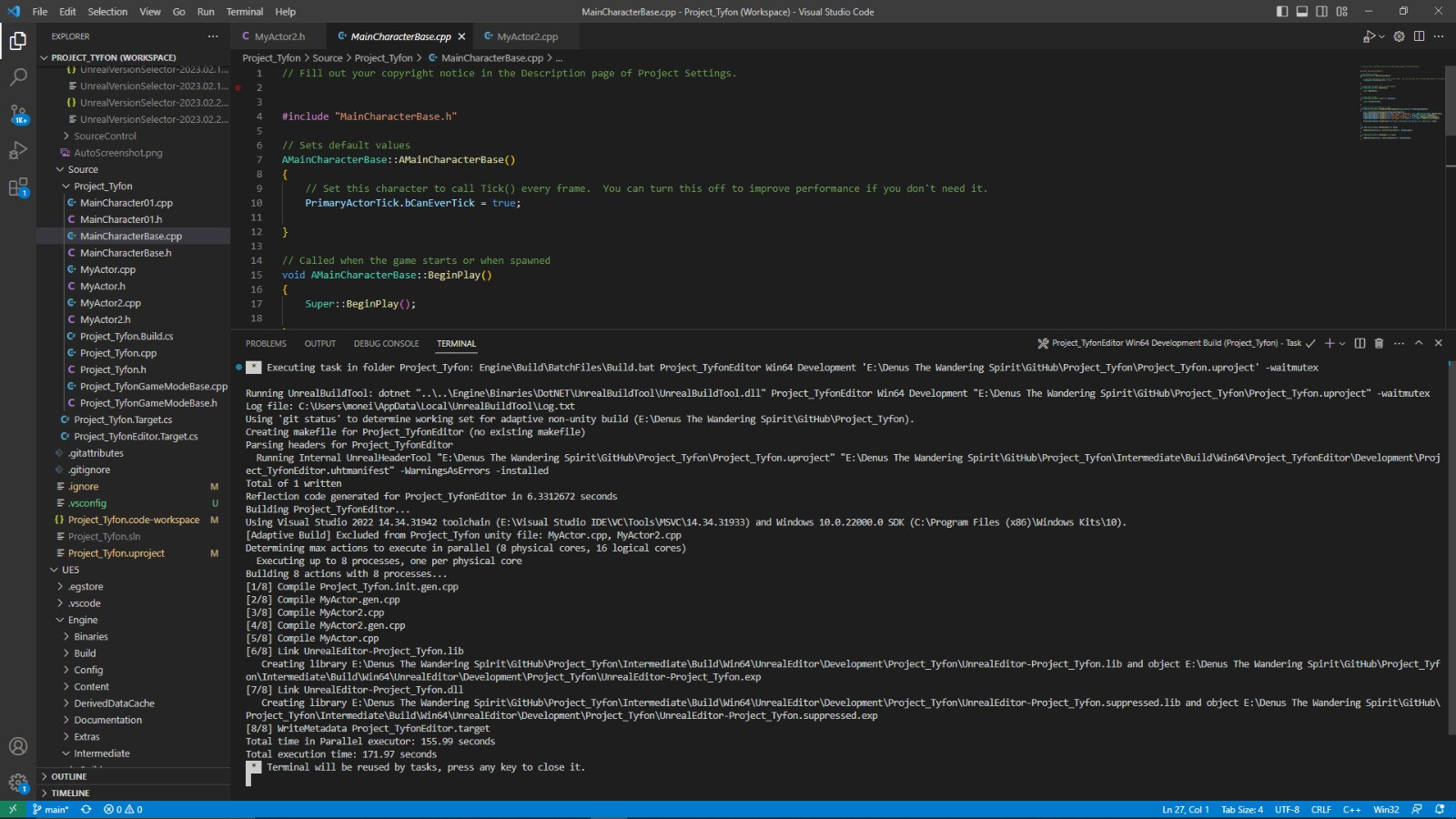
Apparently, it executes without any problem but I still cannot see any C++ classes in Unreal nor create them.
Would you mind showing that?
After trying some solutions I managed to resolve it by simply deleting the entire project, re-downloading it from GitHub, and generating the project files after. Thanks for the follow-up on my problem!
This topic was automatically closed 20 days after the last reply. New replies are no longer allowed.