Still doesn’t work for me… I’ve tried everything. So far, the only thing that works is VS Community. I just wish it wasn’t so bloated!
Update:
I figured it out. You must download the .NET Framework 4.7.2 Developer pack. Restart VS Code, and viola, it works. I should also mention that Omnisharp ModernNet is still checked, for me.
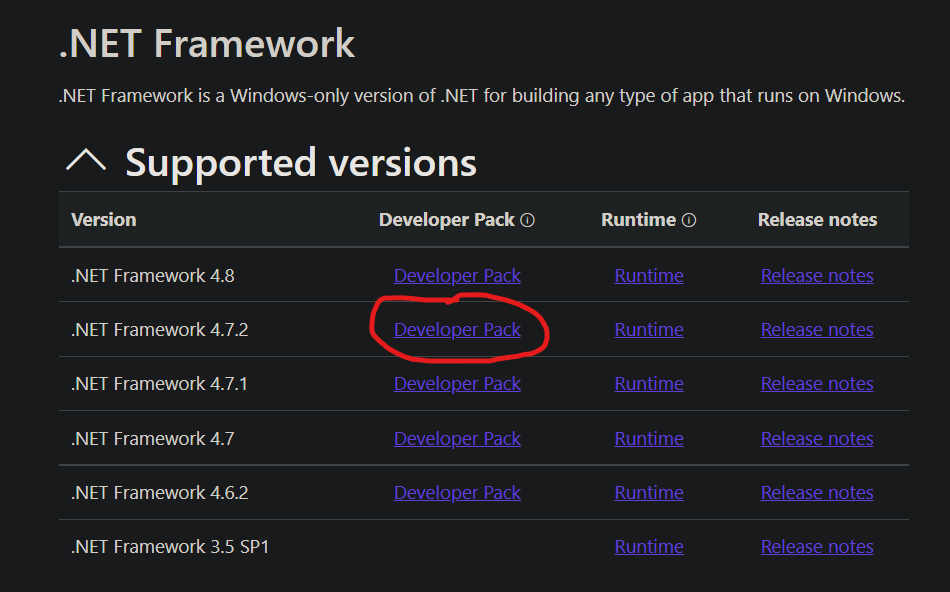
So, to recap:
- Download VS Code
- Install Unity Snippets and C# (if not already installed
- Download .NET Framework 4.7.2 Developer Pack
- Change external editor in Unity to VS Code (Might need to restart if you don’t see it)
- In the Start() function, type “transform” and see if intellisence is working. It should be!