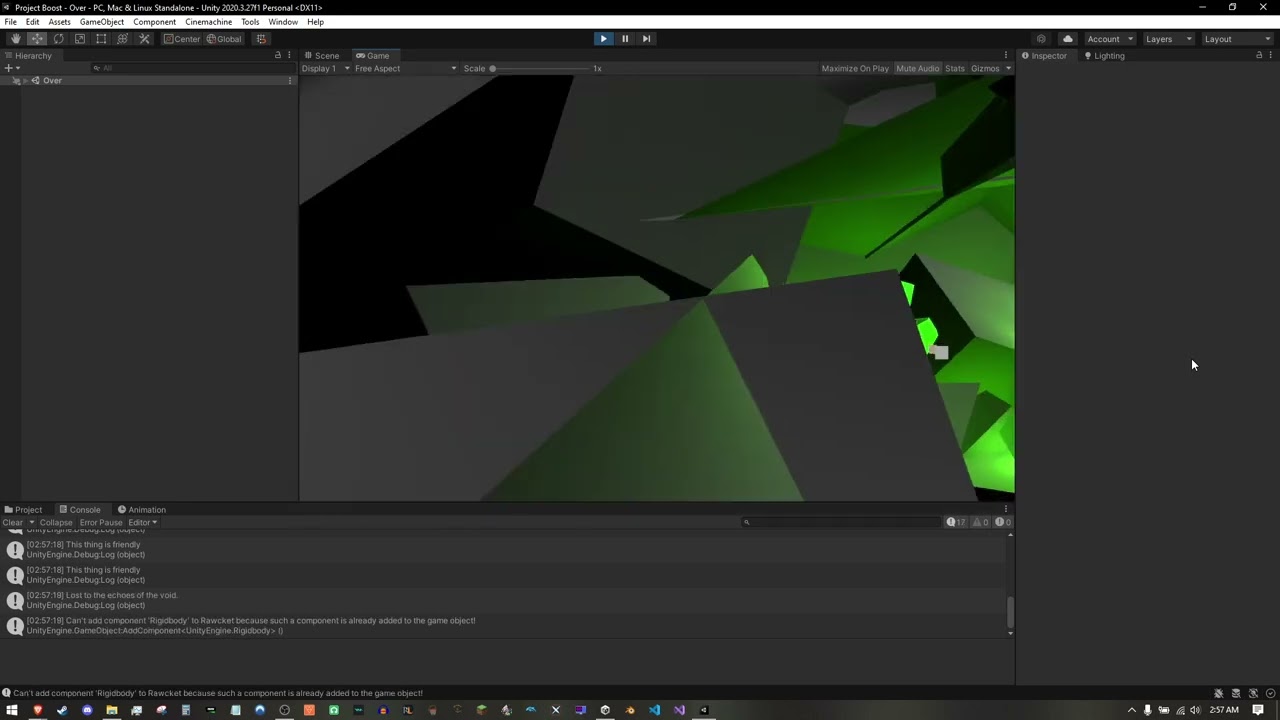
So I used Solitar86’s code to make my rocket explode when it impacts obstacles, but I’ve found that this can cause CineMachine, which is set to follow the rocket, to fly around wildly.
Is there a way that I can disable CineMachine when it collides with something? I mention “disable” because I read that when CineMachine is disabled, the normal camera takes over. I’m thinking that when CM is turned off, the normal camera will take back over and be frozen to where ever CM placed it.
I’ve been looking for a solution to this problem for about a week before I decided to ask, mainly because I wanted to at least try to fix it on my own!
I am thinking I would write in something under the Crash Sequence part of our code, but I am unsure. The documentation on Cameras and CineMachine is a bit confusing to this new developer.
I would say: Try to disable the cinemachine object to see what happens. Or have you already tried that and encountered a problem?
Simply test your ideas. That’s the best way to learn. The worst thing that could happen is that your game crashes but you could easily fix that issue by undoing your changes.
That’s the problem that I am running into lol. I cannot for the life of me figure out how to disable CM. Tried looking online a number of times and keep coming up empty handed, and my own attempts don’t seem to get me anywhere.
Having read up on CinemachineBrain, I don’t quite think that’s what I can use to fix my problem. I’m just trying to figure out how to make the camera not transform when my crash sequence starts.
A lot is going on during runtime. For this reason, it is recommended to rule out a potential source of problems by removing that source. It does not matter what you read elsewhere because you can never know for sure unless you tested something. In the worst case, you’ll waste hours, days or even weeks just because you assumed that something was not causing the problem while it actually was.
how to make the camera not transform
What do you mean by that? Make the camera/transform what?
You are correct, I apologize if I came off as dismissive. This one little thing has me so frustrated and I unsure why! When I posted that it was after an hour or two of tacking some whacks at it to see about getting it to run, and I think I was letting my frustration get the better of me.
Transform as its position. I’m trying to get the camera to freeze in place after the rocket crashes. I uploaded a short video to YouTube to better show what I’m trying to say.
No worries. You didn’t come off as dismissive. I just wanted to point out that our computers are unpredictable. That’s why we have to check “everything”, especially those things that appear to be correct. Many problems are so obvious that we miss them because they are too obvious. That might sounds like a contradiction but it is just a programmer’s everyday life.
I still think that the easiest way to solve your problem is by disabling the chinemachine brain but I did not test that. If that’s not possible for some reason, the state driven camera might help, which makes things more complicated, though, because you would have to add an animation controller. However, there are lots of tutorials online, so this is a relatively easy solution because you could simply follow a tutorial on Youtube.
You could also try to set the Follow property of the Virtual Camera to null during runtime. I did not test that either. Here is an example.
Please feel free to ask our helpful community of students for further advice over on our Discord chat server. Maybe one of them did what you want to achieve and knows a good solution.
How would you go about disabling the CinemachineBrain component? I’ve tried quite a few times to try and get it to be disabled in the crash handler, however I must be doing something wrong because I keep getting “NullReferenceException: Object reference not set to an instance of an object” errors.
These are some lines that I’ve added to CollisionHandler, and they do not work, but maybe we can work this out.
using Cinemachine
public class CollisionHandler : MonoBehaviour
{
CinemachineBrain cameraBrains;
}
You are on the right way but there are three problems with the syntax of your code:
The namespace in the first line is missing a semicolon.
The { after cameraBrains; closes the code-block, which makes the following code invalid. Methods must always be wrapped inside the code-block of a class.
<> takes in a name but not a string. Remove the “”. If you just added them in this forum, ignore this bullet point as long as you don’t use the quotation marks in your actual code.
Is the CinemachineBrain object attached to the same game object as the CollisionHandler component? If not, you cannot call GetComponent to get the reference (“link”). Use the [SerializeField] attribute and assign the reference manually.
If you don’t remember how to do that, check your Rocket class (or however you named it). The thrust particle system was referenced manually.
Apart from this, your code should work if you fix the syntax errors and assign the reference manually. At least, the CinemachineBrain component should get disabled when StartCrashSequence gets called.