I have the red underline on the #include line. The error is “cannot open source file “crtdbg.h” (dependency of “iostream”)”
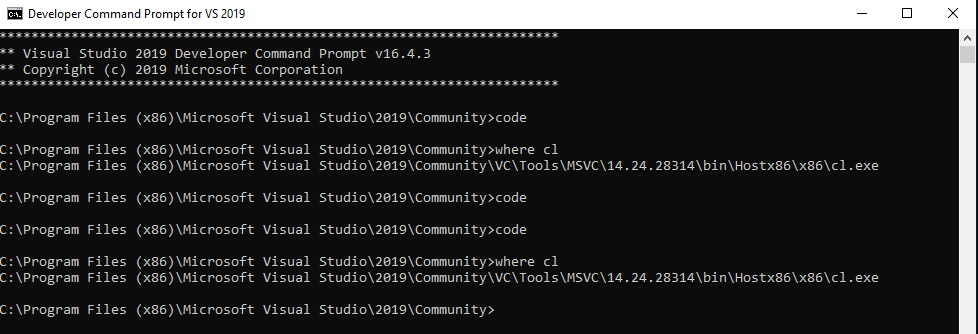
I have carefully followed the steps in lesson 17 to ensure that the compiler path is in there–I compared what was there by default to what came up after typing in “where cl” and it checks out.
Thanks for your response. No, it does not compile. It says:
“C:\Program Files (x86)\Microsoft Visual Studio\2019\Community\VC\Tools\MSVC\14.24.28314\include\yvals.h(12): fatal error C1083: Cannot open include file: ‘crtdbg.h’: No such file or directory”
Sure enough, I missed the Unreal Engine Installer tick box on the side. The red underline is gone now that it is installed, but the error is still the same when I compile. “Cannot open include file: ‘crtdbg.h’: No such file or directory”
I closed Code and reopened it from the developer command prompt and went through the steps again.
C:\Unreal Course\Section2>cl TripleX.cpp

C:\Program Files (x86)\Microsoft Visual Studio\2019\Community\VC\Tools\MSVC\14.24.28314\include\yvals.h(12): fatal error C1083: Cannot open include file: 'crtdbg.h': No such file or directory
I restarted my computer and now the error is gone and Hello, World finally printed!
Thank you for taking all this time to help me. Very sorry I missed that early checkbox. Now I know how to modify my installation if something like this ever comes up again.