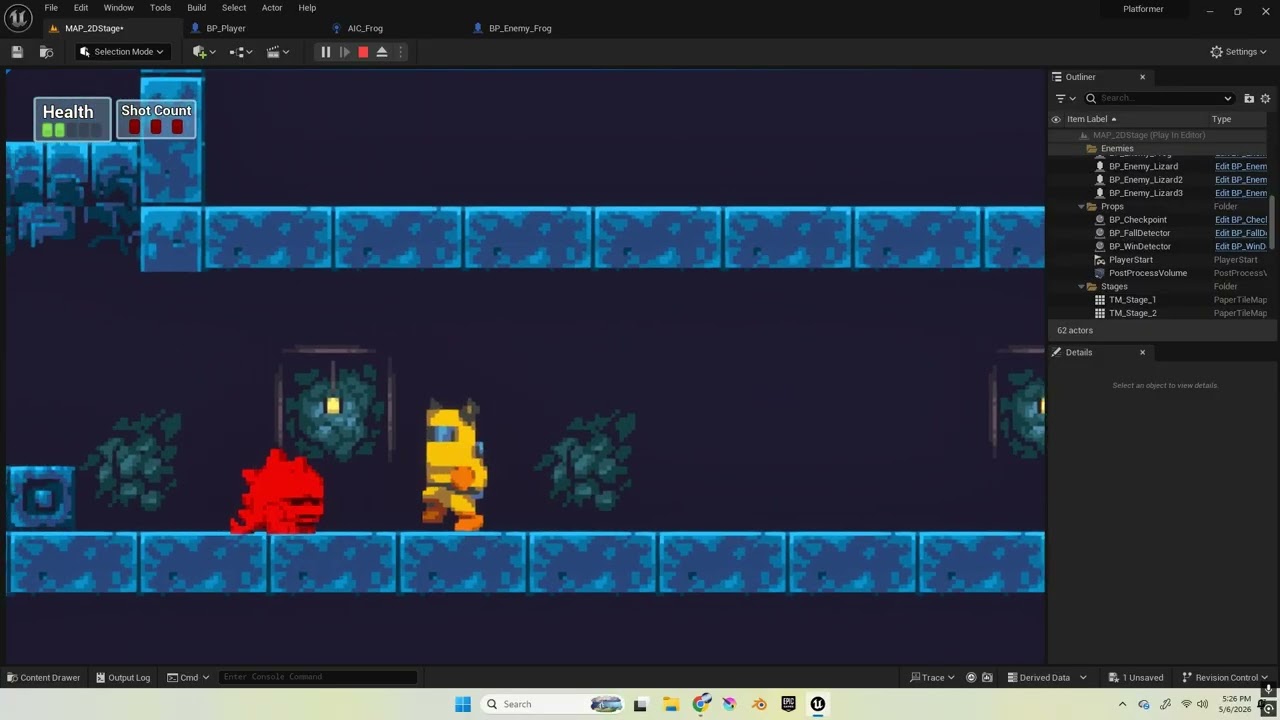
Hey everyone, I’m still alive! And I’ve gotten into Ue5 which has been a lot of fun! But I’m currently stuck on one of my enemy designs… it’s supposed to turn around and face the player when he enters the trigger zone, but I haven’t gotten it to work yet.
The bigger trigger is the one that triggers it to walk faster and to turn to the player. The problem is that if we’re both facing the same way, instead of turning around, it just keeps walking forward? I tried checking both of their forward vectors and then deciding off of that, but I couldn’t get that to work either.
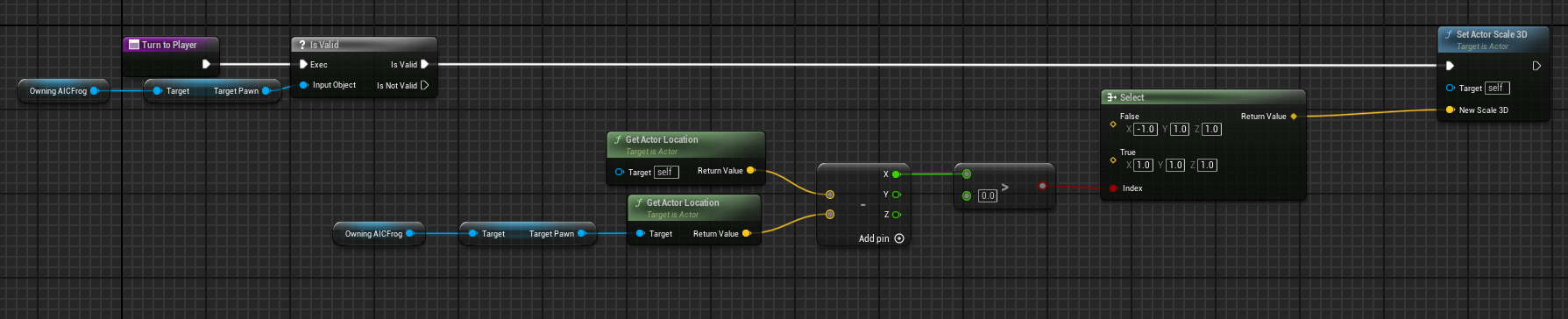
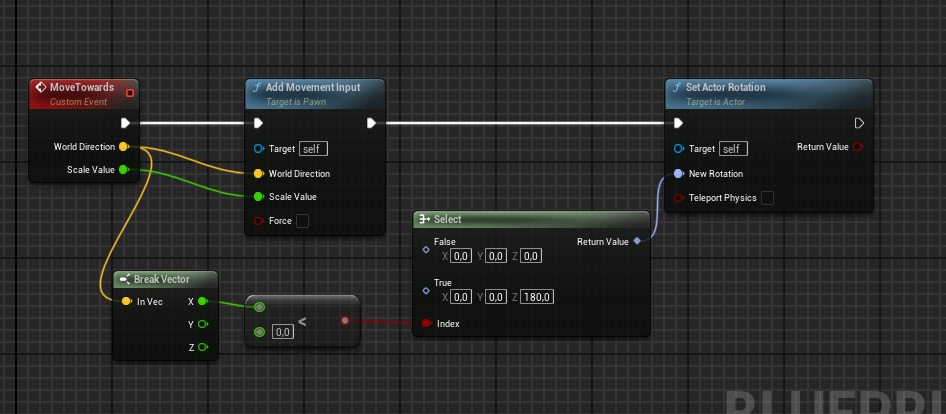
First, you need to get the direction of the enemy to the player and check the x-axis - if negative and facing right, change to face left, positive and left, face right. This is the simple bit.
The how you rotate, again depends on the way you’ve set the character up but you can apply a scale of 1 or -1 to the x axis of the sprite flipping in the correct direction. You can also rotate about z 180 degrees but generally scaling works better. It does depend however on the blueprint and if there are any other things in the character that needs to change sides (like for example, a launch point for a projectile) then rotation may be better - it has its own issues however.
Thanks for the reply, but I’m still having trouble with getting it to work. I tried this out, but now it completely stoped working, besides for doing a weird flip.
I did something similar two years ago in a tutorial, I think it was from CobraCode. I just checked, it still works. Maybe it helps, it looks very similar too.
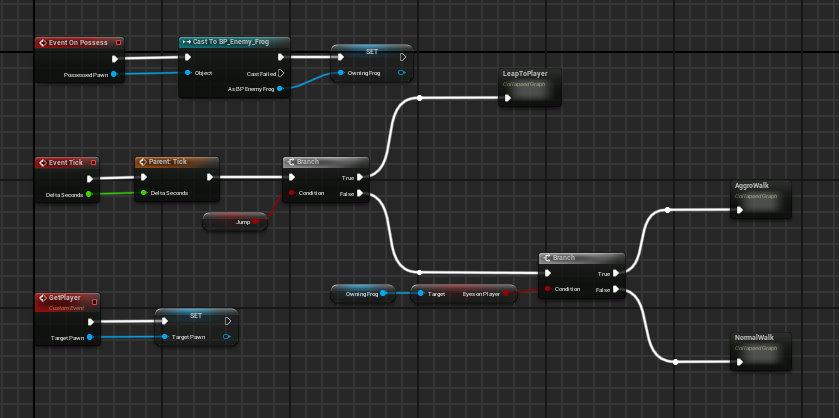
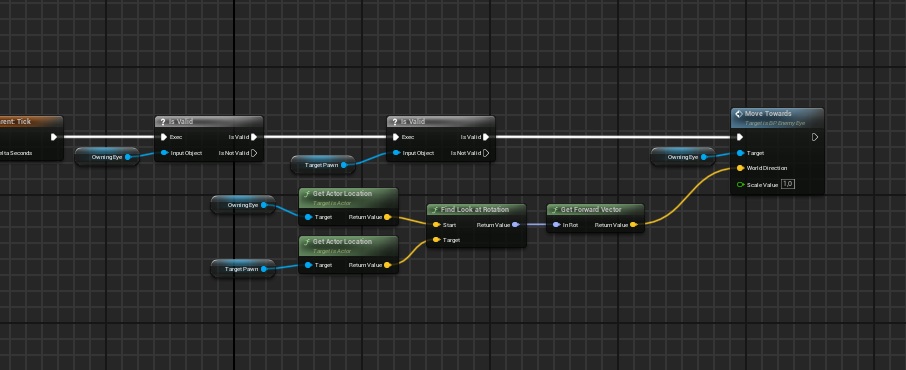
Thanks for the help ! But I actually just figured it out, and I feel so silly now ! Apparently my Target Pawn varibale didn’t have my character stored into it, and so once I changed it to Get Player Character it worked!




 ! But I actually just figured it out, and I feel so silly now
  ! Apparently my Target Pawn varibale didn’t have my character stored into it, and so once I changed it to Get Player Character it worked!