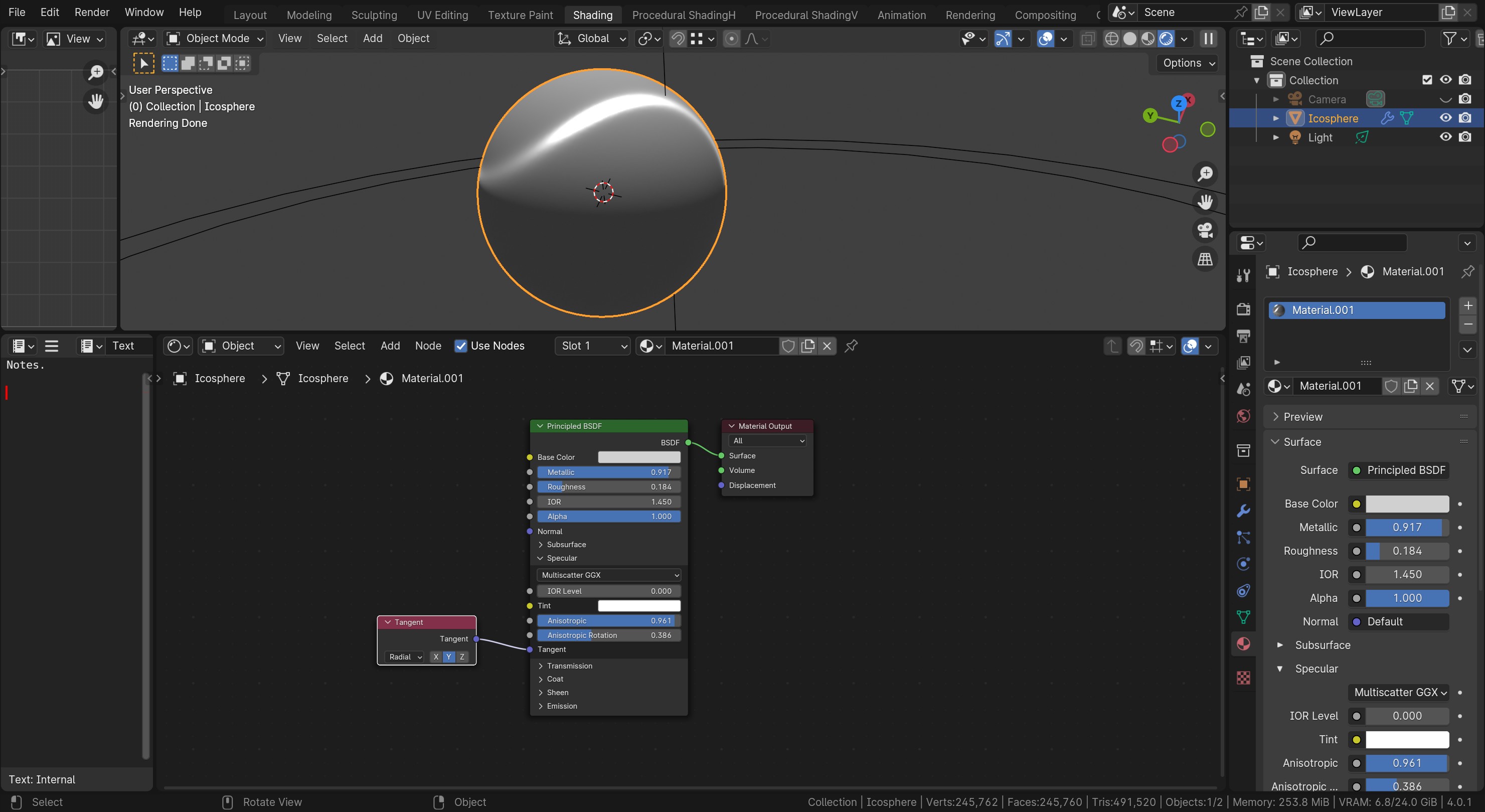
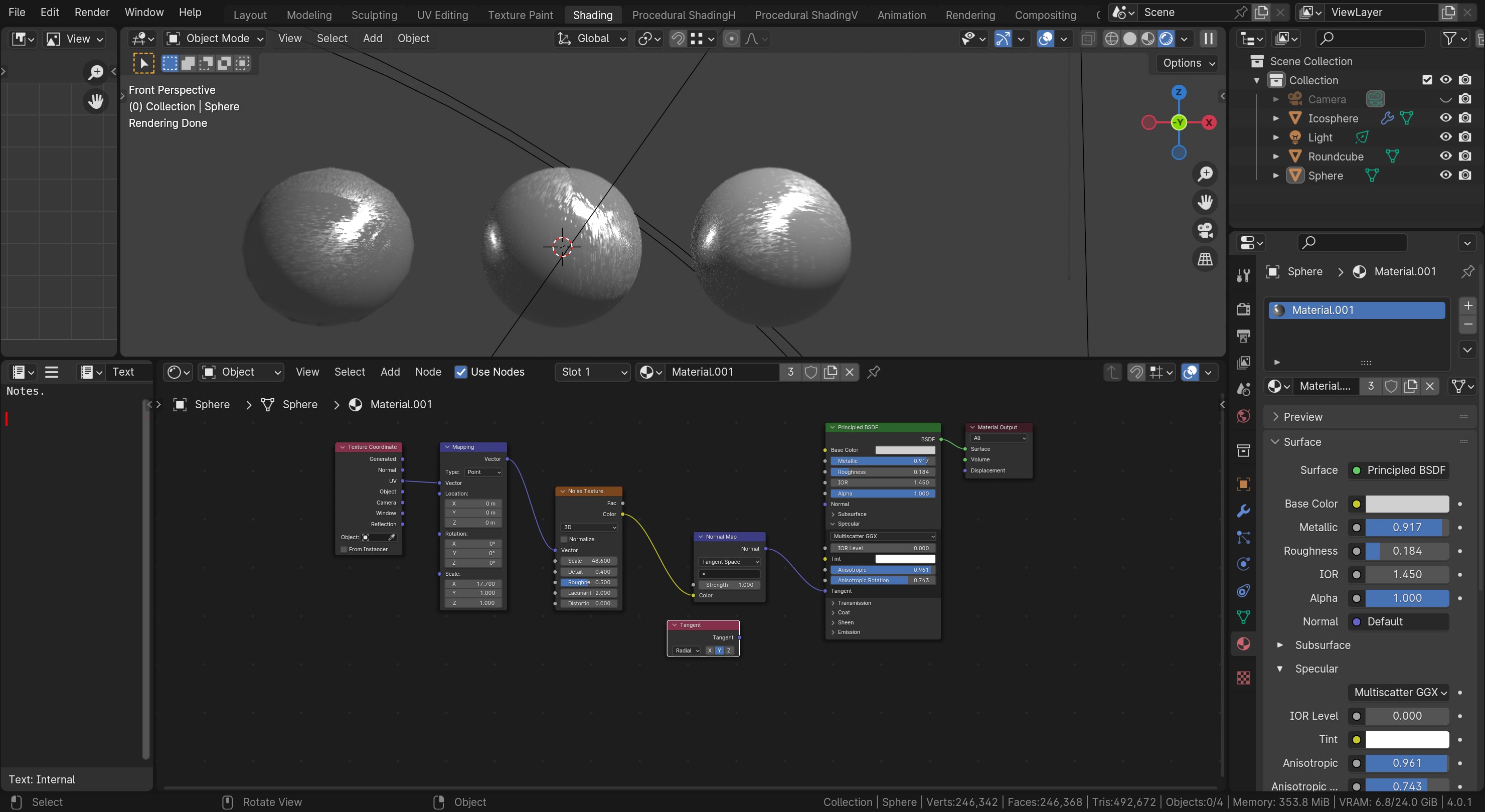
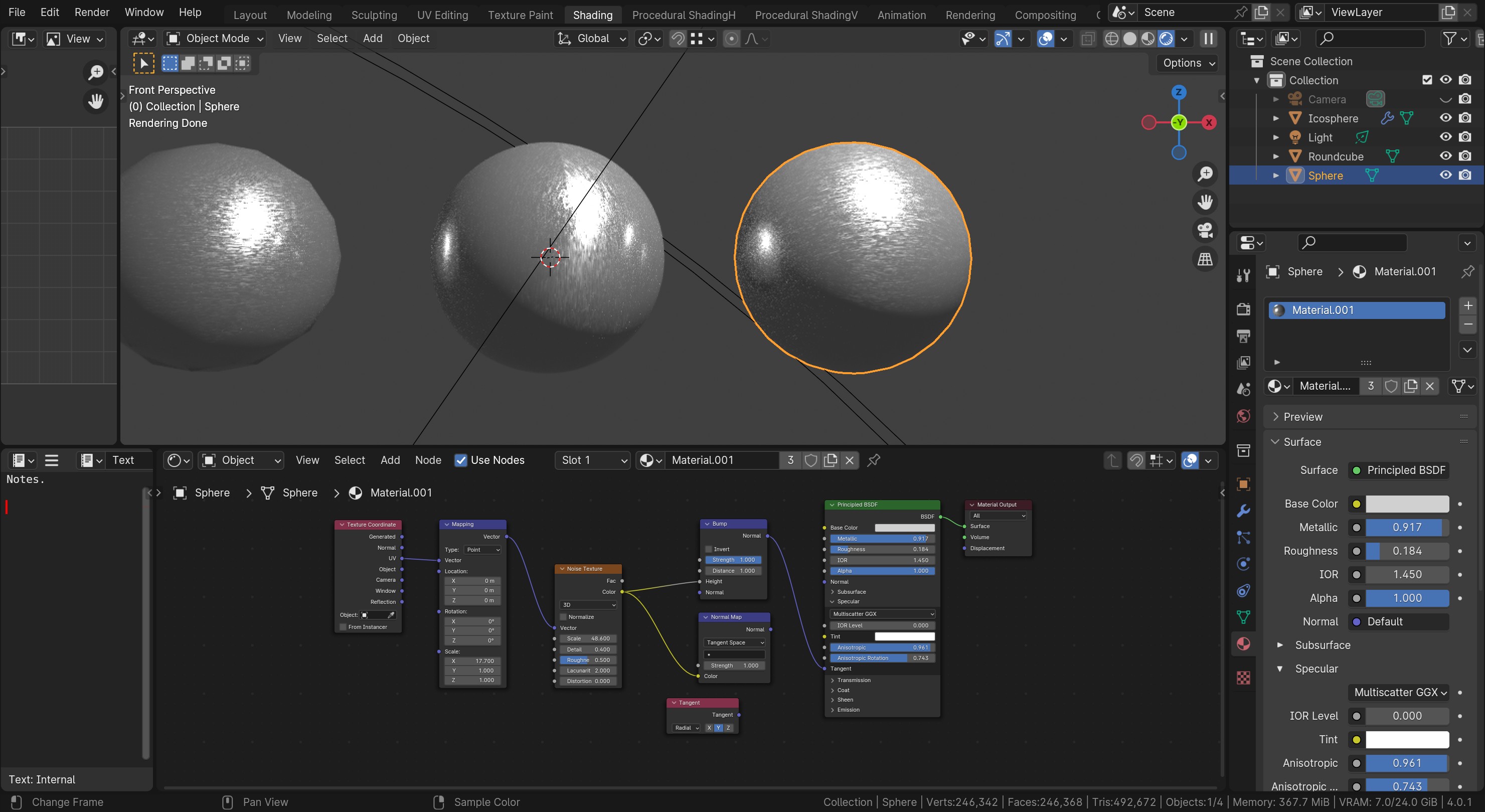
I’m working with the new Blender Principle BSD. Under the specaular section, I modfy the anisotropic value but I do not see the brush effect in the metal material.
Edit: I’m including how it looks as well as the node settings.
Indeed. I digged up some information on what FedPete suggested and I found some Youtube videos with some guidance but it is a more complex solution. So I skipped it for now.
First, It only works in cycles engine. Are you using cycles engine?
Second, You can only see it in the render shading mode. Are you perhaps in Material Preview shading mode?
Third, maybe add a tangent node and set to x or y. Some people use the UV Map option. then connect that to the tangent input.
Fourth, Look in bottom right corner of your Blender window. Is it 4.0.0 or 4.0.1 then you need to update to 4.0.2.