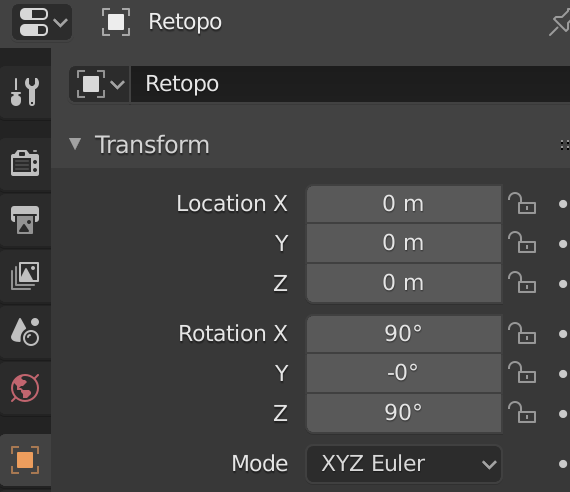
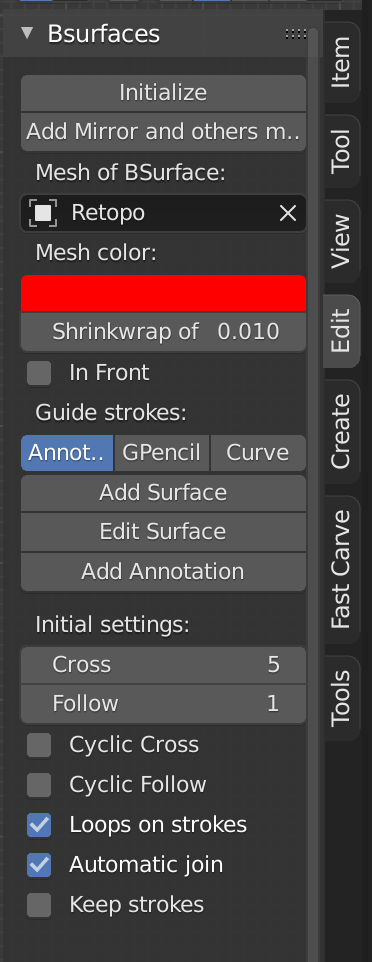
Here’s a small guide how to set up a (for example) clothes shrinkwrap :
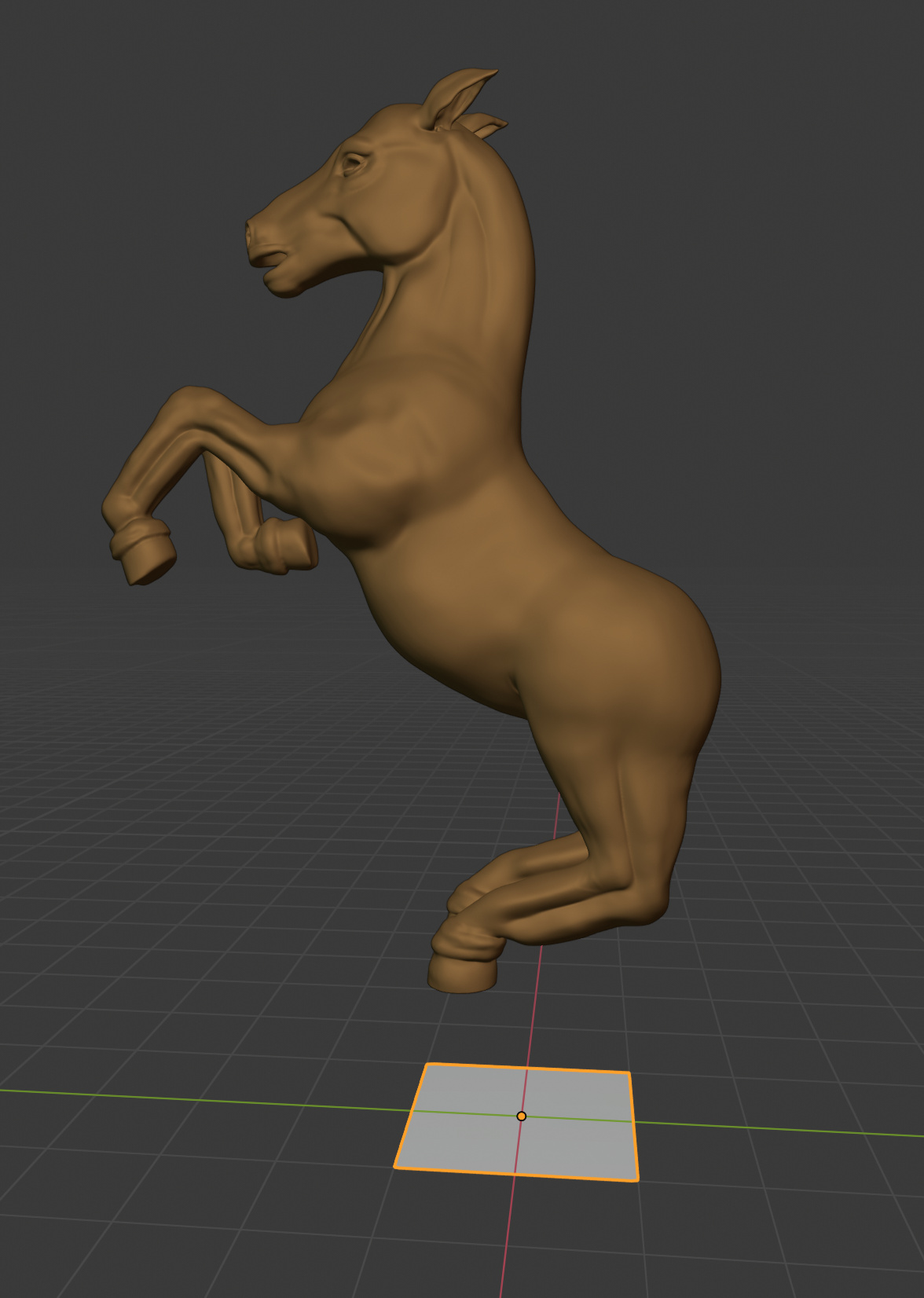
Create a plane.
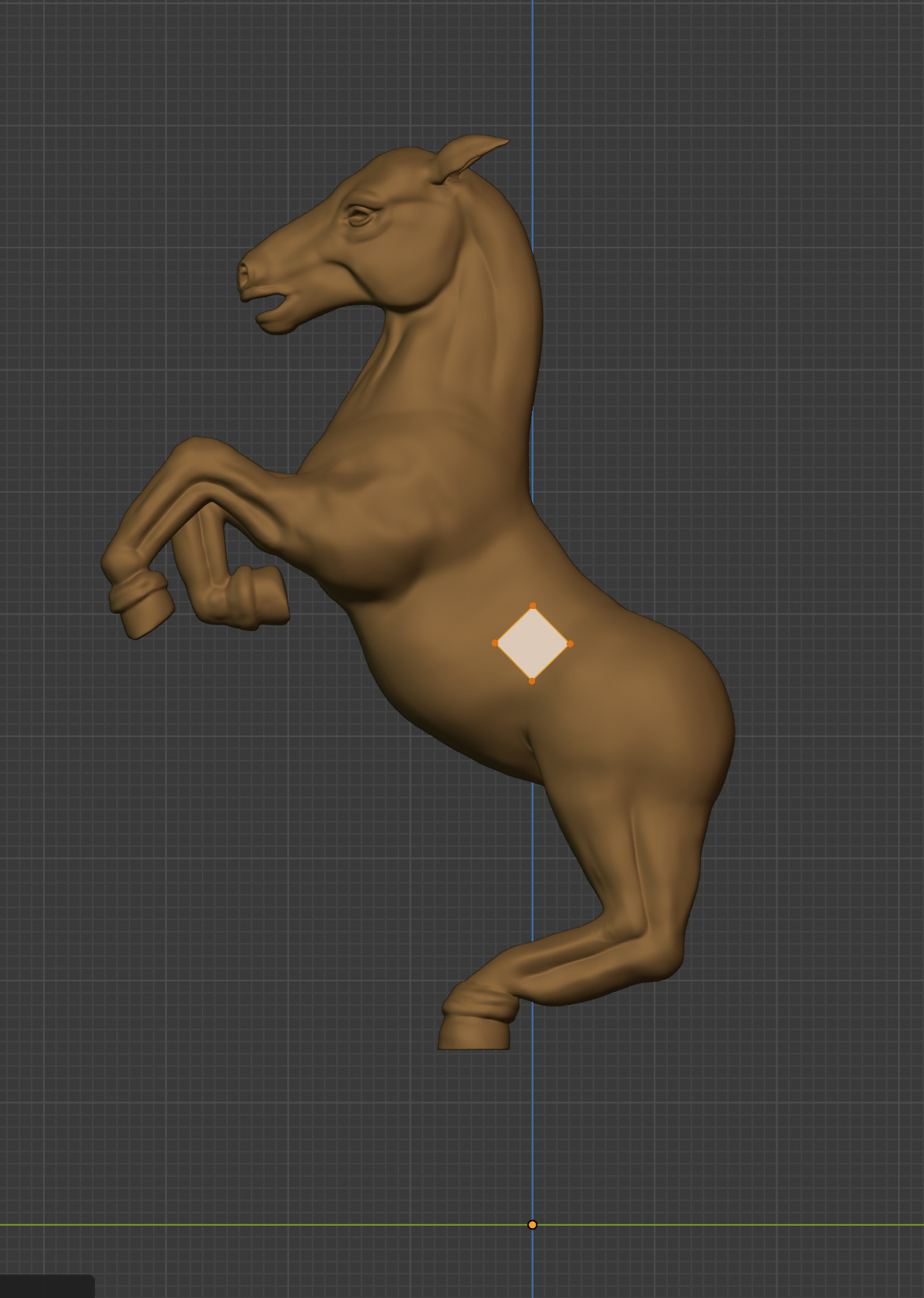
Switch to Edit-mode and move the vertices where you want the geometry to be.
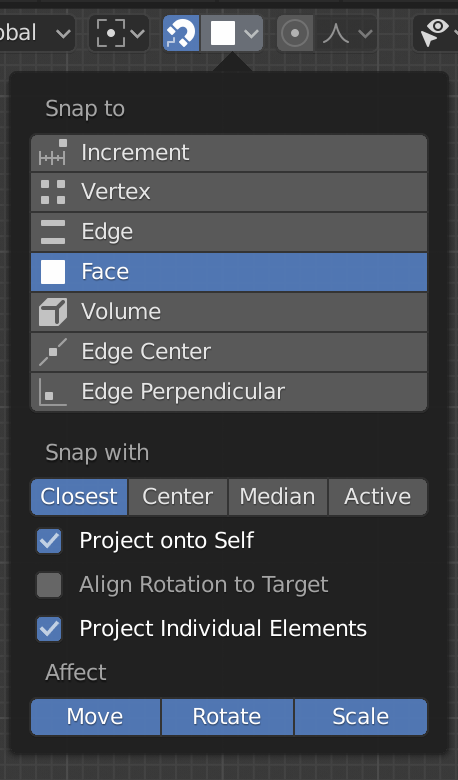
Activate the snappings setting and choose face and tick the box “project individual elements”
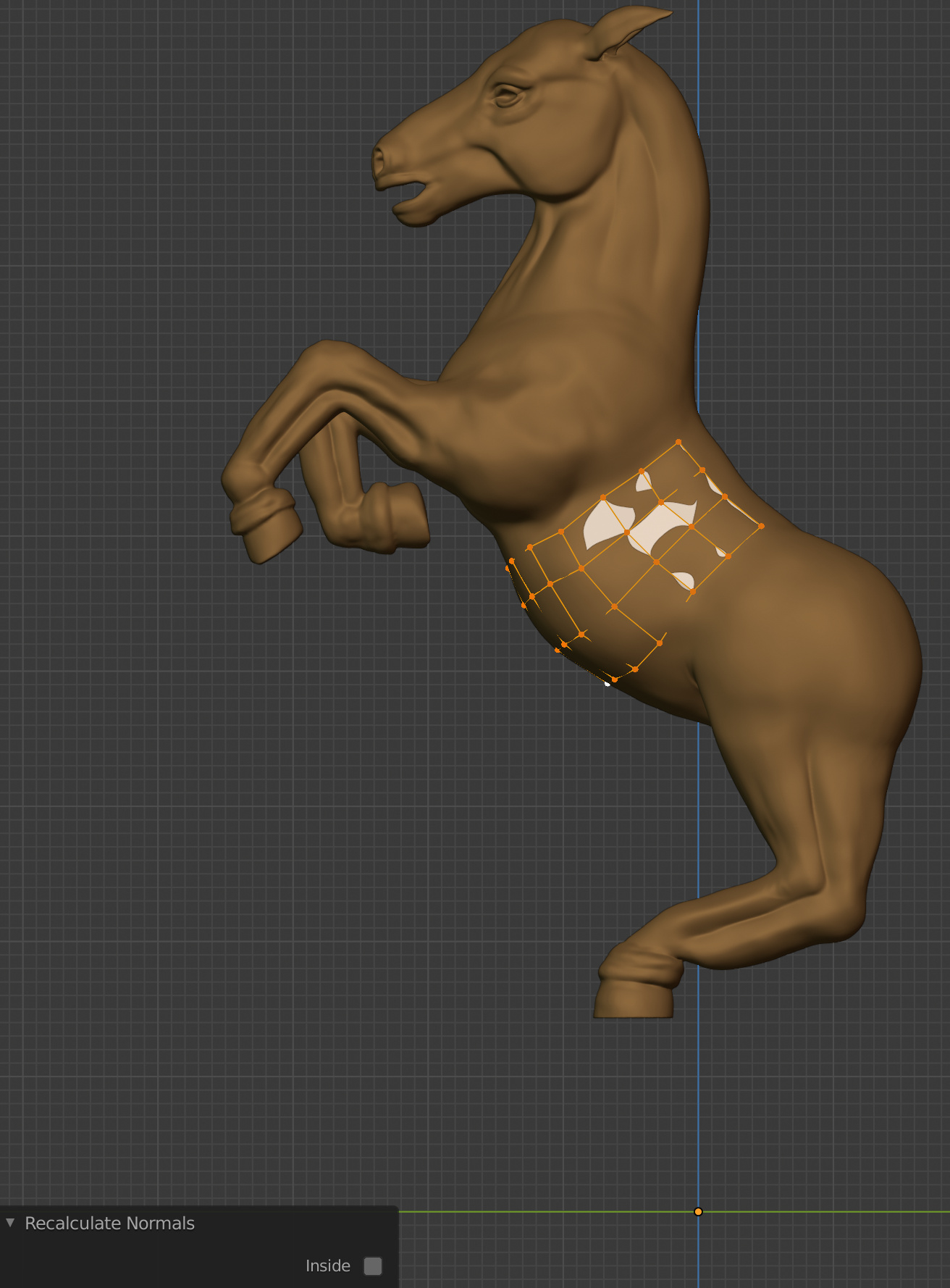
Expand your mesh the way you want, the vertices will snap to the surface now. In some cases they probably won’t, in that case select the specific vertex and press g and then left-click. Also, recalculate your normals, sometimes they face inwards.
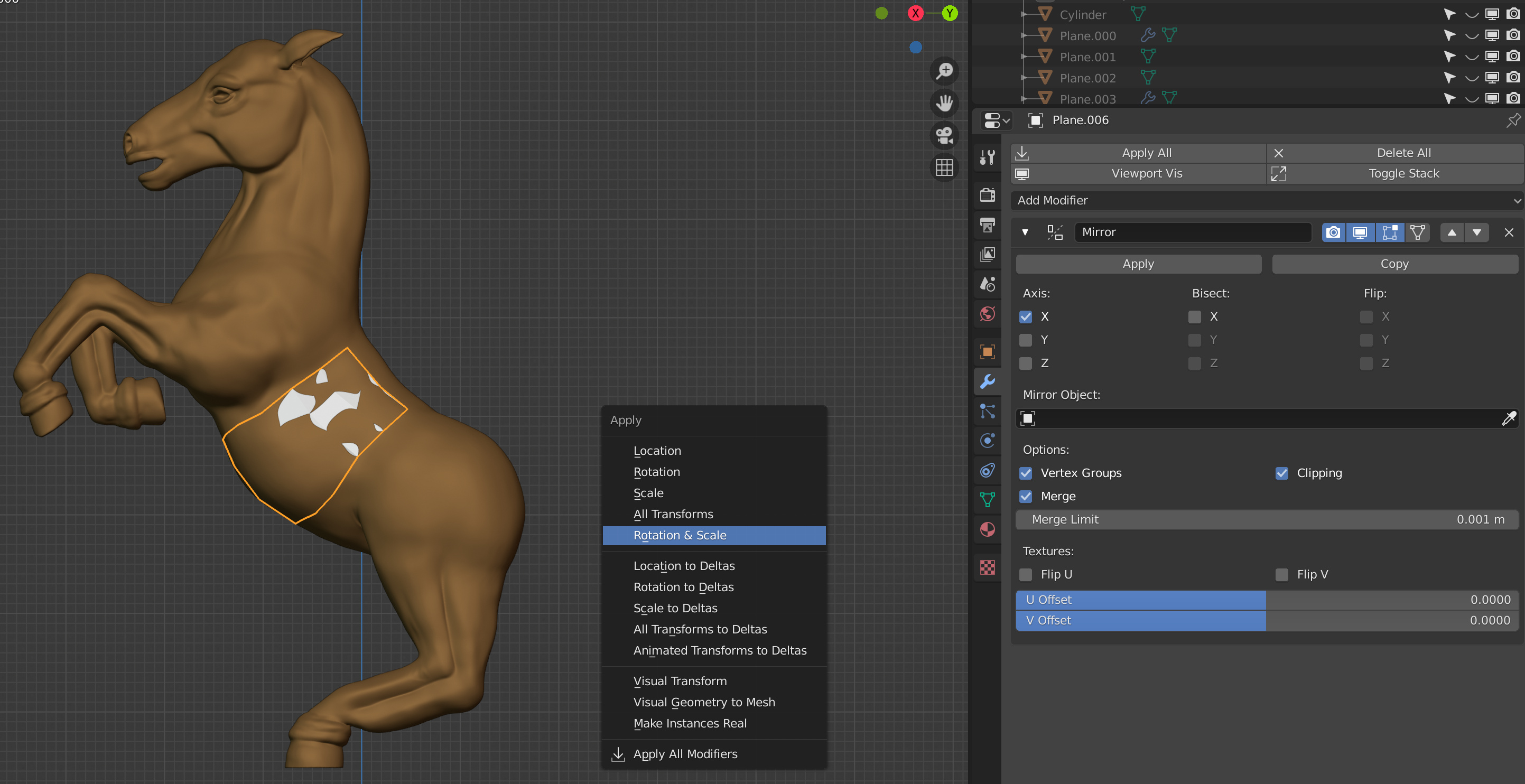
Add a mirror-modifier and in case you get a strange result, don’t forget to apply the rotation & scale. In case your mesh meets in the center, tick clipping to remove overlapping vertices in the center.
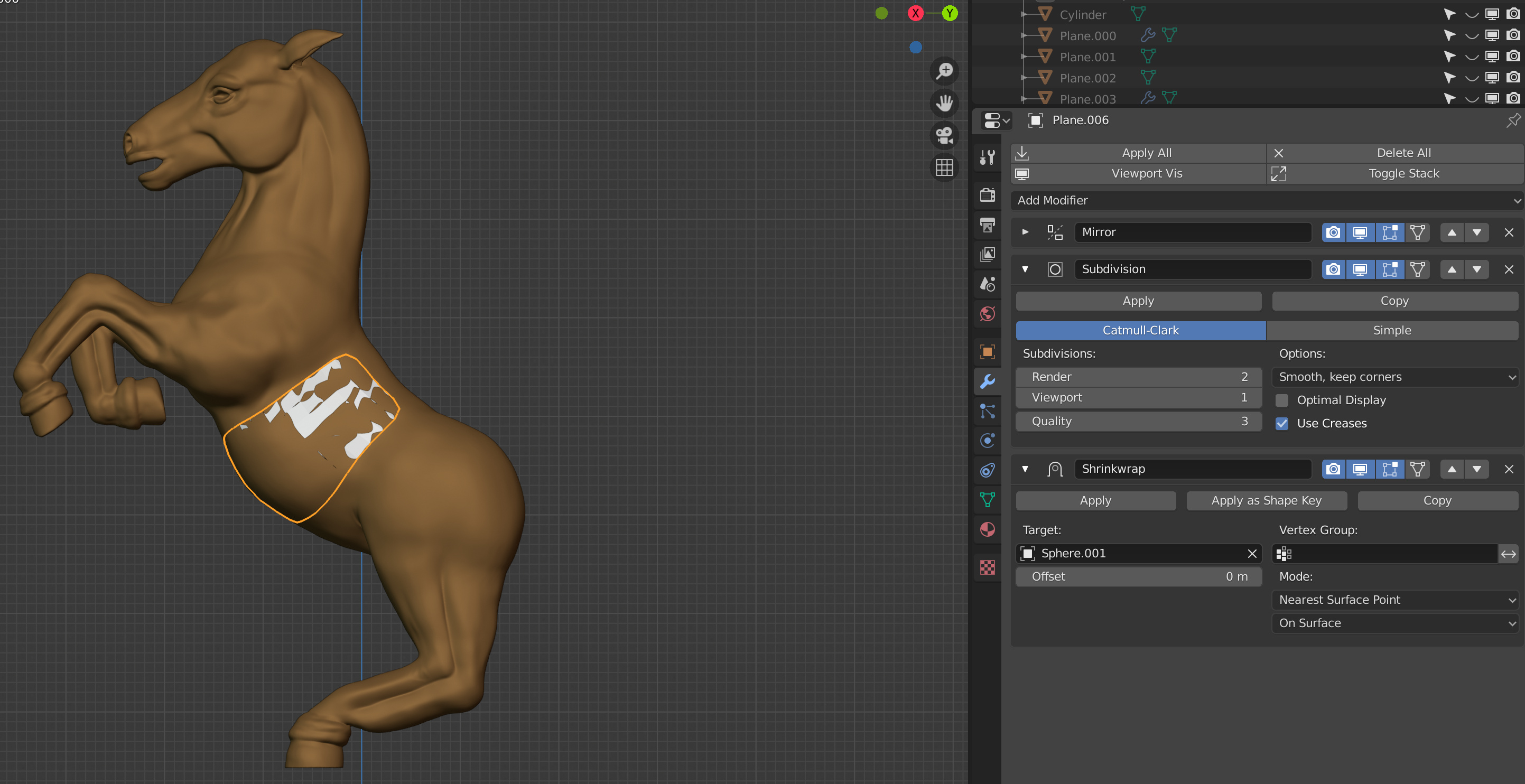
Now you can add a subdivision surface-modifier for a more smooth (but higher poly) mesh. Add the shrinkwrap-modifier and choose the object you want your mesh to wrap around.
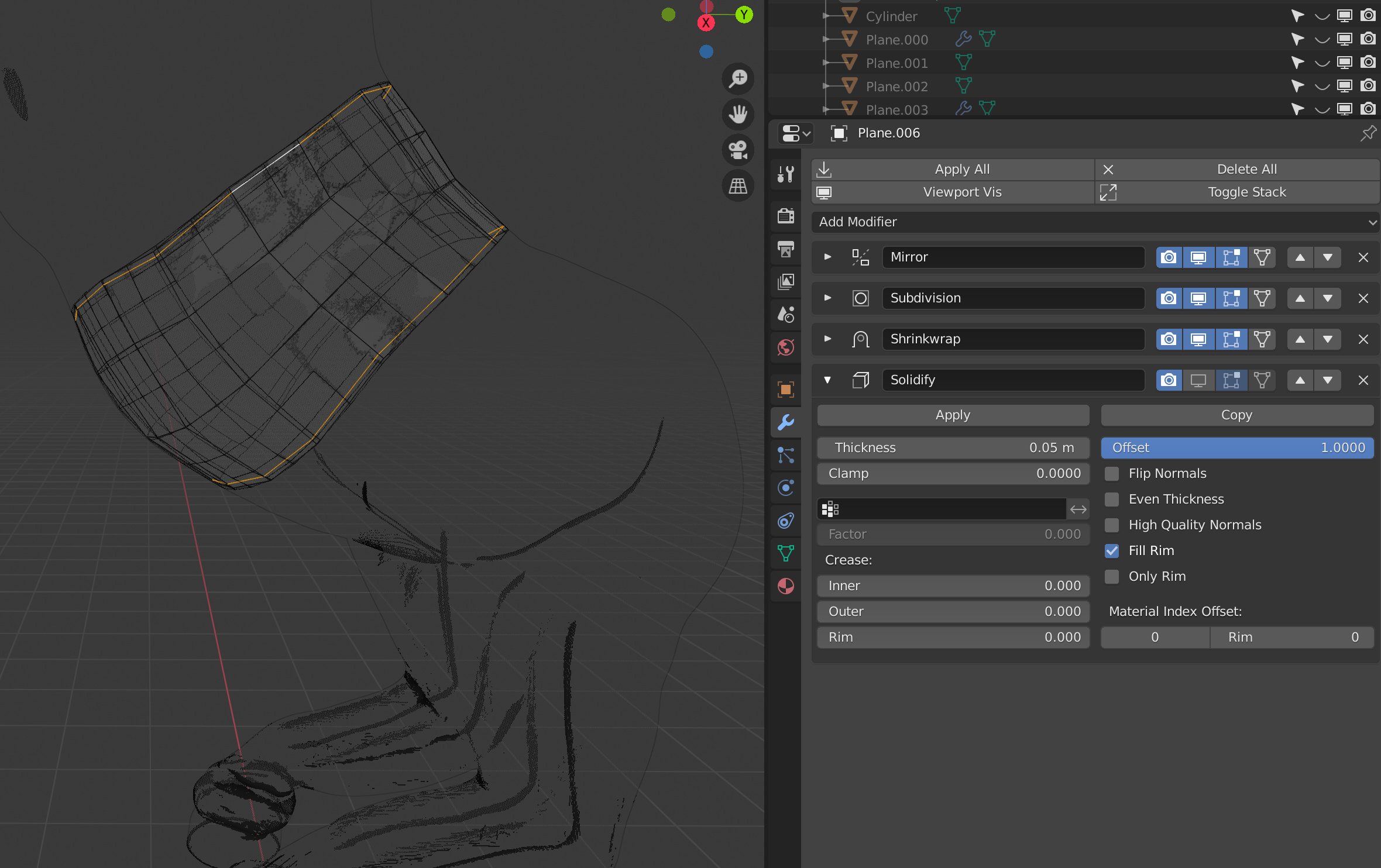
You can add a solidify-modifier now and choose a thickness you like. If you dislike the rounded look of the corners you could add supporting loops (orange edges), or change to position in the modifier stack.
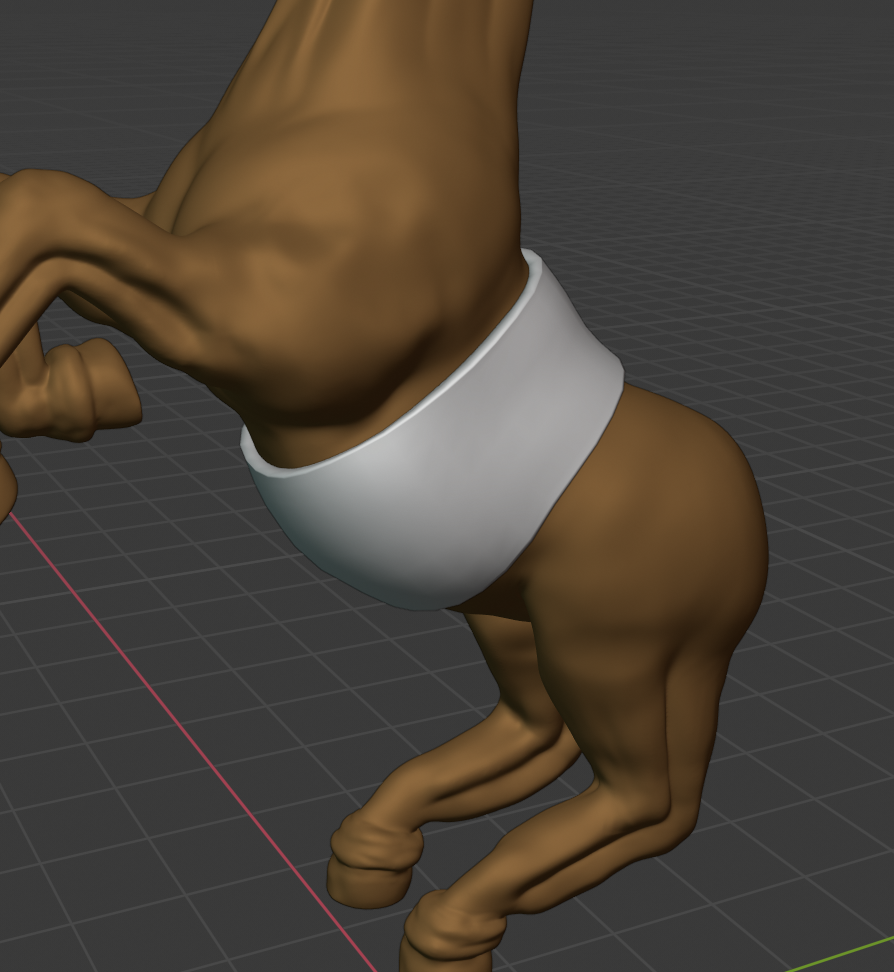

In edit mode, if you extrude edges or faces now, the modifiers will update the mesh accordingly.