How to rotate multiple moving objects relative to a point?

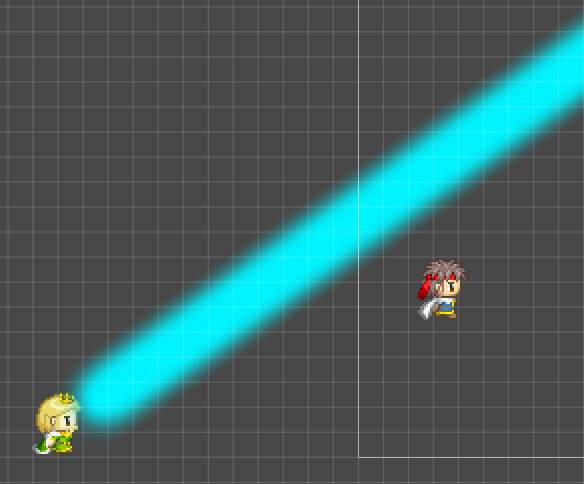
Basically, I would like to make this effect below using only GameObjects, that is, without using ParticlesEffects.


2

In the example above, I’m using ParticleEffects, but I need to do it without ParticleEffects because that’s how it was requested.

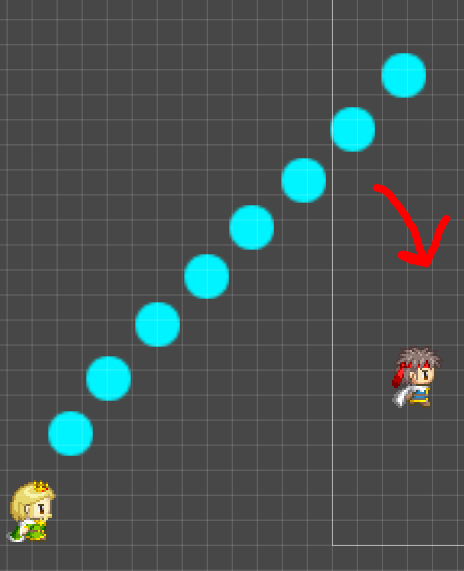
The enemy (blond man) is launching a cannon of objects that rotates along with the player (the one on top).

The issue is that I am not able to rotate the shots so that they rotate with the player. I tried putting the shots in a parent object and rotating that parent object, but that didn’t work either, I need them all to rotate relative to the origin point (blonde man).

Now I have several GameObjects being instantiated and they need to do the same movement

Can someone help me?

Thank you very much!

1 Like

Hi! Welcome to the community!

Something like this?

ezgif-2-88770735fc

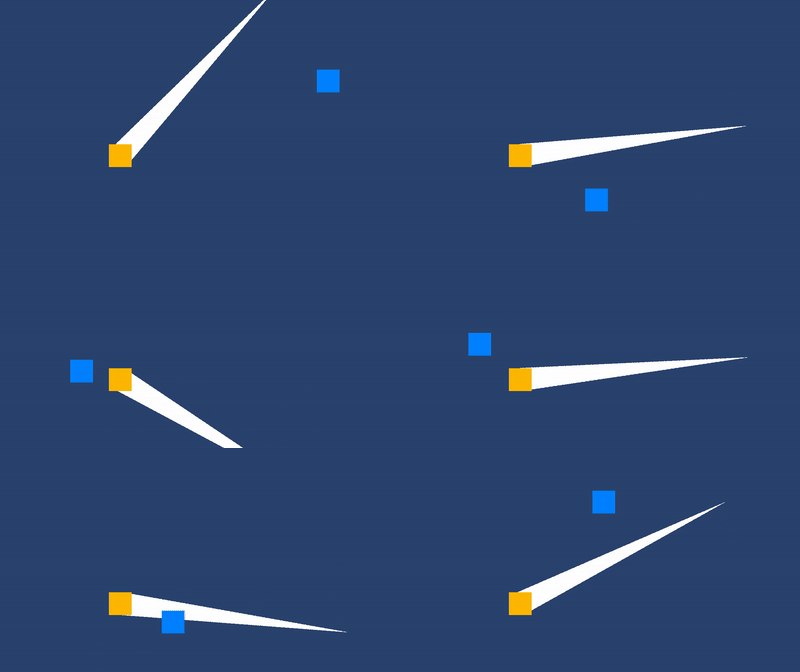
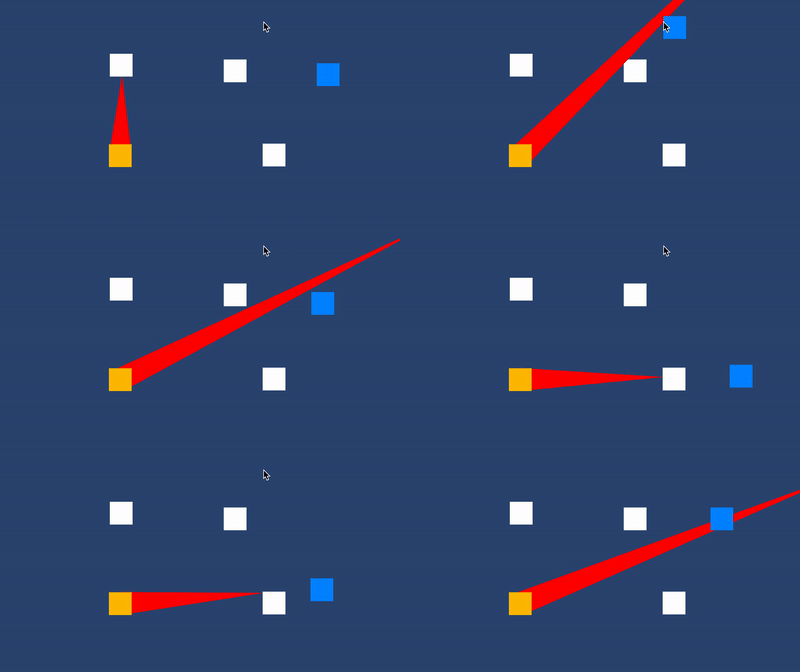
I did it with very simple math, you can do it with more complex math, but I wanted to keep it as simple and understandable as possible. Here’s a graphical representation of the variables I needed to calculate the rotation direction.

The steps to achieve this:

  1. Calculate the direction of the player in relation to the beam’s origin point. The origin point can be the blonde guy’s position, but I recommend having the pivot point of the beam in the same position as the Blonde guy, it makes things a lot easier.
  2. Calculate the angle between the player and the beam’s upward direction. Remember, the beam’s upwards direction changes as it rotates, you cannot use Vector2.up.
  3. Turn the angle into a 360º angle. This is required because the Vector2.Angle method only returns a max of 180º angle, and we need a 360º angle for this to work. To calculate this you need to calculate another angle, this time between the player and the beam’s right direction.
  4. Change the rotation direction based on the angle you just calculated.
  5. Rotate the beam at a certain speed.

Here’s the whole script:

    [SerializeField] Transform player;
    [SerializeField] float rotationSpeed;

    void Update()
    {
        //(1)
        Vector3 playerDirection = transform.position - player.position;
        //(2)
        float beamPlayerAngle = Vector2.Angle(transform.up, playerDirection);
        //(3)
        beamPlayerAngle = Vector2.Angle(transform.right, playerDirection) > 90 ? 360 - beamPlayerAngle : beamPlayerAngle;

        //(4)
        float angleSpeed = beamPlayerAngle < 180 ? rotationSpeed : -rotationSpeed;
        //(5)
        transform.Rotate(Vector3.forward, Time.deltaTime * angleSpeed);
    }

Hope this helps!

1 Like

Thanks for the answer!

In this case, this beam would just be a stretched gameObject, right? I even managed to do what you showed me using only 1 single gameObject, however, in my case I would have to send several bullets that when released together would look like what you showed.

My problem is how would I be able to launch all these gameObjects(last picture) and rotate them along with the player the way you showed. Even if I put them inside a parent object and rotate that parent object, they don’t rotate the same way.

I didn’t put it in the photo, but on the map there will be several collider objects, which would prevent me from using a single beam.

1 Like

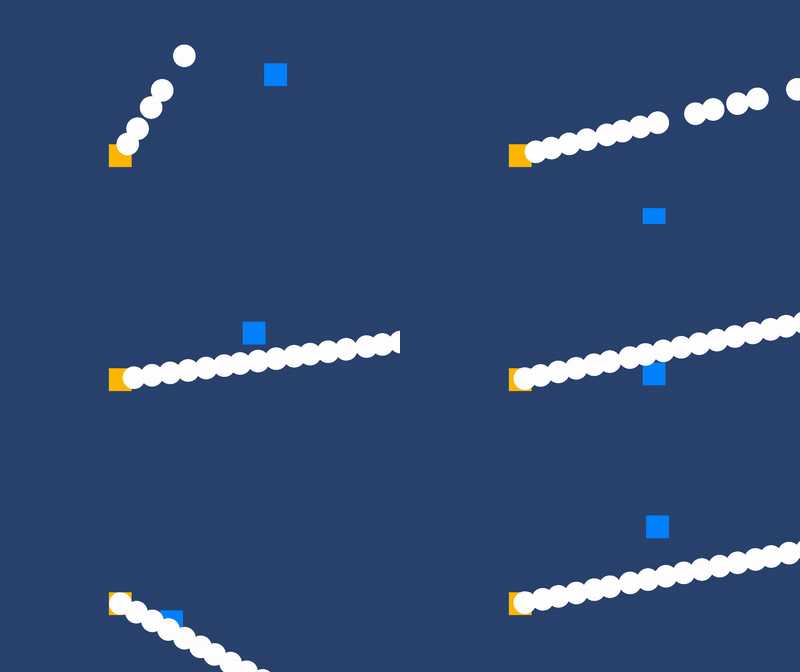
So, Something like a bullet hell?
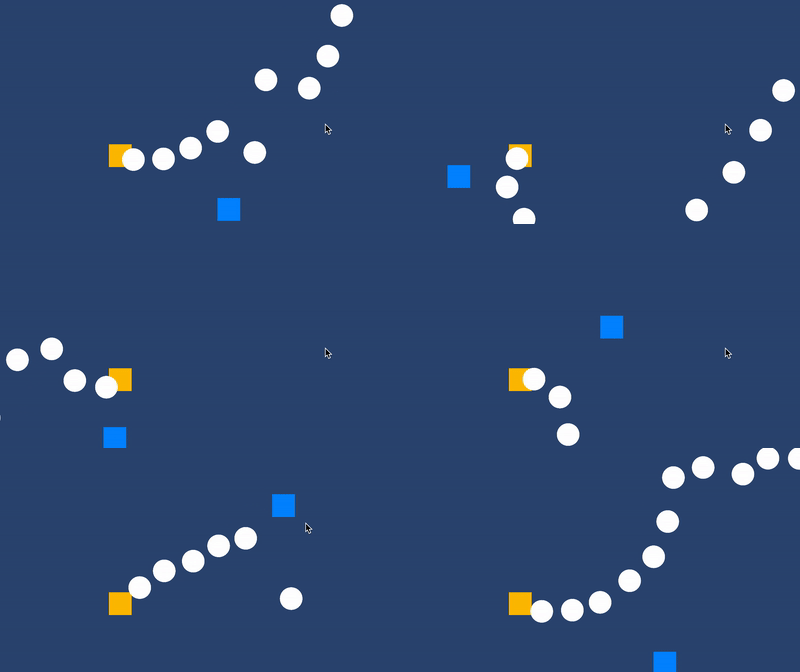
ezgif-2-e2e7cb1c35

Or a straight beam?

ezgif-2-4914d06514

The two follow a very similar principle, the only difference is how you manage the velocity.

In the first image, I didn’t parent the, let’s call them bullets just for the sake of clarity. I instantiated a bullet then set its movement speed, that’s it.

In the case of the straight beam, I needed to parent the bullets to the rotating object, but, the speed of each bullet is managed separately, each bullet will need its own script to update its speed as they rotate with the parent object.

I suppose you want the straight line, so here's the code.
public class RotateTowards : MonoBehaviour
{
    [SerializeField] Transform player;
    [SerializeField] float rotationSpeed;
    [SerializeField] float fireRate;
    [SerializeField] GameObject prefab;

    float fireTime;

    void Update()
    {
        Vector3 playerDirection = transform.position - player.position;
        float beamPlayerAngle = Vector2.Angle(transform.up, playerDirection);
        beamPlayerAngle = Vector2.Angle(transform.right, playerDirection) > 90 ? 360 - beamPlayerAngle : beamPlayerAngle;

        float angleSpeed = beamPlayerAngle < 180 ? rotationSpeed : -rotationSpeed;
        transform.Rotate(Vector3.forward, Time.deltaTime * angleSpeed);

        if (Time.time >= fireTime)
        {
            fireTime = Time.time + fireRate;
            Instantiate(prefab, transform.position, transform.rotation, transform);
        }
    }
}
public class Bullet : MonoBehaviour
{
    [SerializeField] Rigidbody2D rb;
    [SerializeField] float speed;

    private void Update()
    {
        rb.velocity = transform.up * speed * Time.deltaTime;    
    }
}

You could achieve the same effect with a single script and a loop, but that would complicated things way too much, you’ll have to check for nulls, and know when and how to modify the list so it doesn’t become an endless list of nulls, and so on, not recommended.

There’s another solution, if you want a straight beam, you can make it collide with obstacles.
ezgif-2-2e2d07e723

I think that looks way cooler than the constant bullets.

Here's the code.
public class BeamOfDoooooooom : MonoBehaviour
{
    [SerializeField] Transform player;
    [SerializeField] float rotationSpeed;
    [SerializeField] LayerMask obstacleMask;

    Vector3 initialBeamScale;

    private void Awake()
    {
        initialBeamScale = transform.localScale;
    }

    void Update()
    {
        Vector3 playerDirection = transform.position - player.position;
        float beamPlayerAngle = Vector2.Angle(transform.up, playerDirection);
        beamPlayerAngle = Vector2.Angle(transform.right, playerDirection) > 90 ? 360 - beamPlayerAngle : beamPlayerAngle;

        float angleSpeed = beamPlayerAngle < 180 ? rotationSpeed : -rotationSpeed;
        transform.Rotate(Vector3.forward, Time.deltaTime * angleSpeed);

        RaycastHit2D hit = Physics2D.Raycast(transform.position, transform.up, Mathf.Infinity, obstacleMask);
        if (hit.collider != null)
        {
            Vector2 transformPosition = transform.position;
            float yScale = (transformPosition - hit.point).magnitude;
            Vector3 newScale = transform.localScale;
            newScale.y = yScale;
            transform.localScale = newScale;
        }
        else { transform.localScale = initialBeamScale; }
    }
}

You can use a CircleCast instead of a Raycast, it would depend on the type of effect you are aiming for.

Hope this helps.

1 Like

Thankssssssssssssssss. It worked perfectly, it was exactly what I needed.

:star_struck::star_struck::star_struck::star_struck::star_struck::star_struck:

1 Like

This topic was automatically closed 24 hours after the last reply. New replies are no longer allowed.