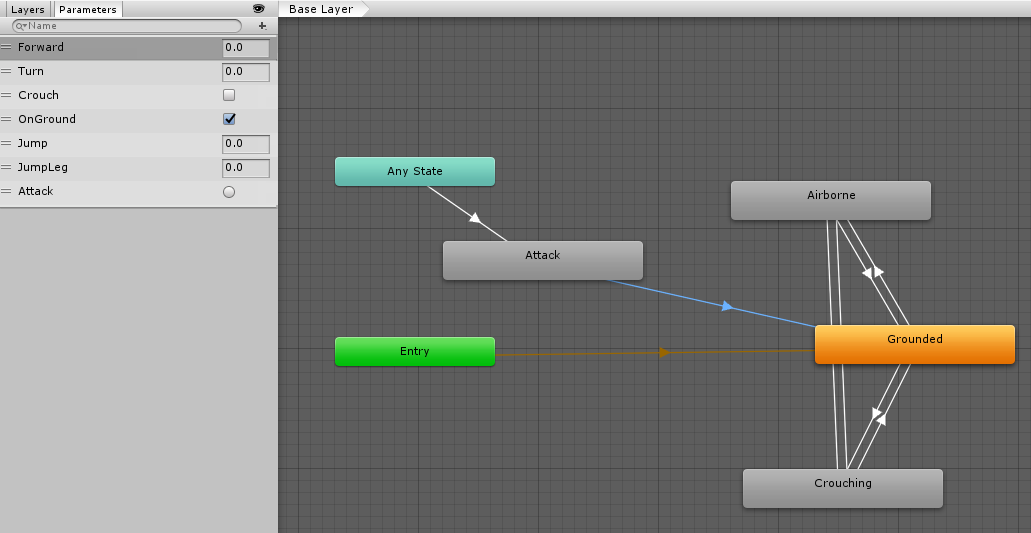
being trying for a few days now to add combat animations i can get them to trigger in the animation controller but cannot get them to play
1 Like
Ok, this is how I did it. It’s by no means any good but it does work. Just not in time. Hopefully this will be a lecture topic soon so we can do it properly 
I added an new state to the animator and dragged in an animation I found free on the asset store. I also created a trigger to attack.
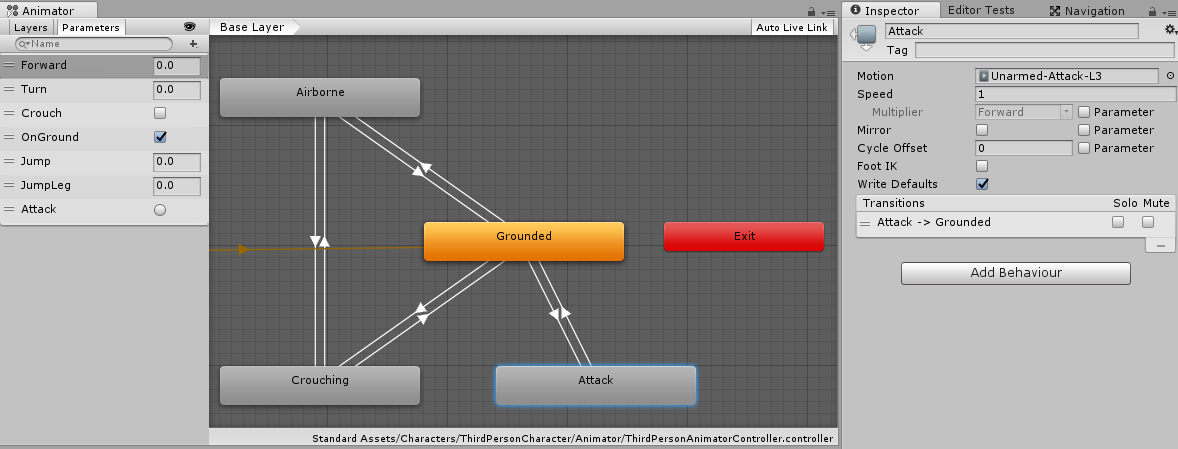
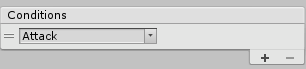
Make the transition between ground to attack have the attack trigger in the conditions.
Then in the player.cs I have the animator initiated in the start. Then I set the trigger when I attack the target.
private void Update()
{
    if(currentTarget != null)
    {
        attackTarget();
    }
}

private void attackTarget()
{
    var component = currentTarget.GetComponent<IDamagable>();
    if ((currentTarget.transform.position - transform.position).magnitude > maxMeleeRange)
    {
        return;
    }
    if (component != null && (Time.time - lastHitTime > minTimeBetweenHits))
    {
        m_Animator.SetTrigger("Attack");
        component.TakeDamage(damagePerHit);
        lastHitTime = Time.time;
    }
}
Then I get a sardonic animation. It seems it waits for the grounded state to run through before firing the attack state. So much tweaking needed but it’s a start.
1 Like
I just read this post and then hit play on the video i am on next (Scriptable objects) and the first thing it shows is a box for attack animations later.
They are coming soon!
2 Likes