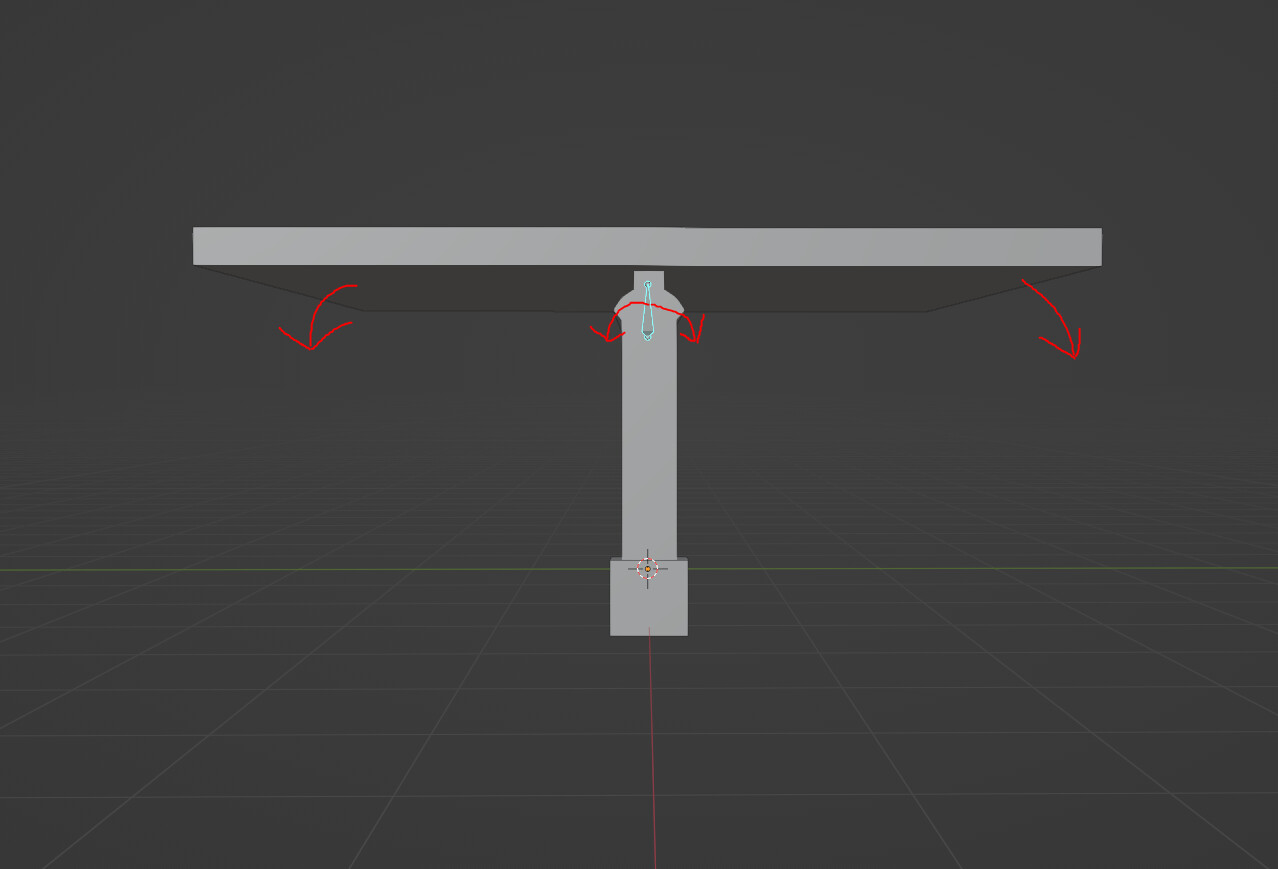
I have a mesh that has an armature that lets a bone pivot it. This works correctly in blender. When I export it to UE5 it pivots the entire mesh(not what I want). I want to be able to control this bone inside UE5 so I am not animating it.
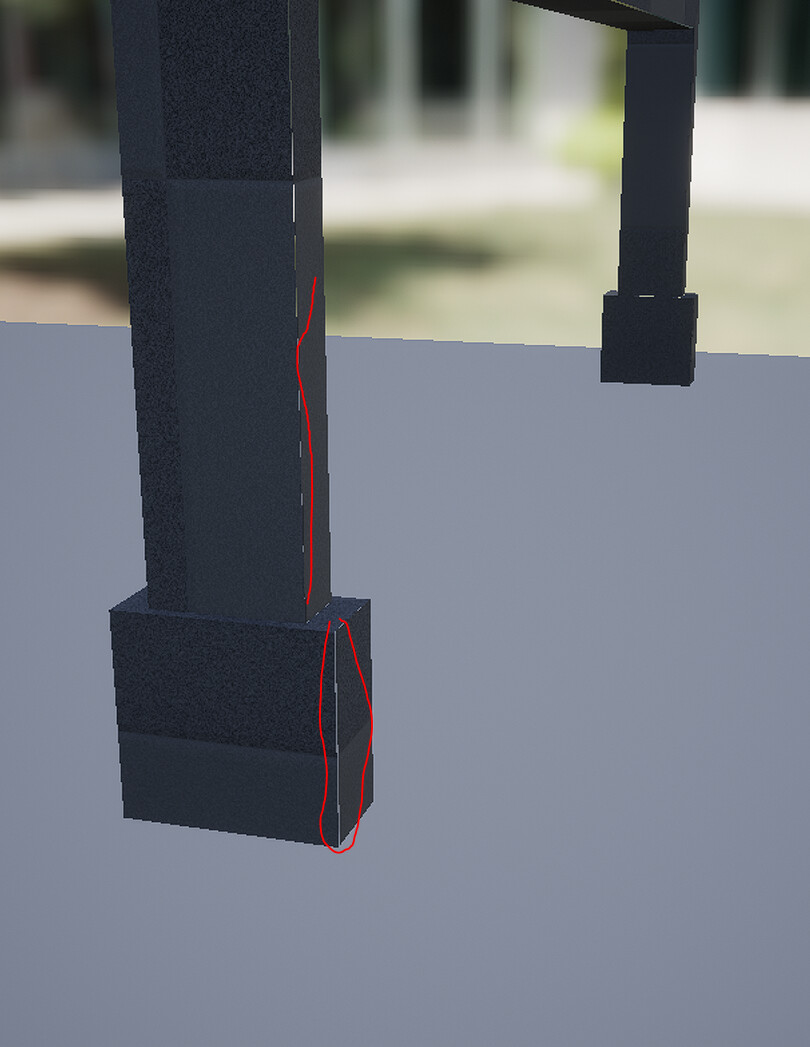
When I import it all into UE5 I also for some reason get gaps in the mesh in some places.
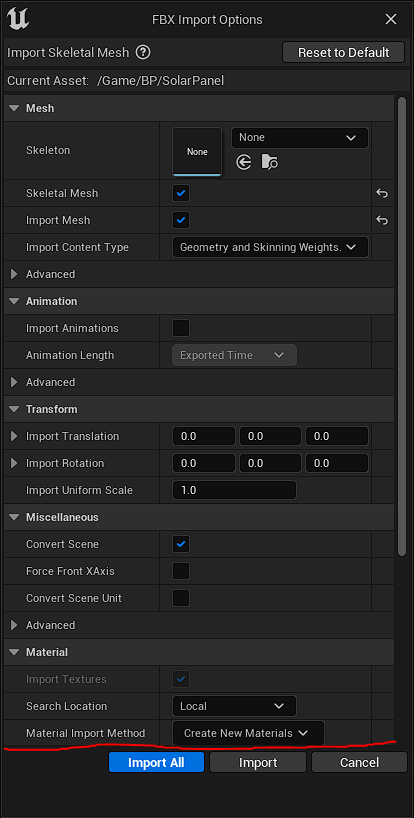
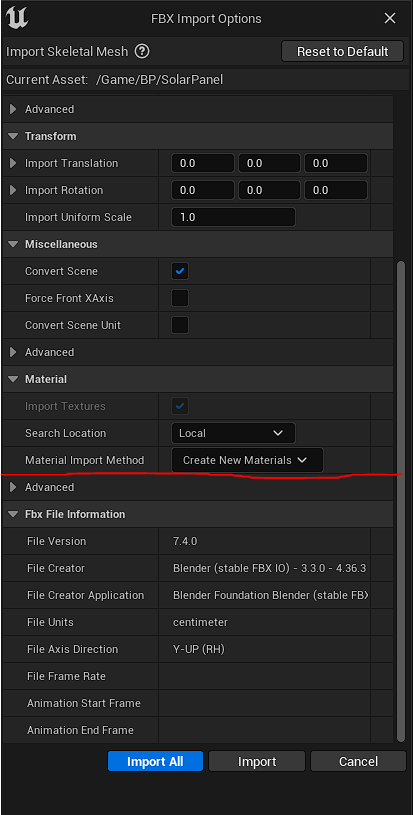
When I import it to UE5 I get this warning message.
LogWorldPartition: Warning: Actor /Game/ThirdPerson/Maps/ThirdPersonMap.ThirdPersonMap:PersistentLevel.SkeletalMeshActor_UAID_18C04D8E59F0CB3601_1348238911 is unreachable without properly detaching object /Game/__ExternalActors__/ThirdPerson/Maps/ThirdPersonMap/9/23/43CI5TL3HUYFEKV1K23S2E.PackageMetaData in its package
I export it in blender by first selecting the mesh and then the armature.
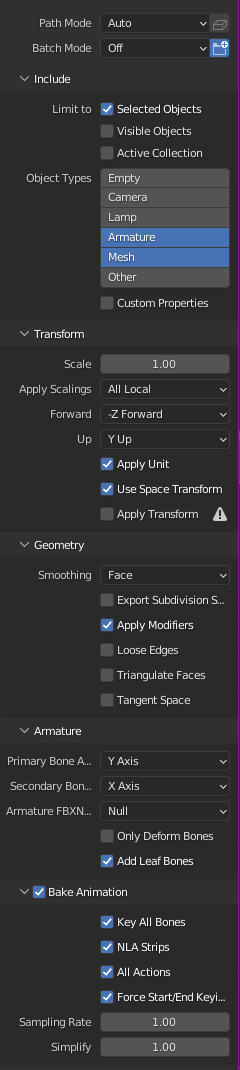
Then I export with these settings.
The gaps in the mesh only seem to happen when the armature is imported. The whole problem seems to be with the armature. I unchecked leaf bones and that didn’t have the disired effect. Leaf bones allow me to control the bones within UE5. Its a tricky thing to solve because its a problem between blender and UE5. My UVs work well(I have tested with substance painter). Any other ideas?
Yea, the normals are fine. After a lot of time seaching I have found out that a blender rig is not quite the same as a UE5 rig. So the things I am trying to do are not working because of how I’ve done it. I’m not quite sure how to get what I want yet but I’ve got a few vidios I’m going to have a look at. Thanks for the help.