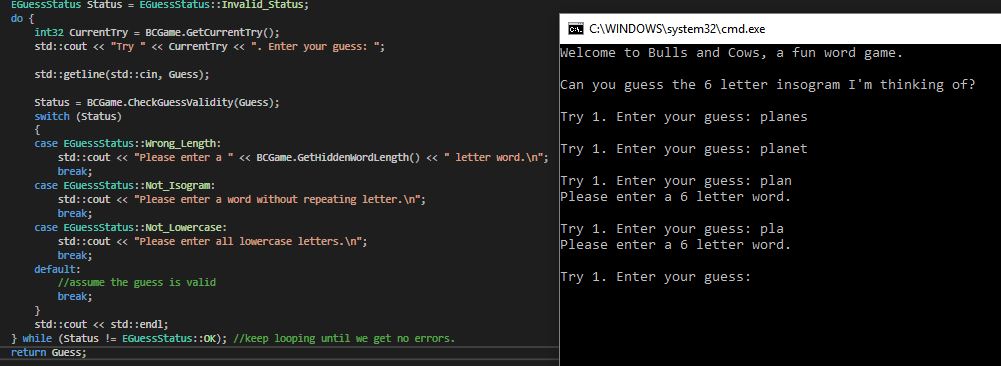
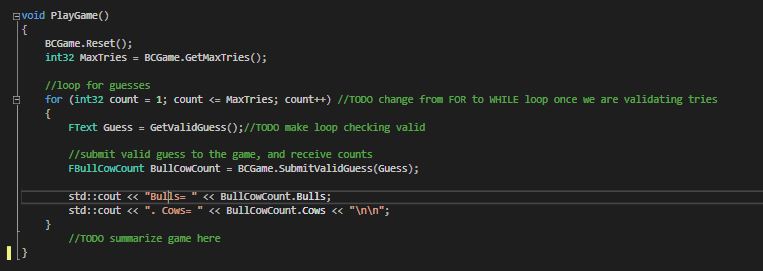
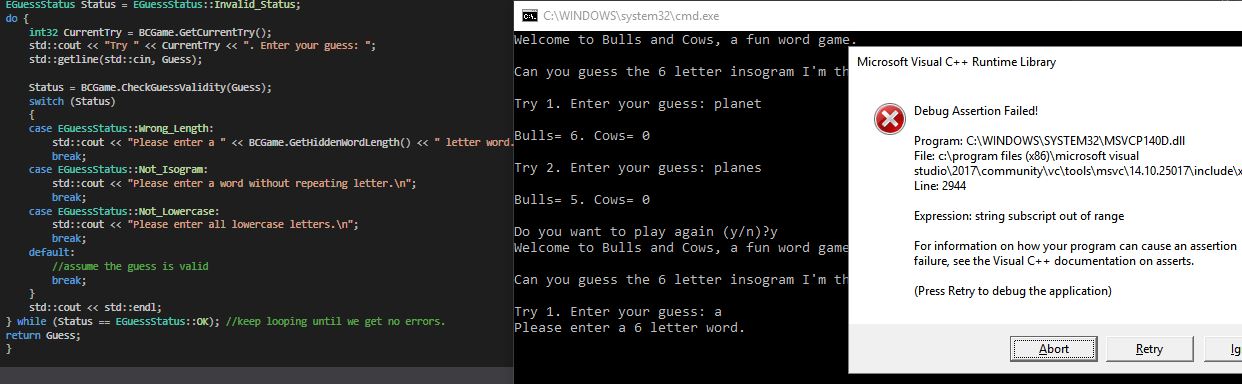
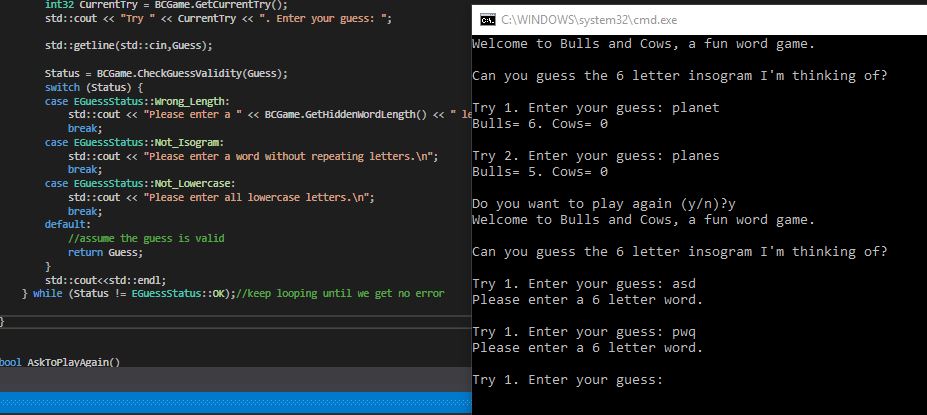
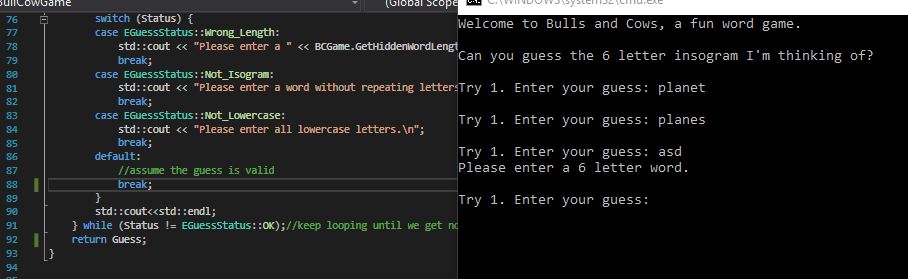
I can’t seem to get my program to read the Bulls and Cows on my Guesses anymore; right after the do and while code was inputted to address the errors in the program. Please see attached image.
Can you elaborate on your first picture a bit? Specifically the picture of your terminal output. It looks like if you type in a 6 letter word and hit enter, it just repeats the line “Try 1. Enter your guess:”
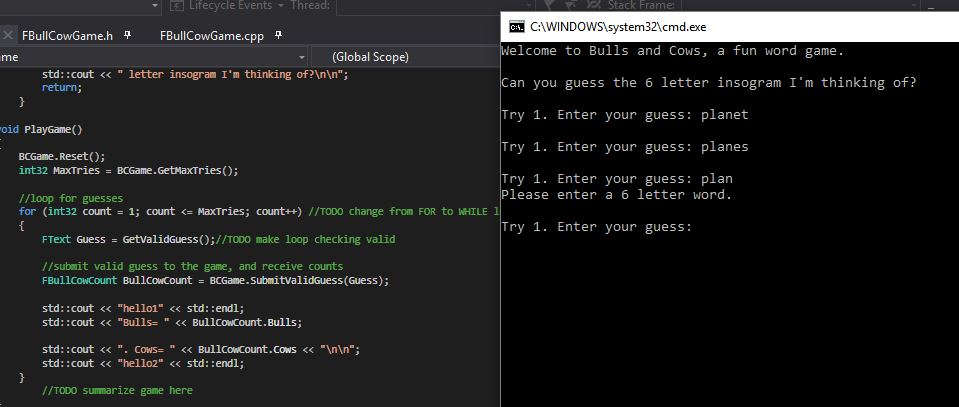
print something simple, like hello1 and hello2, right around where the print of bulls and cows takes place. More specifically, place:
std::cout << "hello1" << std::endl;
above
std::cout << "Bulls= " << BullCowCount.Bulls;
and
std::cout << "hello2" << std::endl;
below
std::cout << "Cows= " << BullCowCount.Cows;
in main.cpp.
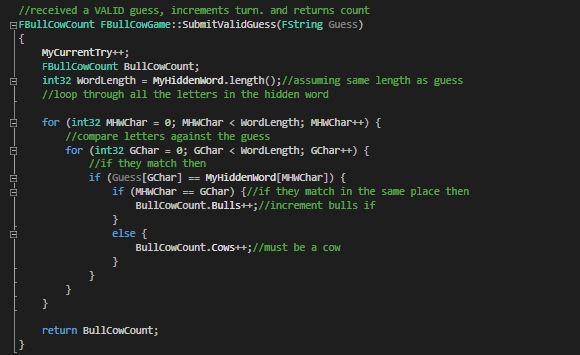
This is to ensure that, when executing, your code there is at least being executed. If you see “hello1” and “hello2” being printed, you know that there’s some problem with your print statements. If you only see hello1 printed, then the code below it likely isn’t even being executed. If you see neither hello1 nor hello2, then execution might not be making it out of the function call BCGame.SubmitValidGuess(Guess)
at all. If you see the last case, you might have an infinite loop or something weird going on within SubmitValidGuess

So visual studio has several tools for debugging that can be really helpful. If you’re feeling adventurous, go look up info on visual studio’s debugger and its process.
BUT, that might be a little overwhelming if you’re just starting to learn how to code. So my advice is to find the latest possible point in your code that still prints. In general, this is a good strategy to really narrow the possible bug locations in your code. When I was a student, utilizing print statements in this was were my goto debugging method. I recommend getting handy with that. Then, when you’re feeling relatively comfortable with visual studio, go out and learn how to use its native debugger.
So anyway, go snoop around with those print statements and feel free to post any updates or questions here. I’ll check this thread periodically.
So I think the problem here was that before i placed:
while (Status =! EGuessStatus::OK); //keep looping until we get no errors.
So i was looping since it was always not equal to OK… but now i got back to my original problem in which i’m getting an error in inputting a word with less than or equal to 4 letters only (please see attached image)… in which i thought this was supposed to be fixed already by now?
and am i not supposed to win the game and the game ask if i already want to play again if i get the guess right, when i got the right answer the first try?
The Debug Assertion Failed error you’re getting is well known here (and if I’m not mistaken the instructor covers it in one of the next videos), Anyways, see one of my previous replies on how to fix it:
Sorry, was gone and off the grid for a few days at a wedding. Glad you figured it out! Take note of some of the debugging methods you used and we suggested. Those will come in handy in the future