Hello, I am new to Unreal Engine and I can’t get my Main Menu GUI to work. I have made a couple Buttons in a Vertical Box but the buttons are unresponsive. They won’t let me click them and when I hover my mouse over them, there is no indication or hover animation for them.
I followed a video by Unreal University called How To Create A Main Menu - Unreal Engine 5 Tutorial. (Video) I have done everything they told me and my buttons just don’t work.
Here are some images from my project.
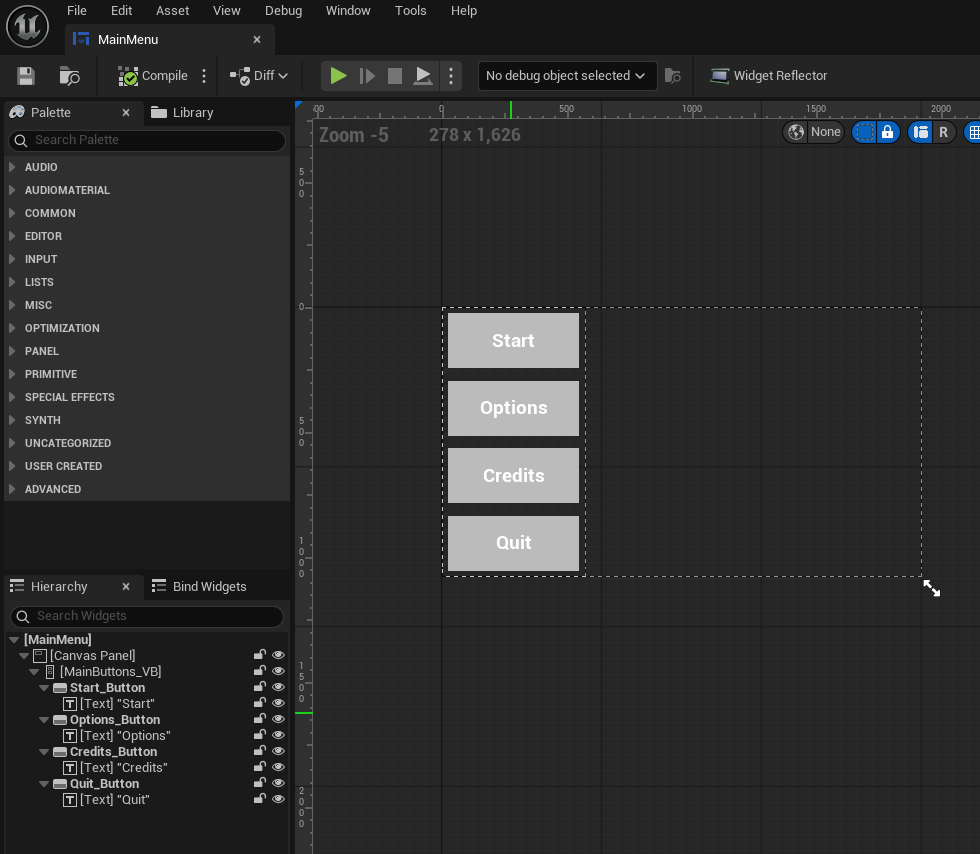
This is my Canvas with my Buttons.
This is my Level Blueprint Graph. I made sure to make my mouse visible when in the GUI.

This is my Main Menu GUI Blueprint Graph. I am trying to test the Quit Button with a print node.

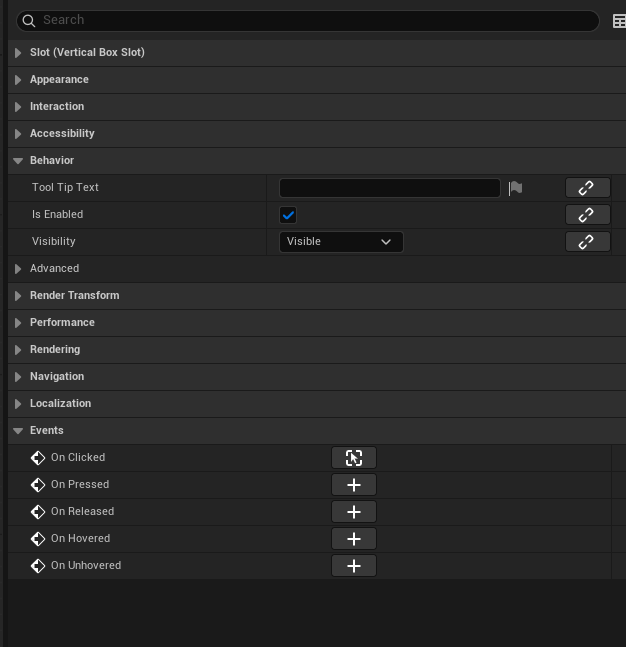
These are the basic settings of each Button, they are all the same between buttons. (If you need to see any other settings, let me know.
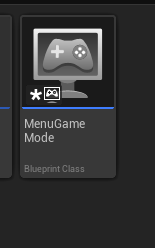
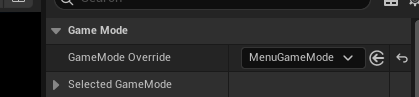
The video told me to make an empty GameModeBase Blueprint and set the Default Pawn Class to “None” as it isn’t needed for the Main Menu Level. The video also told me to make this Blueprint as the GameMode Override in the World Settings.

I just hope any of you can help me with this problem. I have even disabled my Discord overlay as my research said it can affect my button clicking in UE5.7 I am fairly new and hope this is a simple fix that I am just overlooking, but everything I do feels like nothing is getting done.
Thank You.