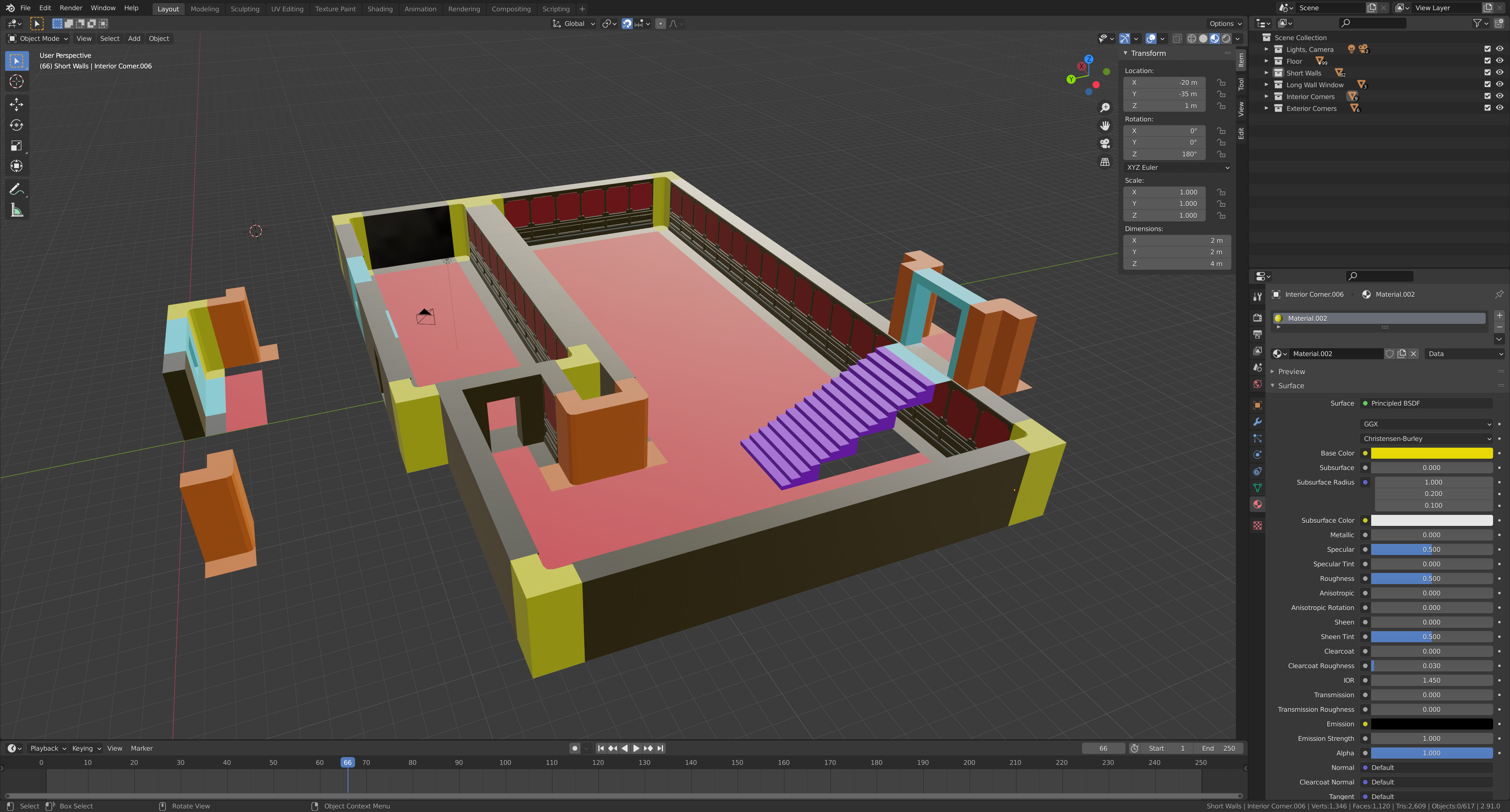
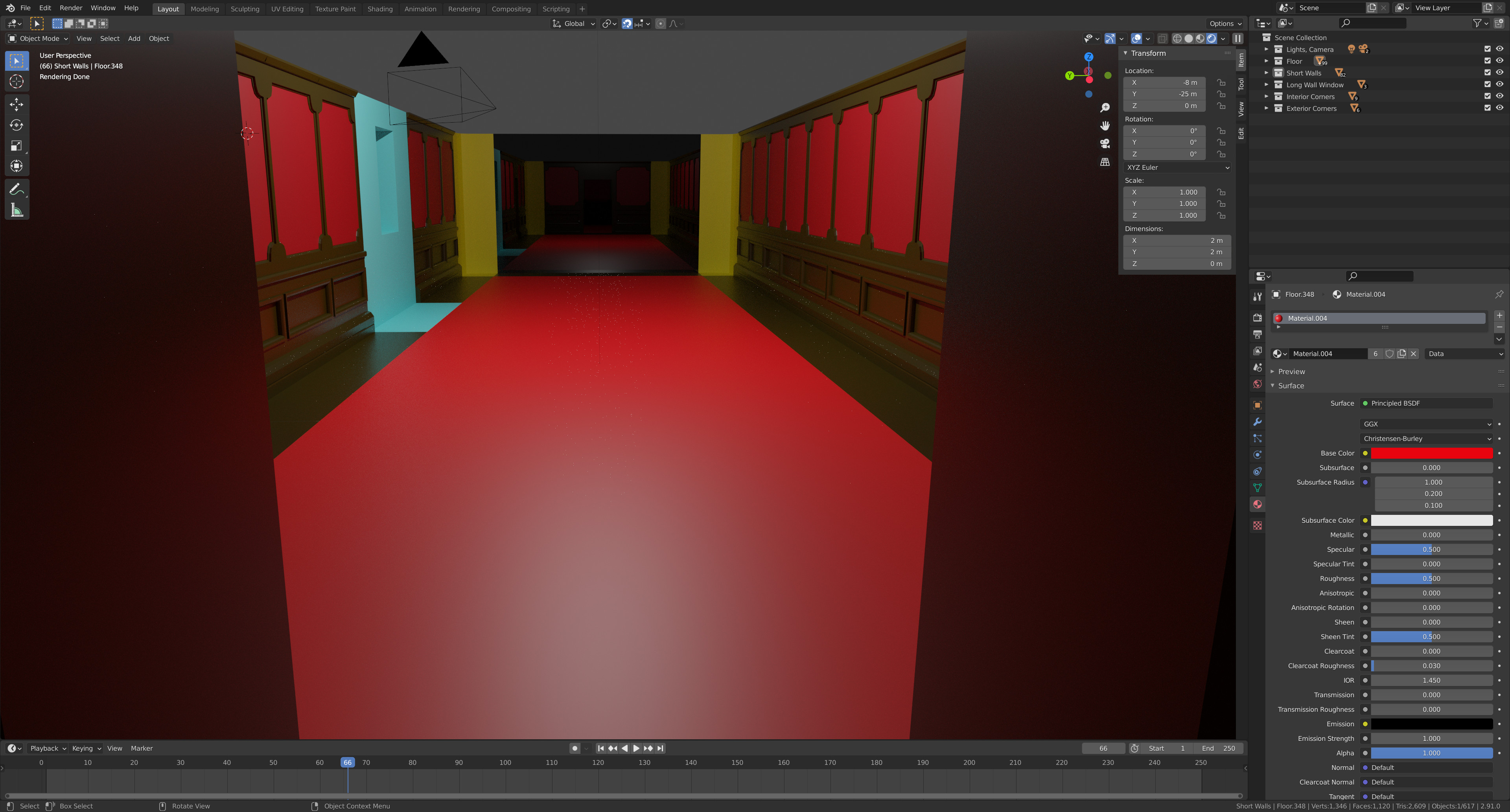
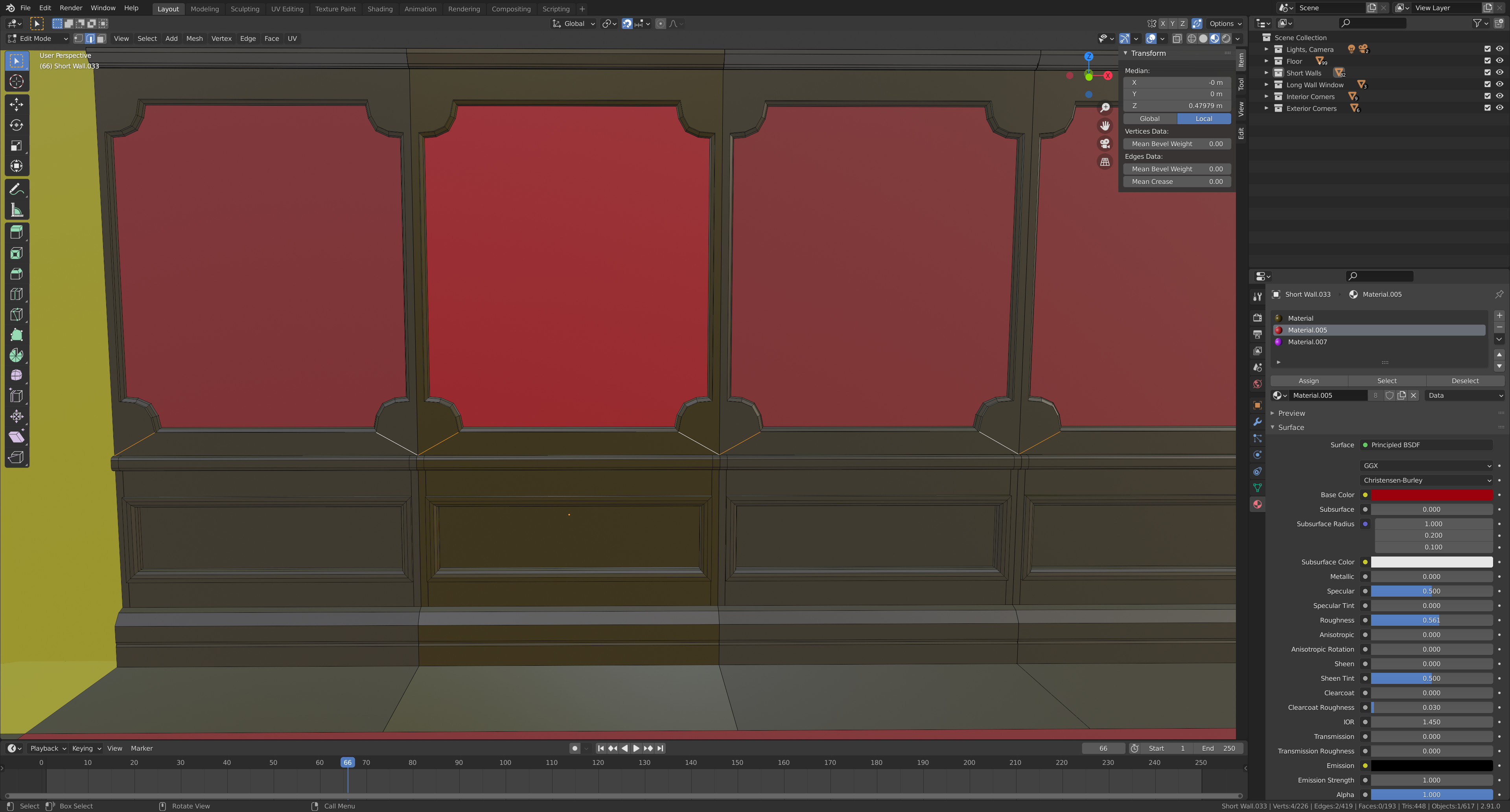
And one quick question, no matter what I seem to do it will not let me dissolve the highlighted edges above. Is there some rule about dissolving edges I don’t know about? I wanted the edges above to be one solid edge loop if possible but those edges disconnect it…
If you built it modularly the edges are in separate objects or are even linked duplicates and can not be joined at a vertex level. If I understand the situation correctly.
Yes, you can’t. Blender doesn’t allow you to have a flat face with a hole in it, without at least one diagonal edge in it.
A good mesh is built around quad faces. These are aces with only four vertices. Faces with many vertices, get you in trouble. Especially when adding the subdivision modifier.
That was exactly my problem! Now that I know that I can work through it rather than furiously trying to dissolve those edges. I couldn’t find the right way to google that question so thanks again
I was actually trying to dissolve the edges on the face of the individual piece. I just didn’t know that was impossible, thanks for trying to help. I’m looking forward to having to making my own pieces from scratch rather than copying the lesson, I hope what’s in my imagination transfers to Blender without a ton of hassle.