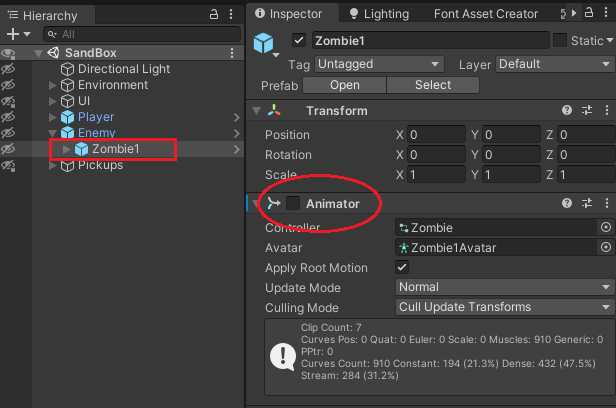
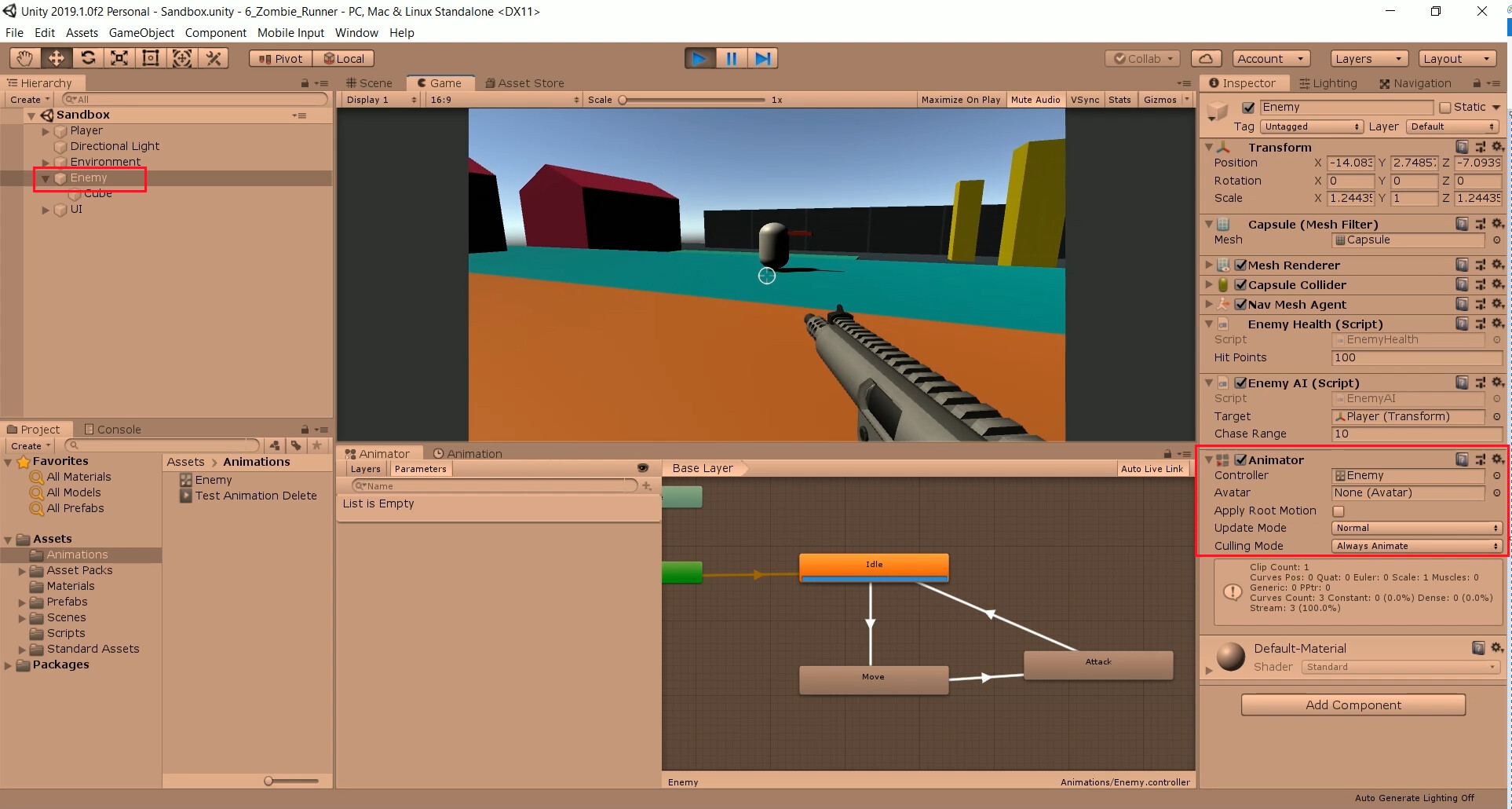
Unity 2020.3.30f1
Udemy lecture 189
I checked several similar threads at Udemy Q&A, mostly restarting the Unity Editor but I have tried:
- restarting the Unity Editor
- dragging in EnemyAttack.cs to the “Object” field of Animation Event
- removing () from the “Function” field, hence “AttackHitEvent”
- renaming the “AttackHitEvent”.
- ensure “public” is used on the event method “AttackHitEvent()” under EnemyAttack.cs
- EnemyAI.cs, EnemyHealth.cs and EnemyAttack.cs are assigned to GameObject “Enemy”.
All the above cannot solve the “No receiver” issues below, program hangs during runtime:

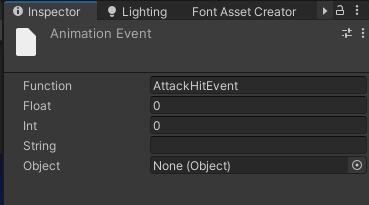
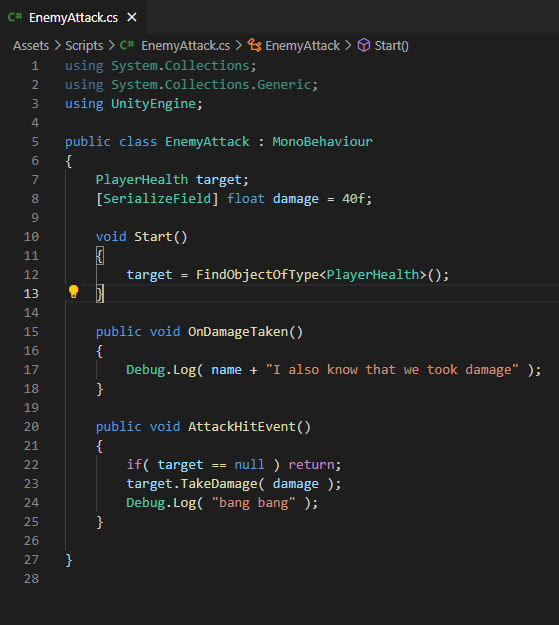
The existing lecturing animation “Attack Anim - Placeholder” works with the AttackHitEvent() but after changed to the Zombie by Pxltiger at animation Z_Attack like below, added an event “AttackHitEvent”, it hangs at runtime:
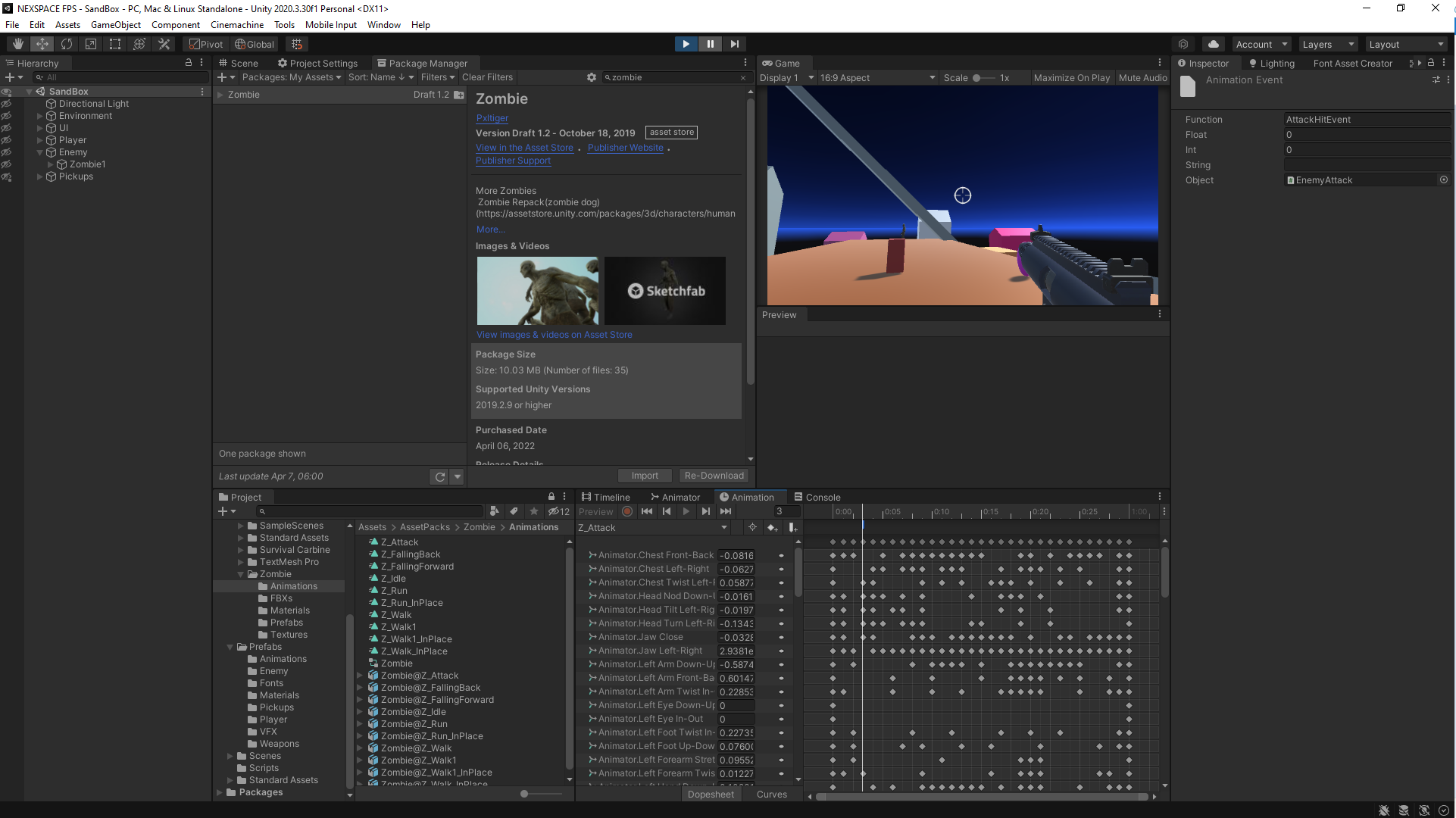
Any idea ?
Please advise.