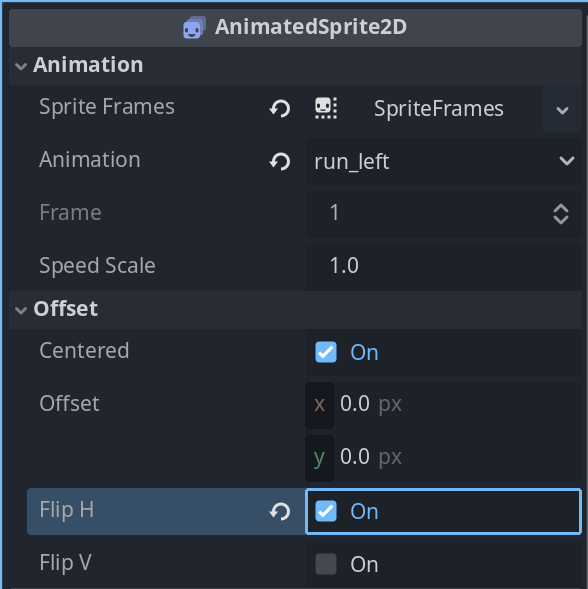
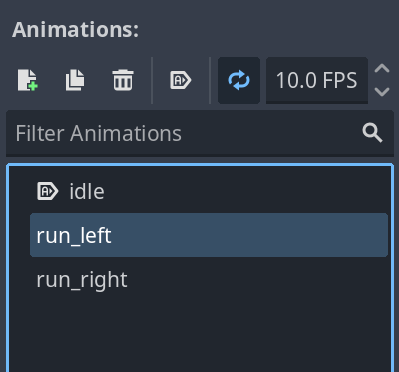
…but it horizontally flips all of my sprite’s animations. How can I “Flip H” just one animation?
In the Godot beginner lessons, there were already pre-existing flipped animations in the spritesheet. I’m trying to work out what to do if I have a spritesheet where the character is only facing right.
Yup, that’s the correct answer. Pretty much everything you see in the Inspector (of any node) can be controlled in a script - it’s just a matter of figuring out what it’s called in-code, and what exactly it’s a member of (because Resources and inheritance can complicate that). It takes some getting used to, looking up Docs pages and navigating the inheritance chains at the top, but it’s not bad at all once you’ve done it a few times =)