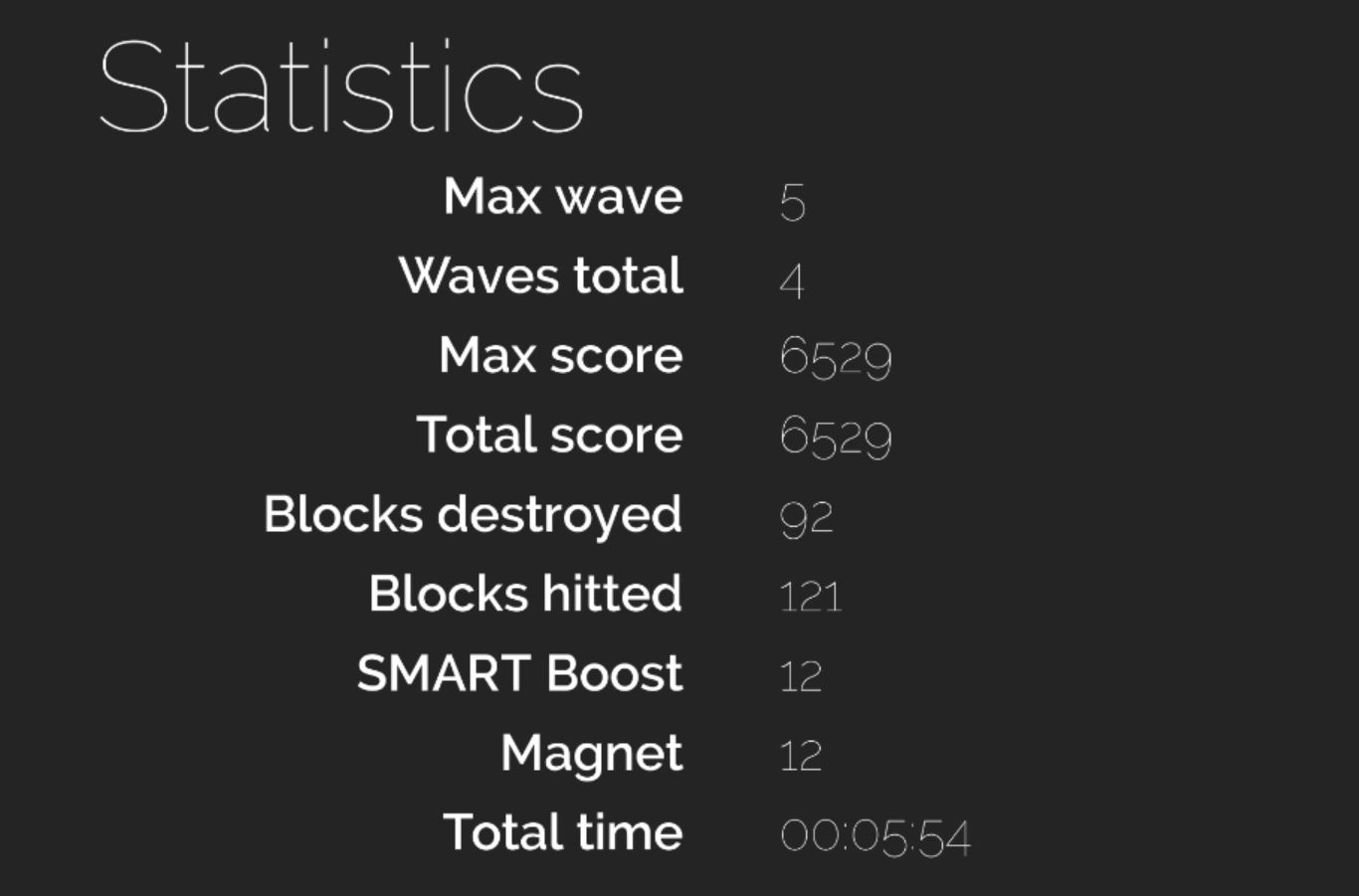
In addition, for those who struggle with boring ball loops. Here is my solution
Ball.cs
[SerializeField]
[Range(0.1f, 0.99f)] float maxDelta = 0.95f;
[SerializeField]
[Range(0.1f, 0.99f)] float correctionValue = 0.2f;

...

private void OnCollisionEnter2D(Collision2D collision)
    {
        AdjustDirection();
        AdjustSpeed();
	...
    }

...

private void AdjustSpeed()
    {
        if (Mathf.Abs(currentSpeed - (targetSpeed + additionalSpeed)) > Mathf.Epsilon)
        {
            Vector3 normal = rigidBody.velocity.normalized;
            rigidBody.velocity = new Vector2((targetSpeed + additionalSpeed) * normal.x, (targetSpeed + additionalSpeed) * normal.y);
        }
    }

    private void AdjustDirection()
    {
        Vector3 normal = rigidBody.velocity.normalized;
        if (Mathf.Abs(Mathf.Abs(rigidBody.velocity.normalized.x) - Mathf.Abs(rigidBody.velocity.normalized.y)) >= maxDelta)
        {
            if (Mathf.Abs(normal.x) > Mathf.Abs(normal.y))
            {
                normal.x = Mathf.Sign(normal.x) * (Mathf.Abs(normal.x) - correctionValue);
                normal.y = Mathf.Sign(normal.y) * (Mathf.Abs(normal.y) + correctionValue);
            }
            else
            {
                normal.y = Mathf.Sign(normal.y) * (Mathf.Abs(normal.y) - correctionValue);
                normal.x = Mathf.Sign(normal.x) * (Mathf.Abs(normal.x) + correctionValue);
            }
            rigidBody.velocity = new Vector2((targetSpeed + additionalSpeed) * normal.x, (targetSpeed + additionalSpeed) * normal.y);
        }
    }