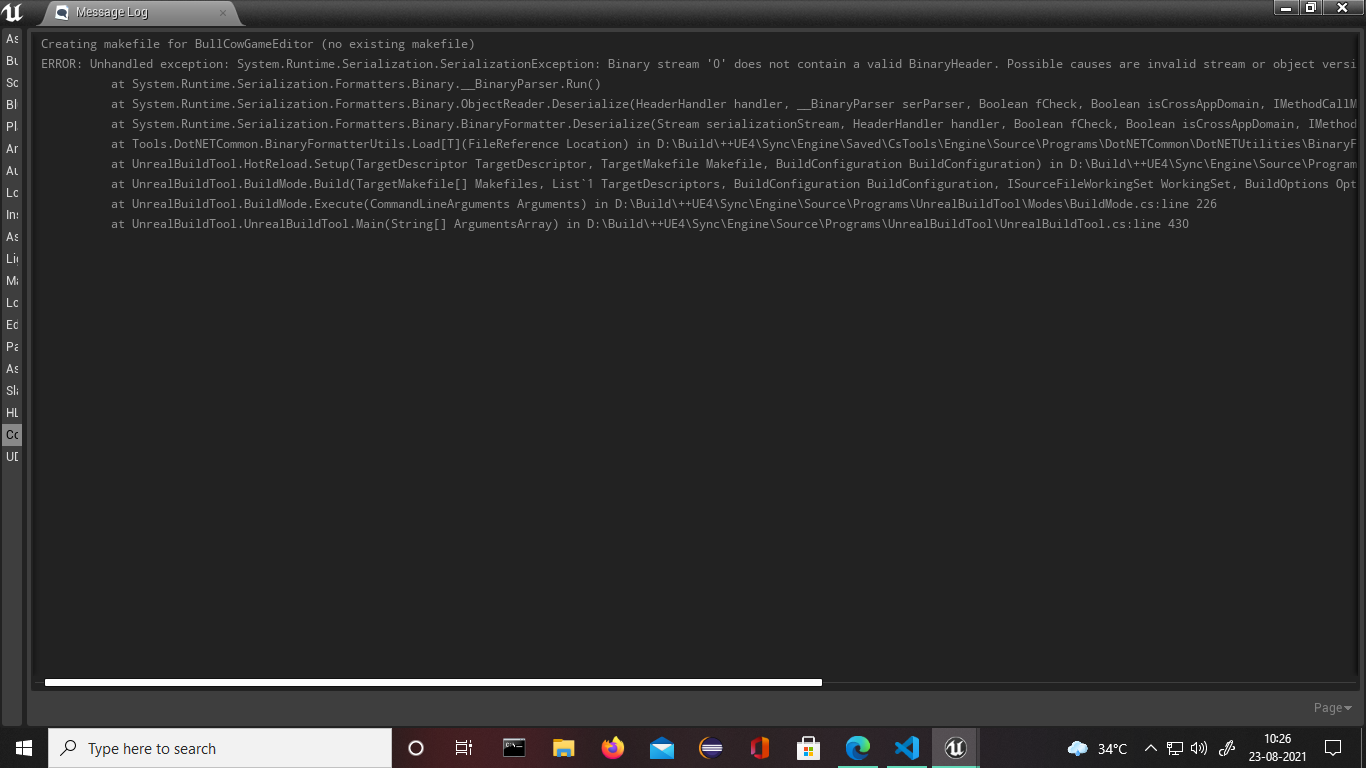
Creating makefile for BullCowGameEditor (no existing makefile)
ERROR: Unhandled exception: System.Runtime.Serialization.SerializationException: Binary stream ‘0’ does not contain a valid BinaryHeader. Possible causes are invalid stream or object version change between serialization and deserialization.
      at System.Runtime.Serialization.Formatters.Binary.__BinaryParser.Run()

      at System.Runtime.Serialization.Formatters.Binary.BinaryFormatter.Deserialize(Stream serializationStream, HeaderHandler handler, Boolean fCheck, Boolean isCrossAppDomain, IMethodCallMessage methodCallMessage)

      at System.Runtime.Serialization.Formatters.Binary.ObjectReader.Deserialize(HeaderHandler handler, __BinaryParser serParser, Boolean fCheck, Boolean isCrossAppDomain, IMethodCallMessage methodCallMessage)

      at Tools.DotNETCommon.BinaryFormatterUtils.Load[T](FileReference Location) in D:\Build\++UE4\Sync\Engine\Saved\CsTools\Engine\Source\Programs\DotNETCommon\DotNETUtilities\BinaryFormatterUtils.cs:line 27

      at UnrealBuildTool.HotReload.Setup(TargetDescriptor TargetDescriptor, TargetMakefile Makefile, BuildConfiguration BuildConfiguration) in
D:\Build++UE4\Sync\Engine\Source\Programs\UnrealBuildTool\System\HotReload.cs:line 200
at UnrealBuildTool.BuildMode.Build(TargetMakefile Makefiles, List`1 TargetDescriptors, BuildConfiguration BuildConfiguration, ISourceFileWorkingSet WorkingSet, BuildOptions Options, FileReference WriteOutdatedActionsFile) in D:\Build++UE4\Sync\Engine\Source\Programs\UnrealBuildTool\Modes\BuildMode.cs:line 310
      at UnrealBuildTool.BuildMode.Execute(CommandLineArguments Arguments) in D:\Build\++UE4\Sync\Engine\Source\Programs\UnrealBuildTool\Modes\BuildMode.cs:line 226

      at UnrealBuildTool.UnrealBuildTool.Main(String[] ArgumentsArray) in D:\Build\++UE4\Sync\Engine\Source\Programs\UnrealBuildTool\UnrealBuildTool.cs:line 430
Please Help, unreal was working fine but then due to accidental power outage I think I am getting this error.