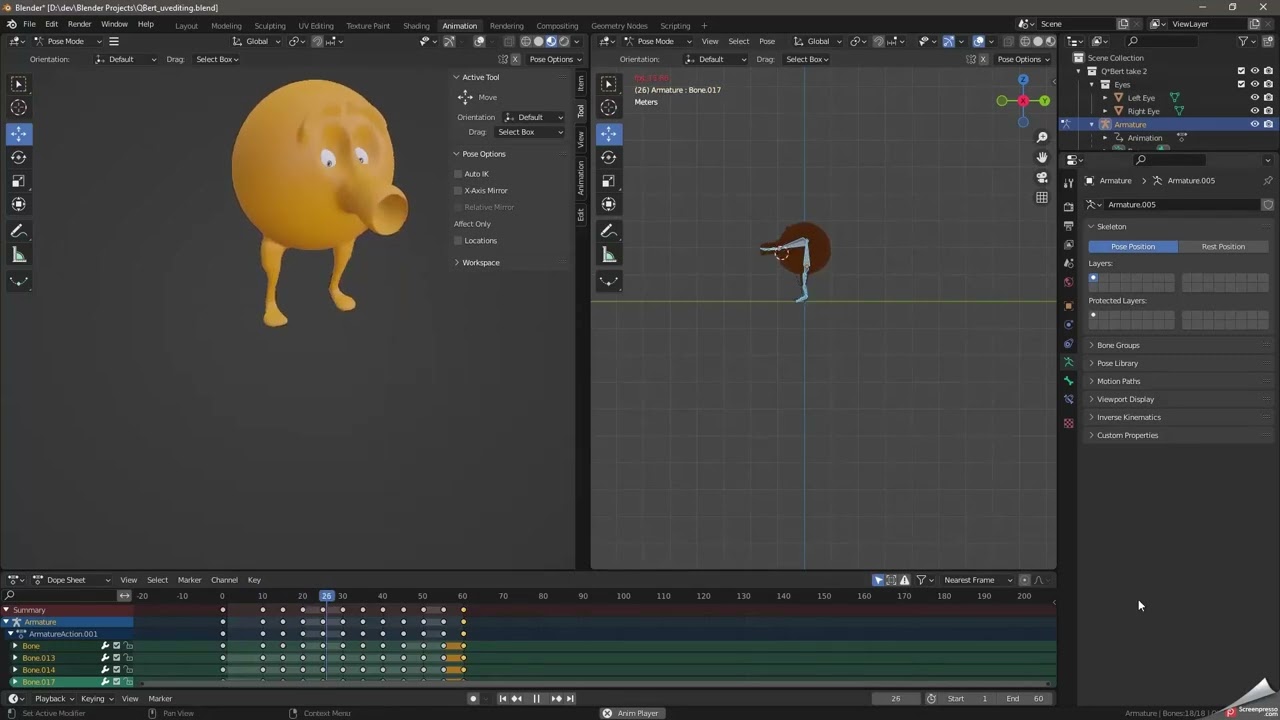
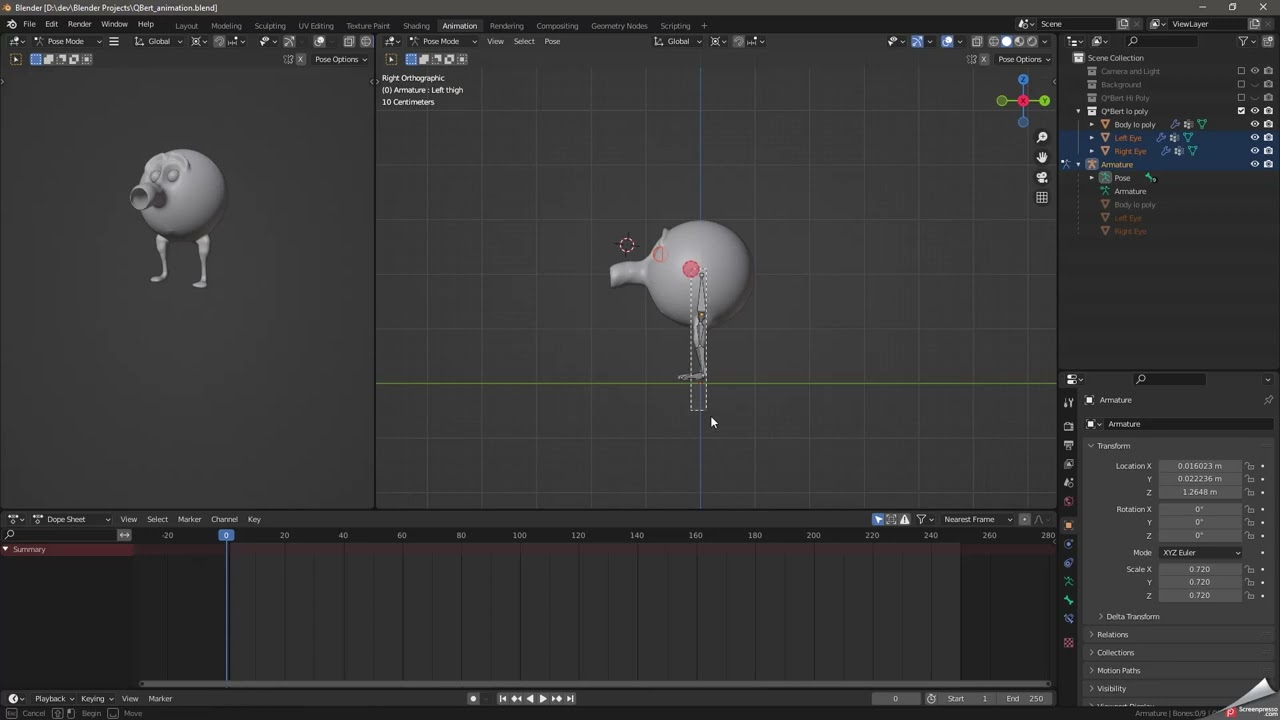
I’m trying my first ever animation in Blender and it looks pretty good except that the eyes are not moving with the body. I thought I had parented the eyes to the body but they are not moving with it.
Here’s a video demonstrating the issue:
What’s the proper way to make the eyes children of the body so they will move with it but still be able to be rotated separately?
You need to make the eyes a child to the (a) head bone!
If you connect to the body, the Anker point (orange dot) will be the puppet’s origin point.
Which don’t deform on some bone deformations.
Select the eyes, Select the head too if starting out afresh.
Then select the Armeture.
Now go to Pose mode and select the correct bone, head, top one.
NOW press Ctrl P and select ‘Bone’.
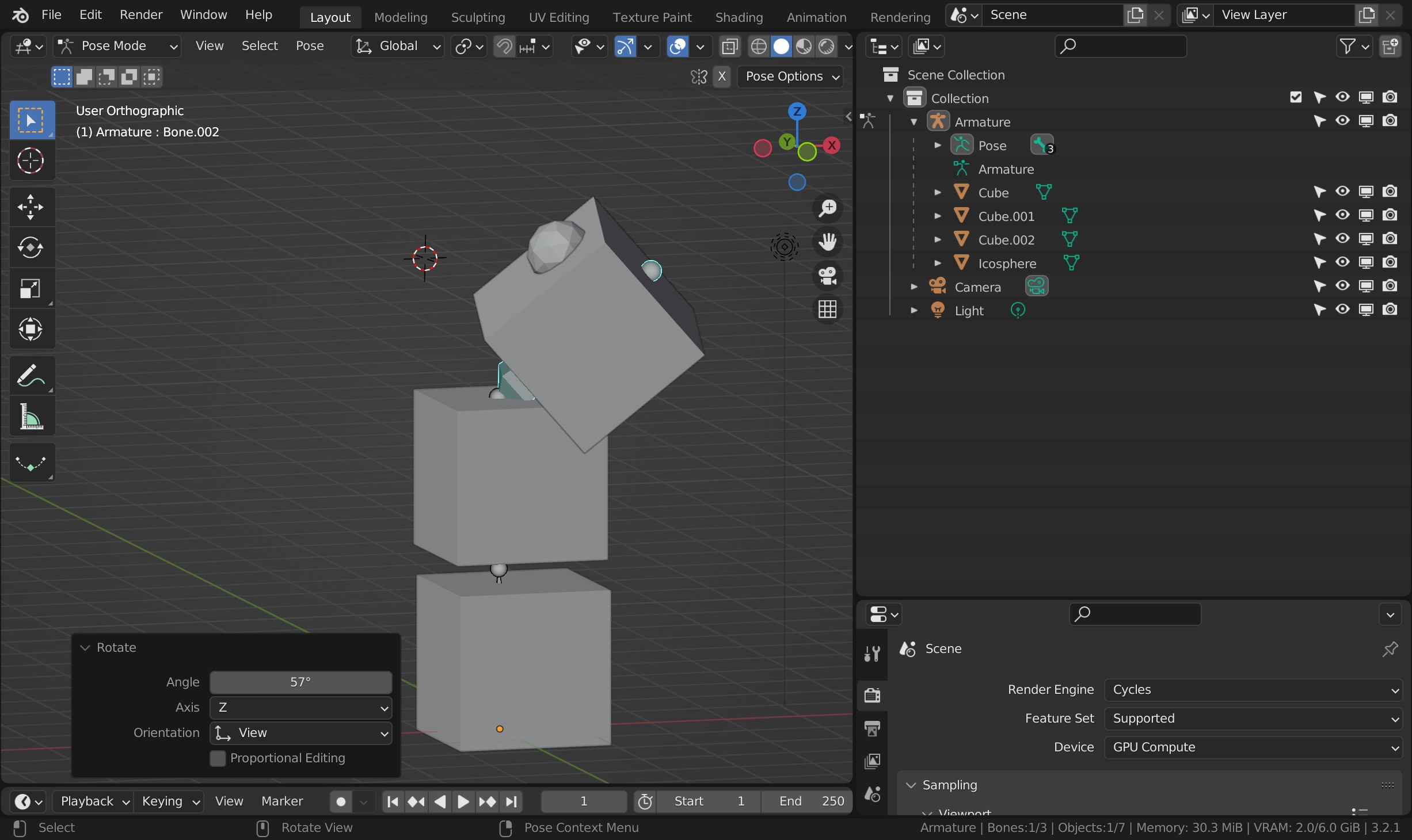
I tested that out on a very simple version. Boxheaded Cyclops!
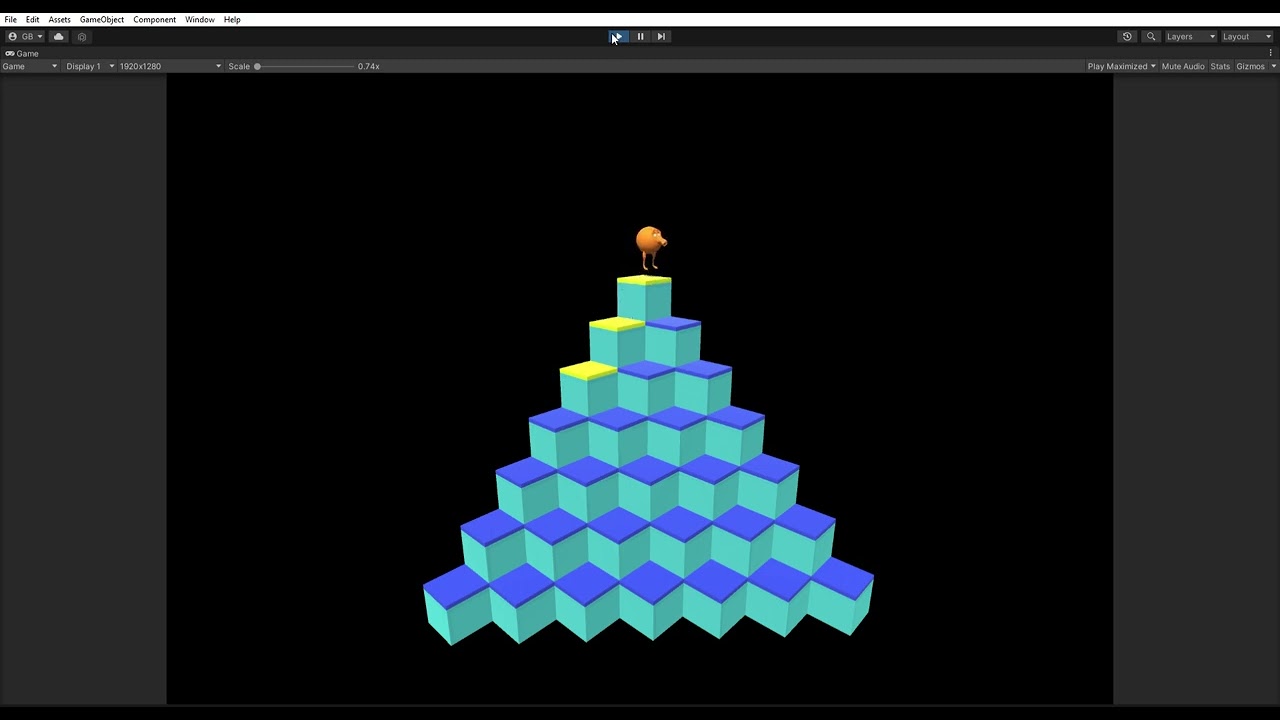
Selecting everything and reparenting did the trick. I managed to create the actions (Idle, Jump and land) and imported into Unity and they are working great.
I didn’t see any way to animate the eyes. Pose mode only lets you move the bones and selecting the eyes doesn’t seem to give me any keyframes to add.
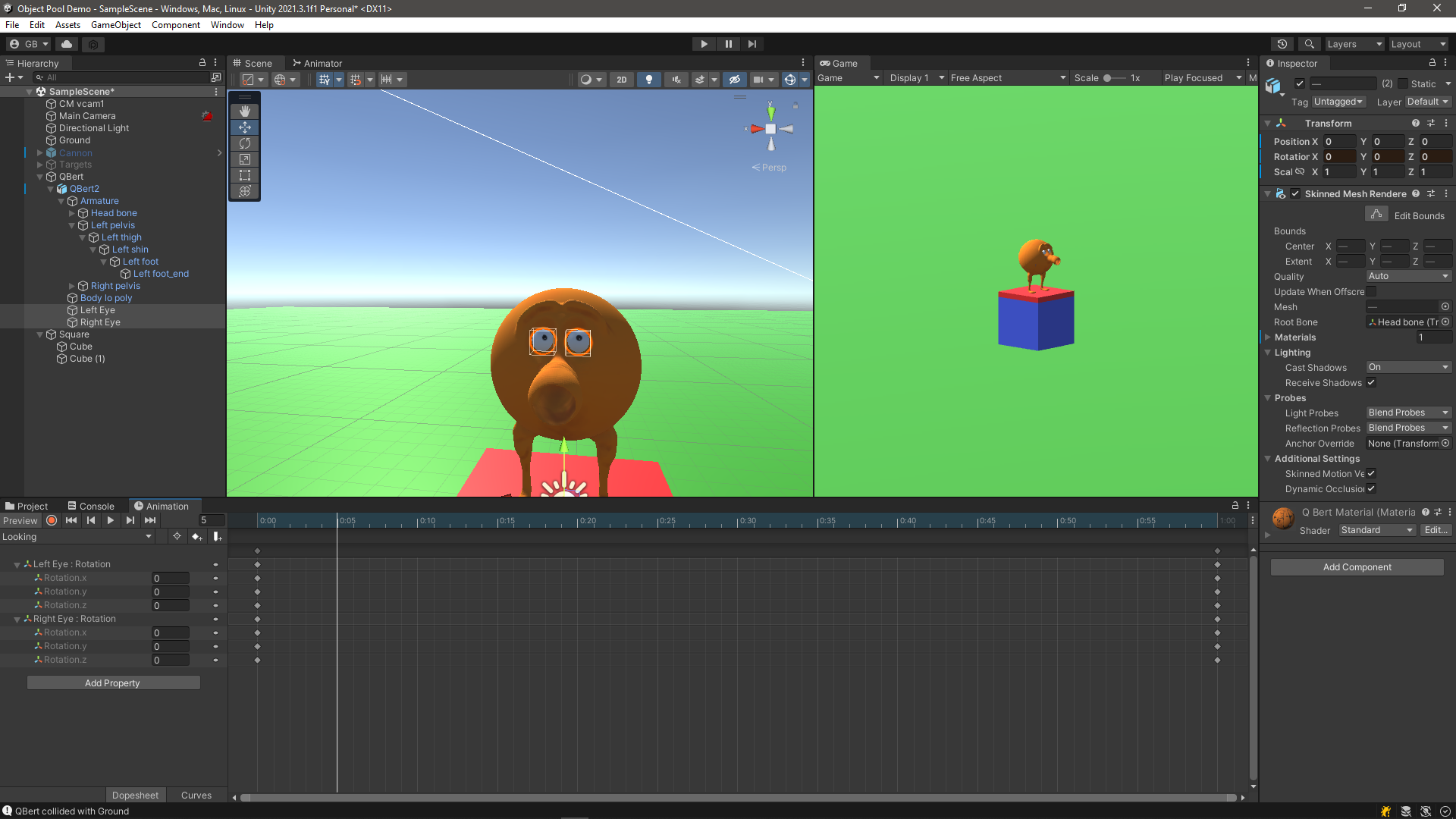
I am trying to animate them in Unity but any modifications I make to the eyes transform (position, scale, rotation)_ have no effect whatsoever.
What’s the trick for being able to rotate eye-balls in an animation?
If you want the eyes to move independently as in rotating, I suspect they need their own bones. Though it may be possible to simply use their object rotation if the each have their own origin point in their mid point.
In a game engine, no idea at all. lol