Have selected an area on the mayan temple and want to extrude that area on top of itself, just like in the video.
So select the area, type E and 0, which both work, but typing return doesn’t not keep the extruded area.
In the video, there’s a key typed to apply the extrusion, but it’s not mentioned what key it is.
Does any one recognise it here?
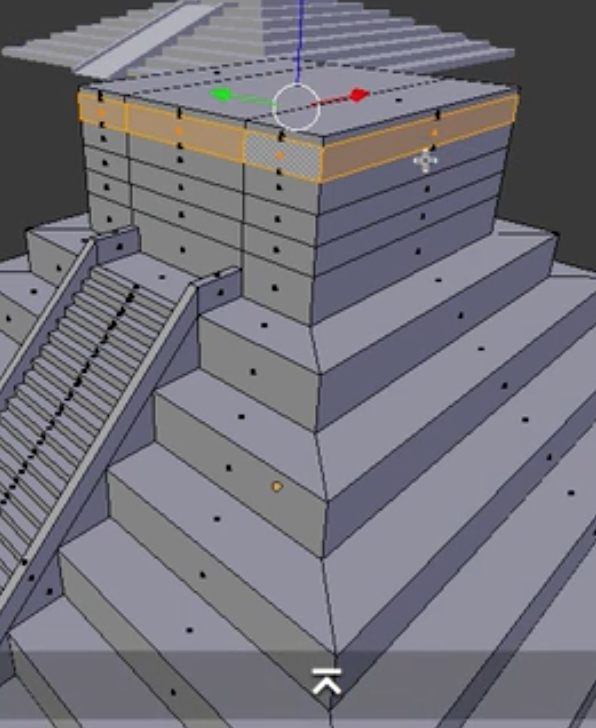
E,0,enter
Hi Wally, thanks for your reply.
I tried that, with return in my laptop, and enter on the extended keyboard.
The extrude was visible, but hitting return or enter wouldn’t apply it.
I’ll try again… It should be simple.
Thanks
S
You probably accidentally clicked something else that you shouldn’t have something like that happened to me where I every time I change camera it change but doesn’t render on that camera
Thanks Wally, that sounds right. I’m going to investigate a bit. Return wasn’t working this evening for another task… I may have set up something strange in the user preferences file.
1 Like