hi everyone, i’ve been trying to install an extension to VS code and i get the first image error and when i try to install it manually i get the second image error, need some help please!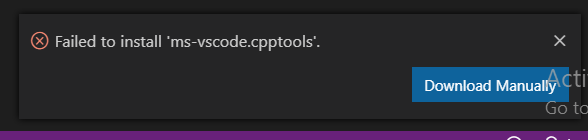
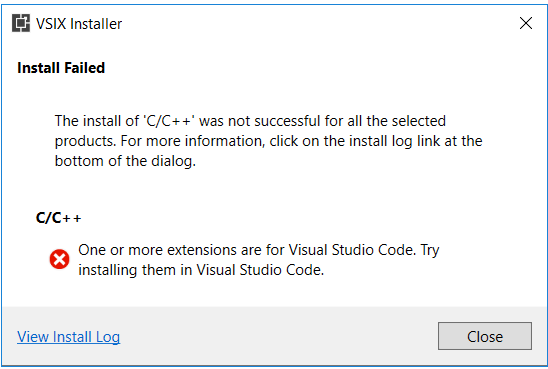
The second message is due to opening it in Visual Studio instead of Visual Studio Code.
To install manually, open cmd and cd to the path to where that file is and then do
code WhateverTheFileIsCalled.vsix
Replacing WhateverTheFileIsCalled with the file name.
can u explain a little bit more please? didnt get it well.
- Open cmd (Windows Key + R > “cmd”)
-
cdto where you have the .vsix file saved e.g.
Will put me incd /Users/Dan/DownloadsC:/Users/Dan/Downloads, if it’s on a different drive you would need to enter the drive letter folllowed by a colon, e.g.
Would put me inD:D:/ - Then type
code thing.vsixwherethingis the name of the file e.g.code cpptools-win32.vsix