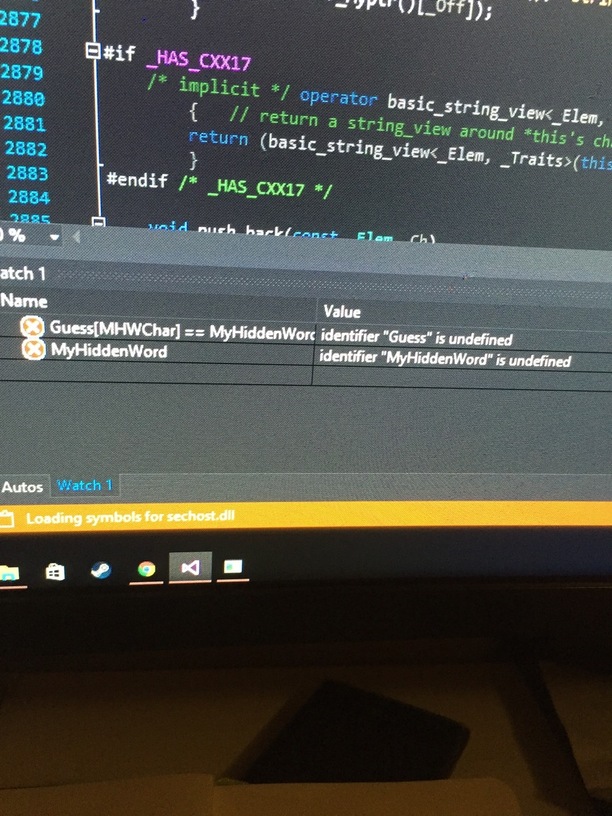
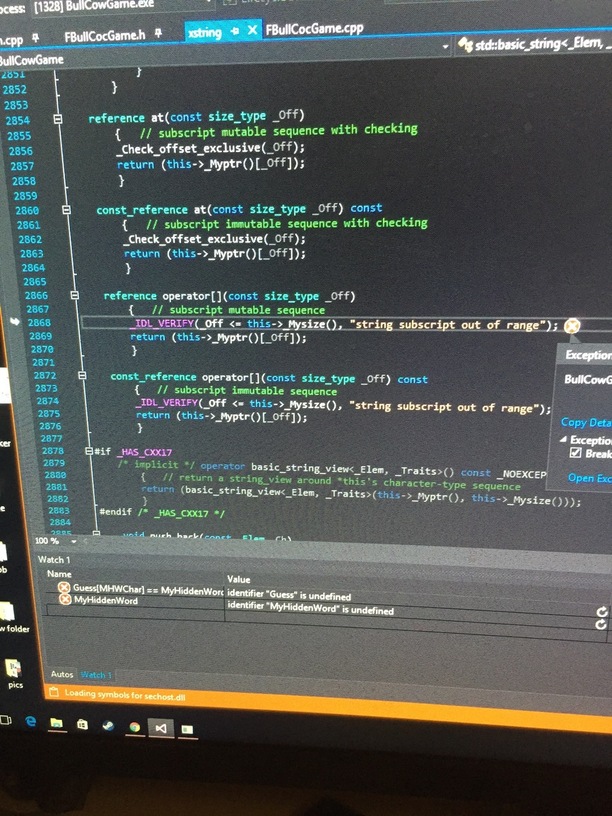
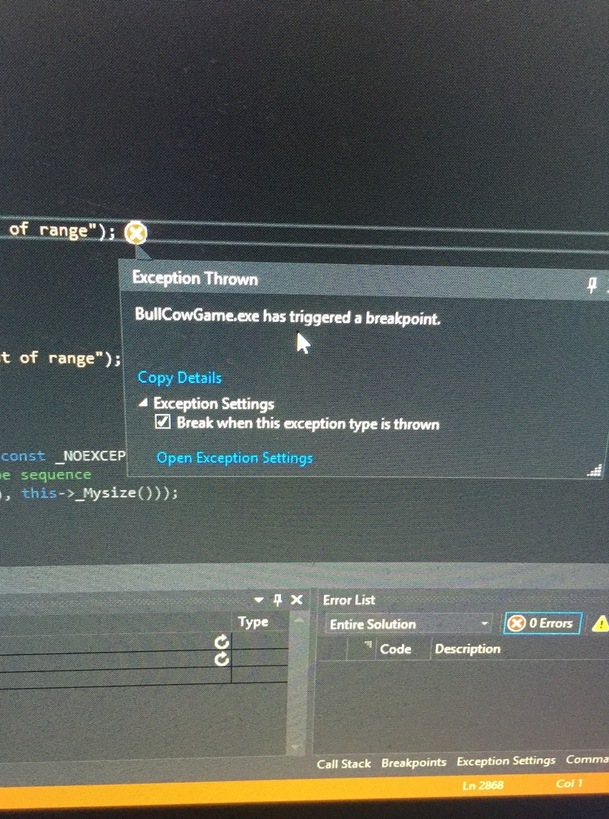
When i comment out the below section things work, so far even putting a break point in has not helped. I am at a loss as to what is exactly happening here? Is it out of bounds? I could nail it to this line –
int32 HiddenWordLength = MyHiddenWord.length();
for (int MHWChar = 0; MHWChar < HiddenWordLength - 1; MHWChar++) {
	// compare letters against the hidden word
	for (int GChar = 0; GChar < HiddenWordLength; GChar++) {
		// if they match then
		if (Guess[GChar] == MyHiddenWord[MHWChar]) {
			if (GChar == MHWChar) { // if they're in the same place
				BullCowCount.Bulls++; // incriment bulls
			}
			else {
				BullCowCount.Cows++; // must be a cow
			}
		}
	}
}
EDIT: And the weird bit is I had this working until we fixed the error in Debugging 101
Further EDIT: The error goes away if I enter the same number of characters as the wordlength. So if the hiddenword is “planet” and I enter another word that has 6 characters the program does not break. Getting somewhere with this, would really appreciate the help tho.
// loop through all letters in the guess
int32 HiddenWordLength = MyHiddenWord.length();
int32 GuessWordLength = Guess.length();

for (int32 MHWChar = 0; MHWChar < HiddenWordLength; MHWChar++)
{
	//std::cout << " MHWChar[" << MHWChar << "] = " << MyHiddenWord[MHWChar];
	for (int32 GChar = 0; GChar < GuessWordLength; GChar++)
	{
		//std::cout << " GChar[" << GChar << "] = " << Guess[GChar];
		if (Guess[GChar] == MyHiddenWord[MHWChar]) // if the chars match
		{
			if (GChar == MHWChar) // if they are in the same place
			{
				//std::cout << Guess[GChar] << " - correct ;)";
				BullCowCount.Bulls++;
			}
			else
			{
				//std::cout << Guess[GChar] << " - exists but in the wrong place..";
				BullCowCount.Cows++;
			}
		}
	}
	//std::cout << std::endl;
}
ignore the std::cout here that was just for debugging purposes nothing else. But this works. What happened here is actually quite simple and the reason it broke was quite obvious as well.
To explain it a little. So you have your hiddenword which may be 6 characters long, “planet” in the example. Now if you look at the original code, it loops through the length of the MyHiddenWord.length() if the guess you entered however was shorter than that then the program would crash with an out of bounds exception. Quite logic really.
So if my guessed word was for example, “ant” the program would do this in the loop:
1 - Guess[a]
2 - Guess[n]
3 - Guess[t]
4 - Guess[] – error out because there are no more letters here.
I understand that Ben was trying to make it so that the user has to enter exactly 6 characters and if he doesn’t well the guess isn’t valid. With this one I allow shorter guesses. Hope this helps someone.
Great bit of sleuthing there, that’s actually a somewhat common issue in general programming. As a “string” is treated like a collection of single characters (at least in the languages I have used), you are accessing each letter by it’s index in the collection. Like house addresses on a street. IIRC shortly after this Ben corrects this very problem, and in a later lecture he shows us the “map” datatype that is similar but you can use whatever you want for the indices and elements, instead of numbers and single characters like in a string.
And also in every language I’ve used, if you try to access an index that doesn’t exist, you will get a runtime error about that index being “out of range” or “out of bounds”.
Have you ever gotten directions that are like “it’s the fourth house on the left” but then when you got to the street there were only 3 houses on the left side? You had an “out of range” runtime error!
Thanks for posting this. I had no idea where to look or if Visual Studio had totally bugged out on me. I kind of like when there’s an extra problem to solve and I like to try and figure out a solution before Ben shows us how.
I solved mine by adding this before the for statements:
if (Guess.length() == MyHiddenWord.length())
This just bypasses the bulls/cows count if the lengths don’t match. This still costs a try and doesn’t give any bulls or cows if the first few letters match, but at least it’s not crashing for the moment. On to lesson 38 to find a better way!
But what I’d like to know is: why does it still work on Ben’s machine with “and” and not here? Is it the VS2015 vs 2017 thing? I’d like to repeat what he does in the video but I can’t unless I apply your patch here. That kinda bums me out.