I just created a new c++ class as instructed but I am not able to compile the code due to error in the default code.
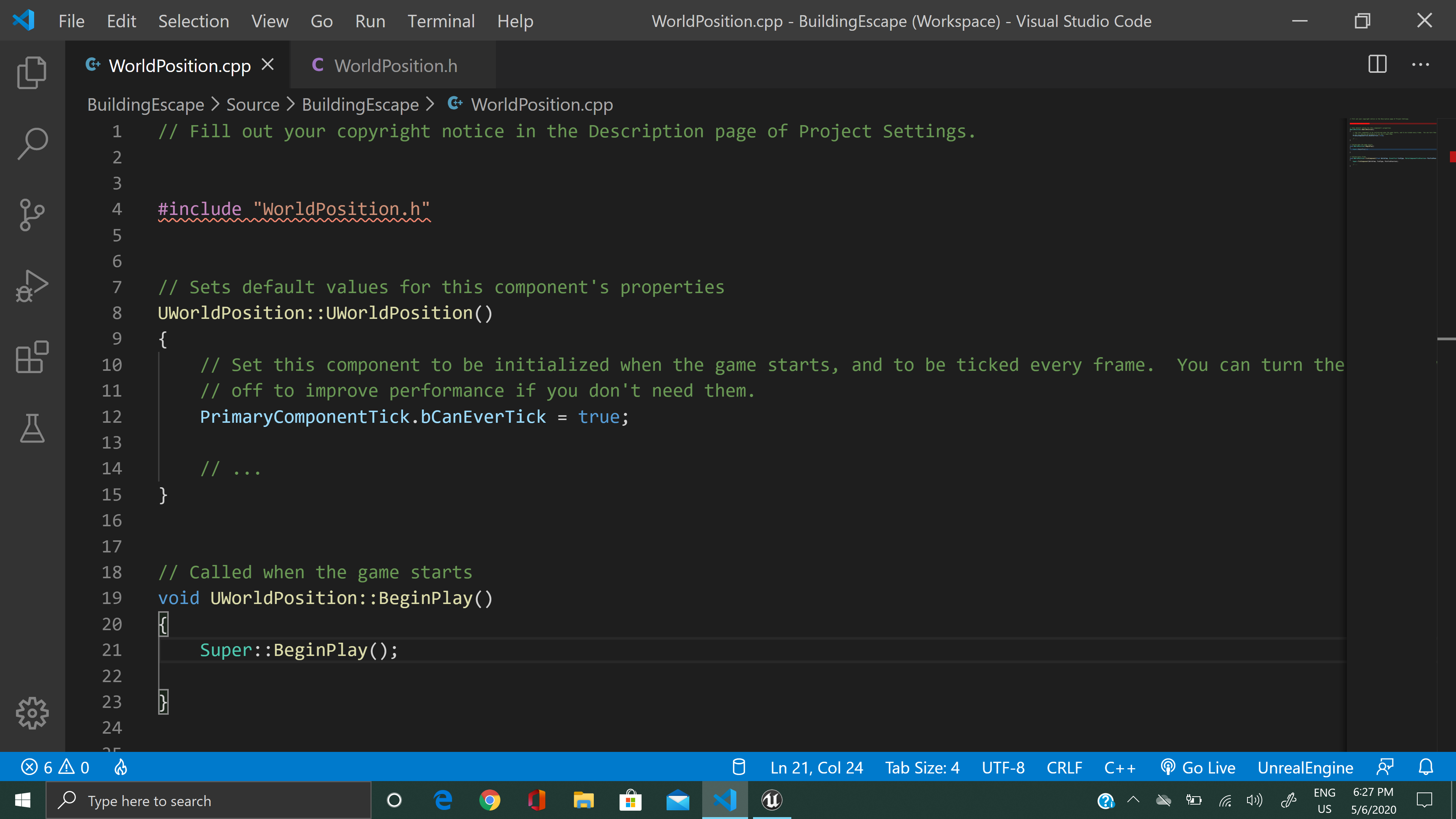
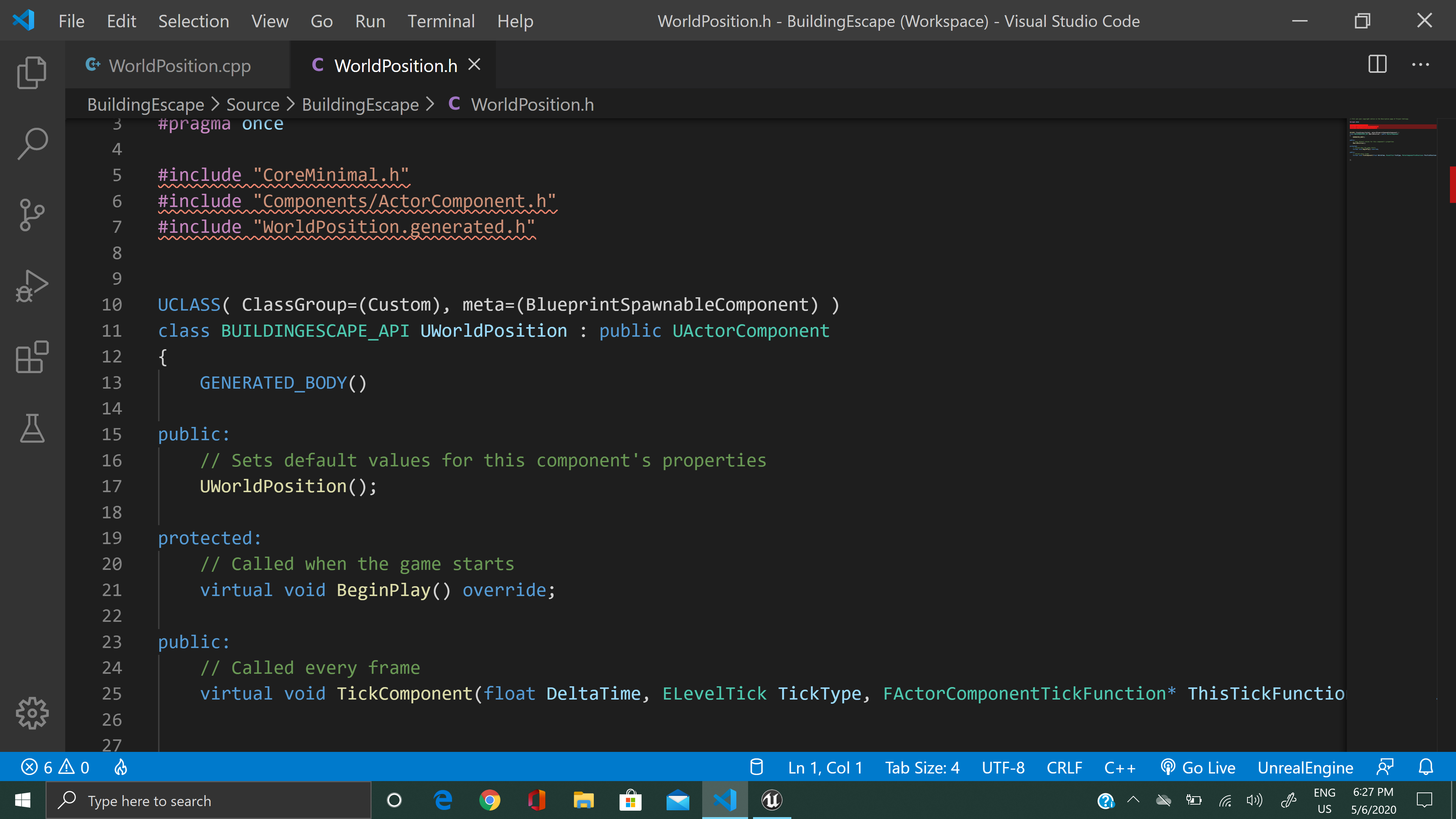
What error do you get? (Those squiggles aren’t accurate error information)
I get An error saying :
#include errors detected. Please update your includePath. Squiggles are disabled for this translation unit (C:\Users\rajiv\OneDrive\Documents\Unreal Projects\BuildingEscape\Source\BuildingEscape\WorldPosition.cpp).C/C++(1696)
cannot open source file “UBT_COMPILED_PLATFORM/UBT_COMPILED_PLATFORMPlatformCompilerPreSetup.h” (dependency of “WorldPosition.h”)C/C++(1696)
And that’s from pressing compile?
No, got it when I hover over the squiggles
Then those aren’t compilation errors and you can ignore them. So are you able to compile?
Yeah it is running and compiling. but I wanted to know what they were for.
IntelliSense can be a bit wonky at times and needs refreshing. However this sounds like a 4.25 issue
Thanks
I’m having the same exact issue here. Compiles fine and doesn’t produce the new code. compiled and re-compiled at least 50 times.
Did you attach the component to an actor?
This topic was automatically closed 24 hours after the last reply. New replies are no longer allowed.