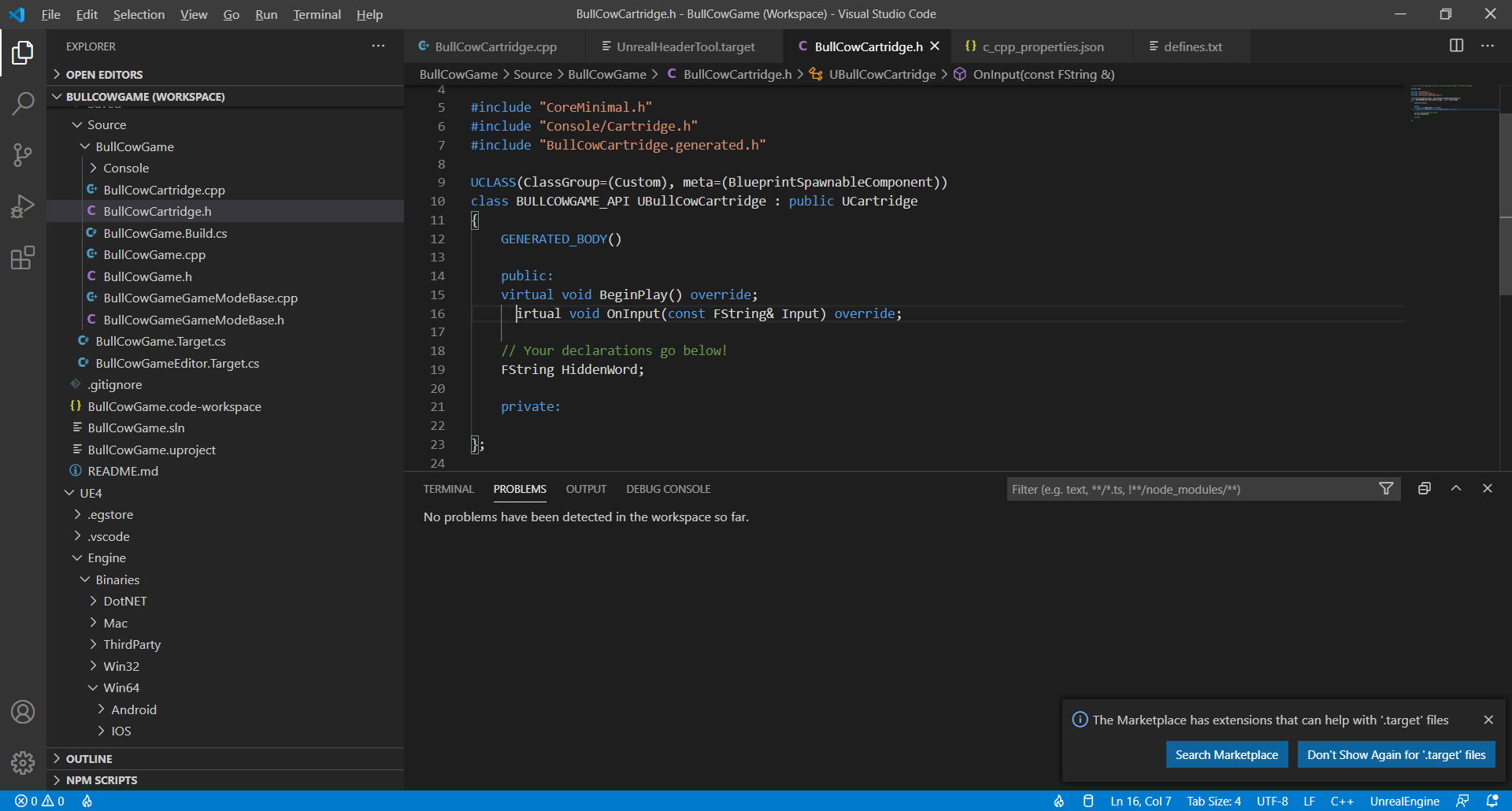
The Dark+ theme is used. Use Ctrl + K, Ctrl + T to change theme.
You shouldn’t need anything extra. The C/C++ extension should be all you need. What version of Unreal are you using?
The latest preview (5) of 4.26 appears to finally have working VS Code project generation if you want to try that.
No thanks i understood that you said 4.26 has it sorted. Thats why i said ‘will try the next one then i guess’. Indicating that if it is indeed that issue ( of it just being and update ) then i will find out with an update. No need for a reply like that, just makes you sound…not like a nice person which I’m sure you.
Sorry Dan for this. I wasn’t feeling to great that day - reading too much into things. I’m updating now and will let you know if that has solved the code reading issue. Thanks Tom.
Hi Dan, I downloaded the 4.26 engine and loaded up my project - i got this -
Creating makefile for BullCowGame (no existing makefile)
ERROR: Targets cannot be built in the Debug configuration with this engine distribution.
The terminal process “C:\WINDOWS\System32\cmd.exe /d /c Engine\Build\BatchFiles\Build.bat BullCowGame Win64 Debug “C:\Users\ASUS\Desktop\Udemy\Unreal\BullCowGame\BullCowGame-starter-kit 4.26\BullCowGame.uproject” -waitmutex” terminated with exit code: 6.