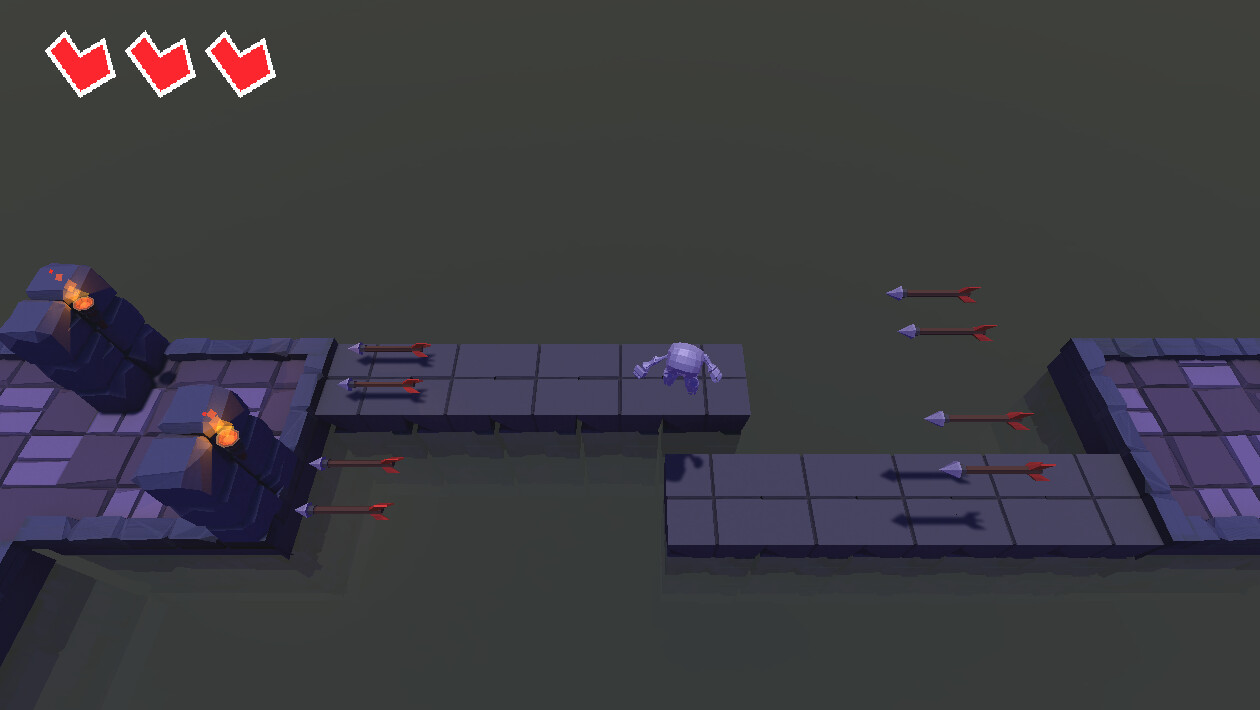
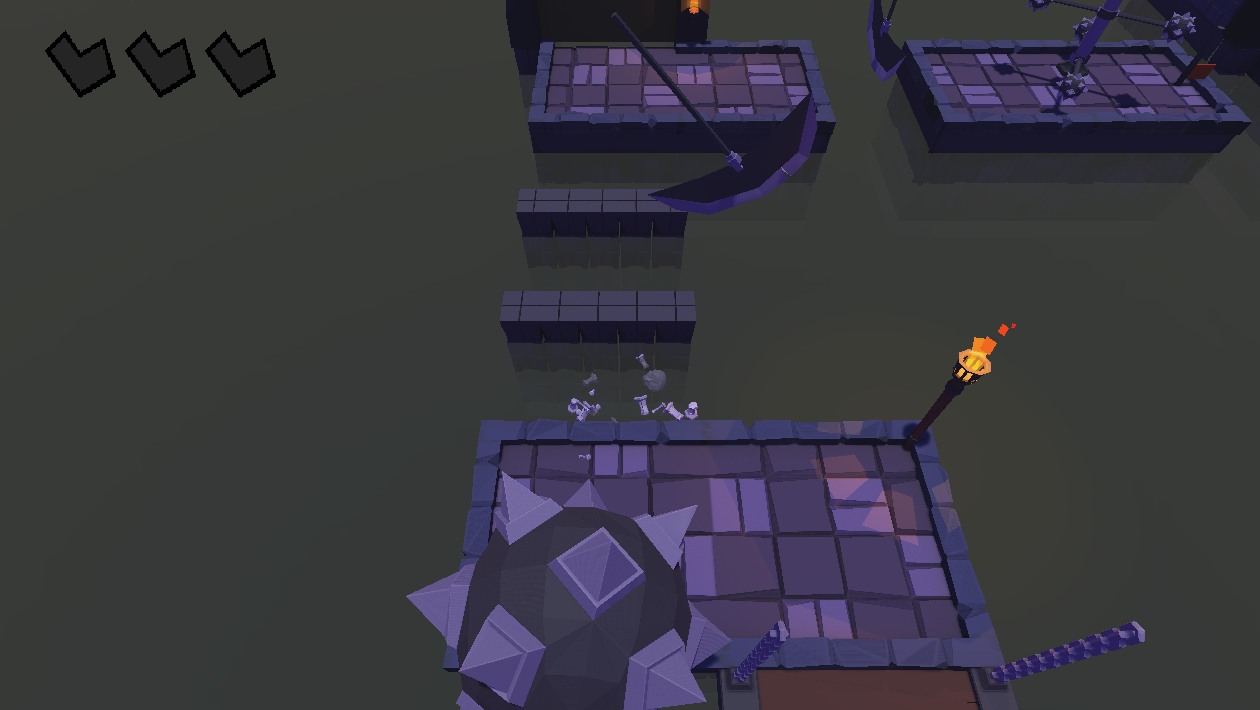
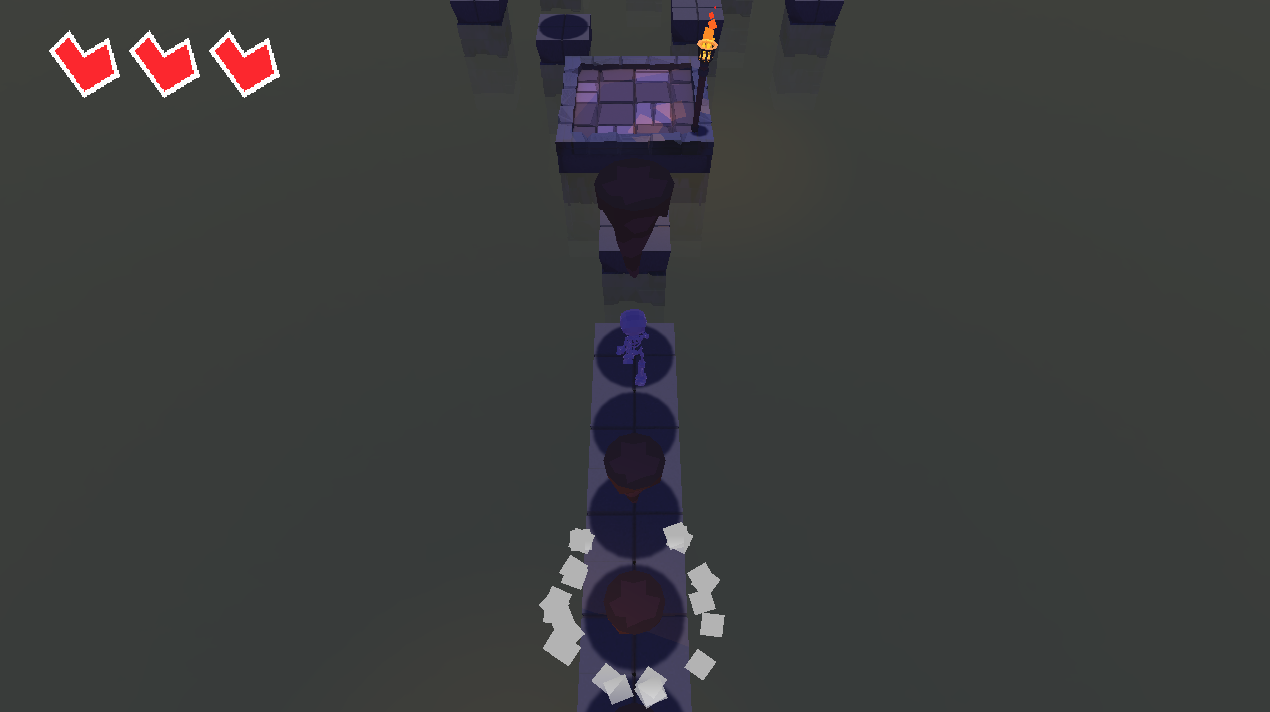
Hello guys! I finally finished my obstacle course, after months of procrastination. You can play it here → Crypt Rush by Y33mmy
Hope you guys like it! Feedback is welcome.
Hello guys! I finally finished my obstacle course, after months of procrastination. You can play it here → Crypt Rush by Y33mmy
Hope you guys like it! Feedback is welcome.
WebGL always seems to have bad performance for me, but apart from that, well done.
Really nice game!
Thanks!
Yeah, WebGL does seem buggy half the time and with bad performance, I’ll probably upload a downloadable version to avoid this sort of situation.
Movement is so nice and smooth plus i really like your choice of sfx excellent work !
Really good game.
A little hard to move and jump it feels not so comfortable. Slow walking and jumping too low
Hope I helped
A wonderful creation
Unfortunately the control issue is more a WebGL thing, nothing I can do about it other than having a downloadable version of the game instead, something I’ll probably do.
I disagree about how the walking speed feels, I think is just right, making it a little faster might even break the game entirely.
The jumping being too low, I agree with that, I’ll probably need to tweak that just a little bit so the game isn’t as hard as it is.
Thanks for the feedback!
Maybe she did that the speed of walking and jumping is based on frames per second, and I have a slower computer than your own so with me it moves slower check it you can fix it with multiplication in “Time.deltaTime”
The movement is being handled by the physics counter not the frame rate, here’s the repo if you want to check it. https://github.com/YeeDev/Crypt_Rush . The project uses a MIT license, so you can do whatever you want with it.
It has something to do with WebGL not running particularly well in old computers, I work on a 2014 MacBook and my game runs horribly, it’s almos unplayable for me when playing it on the website. The only reason I use WebGL is because more people play it that way.
I definitely need to add downloadable versions for older computers, especially with these games that are heavier in all regards.
So if I play it in the computer download version it will work without crashes and the walk will be faster
I have not encountered that problem with this game.
Wow, this looks far more advanced than the current lecture stuff. Not many people following this course would be able to do this yet, but it’s good to see what future skills we might expect to get. Looks really polished.
Thanks.
One of my goals with retaking the course is to use the code taught during the lectures, and just modify it slightly, look at how simple the movement is:
private void ReadAxisInput()
{
    anim.RotateCharacter(Input.GetButton("Horizontal") || Input.GetButton("Vertical"), inputDirection.normalized);

    inputDirection.x = Input.GetAxis("Horizontal");
    inputDirection.z = Input.GetAxis("Vertical");
}

private void FixedUpdate()
{
    mover.MovePlayer(inputDirection.normalized);
}
public void MovePlayer(Vector3 direction)
{
    rgb.MovePosition(transform.position + direction * moveSpeed);
}
It’s really, really simple. You can make something really similar to this with what Rick taught you, I don’t even have like super fancy obstacles, they behave in such simple ways, even Rick’s obstacles are more complex because they are actually coded, the Scythes in my game have a much, much simpler script than what Rick’s spinning obstacles have, I think the only semi-fancy thing that you can see here is the arrow shooters which uses a much more complex coding pattern called object pooling, which isn’t really that hard to implement.
I think the only reason why this game might look super advance is because of the art, but don’t be fooled by that, this game is simple and you’ll able be replicate and even do better than this once you finished the next section of the course, Project Boost.