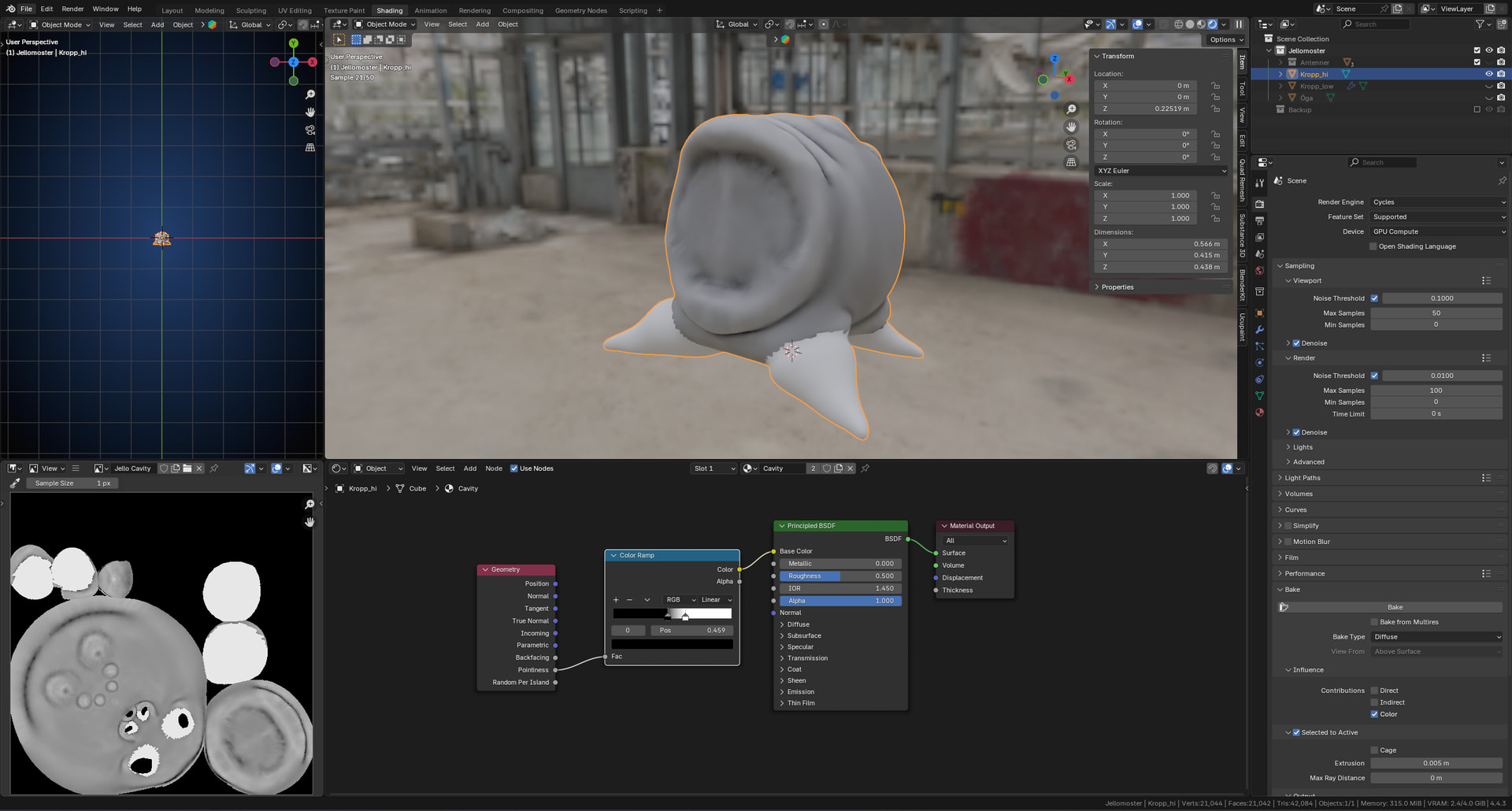
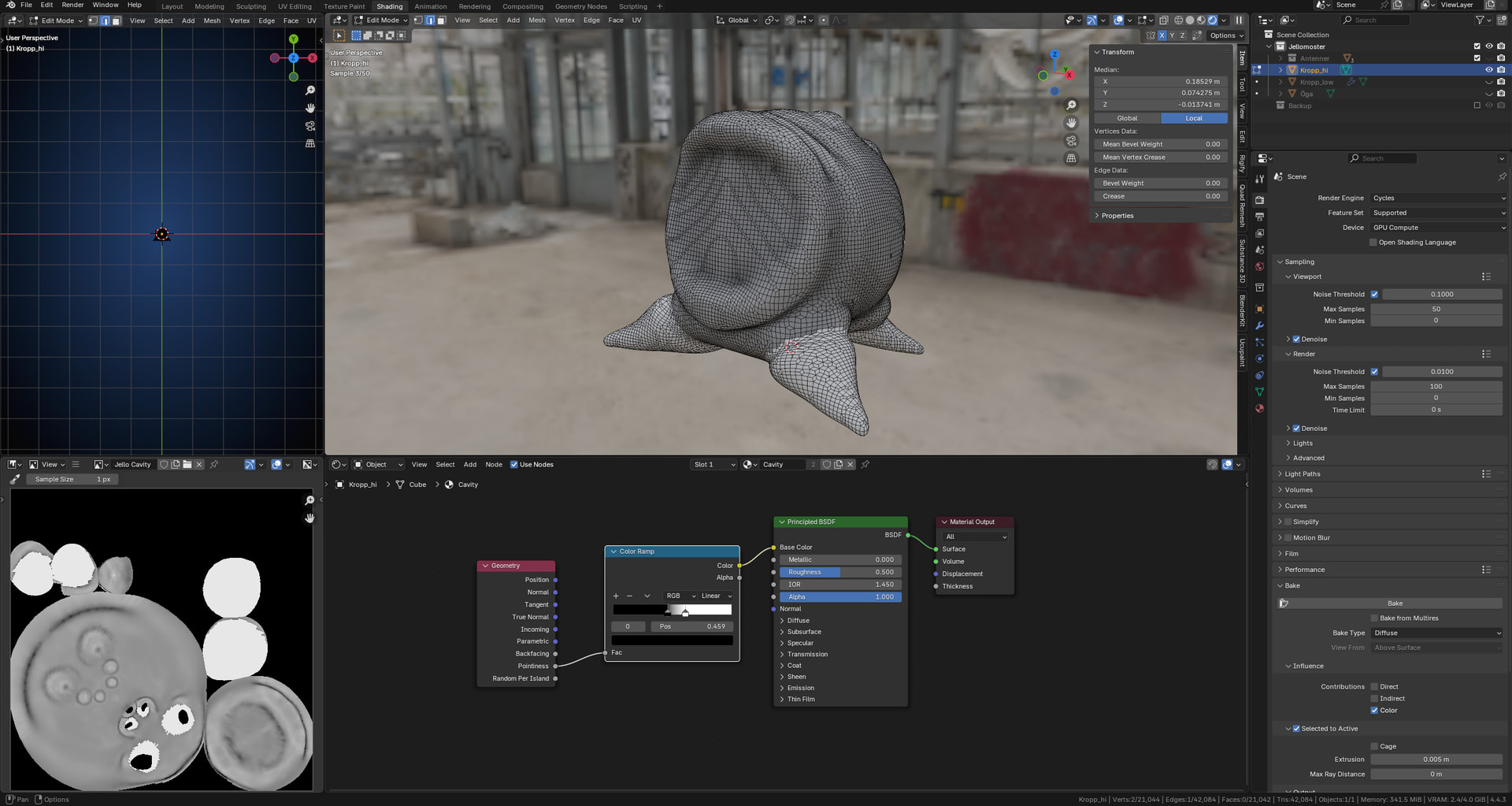
Hi. I am practicing baking from hi-res to low-res model and I have a problem preparing the Cavity baking.
On the high poly model I added Pointiness and a Color Ramp, but when I add the Color Ramp only a part of the model is affected. The other parts remains completely white and that shows up on the Cavity map as white areas. It does not help if I isoate the hi-res object from all the other objects. The results remains the same.
If you are sure that it’s not normals and not double geometry, try playing with the ramp sliders. Usually there isn’t a fixed value that works for all models, it varies. This could also help diagnose the problem further.
These problems don’t have a single solution. Usually you have to tinker with things to find what’s causing it. I tried to replicate it on my side to get the same result as yours, but couldn’t reproduce it.
If you want, you could share your .blend file and we can take a look at it. It might be easier to figure out what’s happening. If you do, try using a platform like WeTransfer and post the download link here.
Other than that, nothing else comes to mind at this moment, maybe others would have better suggestions here, or you could try asking in the GameDevtv Discord Blender channel too.
Sorry I couldn’t be more helpful.
Common issues with baking cavity maps using Blender’s Pointiness attribute (from the Input > Geometry node) stem from low-poly geometry, ray projection errors, and insufficient sampling.
Pointiness requires dense geometry for accuracy—enable Cycles render, auto-smooth normals (angle 30°), and use a ColorRamp node (black in crevices, white on edges) post-bake. For complex shapes, add a Cage object (duplicate low-poly, extrude outward 0.01).
Baking Setup Steps
Select low-poly, create new image (1024x+).

Bake Type: Emit, select Pointiness shader on high-poly.

Margin: 8px; Influence: 1.0.

Clear seams/overlap in UVs first.
Hard to tell if this was a bug or something else. The whole mesh was one object, but acted like two separate pieces in shading. What I did was: did a remesh with remesh modifier (voxel;001; smooth shading) and smoothed a bit sharp edges in sculpt mode, and it looks like it’s working now.
p.s. If you try this, make a backup save before, in case a mistake happens
Thanks for the tip! I tried and did a remesh myself and it worked! Now its acting like one object, as i should have done from the beginning. Thank you very much for the help.