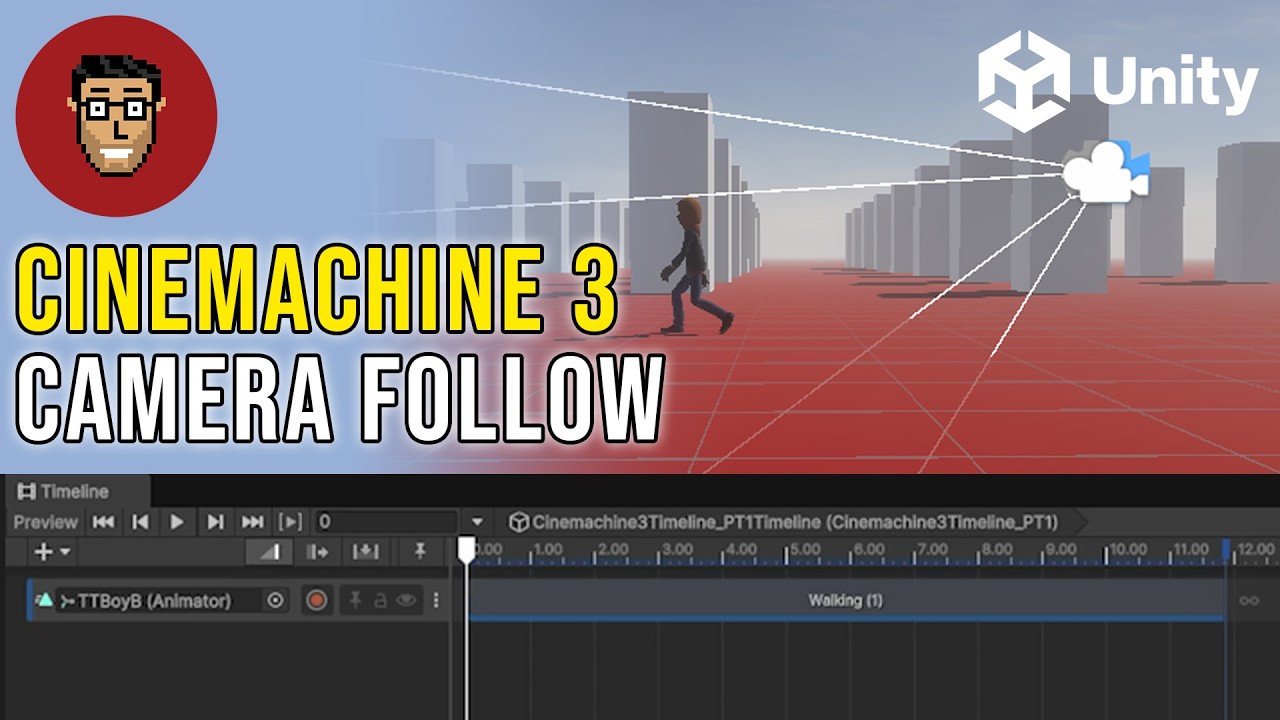
Hey everybody! If you’re doing the coding with Unity course, you will come across an issue where the newer version of Cinemachine (v3) is a bit different than the version used in the video. Instead of Virtual Camera, you need to add a Cinemachine Camera. You also need to change the “position control” in that camera to “Follow” even after you add your tracking target. You will also need to add a component called “cinemachine camera offset” in order to reposition the camera so that it can look ahead!
Here is also a Youtube video that explains the first couple steps. They happen from the 0:55-1:20 mark.
Cheers!
-Jake