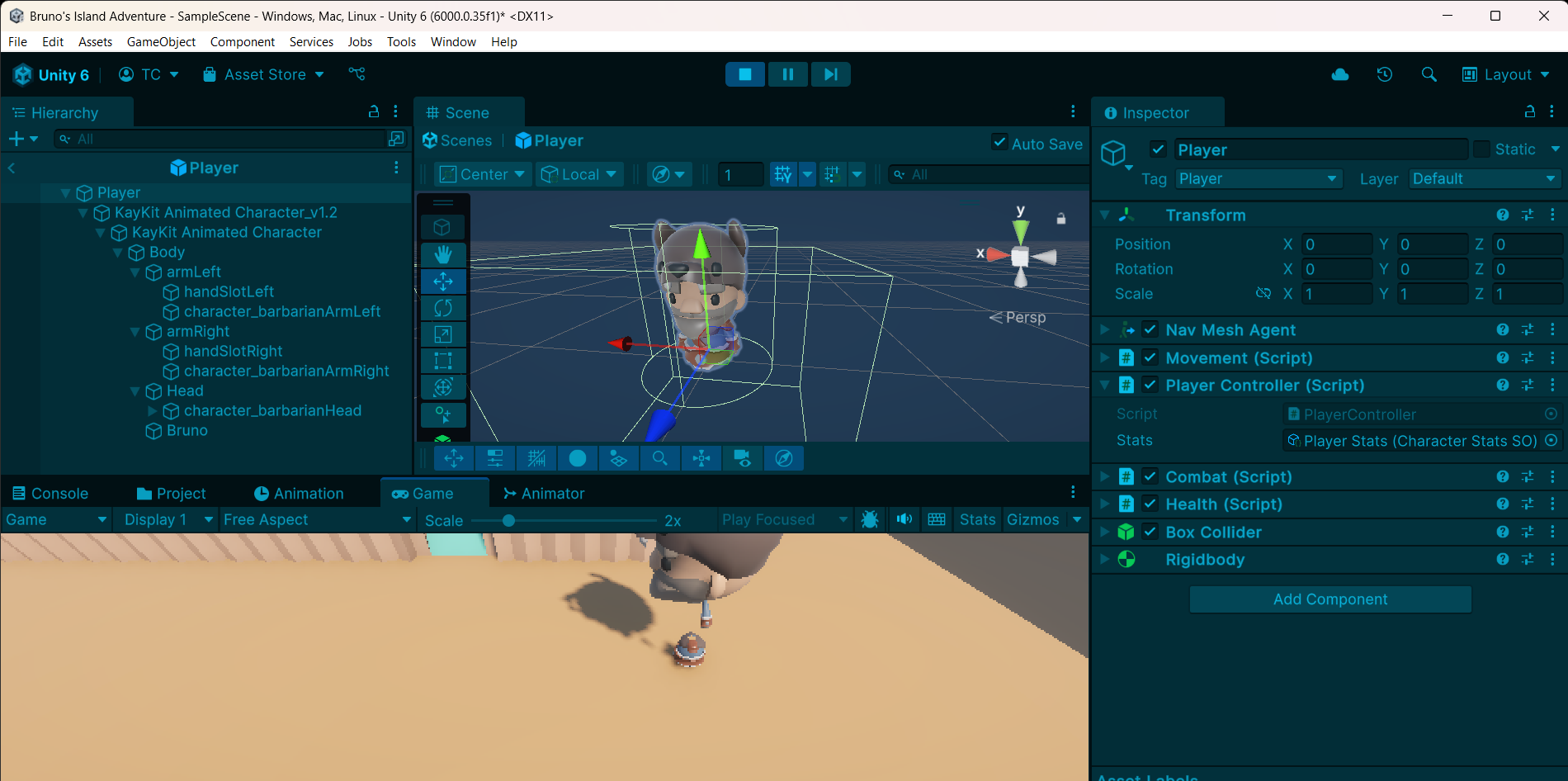
Hello, Im working through another course and at first the model’s arm was ontop of it’s head and now after implementing a combat and defeat script, this happened? I’m at a loss at how to properly configure the model. Any help is much appreciated 
Hi Concha,
I’m afraid I do not recognise “Bruno’s Island Adventure”. What’s the name ot the course?
Hello, this is a practice project of mine from a different course offered. I have been browsing the courses here and I am very interested! I apologize if this isn’t the place for it.
It might be that nobody will be able to help you with your personal project because we teaching assistants focus on our GameDev.tv courses. If you don’t get any help here, please feel free to ask our helpful community of students for advice over on our Discord chat server. If you follow a course that was not created by GameDev.tv, it might also make sense to ask the instructor of the course you are following because they know their content best.
Good luck! 
Hi concha, Check the animator component on the model. You may have an issue with the avatar not being correct.
As far as I remember, for customizing the KayKit animated character, you had to put the body parts of your desired model into the correct places in the tree. Maybe something happened there concerning the transform values.
Are your scripts changing anything in the transforms of the body parts? If yes, something may be wrong about that. Or it may interfere with what the animations are doing.
You could simply compare the transform value for each body part in your tree vs. in the original animated character (e.g., any scale values other than 1 would seem suspicious).
You coud try building your player game object again (in a new scene or prefab, don’t delete what you have from your project!) from the original animated character model, without the barbarian parts, to see if the problem also happens there.