In the beginning, I used ‘Load Factory Settings’ menu under File menu item to reset the workspace back to the default
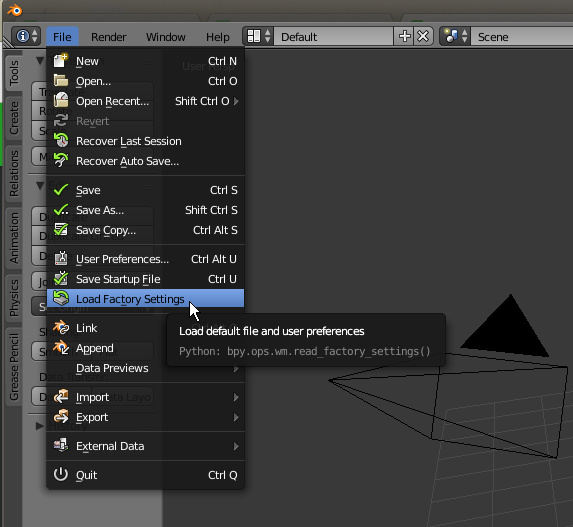
However, that menu will destroy all other customizations as well. So I just corrected the views by these steps:
1- dragged the drag handle on top right corner and opened a new view (on top) and changed the type of it to info
2- changed the type of main lower view to 3D View
3- pressed T while mouse on the 3D view to show the tool shelf
4- Split the 3D view horizontally and change the type of the right view to Properties