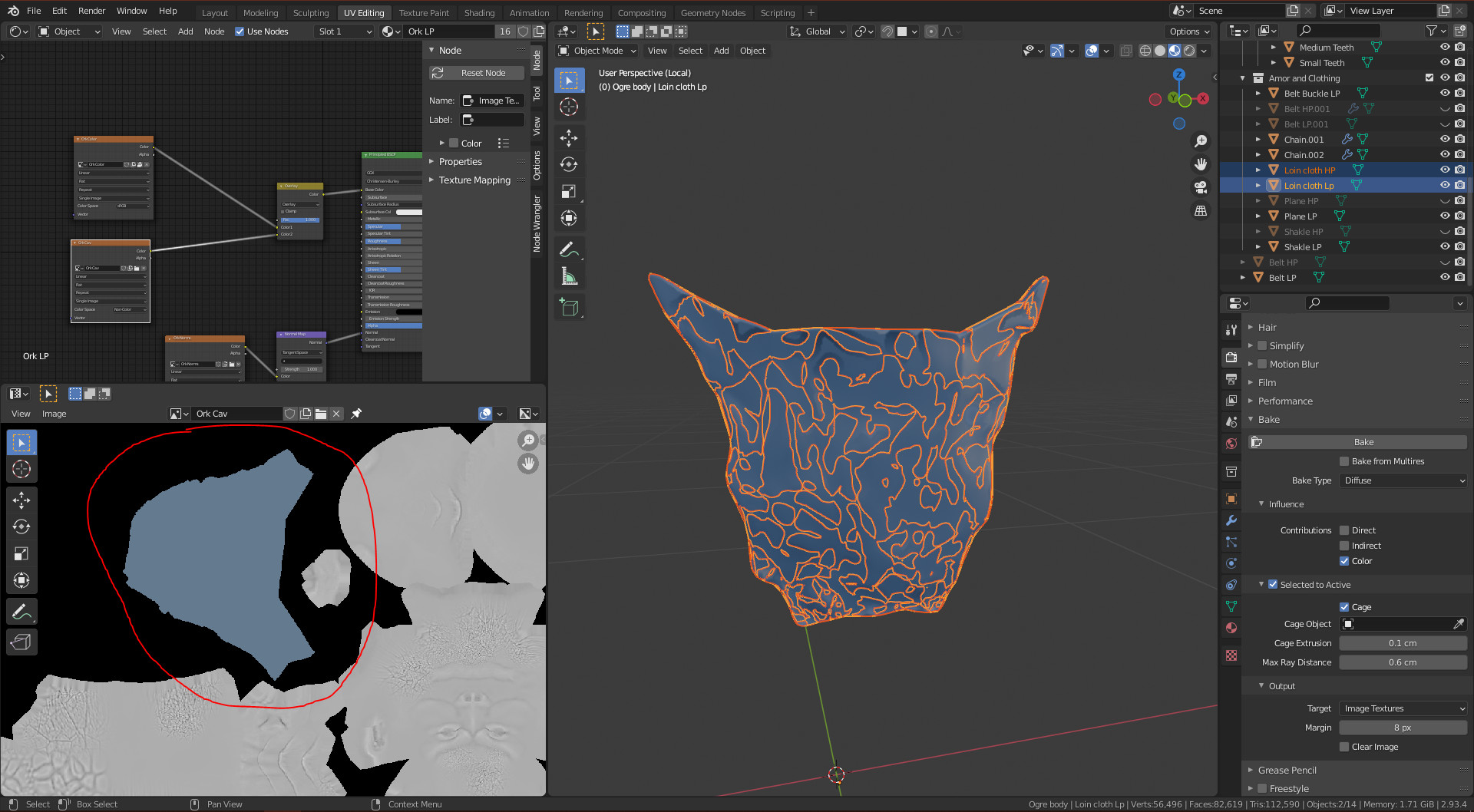
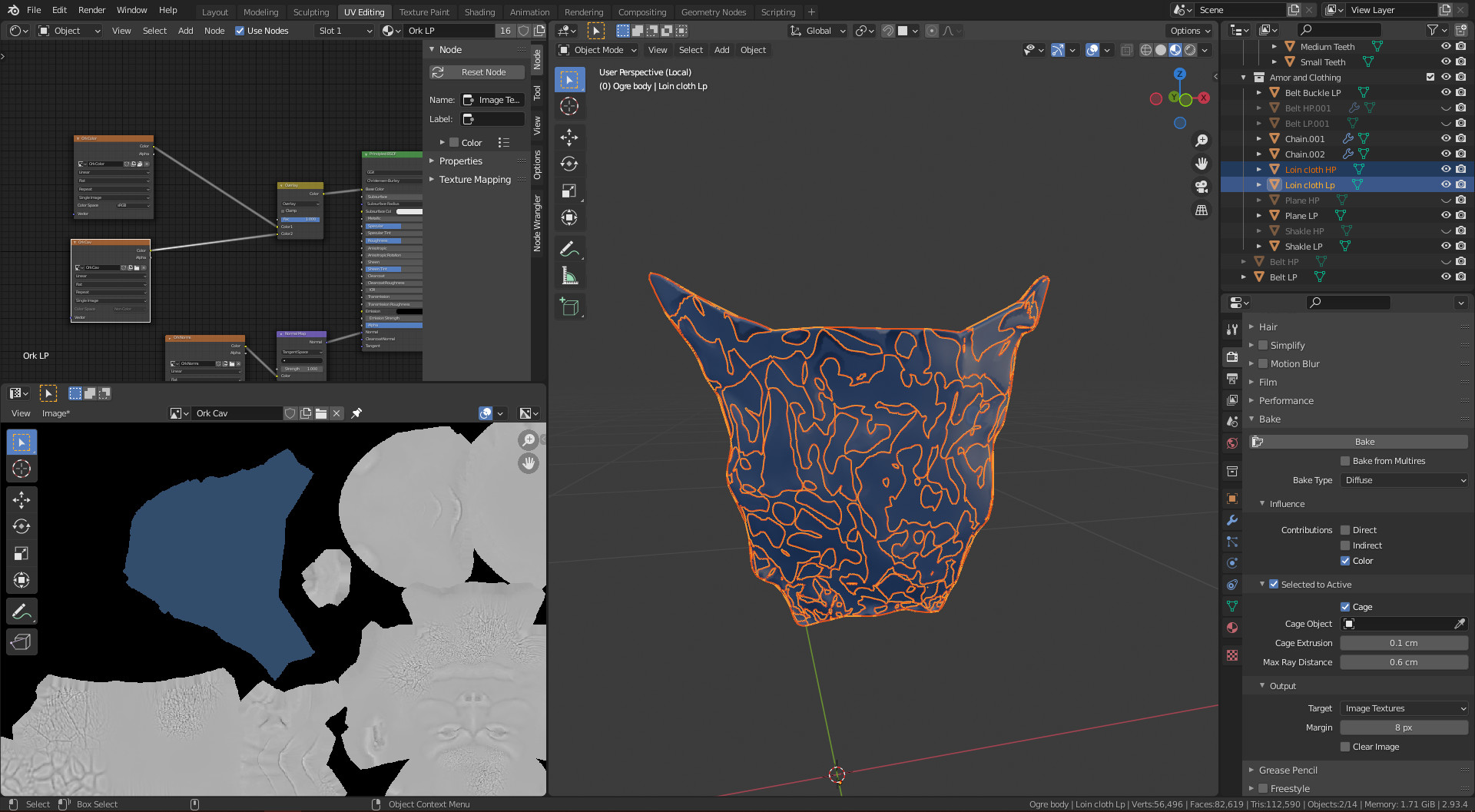
I have a problem that when I bake my cavity map for my loin cloth is solid blue. I have tried a range of values for max ray distance and extrusion but that only led to the colour changing. I can’t seem to find a person with the same issue as this.
Probably because you are mixing COLOR data with NON COLOR data for the color input of the principle BSDF shader. But also when generating maps those need to be disconnected.
Also maybe, the bitmap isn’t baked correctly and still using the old bitmap when you did have the previous cavity baking issues. Because then you had also blue baking result with black spots.
Remove bitmap, and use a fress new one and see what happens.
I have now disconnected the node and did it with a new image file. I wasn’t really sure what a bit map is but I assumed it was the image(in this case the cavity map). I the proceeded to get the same result. I tried this with another item(ex multi resolution object) and got the same result. But when I do it to my character it works fine. Also I tried it on a horn and it also worked fine. This gives me the impression that to only seems to not work on ex multi resolution objects. There are no modifiers on any objects. Do you think its a glitch.
I have found the error I made in lecture 82 and it was that the material for the high poly was set to the low poly instead. Thank you. With all the mistakes I am making I’m sure I have learnt even more and probably wont be making them again.
We all have been there.
Nearly invisible changes, configuration errors, driving you helpless and distraught.
But, practice helps. After the Orc, create your own figure and repeat the process, it helps.