Hi guys, I was following the tutorial Argon Assault yesterday and I saved everything in source control but now today when I opened unity my Level 1 scene gives me an error. I tried to recover my project from source tree but even that crashed. “Unknown error occurred while loading ‘Assets/Scenes/Level 1.unity’.”. This is the error which I’m getting don’t know how to fix it. I wonder why my source tree crashed. Please if anyone knows help me fix it.
Hi,
Have you already tried to restart Unity?
Yes, but the same problem is occurring

That seems to be a known issue. There are a few potential fixes mentioned in this thread. Maybe you could try this.
Okay let me try will let you know if it works
Well nothing happens the errors still persist. It has been said that it works for 2018.3 don’t know if it works for 2019.3
I don’t know why my version control crashed and all the things which I committed earlier is all gone. It seems that I’ve to start all again.
Things you committed? Did you accidentally make a hard-reset or delete the .git folder? Are you maybe in the wrong branch? A screenshot of your Hierarchy/Sourcetree would be helpful.
Well that’s where the problem is. My source tree is not there at all everything which I committed is all gone. I don’t even see the branches don’t how that happened. I didn’t even delete any .git folder
Is there still a .git folder in your project folder? If so, your repository might still be there. The first thing you should do before proceeding is to make a backup of your entire project folder by duplicating it. Save that backup somewhere else and do not open it in Unity or anywhere else.
The reinstall Sourcetree and open the repository in your working folder (not in the backup folder) in it.
Wait you mean I have to uninstall Sourcetree and then open the project
Maybe I misunderstood you. When I read this, I thought Sourtree was uninstalled.
Sorry actually I meant the project was not there. The project which I committed
Okay, I duplicated the whole project now what should I do??
Could you share a screenshot of the content of the project folder in the Windows Explorer? Not the entire content. Just the content of the root folder.
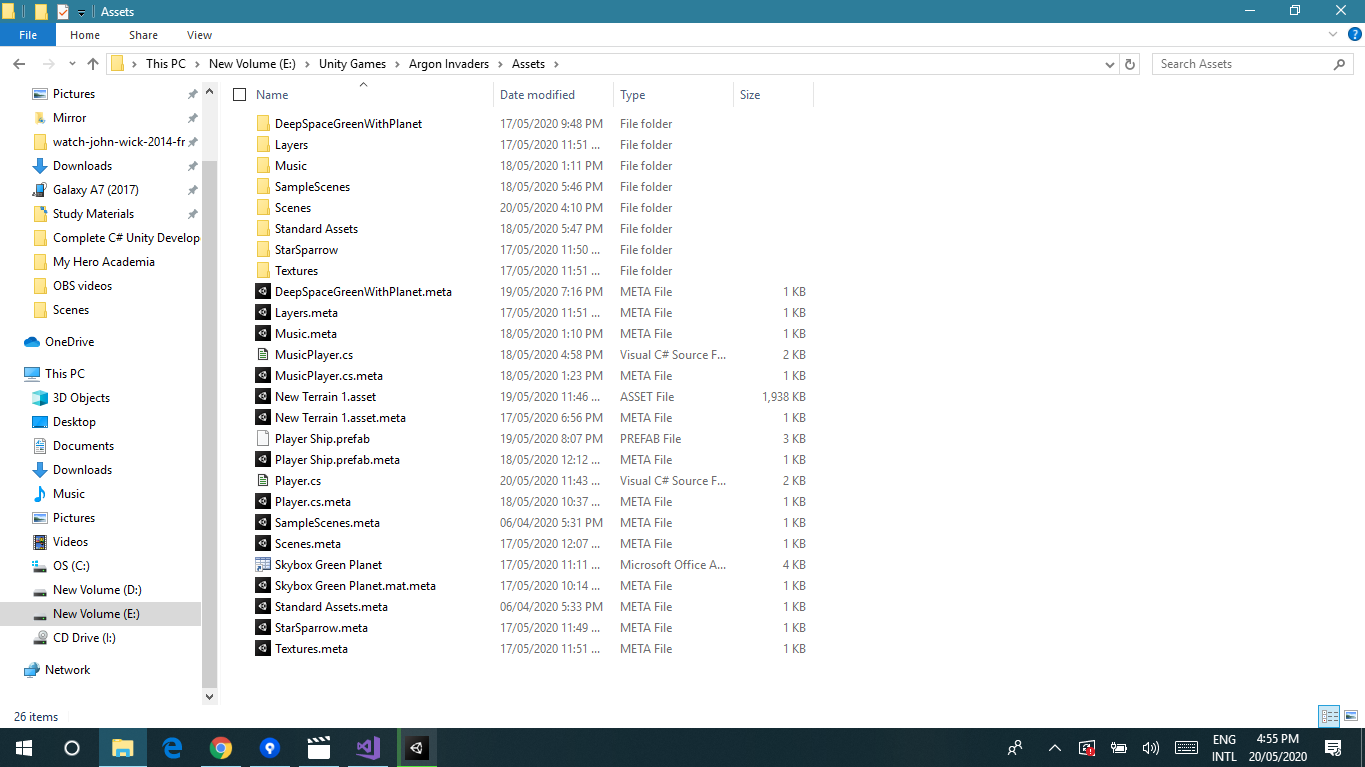
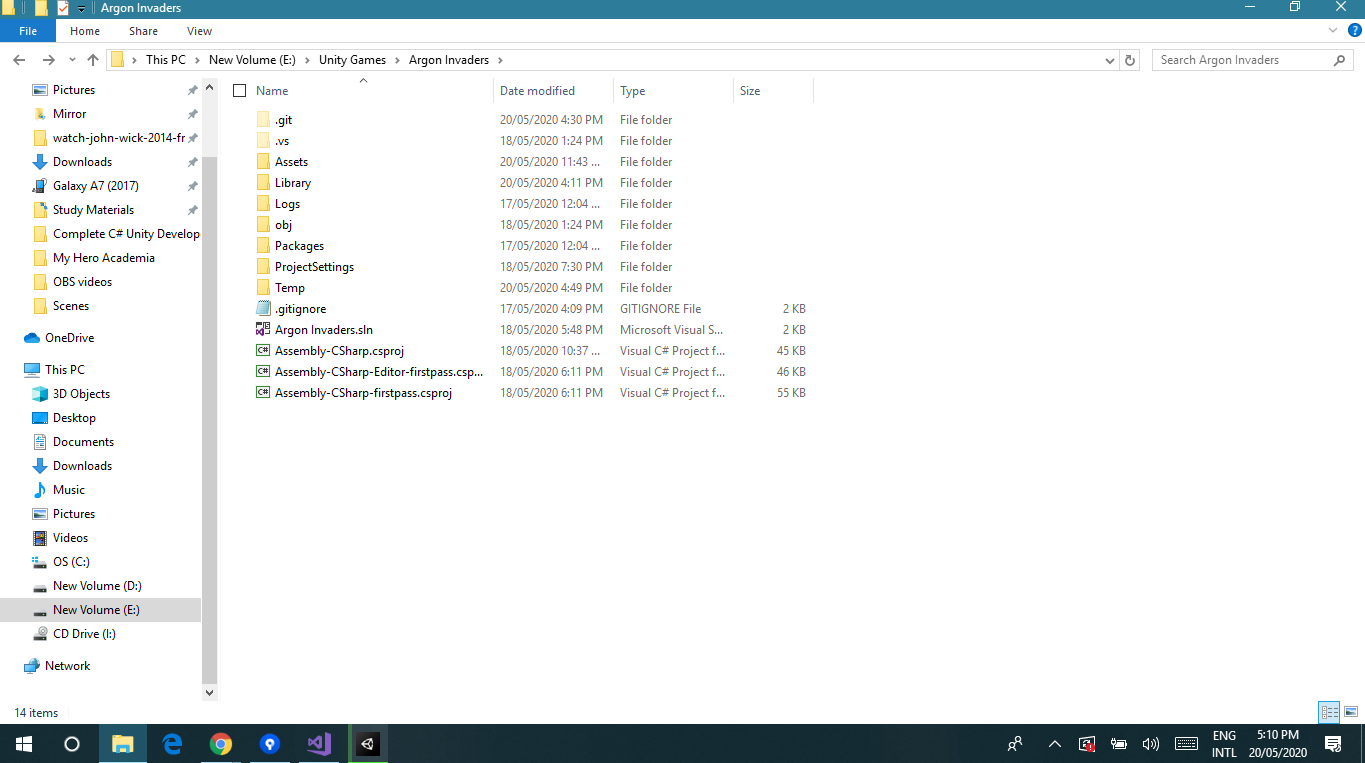
That looks fine so far. Now open the Argon Invaders folder with Sourcetree.
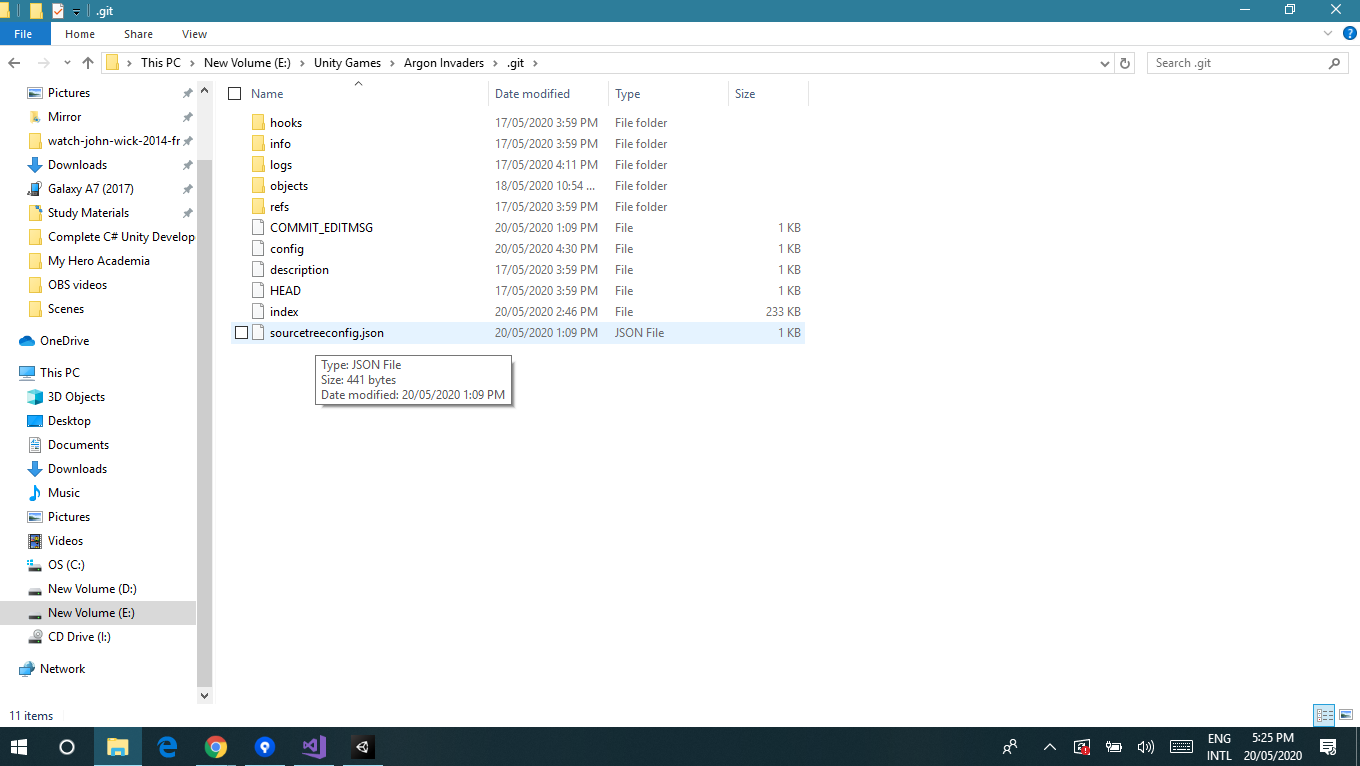
I meant: Launch Sourcetree, and open the repository in your project folder via File > Open. Do not open the .git folder in Sourcetree. Open the Argon Invaders folder.