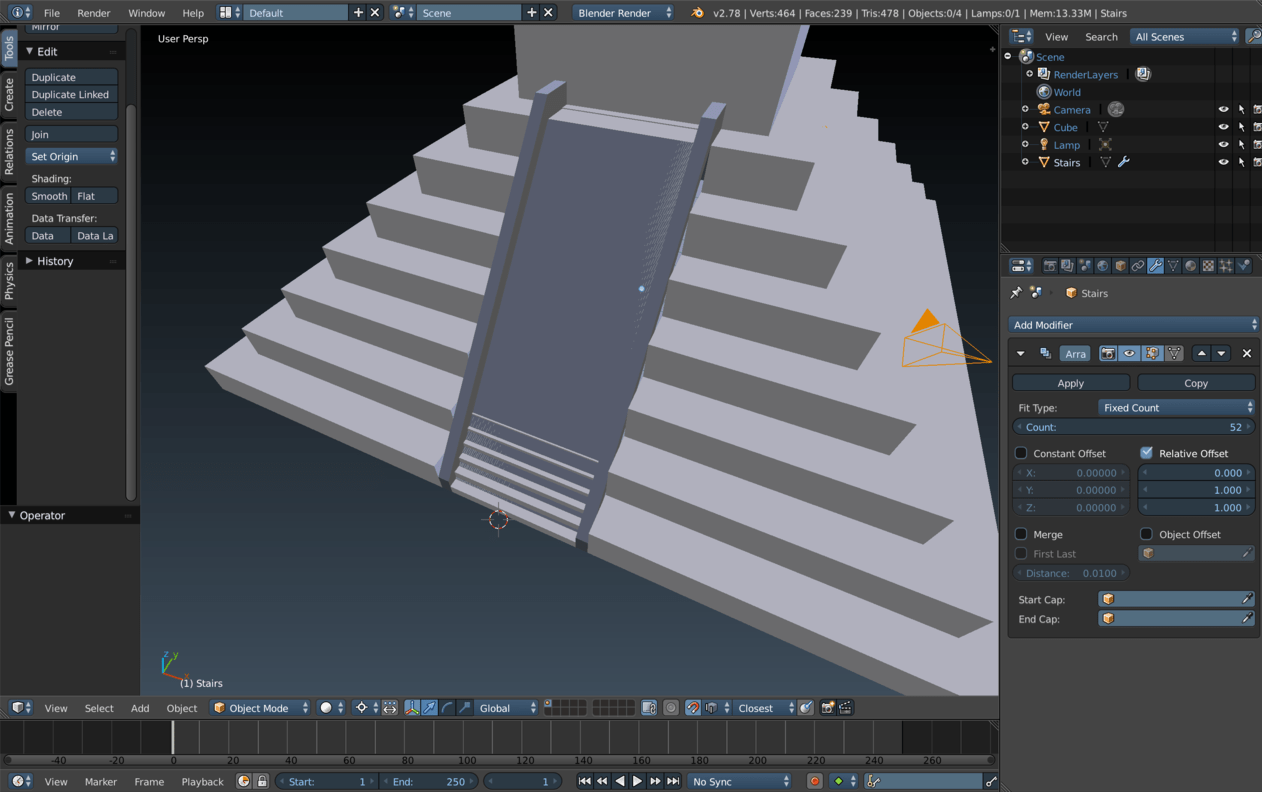
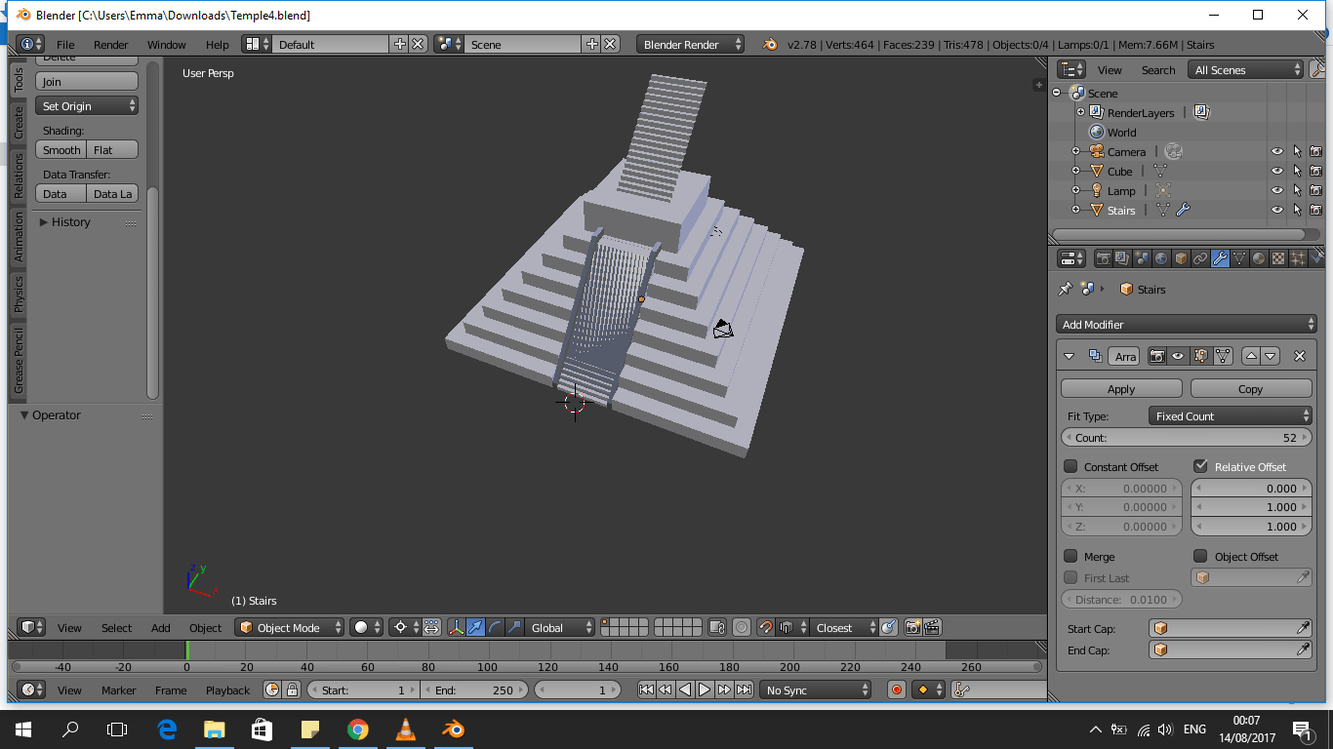
Please can I have some help with the temple challenge - I have rewatched the tutorial lectures on it over and over and still not able to use the array modifier to produce the temple steps properly; Despite trying to reproduce the lecture example exactly I cannot set the values of the array modifier correctly so that the steps don’t disappear into the temple or go above it! I’ve attached a recent example of my efforts.
Thank you for any help you can impart
ginal/3X/a/2/a2cef499dd432ac5ebeb474d0c86060511bbaf95.png)
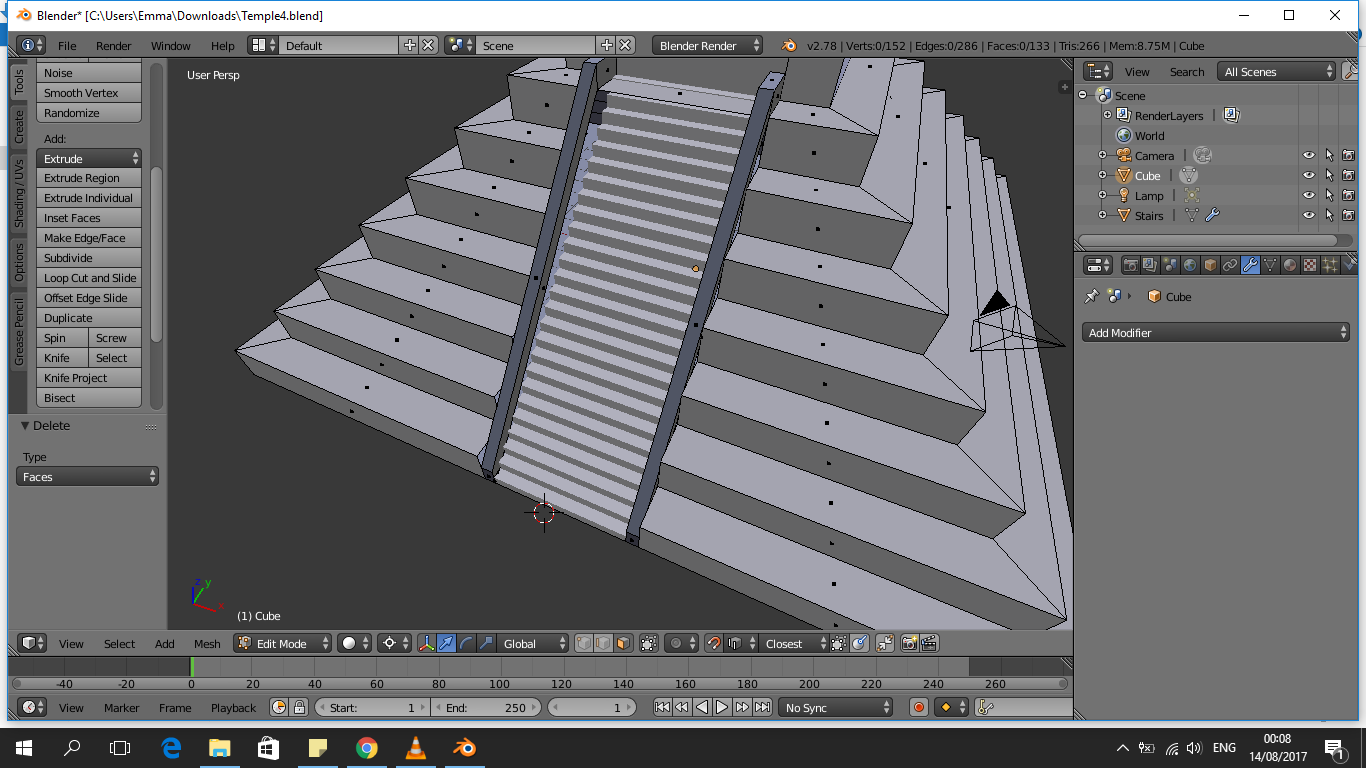
Your Problem here is rather simple. The steps are going into the ramp because the ramp is taller (bigger in the z axis) than it is long (big in the y axis), were as your steps a as tall as they are long. If you were to delete the face on your ramp you would see the steps underneath. To fix this select the steps in object mode and then scale it up in the z axis only until it looks right. 
Thank you Emma for replying - But how has this happened? I followed the instructions exactly - why isn’t the array modifier just resting the same step’s dimension?
Did you follow the instructions exactly in the previous videos? The steps look fine, but it looks like you built the ramp differently and it is too high.
Hm…  I’ll have a look and try again tomorrow - seems like the stairs should go up the ramp though no matter how high it is - the first step should just get repeated using the array modifier. Thank you for your help Emma!
The stairs are going up, they are just behind the ramp. The stairs are in a ratio of 1:1 and the Ramp is in a ratio more akin to 3:2.
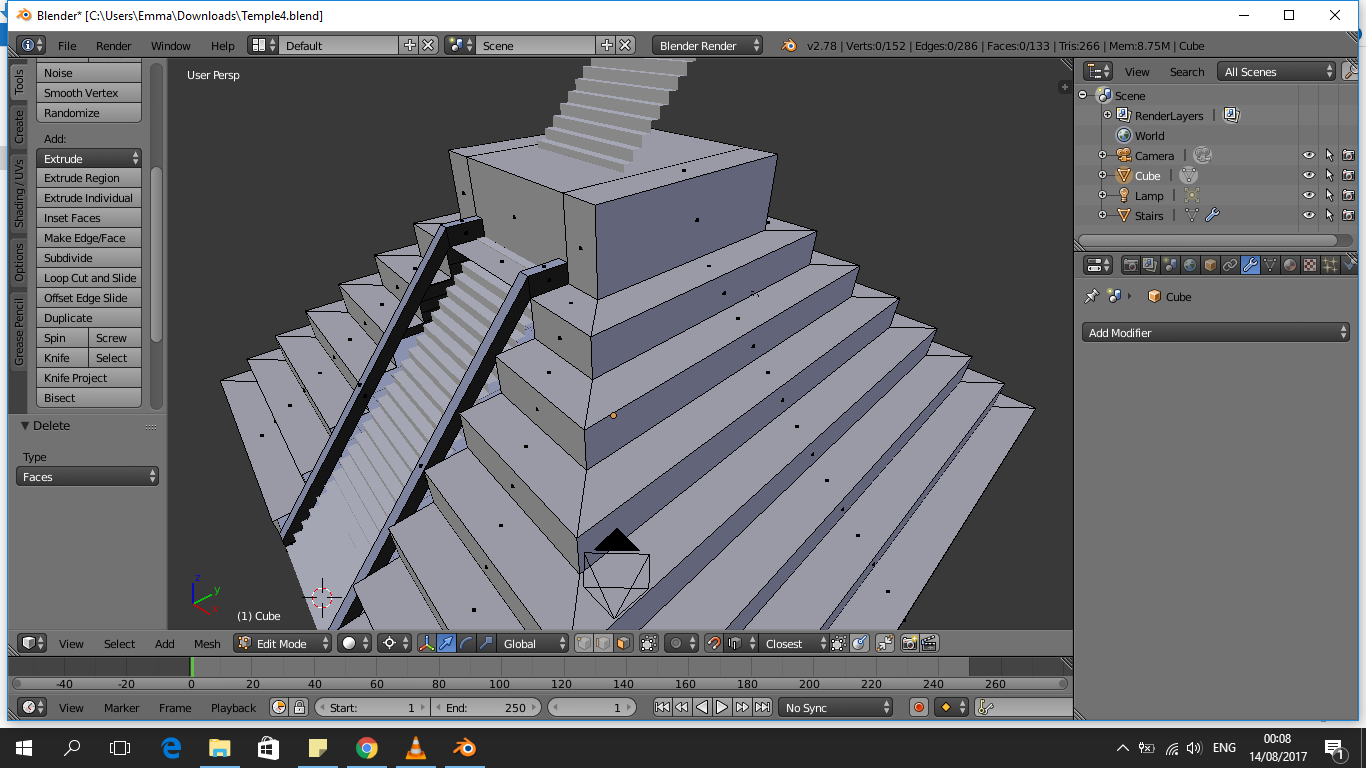
Thanks for your help with this Emma! I scaled the steps as you suggested and they look ok now!
Step count 26
Rellative offset in Y = 0.850
This would have adjusted the array modifer to almost perfectly match your ramp.
I also notice you have gaps in your ramp where it was made differently so you can fill though by selecting the edges and pressing F.
Just another way of doing things but i found this the easiest solution.