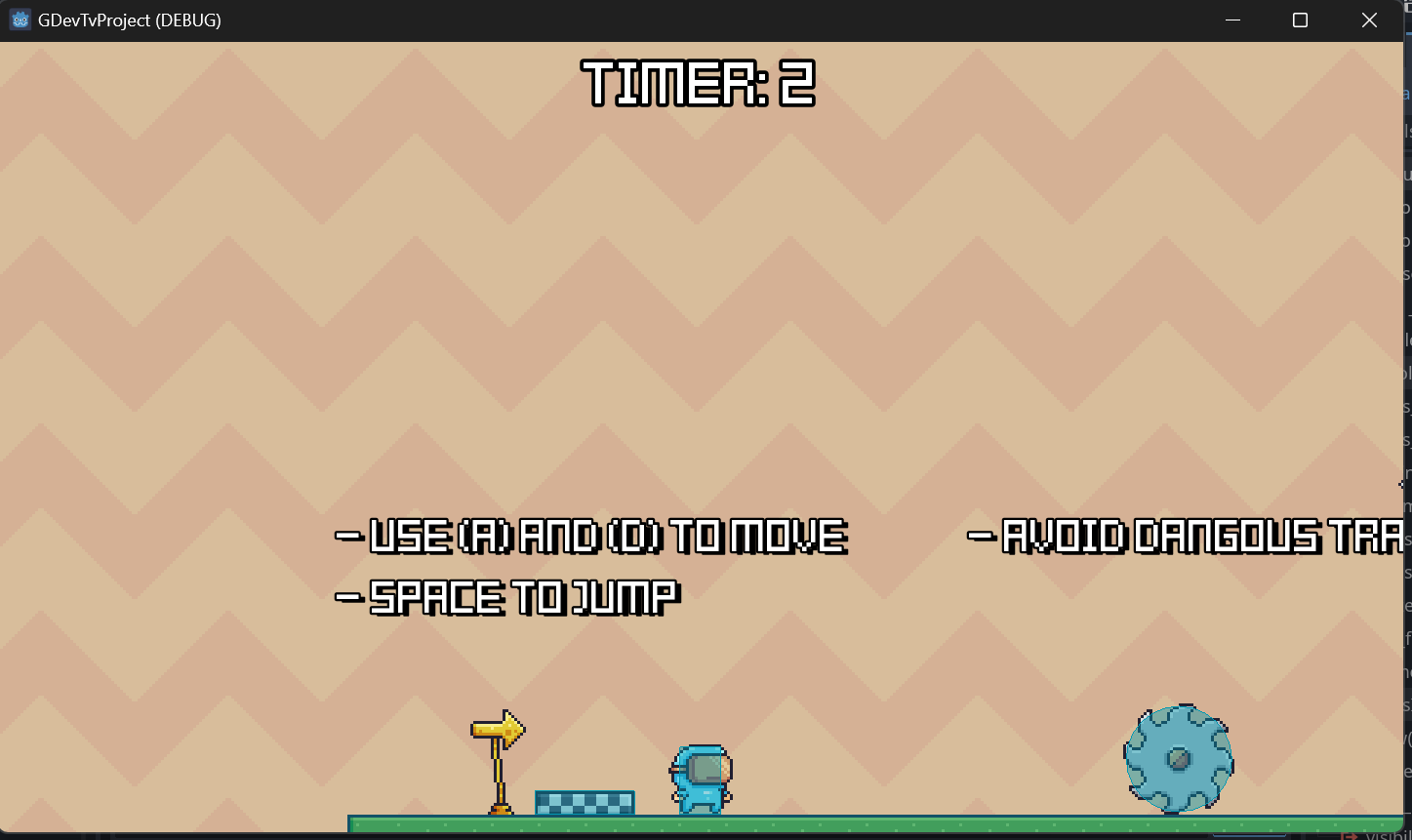
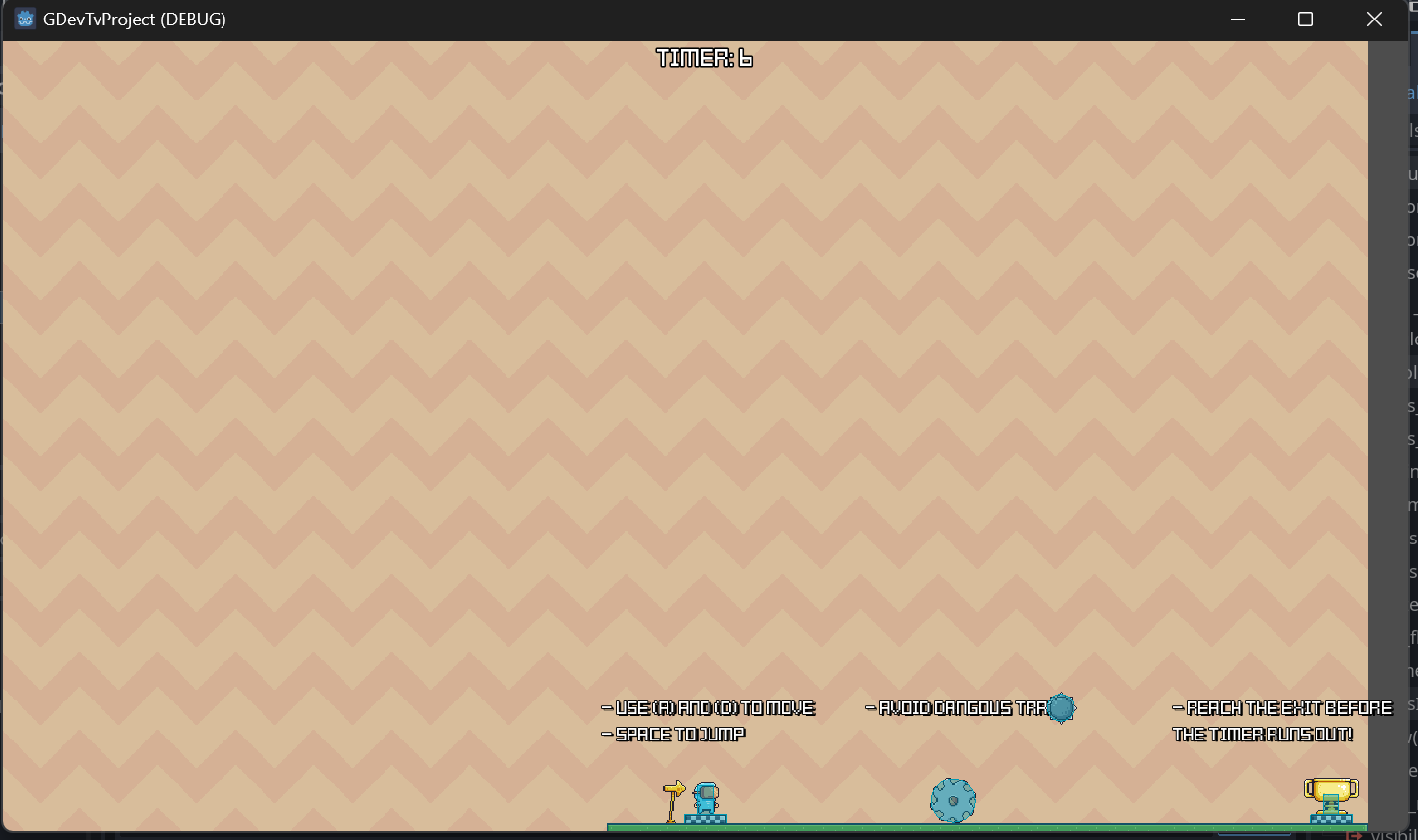
I’ve gone thought the Godot 2D course and was trying to put the 3 projects into one to publish as a challenge, but the Martian Mike project is making it difficult. It has the smaller viewport of 480x270 than the other demos. This is the issue, how do I change the Project settings Viewport W/H in between scenes?
Nothing worked as I wanted. I have it start with a main title, then a button for each “project” the default resolution works for the first 2 projects but not Martian Mike.
What should I look at first?
As its beyond the scope of the course its not something i have tried personally.
If i was going to make something like this however i would be tempted to redo everything at the same viewport size.
I think the issue you could be having could because you are programmitcally changing the viewport size but the camera is not being adjusted to that viewport size
Off the top of my head this is how i would try fixing the issue.
extends Node

func _process(delta):
    # Check for some condition to change the viewport size
    if Input.is_action_pressed("ui_accept"):
        # Set a new size for the viewport
        var main_viewport = get_tree().get_root()
        var new_size = Vector2(480, 270)
        main_viewport.rect_size = new_size

        # Adjust the camera size if you have a Camera2D node
        var camera = $Camera2D  # Replace with the path to your Camera2D node
        camera.size = new_size / 2
I didn’t have luck with that method. I am now trying to use a SubViewport. So I have the buttons add the game scene as a child of the SubViewport then hide the other options so they can play the game. I’m still working on it, but it seems like the best approach I got.