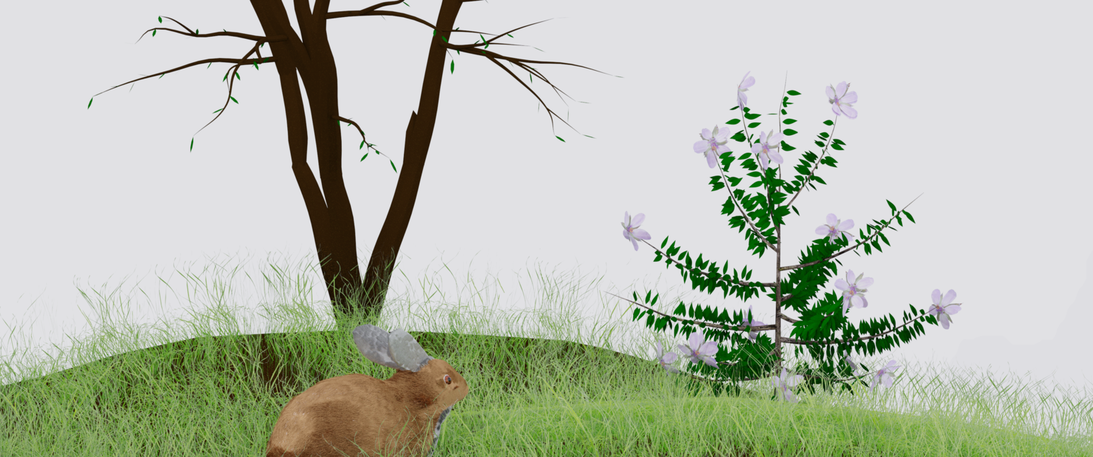
Well, I tried different methods of rendering, with the CPU, this took about 2 hours using an intel 6700k. For some reason, it seemed to go faster than with the graphics card, though usually it’s the other way. I played around a bit, trying to find the optimal setting. I think, in the end, the graphics card would have been faster, but early on the CPU was getting more done. Resolution is 3440x1440 at 100%. It looks like a white background, but that’s actually the cloudy sky from the asset pack. On seeing the final bunny, I understand why the iris was so big in the lecture. Mine looks freaked out about something. Also, I needed to reduce the size for the upload, so I saved the png in paint.net with 8 bit depth.
It seems like the grass was the big problem. Everything ground to a halt, and this pc is pretty decent. I was using less grass than was used in the lecture, but it was still too much.